
How to Use 1.44 TFT 8P 128*128 st7735: Examples, Pinouts, and Specs
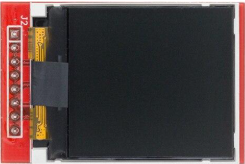
 Design with 1.44 TFT 8P 128*128 st7735 in Cirkit Designer
Introduction
The 1.44-inch TFT 8P 128x128 ST7735 is a compact color display module featuring a resolution of 128x128 pixels. It is powered by the ST7735 driver, which provides efficient control over the display's graphical output. This module is ideal for applications requiring a small, vibrant display, such as embedded systems, IoT devices, handheld instruments, and DIY electronics projects.
Explore Projects Built with 1.44 TFT 8P 128*128 st7735
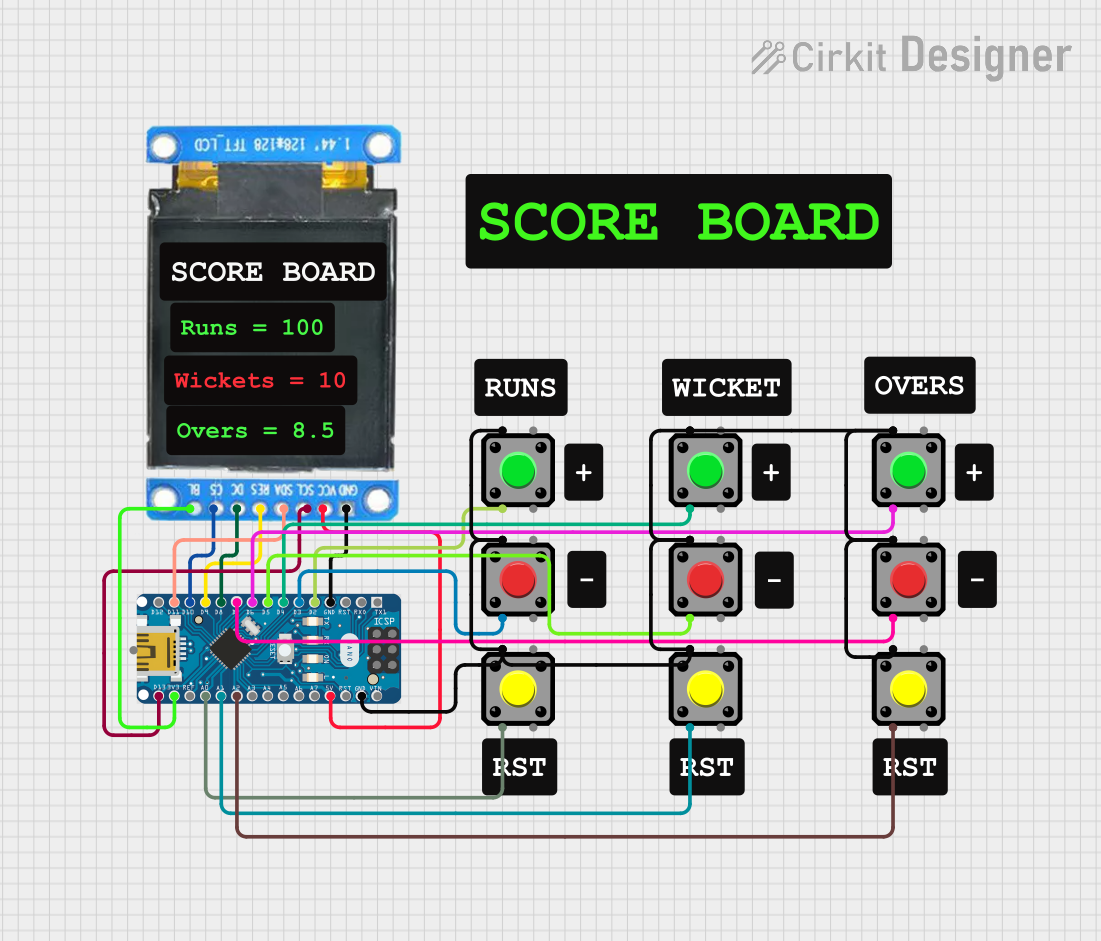 Open Project in Cirkit Designer
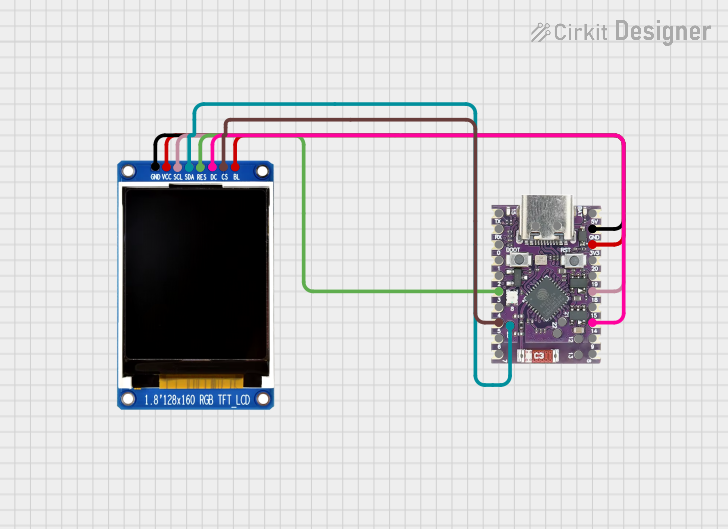 Open Project in Cirkit Designer
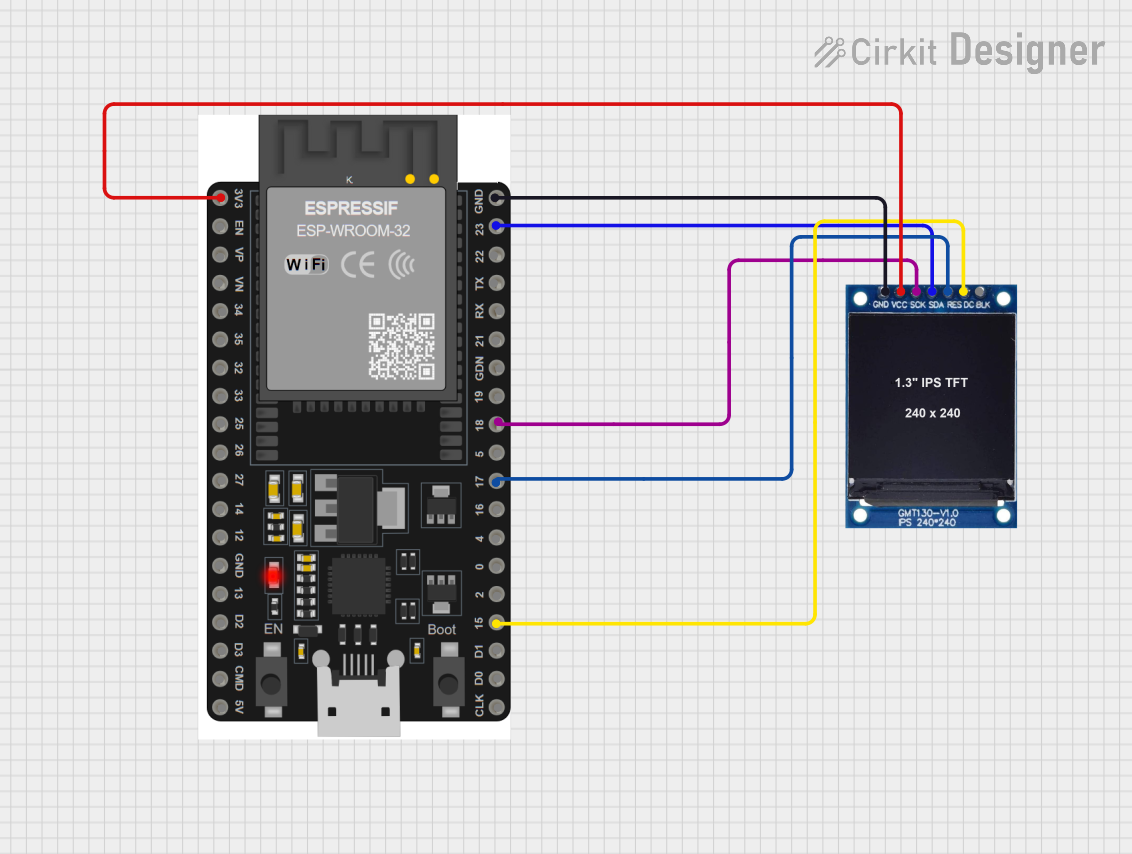 Open Project in Cirkit Designer
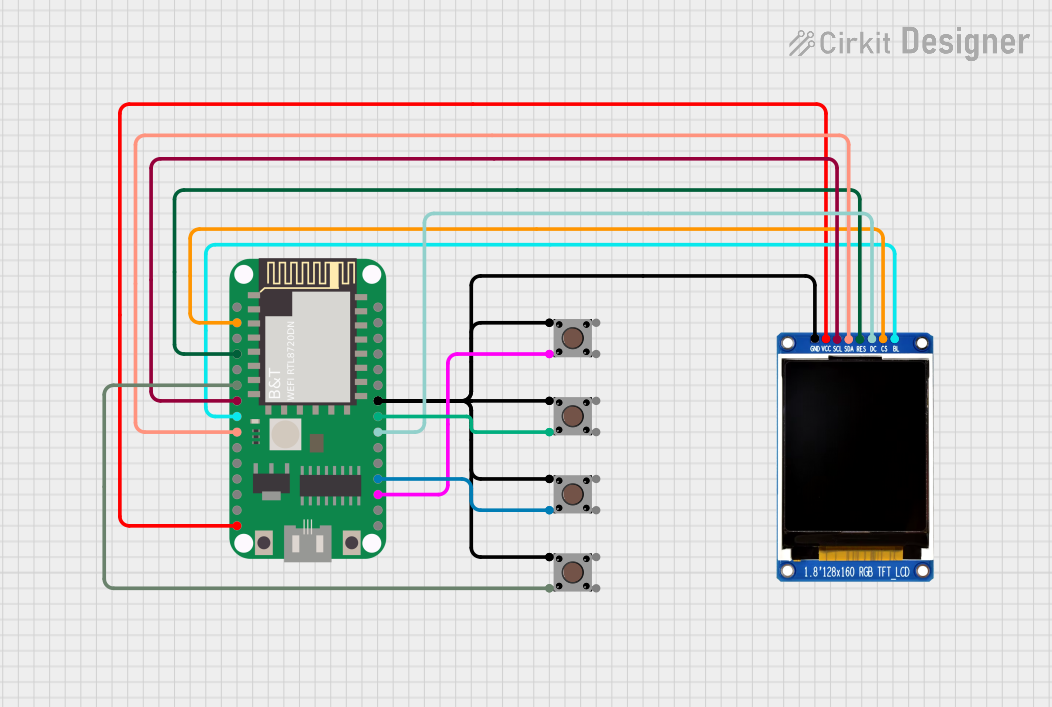 Open Project in Cirkit Designer
Explore Projects Built with 1.44 TFT 8P 128*128 st7735
Open Project in Cirkit DesignerOpen Project in Cirkit DesignerOpen Project in Cirkit DesignerOpen Project in Cirkit DesignerCommon Applications
- Wearable devices and smartwatches
- Portable gaming consoles
- IoT dashboards and status displays
- Sensor data visualization
- Educational and hobbyist projects
Technical Specifications
Key Technical Details
- Display Type: TFT LCD
- Screen Size: 1.44 inches
- Resolution: 128x128 pixels
- Driver IC: ST7735
- Interface: SPI (Serial Peripheral Interface)
- Operating Voltage: 3.3V (logic level)
- Backlight Voltage: 3.3V to 5V
- Current Consumption: ~50mA (with backlight on)
- Color Depth: 65K (16-bit RGB)
- Viewing Angle: ~160 degrees
- Operating Temperature: -20°C to 70°C
Pin Configuration and Descriptions
The module has an 8-pin interface. Below is the pinout and its description:
| Pin | Name | Description |
|---|---|---|
| 1 | GND | Ground connection |
| 2 | VCC | Power supply (3.3V to 5V for backlight) |
| 3 | SCL (CLK) | SPI clock signal |
| 4 | SDA (MOSI) | SPI data input (Master Out Slave In) |
| 5 | RES (RST) | Reset pin (active low) |
| 6 | DC (A0) | Data/Command control pin (High = Data, Low = Command) |
| 7 | CS | Chip Select (active low) |
| 8 | BLK | Backlight control (connect to VCC for always-on backlight or PWM for dimming) |
Usage Instructions
How to Use the Component in a Circuit
- Power Supply: Connect the
VCCpin to a 3.3V or 5V power source and theGNDpin to ground. - SPI Communication: Connect the
SCL,SDA,CS, andDCpins to the corresponding SPI pins on your microcontroller. - Reset Pin: Connect the
RESpin to a GPIO pin on your microcontroller for resetting the display. - Backlight Control: For a constant backlight, connect the
BLKpin toVCC. For adjustable brightness, connect it to a PWM-capable GPIO pin. - Level Shifting: If your microcontroller operates at 5V logic, use level shifters to interface with the display, as it operates at 3.3V logic.
Example: Connecting to an Arduino UNO
The following example demonstrates how to connect and use the 1.44-inch TFT display with an Arduino UNO:
Wiring Diagram
| TFT Pin | Arduino Pin |
|---|---|
| GND | GND |
| VCC | 5V |
| SCL | D13 (SCK) |
| SDA | D11 (MOSI) |
| RES | D8 |
| DC | D9 |
| CS | D10 |
| BLK | 5V or PWM pin |
Arduino Code Example
#include <Adafruit_GFX.h>    // Core graphics library
#include <Adafruit_ST7735.h> // ST7735 driver library
#include <SPI.h>             // SPI library

// Define pins for the TFT display
#define TFT_CS   10  // Chip Select pin
#define TFT_RST   8  // Reset pin
#define TFT_DC    9  // Data/Command pin

// Initialize the display object
Adafruit_ST7735 tft = Adafruit_ST7735(TFT_CS, TFT_DC, TFT_RST);

void setup() {
  // Initialize serial communication for debugging
  Serial.begin(9600);
  Serial.println("Initializing TFT...");

  // Initialize the display
  tft.initR(INITR_144GREENTAB); // Use the 1.44" green tab initialization
  tft.setRotation(1);          // Set display rotation (0-3)
  tft.fillScreen(ST77XX_BLACK); // Clear the screen with black color

  // Display a test message
  tft.setTextColor(ST77XX_WHITE);
  tft.setTextSize(1);
  tft.setCursor(10, 10);
  tft.println("Hello, TFT!");
}

void loop() {
  // Add your code here to update the display
}
Important Considerations and Best Practices
- Voltage Levels: Ensure the logic level of your microcontroller matches the display's 3.3V logic. Use level shifters if necessary.
- Backlight Control: For power-sensitive applications, consider using PWM to control the backlight brightness.
- SPI Speed: The ST7735 supports high-speed SPI communication. Experiment with different SPI clock speeds for optimal performance.
- Initialization: Always use the correct initialization sequence for the ST7735 driver to ensure proper operation.
Troubleshooting and FAQs
Common Issues and Solutions
Display Not Turning On:
- Verify the power connections (
VCCandGND). - Ensure the
BLKpin is connected toVCCor a PWM pin.
- Verify the power connections (
No Output on the Screen:
- Check the SPI connections (
SCL,SDA,CS, andDC). - Ensure the correct initialization sequence is used in the code.
- Check the SPI connections (
Flickering or Distorted Display:
- Reduce the SPI clock speed in the code.
- Check for loose or poor-quality connections.
Backlight Not Working:
- Confirm the
BLKpin is connected toVCCor a PWM signal. - Verify the backlight voltage is within the specified range.
- Confirm the
FAQs
Q: Can I use this display with a 5V microcontroller?
A: Yes, but you must use level shifters for the SPI and control pins, as the display operates at 3.3V logic.
Q: What is the maximum SPI clock speed supported?
A: The ST7735 driver typically supports SPI clock speeds up to 15 MHz, but this may vary depending on your microcontroller and wiring quality.
Q: How do I display images on the screen?
A: You can use libraries like Adafruit GFX to load and display bitmap images. Ensure the images are formatted correctly for the display's resolution and color depth.
Q: Can I use this display with other microcontrollers?
A: Yes, the display is compatible with any microcontroller that supports SPI communication, such as ESP32, STM32, or Raspberry Pi.
By following this documentation, you can effectively integrate the 1.44-inch TFT 8P 128x128 ST7735 display into your projects.