
How to Use Water Pump: Examples, Pinouts, and Specs
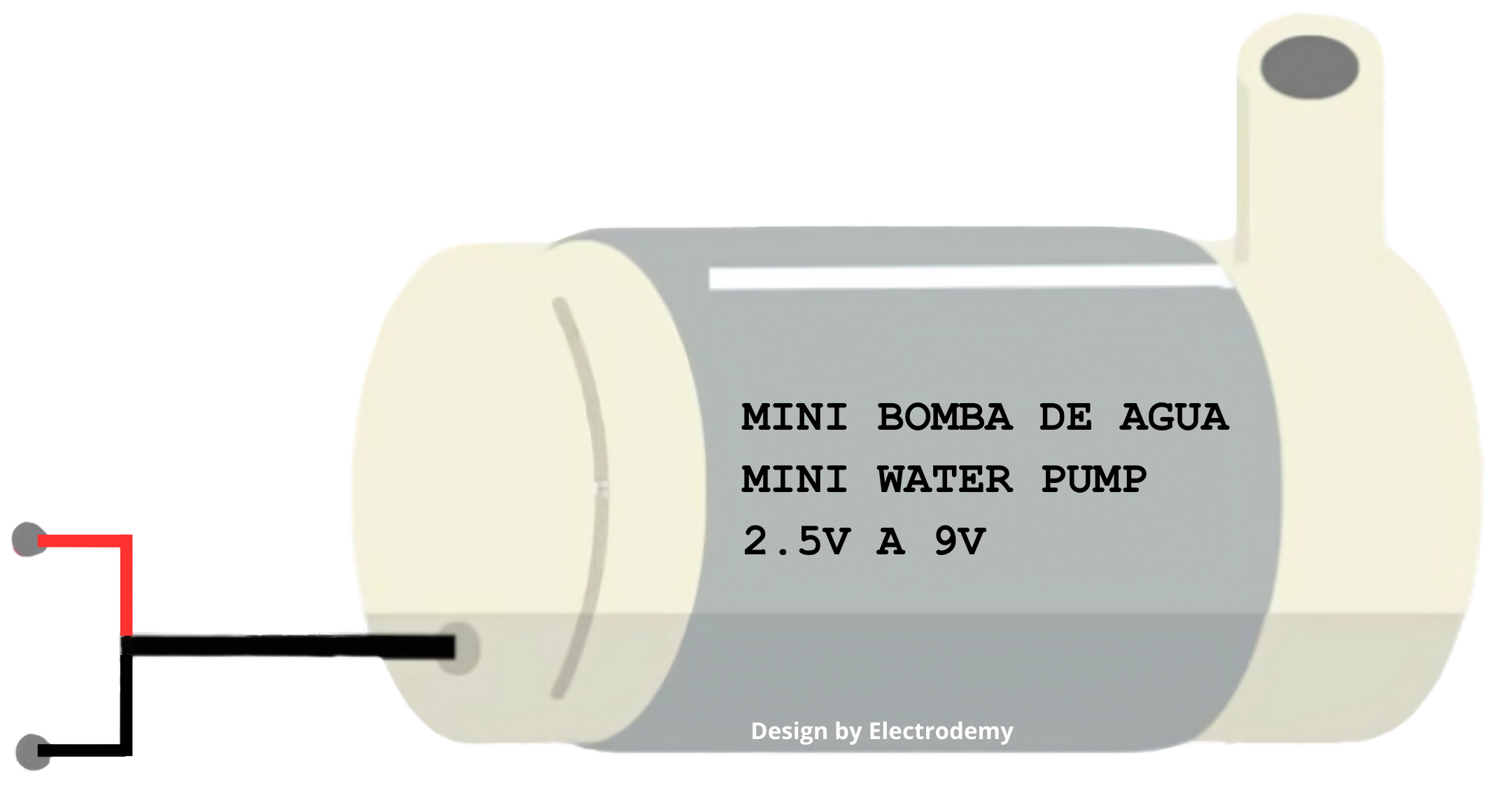
 Design with Water Pump in Cirkit Designer
Introduction
- A water pump is a device designed to move water from one location to another. It is commonly used in applications such as irrigation systems, drainage systems, water supply systems, aquariums, and cooling systems.
- Water pumps are available in various types, including submersible pumps, centrifugal pumps, and diaphragm pumps, each suited for specific use cases. They are widely used in agriculture, industrial processes, and household water management.
Explore Projects Built with Water Pump
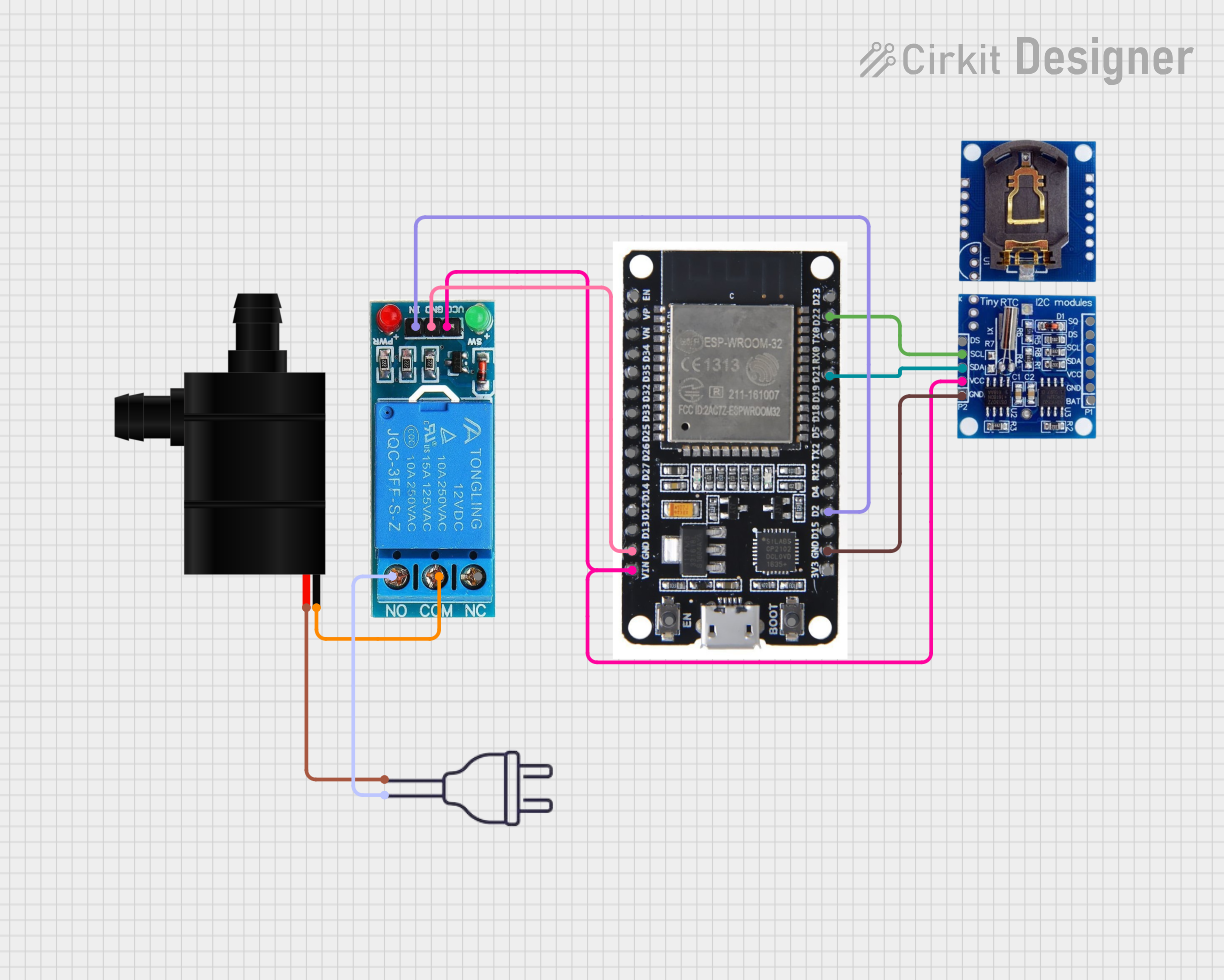 Open Project in Cirkit Designer
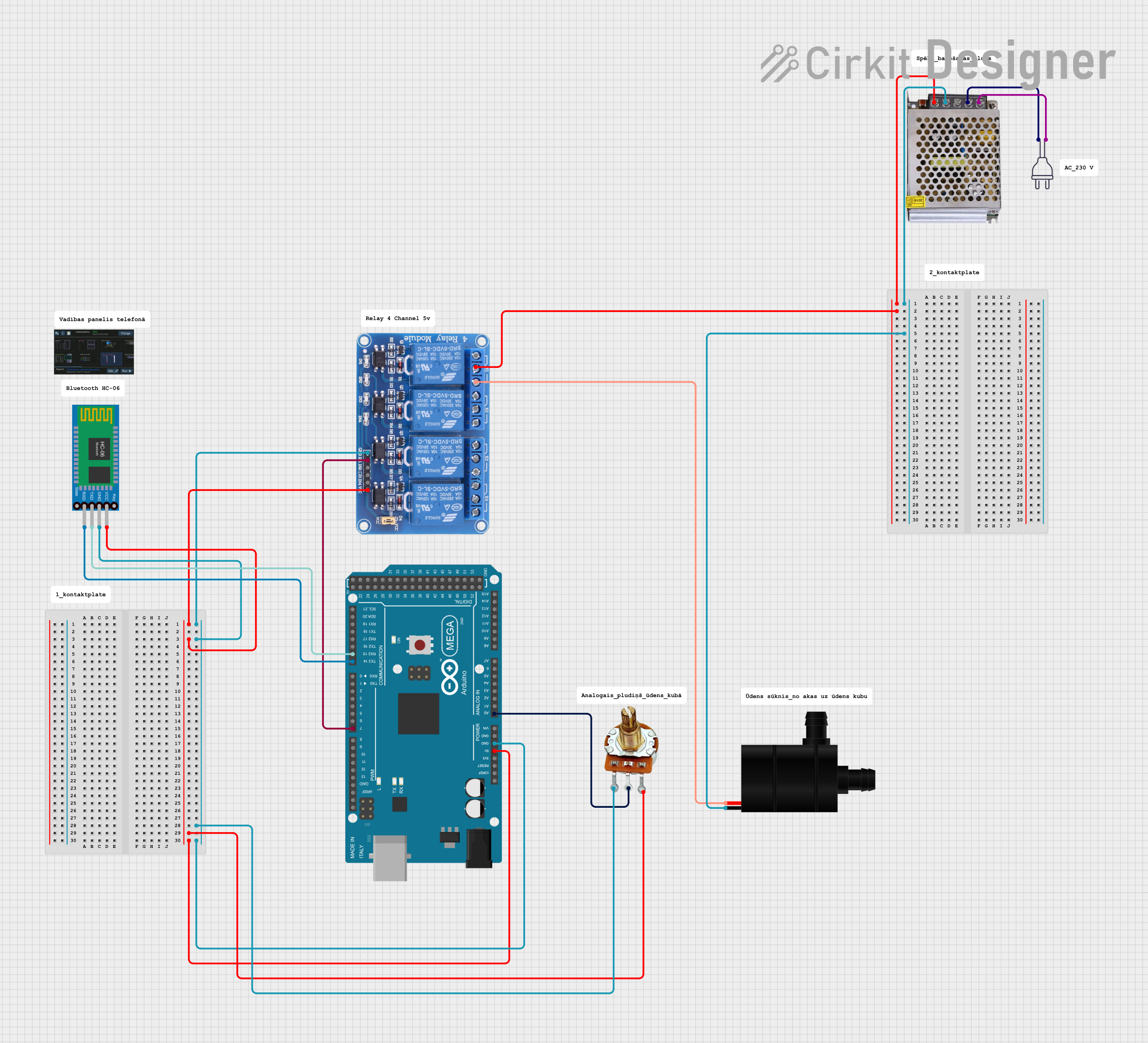 Open Project in Cirkit Designer
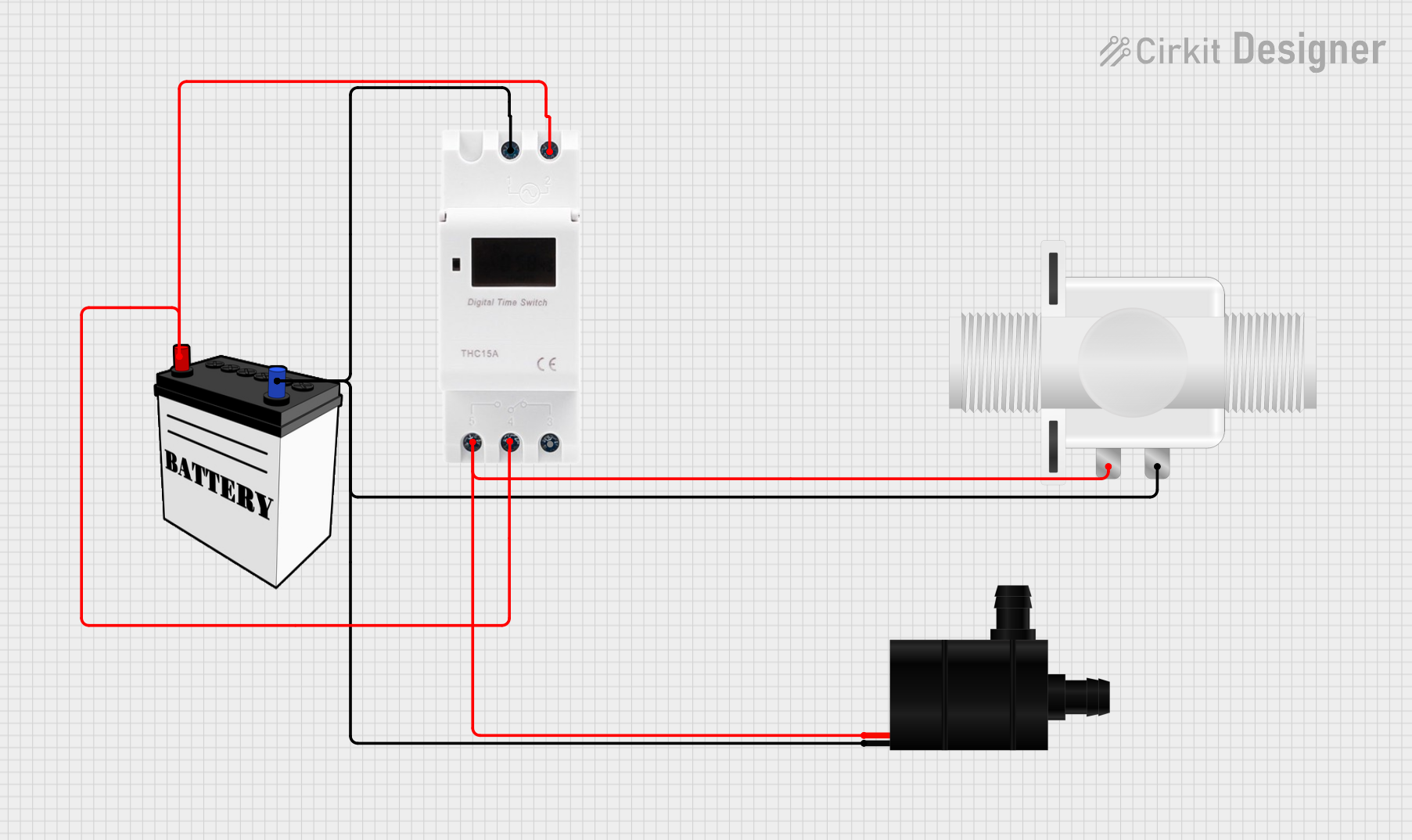 Open Project in Cirkit Designer
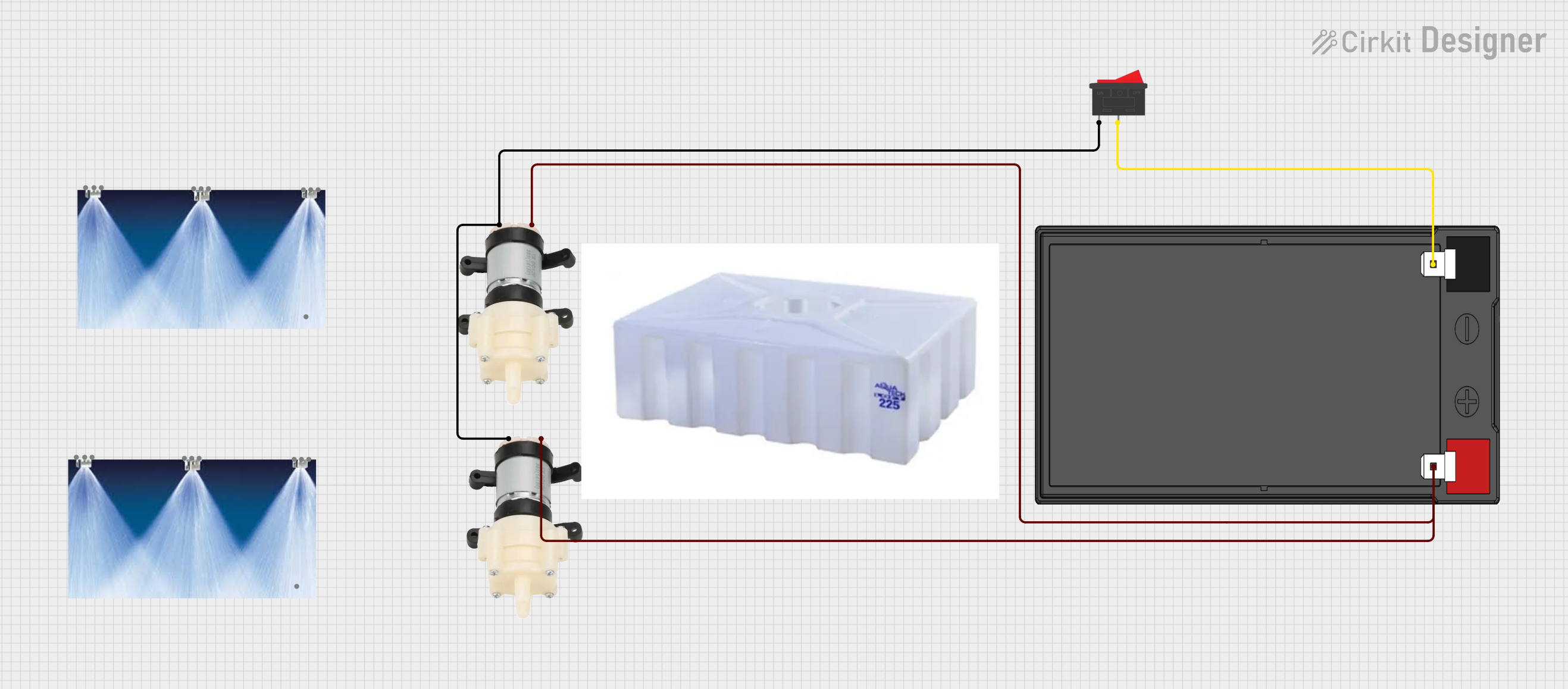 Open Project in Cirkit Designer
Explore Projects Built with Water Pump
Open Project in Cirkit DesignerOpen Project in Cirkit DesignerOpen Project in Cirkit DesignerOpen Project in Cirkit DesignerTechnical Specifications
- Below are the general technical specifications for a typical DC-powered water pump. Specifications may vary depending on the model and manufacturer.
| Parameter | Value |
|---|---|
| Operating Voltage | 3V to 12V DC |
| Operating Current | 0.1A to 1.5A |
| Power Consumption | 1W to 18W |
| Maximum Flow Rate | 80 L/h to 1000 L/h |
| Maximum Lift Height | 0.5m to 5m |
| Pump Type | Submersible or Non-submersible |
| Inlet/Outlet Diameter | 4mm to 10mm |
| Material | Plastic or Metal |
Pin Configuration and Descriptions
For a typical DC water pump, the pin configuration is straightforward:
| Pin | Description |
|---|---|
| + (Positive) | Connect to the positive terminal of the power supply. |
| - (Negative) | Connect to the negative terminal of the power supply. |
Usage Instructions
How to Use the Water Pump in a Circuit
- Power Supply: Ensure the water pump is powered by a DC voltage source within its operating range (e.g., 5V or 12V). Exceeding the voltage rating may damage the pump.
- Connections:
- Connect the positive terminal of the pump to the positive terminal of the power supply.
- Connect the negative terminal of the pump to the ground (GND) of the power supply.
- Control with a Microcontroller:
- To control the pump using a microcontroller (e.g., Arduino UNO), use a transistor or relay module to handle the higher current required by the pump.
- A diode should be placed across the pump terminals to protect the circuit from voltage spikes caused by the pump's motor.
Example: Controlling a Water Pump with Arduino UNO
Below is an example of how to control a water pump using an Arduino UNO and a relay module.
Circuit Components:
- Arduino UNO
- 5V relay module
- DC water pump
- Diode (e.g., 1N4007)
- External power supply for the pump (e.g., 12V DC)
- Jumper wires
Circuit Diagram:
- Connect the relay module's input pin to an Arduino digital pin (e.g., pin 7).
- Connect the relay's VCC and GND to the Arduino's 5V and GND pins.
- Connect the pump's positive terminal to the relay's NO (Normally Open) terminal.
- Connect the pump's negative terminal to the external power supply's GND.
- Connect the external power supply's positive terminal to the relay's COM (Common) terminal.
Arduino Code:
// Define the relay pin
const int relayPin = 7;

void setup() {
  pinMode(relayPin, OUTPUT); // Set the relay pin as an output
  digitalWrite(relayPin, LOW); // Ensure the relay is off at startup
}

void loop() {
  digitalWrite(relayPin, HIGH); // Turn on the water pump
  delay(5000); // Keep the pump on for 5 seconds
  digitalWrite(relayPin, LOW); // Turn off the water pump
  delay(5000); // Wait for 5 seconds before turning it on again
}
Important Considerations and Best Practices
- Priming: Ensure the pump is primed (filled with water) before operation to prevent damage.
- Dry Run Protection: Avoid running the pump without water, as this can cause overheating and damage.
- Voltage Regulation: Use a stable power supply to avoid voltage fluctuations that may harm the pump.
- Water Quality: Ensure the water is free of debris or particles that could clog or damage the pump.
Troubleshooting and FAQs
Common Issues and Solutions
Pump Does Not Start:
- Check the power supply voltage and connections.
- Ensure the relay or transistor controlling the pump is functioning correctly.
- Verify that the pump is not clogged with debris.
Low Water Flow:
- Check for blockages in the inlet or outlet.
- Ensure the pump is operating within its rated voltage and current range.
- Verify that the lift height does not exceed the pump's maximum rating.
Pump Overheats:
- Ensure the pump is not running dry.
- Check for proper ventilation if the pump is non-submersible.
- Reduce the operating time or allow the pump to cool between cycles.
Noise or Vibration:
- Verify that the pump is securely mounted.
- Check for debris or air bubbles in the pump.
FAQs
Q: Can I use the water pump with a battery?
A: Yes, you can use a battery as long as it provides the required voltage and current. For example, a 12V DC pump can be powered by a 12V battery.
Q: Is the pump waterproof?
A: Submersible pumps are designed to operate underwater, while non-submersible pumps must remain dry. Check the pump's specifications to confirm.
Q: How do I control the pump speed?
A: The speed of a DC water pump can be controlled using a PWM (Pulse Width Modulation) signal from a microcontroller or a motor driver.
Q: Can the pump handle hot water?
A: Most standard water pumps are designed for cold or room-temperature water. Check the manufacturer's specifications for temperature limits.