
How to Use SK120: Examples, Pinouts, and Specs
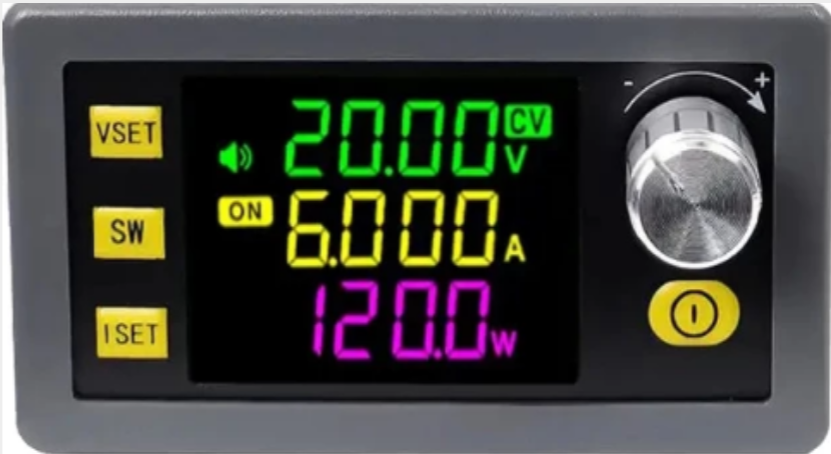
 Design with SK120 in Cirkit Designer
Introduction
The SK120 is a silicon-controlled rectifier (SCR) manufactured by SK120. It is a semiconductor device designed for controlling power in various applications, allowing for efficient switching and regulation of electrical currents. SCRs like the SK120 are widely used in circuits requiring precise control of high power, such as motor speed controllers, light dimmers, and power regulation systems.
Explore Projects Built with SK120
 Open Project in Cirkit Designer
 Open Project in Cirkit Designer
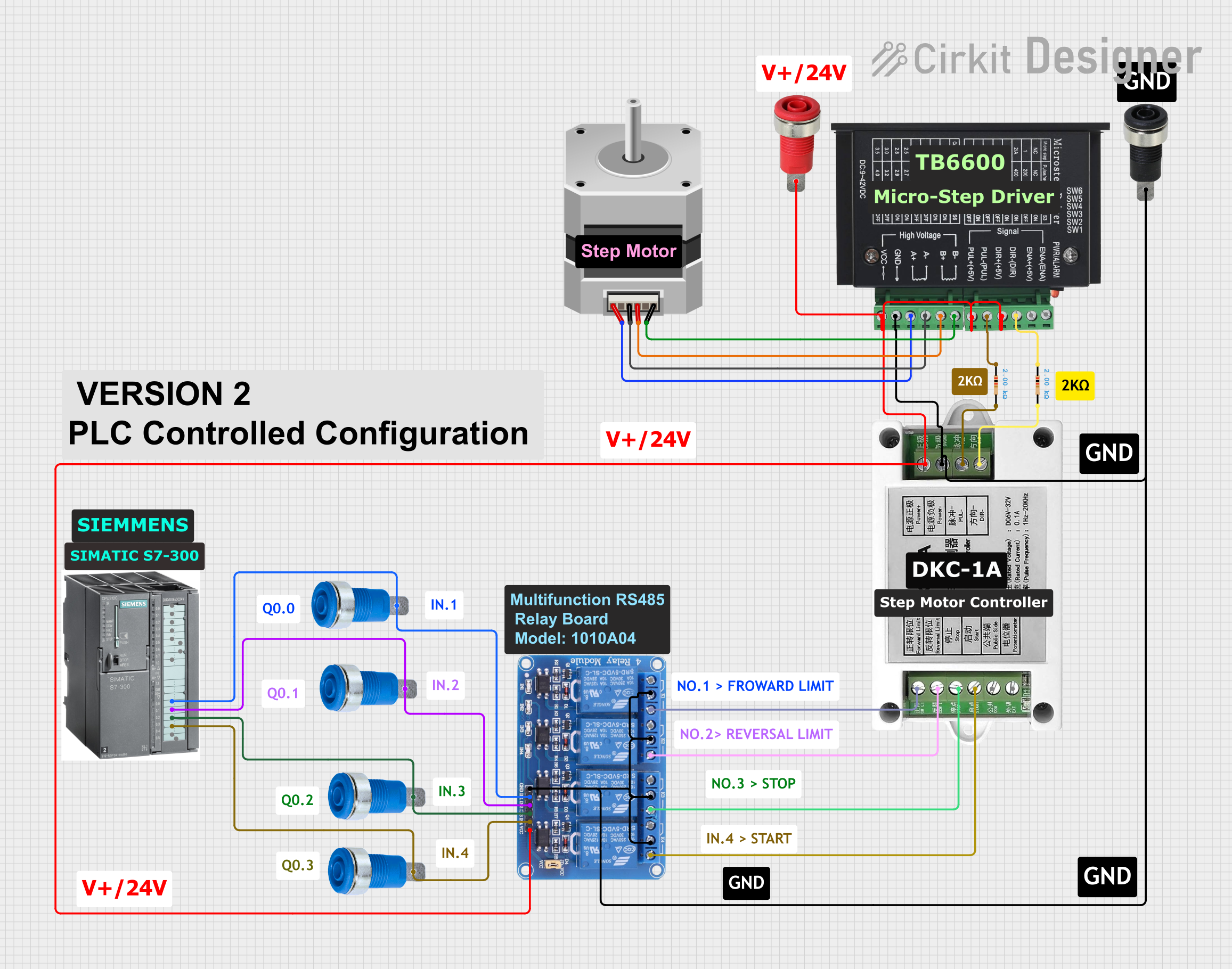 Open Project in Cirkit Designer
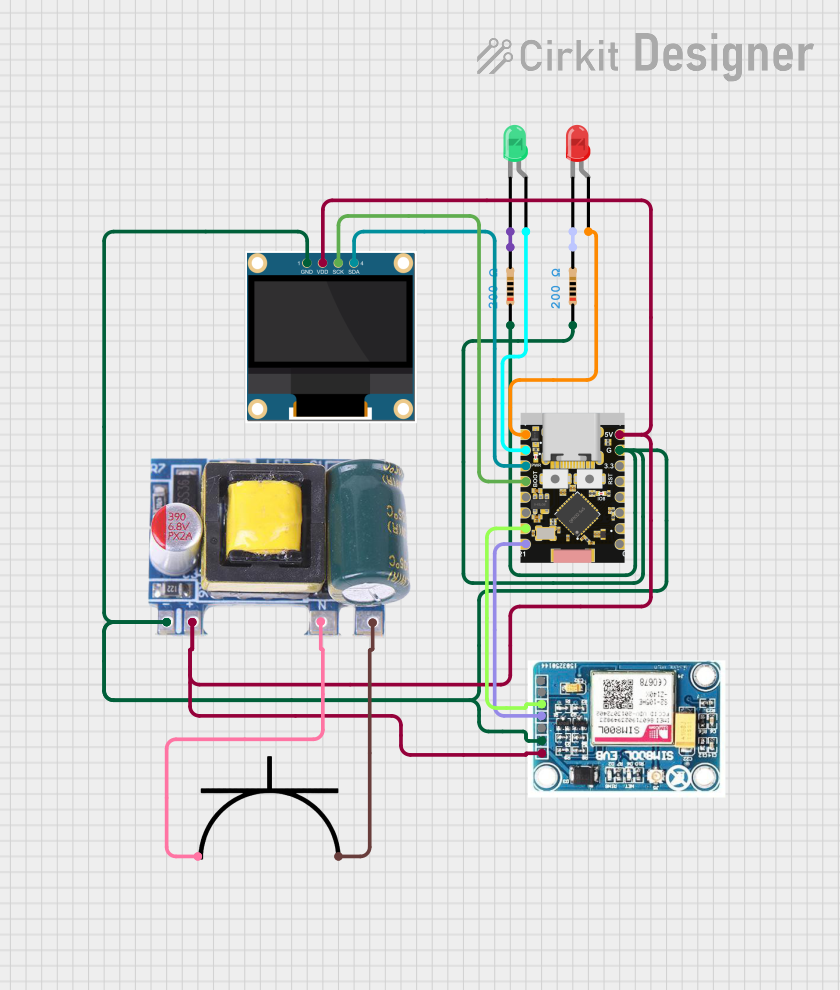 Open Project in Cirkit Designer
Explore Projects Built with SK120
Open Project in Cirkit DesignerOpen Project in Cirkit DesignerOpen Project in Cirkit DesignerOpen Project in Cirkit DesignerCommon Applications and Use Cases
- Motor speed control in industrial and consumer devices
- Light dimming circuits for residential and commercial lighting
- Overvoltage protection in power systems
- Phase control in AC circuits
- Power regulation in heating systems
Technical Specifications
The SK120 is designed to handle moderate power levels with reliable performance. Below are its key technical specifications:
| Parameter | Value |
|---|---|
| Manufacturer Part ID | SK120 |
| Device Type | Silicon-Controlled Rectifier (SCR) |
| Maximum Repetitive Voltage (VRRM) | 200V |
| Maximum RMS On-State Current (IT(RMS)) | 1.2A |
| Peak On-State Current (ITSM) | 15A (10ms half-sine wave) |
| Gate Trigger Voltage (VGT) | 0.8V |
| Gate Trigger Current (IGT) | 200µA |
| Holding Current (IH) | 5mA |
| Operating Temperature Range | -40°C to +125°C |
| Package Type | TO-92 |
Pin Configuration and Descriptions
The SK120 is typically housed in a TO-92 package with three pins. The pin configuration is as follows:
| Pin Number | Pin Name | Description |
|---|---|---|
| 1 | Gate | Trigger input to control the SCR |
| 2 | Cathode | Negative terminal of the SCR |
| 3 | Anode | Positive terminal of the SCR |
Usage Instructions
The SK120 is used in circuits where controlled rectification or switching is required. Below are the steps and considerations for using the SK120 in a circuit:
How to Use the SK120 in a Circuit
- Connect the Anode and Cathode:
- The anode (Pin 3) is connected to the positive side of the load or power source.
- The cathode (Pin 2) is connected to the negative side of the load or ground.
- Trigger the Gate:
- Apply a small voltage (typically 0.8V) and current (200µA) to the gate (Pin 1) to turn on the SCR.
- Once triggered, the SCR will remain on as long as the current through the anode and cathode exceeds the holding current (5mA).
- Control the Load:
- Use the SCR to control the power delivered to the load by adjusting the gate trigger signal.
Important Considerations and Best Practices
- Gate Resistor: Use a resistor in series with the gate to limit the current and prevent damage to the SCR.
- Heat Dissipation: Ensure proper heat dissipation, especially in high-current applications, to avoid overheating.
- Snubber Circuit: Add a snubber circuit (a resistor-capacitor network) across the SCR to protect it from voltage spikes.
- Isolation: If controlling the SCR with a microcontroller (e.g., Arduino UNO), use an optocoupler for electrical isolation.
Example: Using the SK120 with an Arduino UNO
Below is an example of how to control the SK120 using an Arduino UNO to dim an AC light:
/*
  Example: Controlling SK120 SCR with Arduino UNO
  This code demonstrates how to trigger the SK120 SCR to control an AC load.
  Note: Use proper isolation (e.g., optocoupler) between Arduino and the SCR.
*/

const int gatePin = 9; // Pin connected to the gate of the SK120

void setup() {
  pinMode(gatePin, OUTPUT); // Set the gate pin as an output
}

void loop() {
  digitalWrite(gatePin, HIGH); // Trigger the SCR by applying voltage to the gate
  delay(10);                   // Keep the gate signal on for 10ms
  digitalWrite(gatePin, LOW);  // Turn off the gate signal
  delay(100);                  // Wait before triggering again
}
Note: This example assumes the use of an optocoupler for isolation and a proper snubber circuit for AC loads.
Troubleshooting and FAQs
Common Issues and Solutions
SCR Does Not Turn On:
- Ensure the gate trigger voltage (0.8V) and current (200µA) are met.
- Check for a proper connection between the gate and the control circuit.
- Verify that the load current exceeds the holding current (5mA).
SCR Turns Off Unexpectedly:
- Ensure the load current does not drop below the holding current.
- Check for voltage spikes or noise in the circuit that may cause the SCR to turn off.
Overheating:
- Verify that the current through the SCR does not exceed its maximum rating (1.2A RMS).
- Use a heatsink or proper ventilation to dissipate heat.
Gate Damage:
- Ensure a resistor is used in series with the gate to limit the current.
- Avoid applying excessive voltage to the gate.
FAQs
Q: Can the SK120 be used for DC circuits?
A: Yes, the SK120 can be used in DC circuits, but it will require a continuous gate trigger signal to remain on.
Q: What is the maximum load the SK120 can handle?
A: The SK120 can handle a maximum RMS current of 1.2A and a peak current of 15A for short durations (10ms).
Q: How do I protect the SK120 from voltage spikes?
A: Use a snubber circuit (resistor and capacitor in series) across the SCR to suppress voltage spikes.
Q: Can I control the SK120 directly with an Arduino?
A: Yes, but it is recommended to use an optocoupler for isolation to protect the Arduino from high voltages.