
How to Use Water Level Sensor: Examples, Pinouts, and Specs
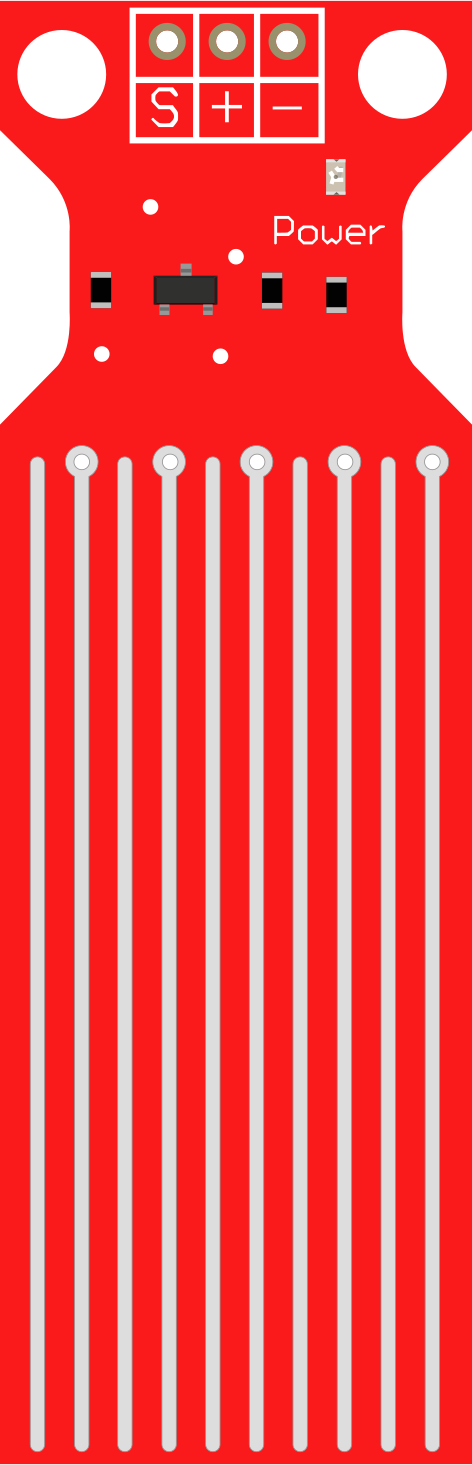
 Design with Water Level Sensor in Cirkit Designer
Introduction
The Water Level Sensor is a device designed to detect and measure the level of water in a tank, reservoir, or other container. It is commonly used in automation systems to monitor and manage water levels, prevent overflow, and trigger actions such as turning pumps on or off. This sensor is ideal for applications in home automation, agriculture, industrial systems, and water conservation projects.
Explore Projects Built with Water Level Sensor
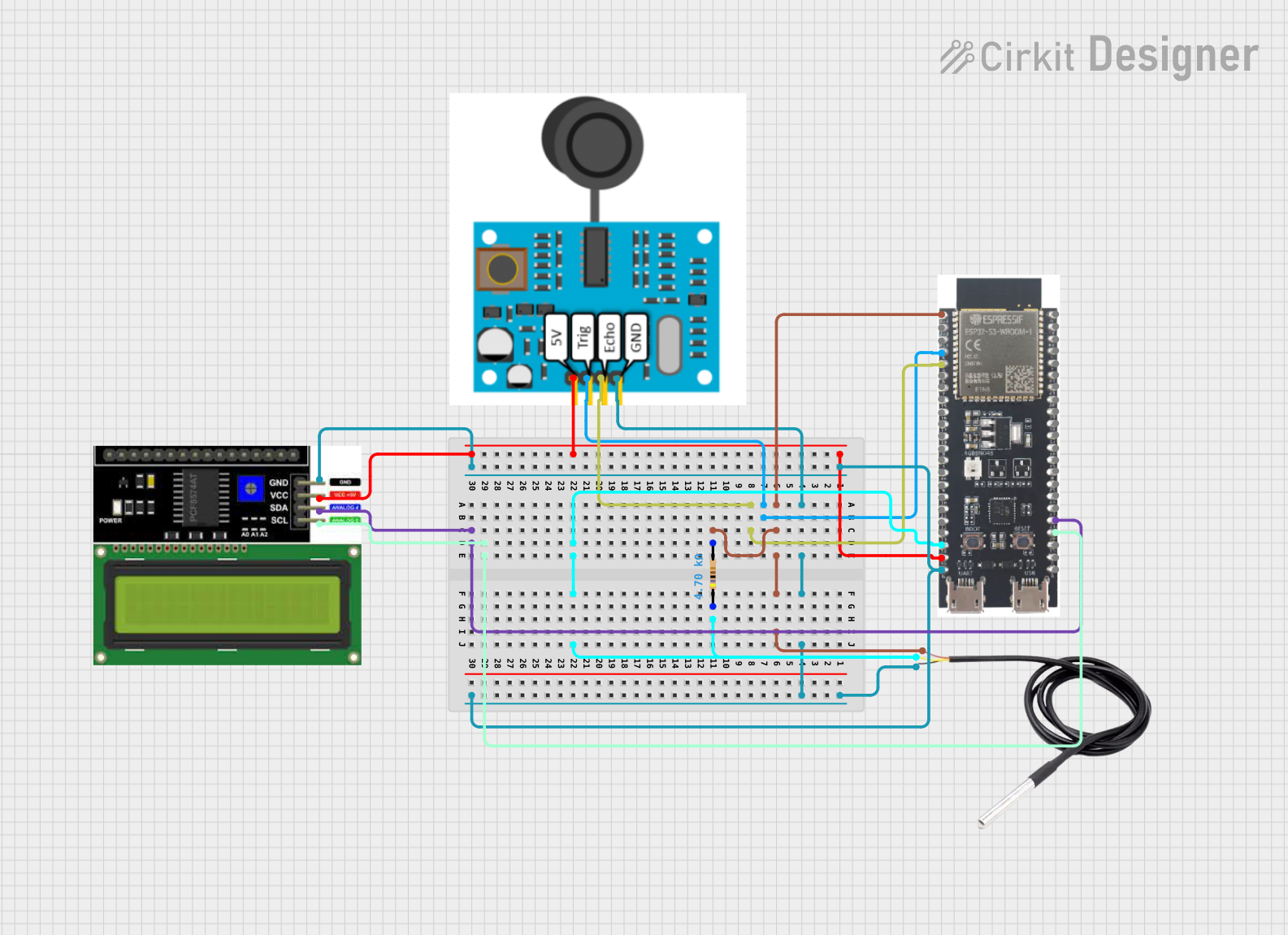 Open Project in Cirkit Designer
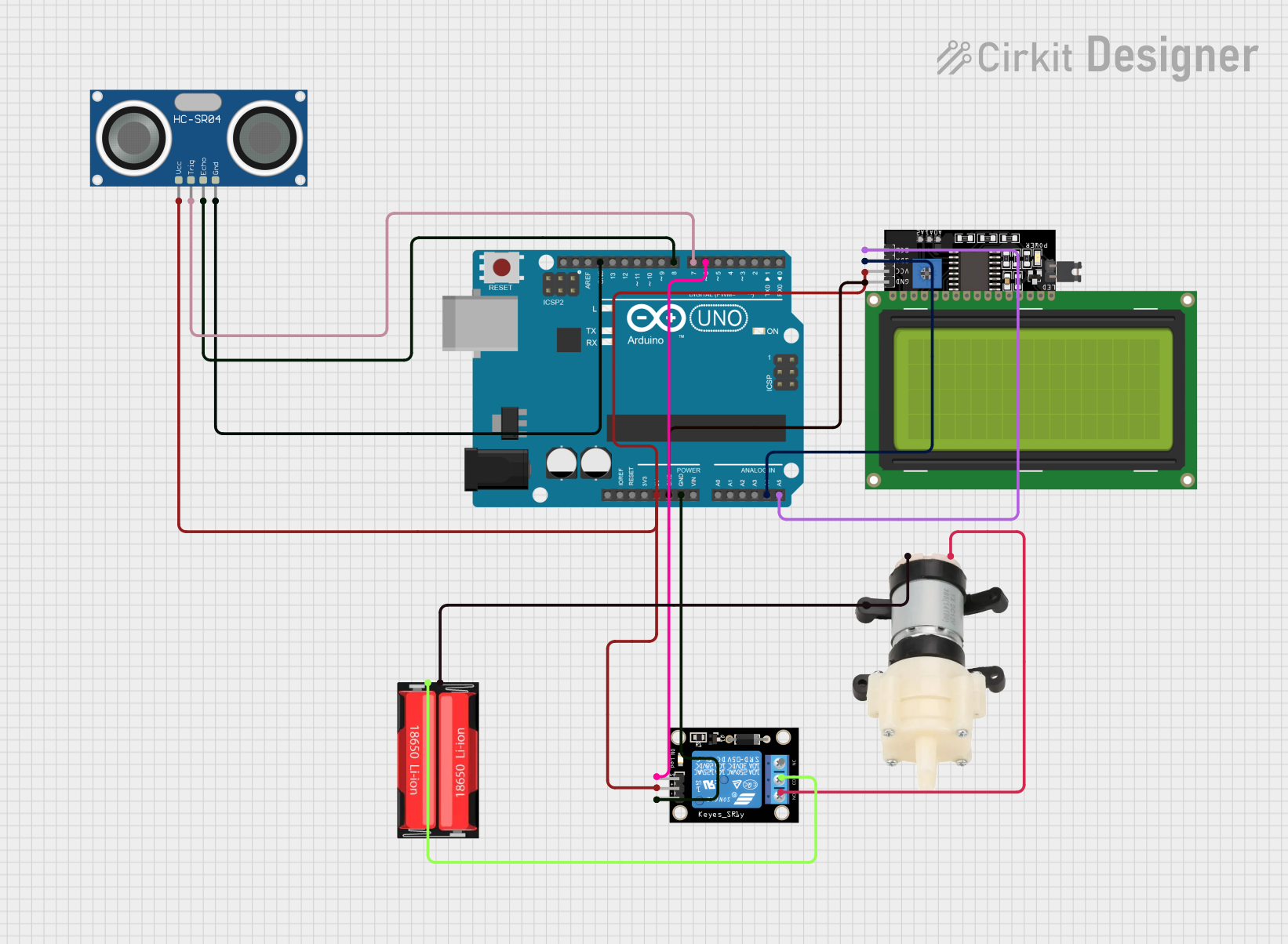 Open Project in Cirkit Designer
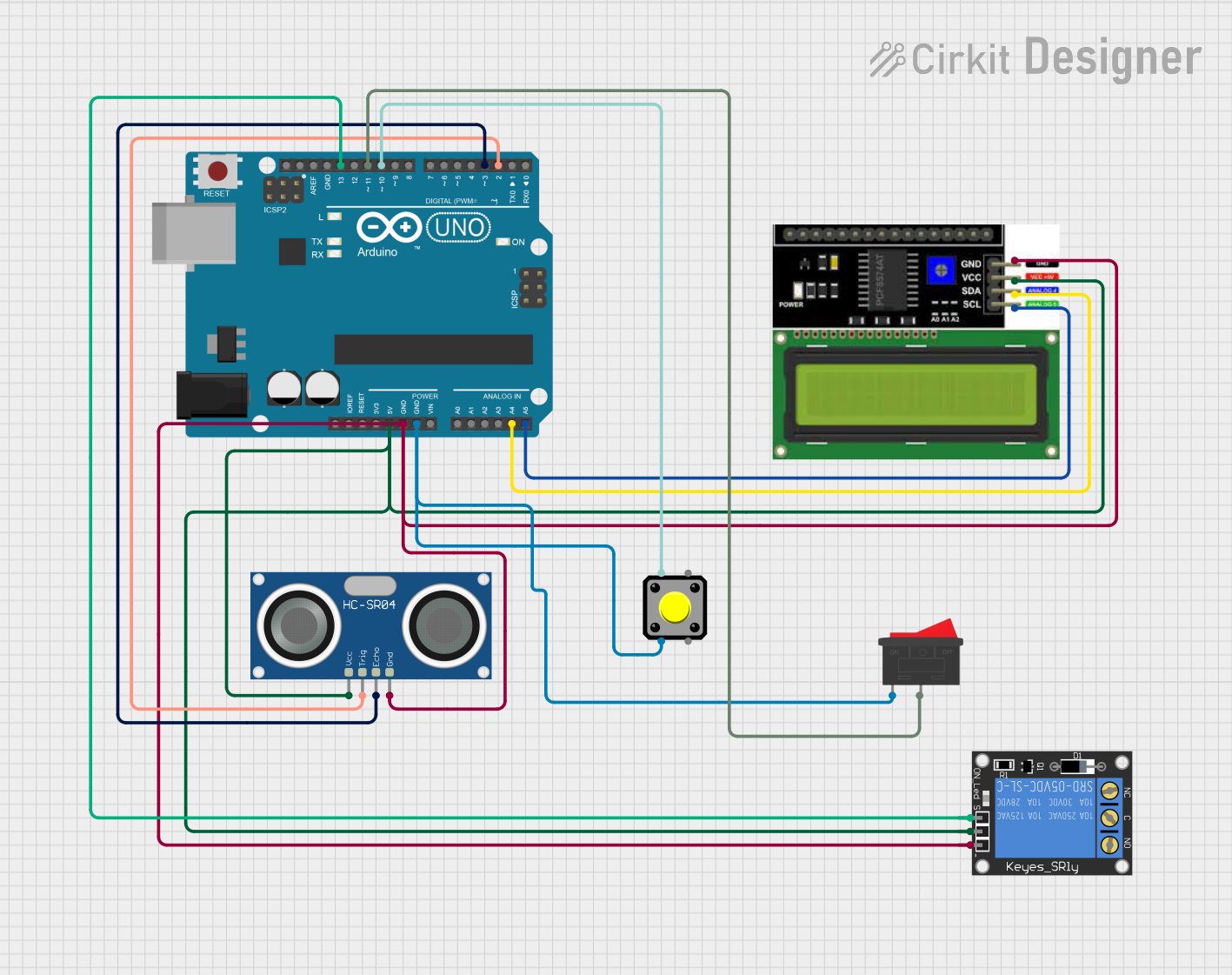 Open Project in Cirkit Designer
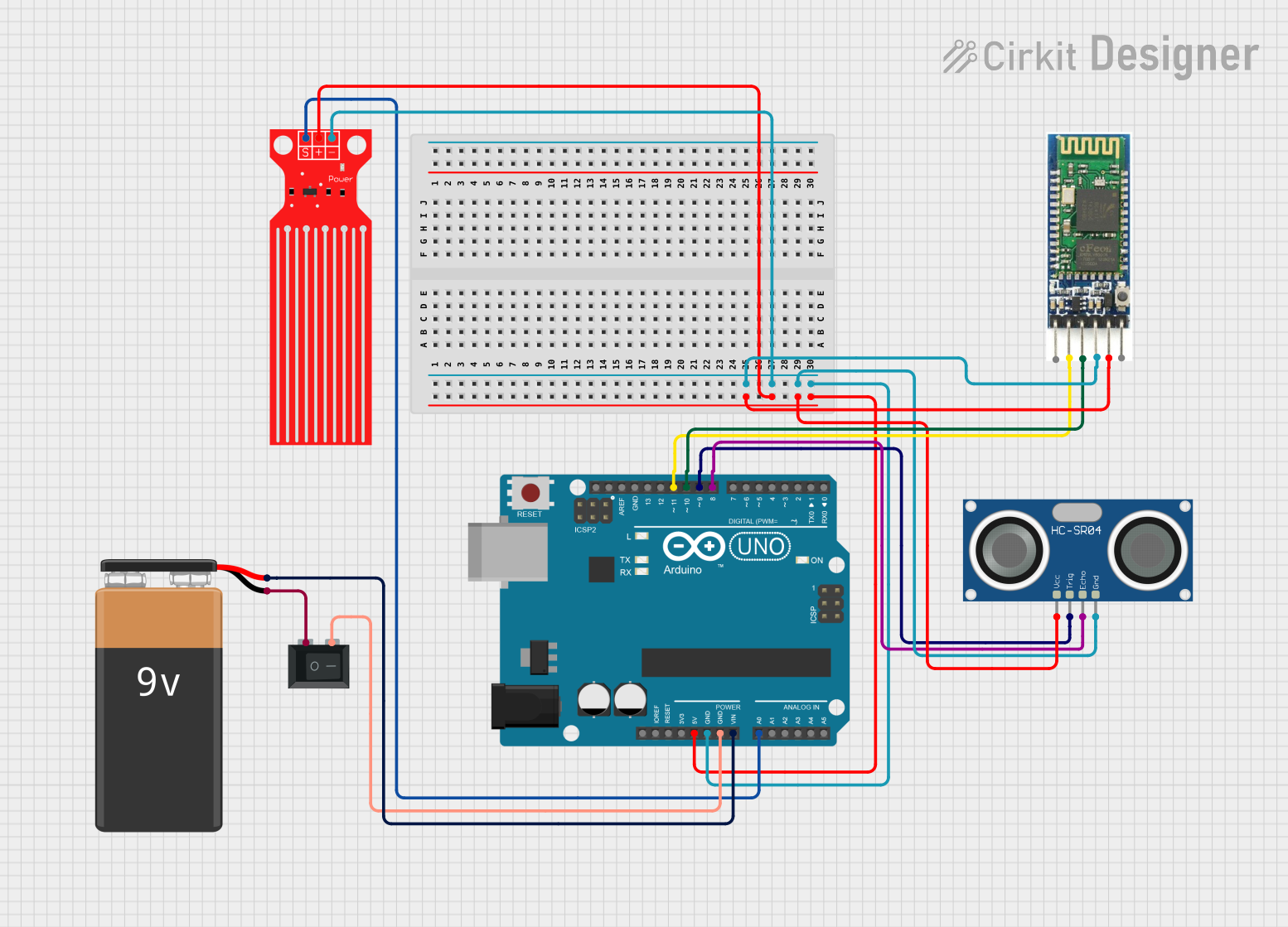 Open Project in Cirkit Designer
Explore Projects Built with Water Level Sensor
Open Project in Cirkit DesignerOpen Project in Cirkit DesignerOpen Project in Cirkit DesignerOpen Project in Cirkit DesignerCommon Applications and Use Cases
- Monitoring water levels in storage tanks
- Automating water pumps to prevent overflow or dry running
- Smart irrigation systems
- Liquid level detection in industrial processes
- Water conservation systems in homes and businesses
Technical Specifications
The Water Level Sensor typically consists of a series of conductive traces that detect water contact and output an analog or digital signal based on the water level.
Key Technical Details
- Operating Voltage: 3.3V to 5V DC
- Output Type: Analog (voltage varies with water level) or Digital (high/low signal)
- Current Consumption: < 20mA
- Detection Range: 0 to 100% of the sensor length
- Material: PCB with conductive traces
- Dimensions: Varies by model (e.g., 65mm x 20mm for common models)
Pin Configuration and Descriptions
| Pin Name | Description |
|---|---|
| VCC | Power supply pin (3.3V to 5V DC). Connect to the positive terminal of the power source. |
| GND | Ground pin. Connect to the ground of the circuit. |
| SIG | Signal output pin. Outputs an analog voltage proportional to the water level or a digital high/low signal. |
Usage Instructions
How to Use the Component in a Circuit
Connect the Sensor:
- Connect the VCC pin to a 3.3V or 5V power source.
- Connect the GND pin to the ground of your circuit.
- Connect the SIG pin to an analog input pin (e.g., A0) on a microcontroller like an Arduino UNO.
Place the Sensor:
- Submerge the sensor in the water container. Ensure the conductive traces are oriented vertically for accurate level detection.
Read the Output:
- For analog output, read the voltage from the SIG pin using an analog-to-digital converter (ADC) on your microcontroller.
- For digital output (if supported), use a comparator circuit or the sensor's onboard digital output pin.
Important Considerations and Best Practices
- Avoid submerging the sensor beyond its maximum water level marking to prevent damage.
- Ensure the sensor is clean and free of debris for accurate readings.
- Use a pull-down resistor on the SIG pin if the output is noisy.
- If using the sensor in a corrosive or dirty environment, consider coating the PCB with a waterproof layer to extend its lifespan.
Example Code for Arduino UNO
Below is an example of how to use the Water Level Sensor with an Arduino UNO to read and display the water level:
// Define the analog pin connected to the SIG pin of the sensor
const int waterLevelPin = A0;

// Variable to store the sensor reading
int waterLevelValue;

void setup() {
  // Initialize serial communication for debugging
  Serial.begin(9600);
}

void loop() {
  // Read the analog value from the sensor
  waterLevelValue = analogRead(waterLevelPin);

  // Convert the analog value to a percentage (assuming 10-bit ADC)
  float waterLevelPercentage = (waterLevelValue / 1023.0) * 100;

  // Print the water level percentage to the Serial Monitor
  Serial.print("Water Level: ");
  Serial.print(waterLevelPercentage);
  Serial.println("%");

  // Add a short delay for stability
  delay(500);
}
Notes:
- Ensure the Arduino UNO is powered with a stable 5V supply.
- Adjust the calculation for water level percentage if using a different ADC resolution.
Troubleshooting and FAQs
Common Issues and Solutions
No Output Signal:
- Check the power connections to the sensor.
- Ensure the sensor is properly submerged in water.
Inaccurate Readings:
- Clean the sensor to remove any dirt or debris.
- Verify that the sensor is not submerged beyond its maximum level marking.
Fluctuating or Noisy Output:
- Add a capacitor (e.g., 0.1µF) between the SIG pin and ground to filter noise.
- Use a pull-down resistor on the SIG pin to stabilize the signal.
Sensor Corrosion:
- Avoid prolonged exposure to corrosive liquids.
- Apply a waterproof coating to the sensor if used in harsh environments.
FAQs
Q: Can this sensor detect non-water liquids?
A: The sensor is designed for water detection. It may work with other conductive liquids, but accuracy and longevity may vary.
Q: Is the sensor waterproof?
A: The sensor is water-resistant but not fully waterproof. Avoid submerging the entire sensor or exposing it to water for extended periods.
Q: Can I use this sensor with a 3.3V microcontroller?
A: Yes, the sensor operates at 3.3V to 5V, making it compatible with 3.3V microcontrollers like the ESP32 or Raspberry Pi Pico.
Q: How do I extend the sensor's lifespan?
A: Clean the sensor regularly, avoid exposure to corrosive liquids, and apply a protective coating if necessary.