
How to Use Ultrasonic: Examples, Pinouts, and Specs
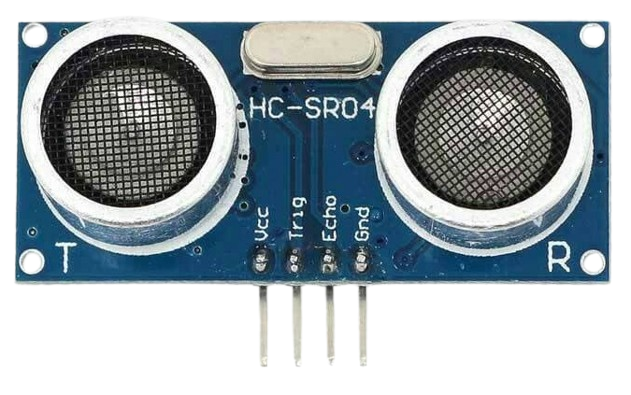
 Design with Ultrasonic in Cirkit Designer
Introduction
The Ultrasonic Sensor (Arduino IDE) is a versatile electronic component designed to measure distances or detect objects using sound waves at frequencies above the audible range. It emits ultrasonic pulses and calculates the time it takes for the echo to return, enabling precise distance measurements. This sensor is widely used in robotics, automation, and IoT applications due to its reliability and ease of integration.
Explore Projects Built with Ultrasonic
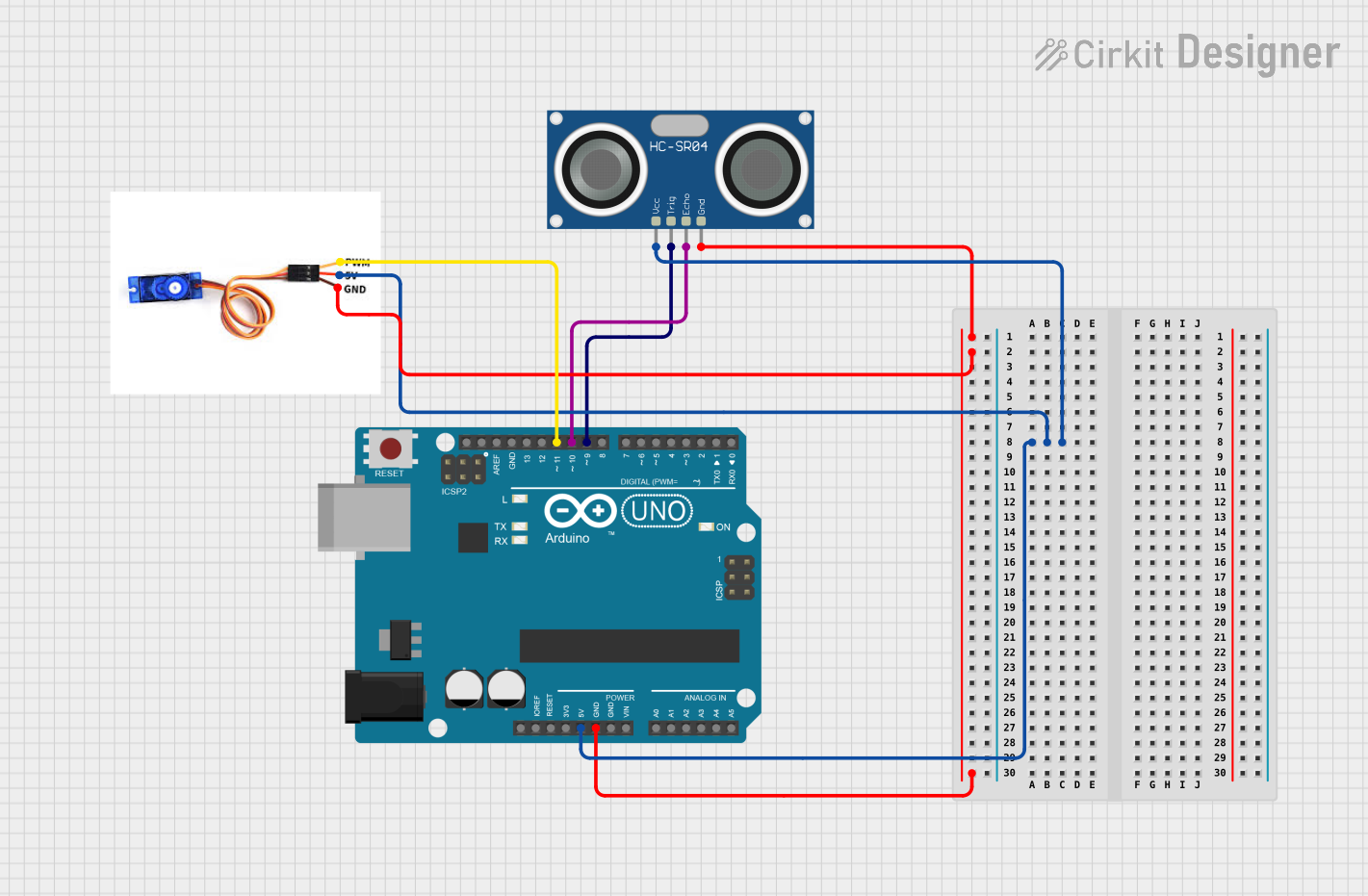 Open Project in Cirkit Designer
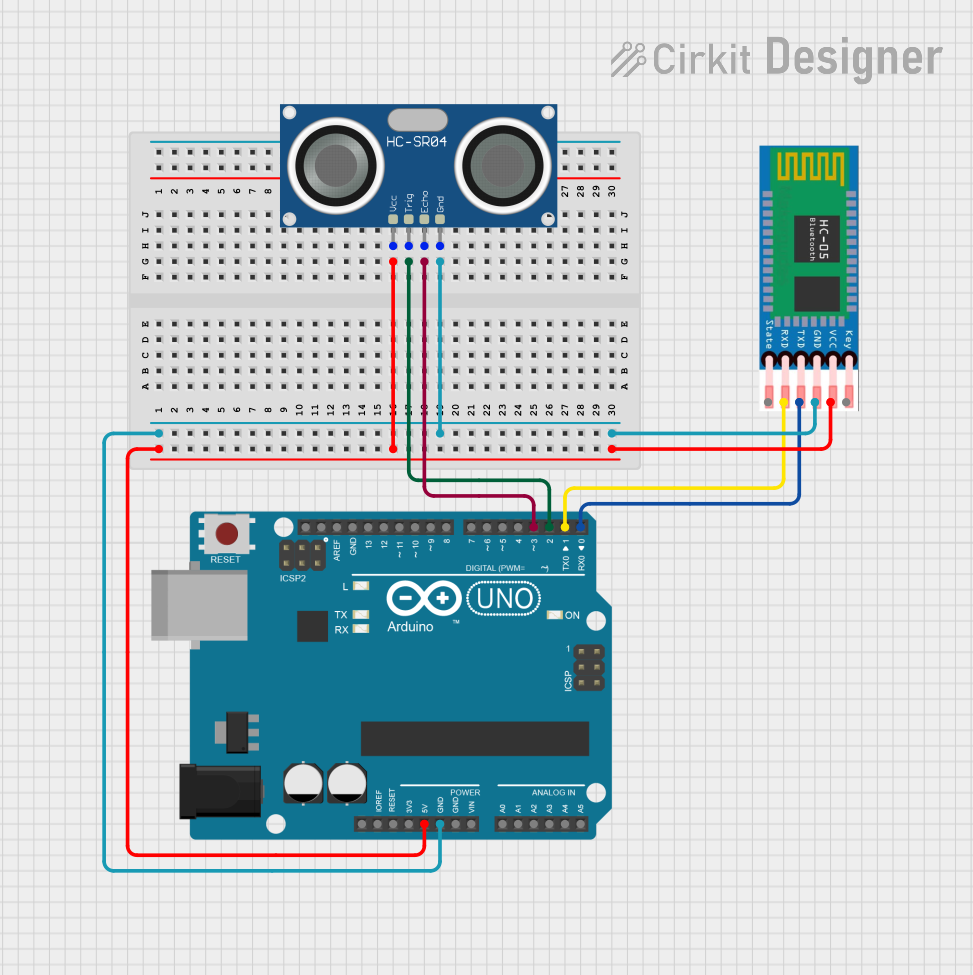 Open Project in Cirkit Designer
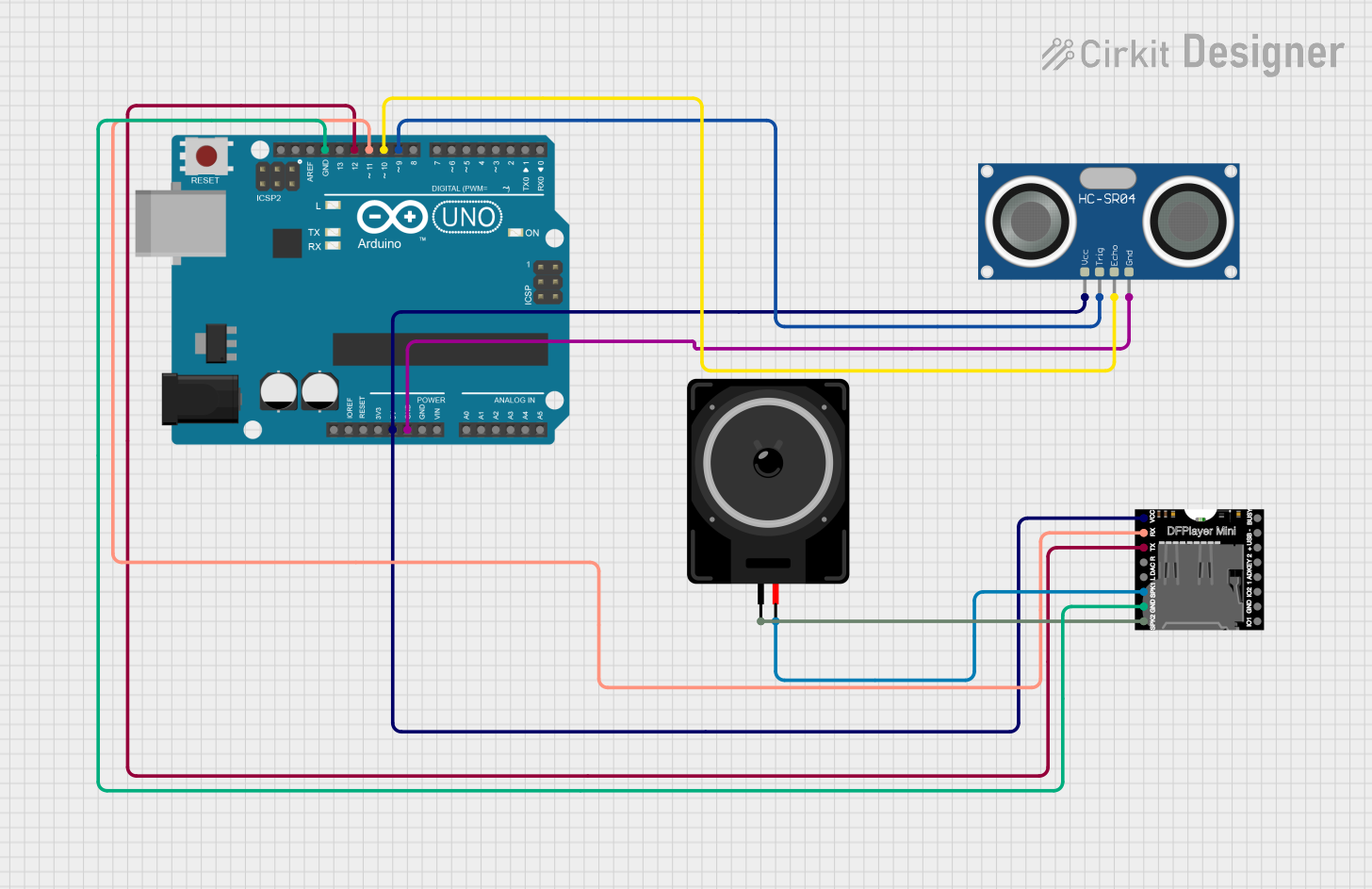 Open Project in Cirkit Designer
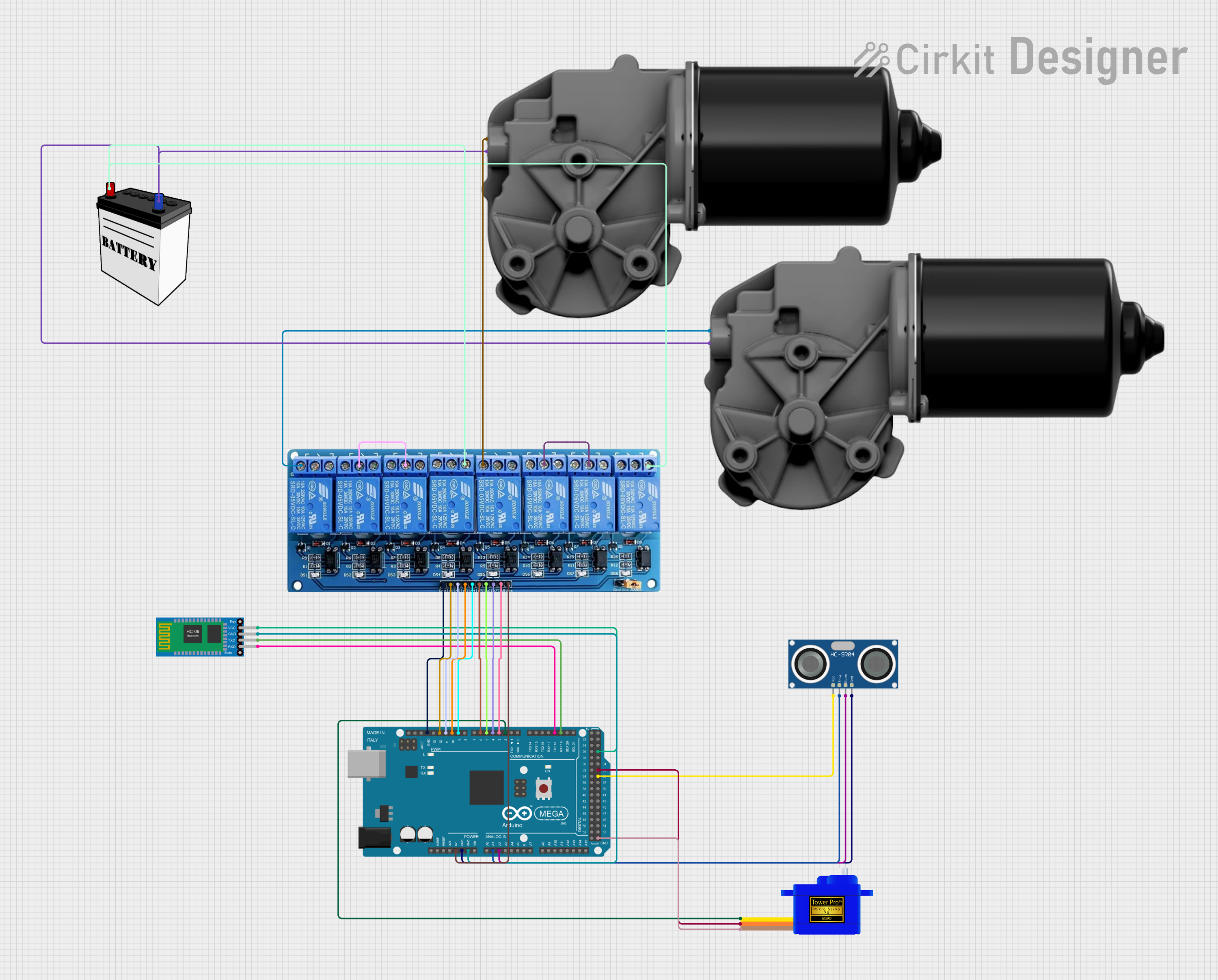 Open Project in Cirkit Designer
Explore Projects Built with Ultrasonic
Open Project in Cirkit DesignerOpen Project in Cirkit DesignerOpen Project in Cirkit DesignerOpen Project in Cirkit DesignerCommon Applications and Use Cases
- Obstacle detection in robotics
- Distance measurement in automation systems
- Liquid level sensing in tanks
- Parking assistance systems
- Proximity detection in security systems
Technical Specifications
The following table outlines the key technical details of the Ultrasonic Sensor:
| Parameter | Specification |
|---|---|
| Operating Voltage | 5V DC |
| Operating Current | < 15 mA |
| Measuring Range | 2 cm to 400 cm |
| Accuracy | ±3 mm |
| Operating Frequency | 40 kHz |
| Signal Output | Digital (Pulse Width Modulation) |
| Operating Temperature | -15°C to +70°C |
| Dimensions | 45 mm x 20 mm x 15 mm |
Pin Configuration and Descriptions
The Ultrasonic Sensor typically has four pins, as described in the table below:
| Pin | Name | Description |
|---|---|---|
| 1 | VCC | Power supply pin. Connect to 5V DC. |
| 2 | Trig | Trigger pin. Sends an ultrasonic pulse when a HIGH signal is applied. |
| 3 | Echo | Echo pin. Outputs a pulse width proportional to the distance of the detected object. |
| 4 | GND | Ground pin. Connect to the ground of the circuit. |
Usage Instructions
How to Use the Ultrasonic Sensor in a Circuit
- Power the Sensor: Connect the VCC pin to a 5V power source and the GND pin to the ground.
- Connect the Trigger Pin: Attach the Trig pin to a digital output pin of your microcontroller (e.g., Arduino UNO).
- Connect the Echo Pin: Attach the Echo pin to a digital input pin of your microcontroller.
- Write the Code: Use the Arduino IDE to write a program that sends a pulse to the Trig pin and reads the pulse width from the Echo pin to calculate the distance.
Important Considerations and Best Practices
- Ensure the sensor is mounted securely and aligned properly for accurate measurements.
- Avoid placing the sensor near objects that can cause unwanted reflections or interference.
- Use a resistor divider or level shifter if connecting the Echo pin to a microcontroller operating at 3.3V logic levels.
- Keep the sensor away from high-frequency noise sources to maintain measurement accuracy.
Example Code for Arduino UNO
Below is an example code snippet to use the Ultrasonic Sensor with an Arduino UNO:
// Define pins for the Ultrasonic Sensor
const int trigPin = 9; // Trigger pin connected to digital pin 9
const int echoPin = 10; // Echo pin connected to digital pin 10

void setup() {
  // Initialize serial communication for debugging
  Serial.begin(9600);

  // Set pin modes
  pinMode(trigPin, OUTPUT); // Trig pin as output
  pinMode(echoPin, INPUT);  // Echo pin as input
}

void loop() {
  // Send a 10-microsecond pulse to the Trig pin
  digitalWrite(trigPin, LOW);
  delayMicroseconds(2);
  digitalWrite(trigPin, HIGH);
  delayMicroseconds(10);
  digitalWrite(trigPin, LOW);

  // Measure the duration of the pulse on the Echo pin
  long duration = pulseIn(echoPin, HIGH);

  // Calculate the distance in centimeters
  long distance = duration * 0.034 / 2;

  // Print the distance to the Serial Monitor
  Serial.print("Distance: ");
  Serial.print(distance);
  Serial.println(" cm");

  // Wait for a short period before the next measurement
  delay(500);
}
Code Explanation
- The
trigPinsends a 10-microsecond pulse to trigger the ultrasonic wave. - The
echoPinmeasures the time it takes for the echo to return. - The distance is calculated using the formula:
[ \text{Distance (cm)} = \frac{\text{Duration (µs)} \times 0.034}{2} ] where 0.034 cm/µs is the speed of sound in air.
Troubleshooting and FAQs
Common Issues and Solutions
No Output or Incorrect Distance Readings:
- Ensure the sensor is powered correctly (5V to VCC and GND to ground).
- Verify the connections to the Trig and Echo pins.
- Check for obstacles or reflective surfaces causing interference.
Unstable or Fluctuating Readings:
- Use a capacitor (e.g., 100 µF) across the power supply pins to filter noise.
- Ensure the sensor is not exposed to strong air currents or vibrations.
Sensor Not Responding:
- Confirm the microcontroller's digital pins are functioning correctly.
- Test the sensor with a different microcontroller or power source.
FAQs
Q1: Can the Ultrasonic Sensor detect transparent objects?
A1: No, the sensor may struggle to detect transparent objects like glass due to poor sound wave reflection.
Q2: What is the maximum range of the sensor?
A2: The sensor can measure distances up to 400 cm, but accuracy decreases at longer ranges.
Q3: Can I use the sensor outdoors?
A3: Yes, but ensure it is protected from extreme weather conditions and direct sunlight, which can affect performance.
Q4: How do I improve measurement accuracy?
A4: Use a stable power supply, avoid interference, and ensure proper alignment of the sensor.