
How to Use Bluetooth Mate Silver: Examples, Pinouts, and Specs
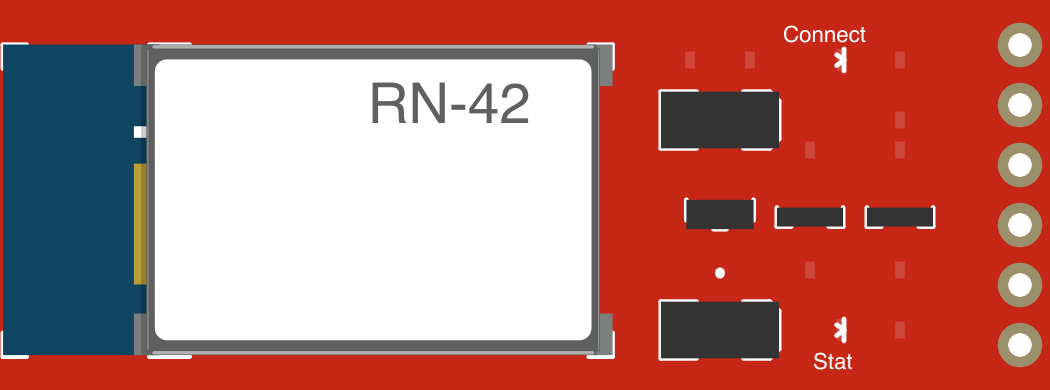
 Design with Bluetooth Mate Silver in Cirkit Designer
Introduction
The Bluetooth Mate Silver by SparkFun is a versatile Bluetooth module designed for seamless wireless communication between devices. Its compact design, low power consumption, and support for various protocols make it an excellent choice for integrating Bluetooth functionality into a wide range of projects. This module is particularly well-suited for applications requiring reliable short-range communication, such as IoT devices, robotics, and wireless data transfer.
Explore Projects Built with Bluetooth Mate Silver
 Open Project in Cirkit Designer
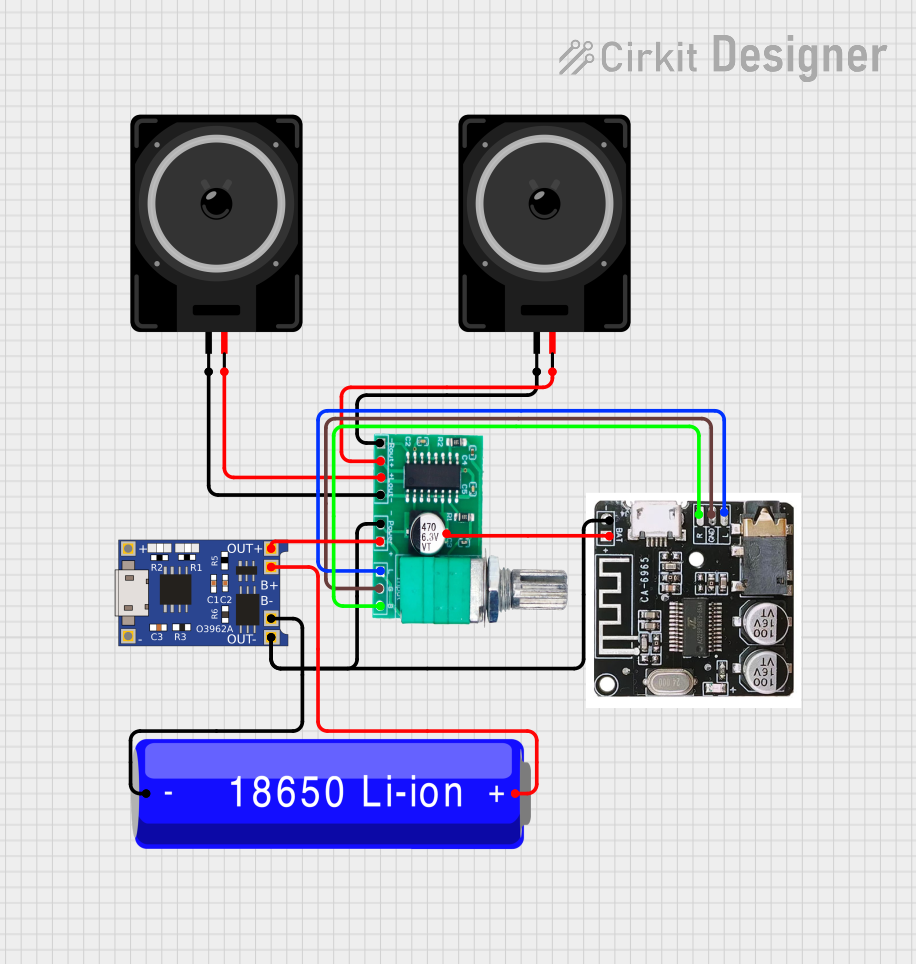 Open Project in Cirkit Designer
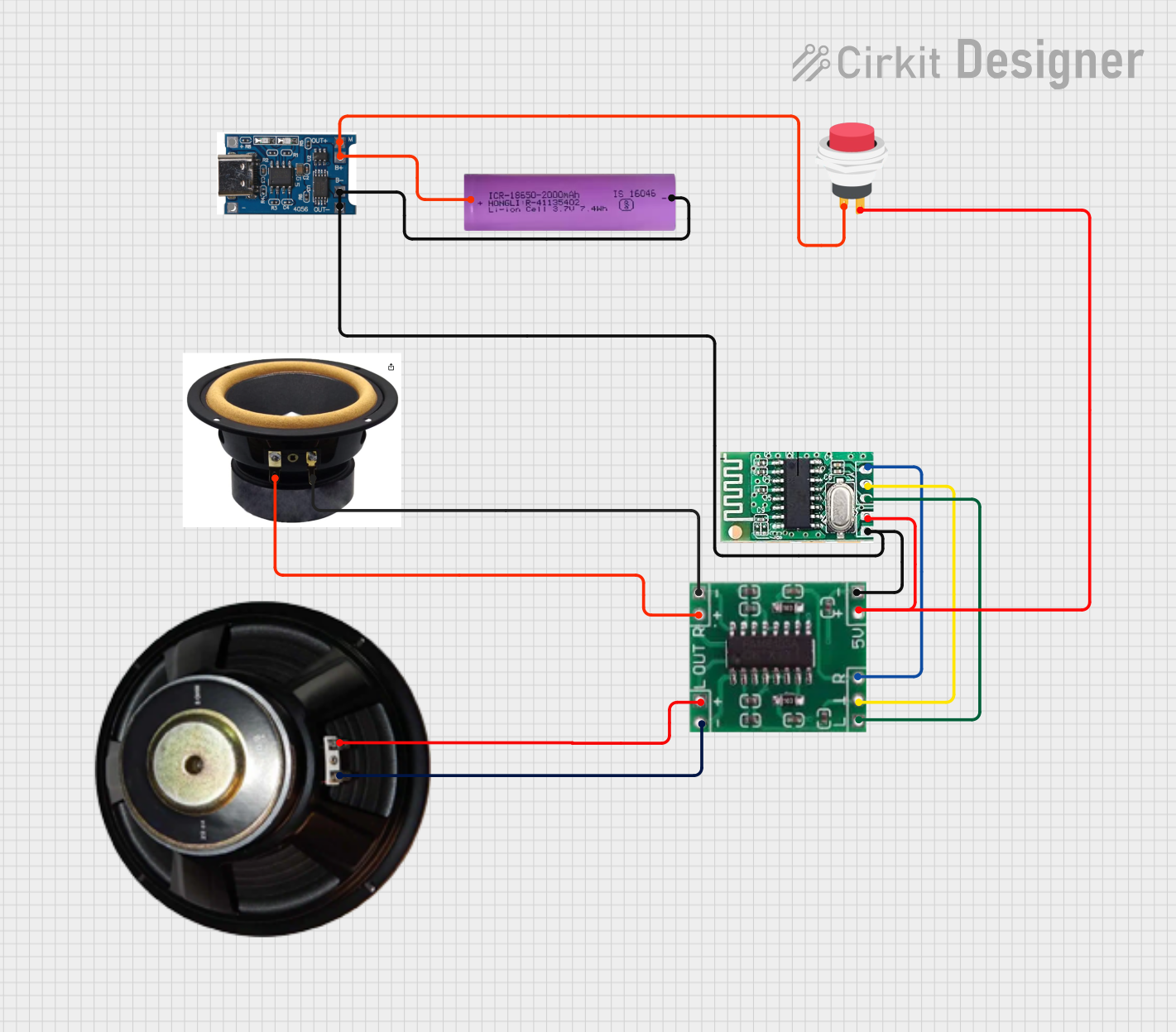 Open Project in Cirkit Designer
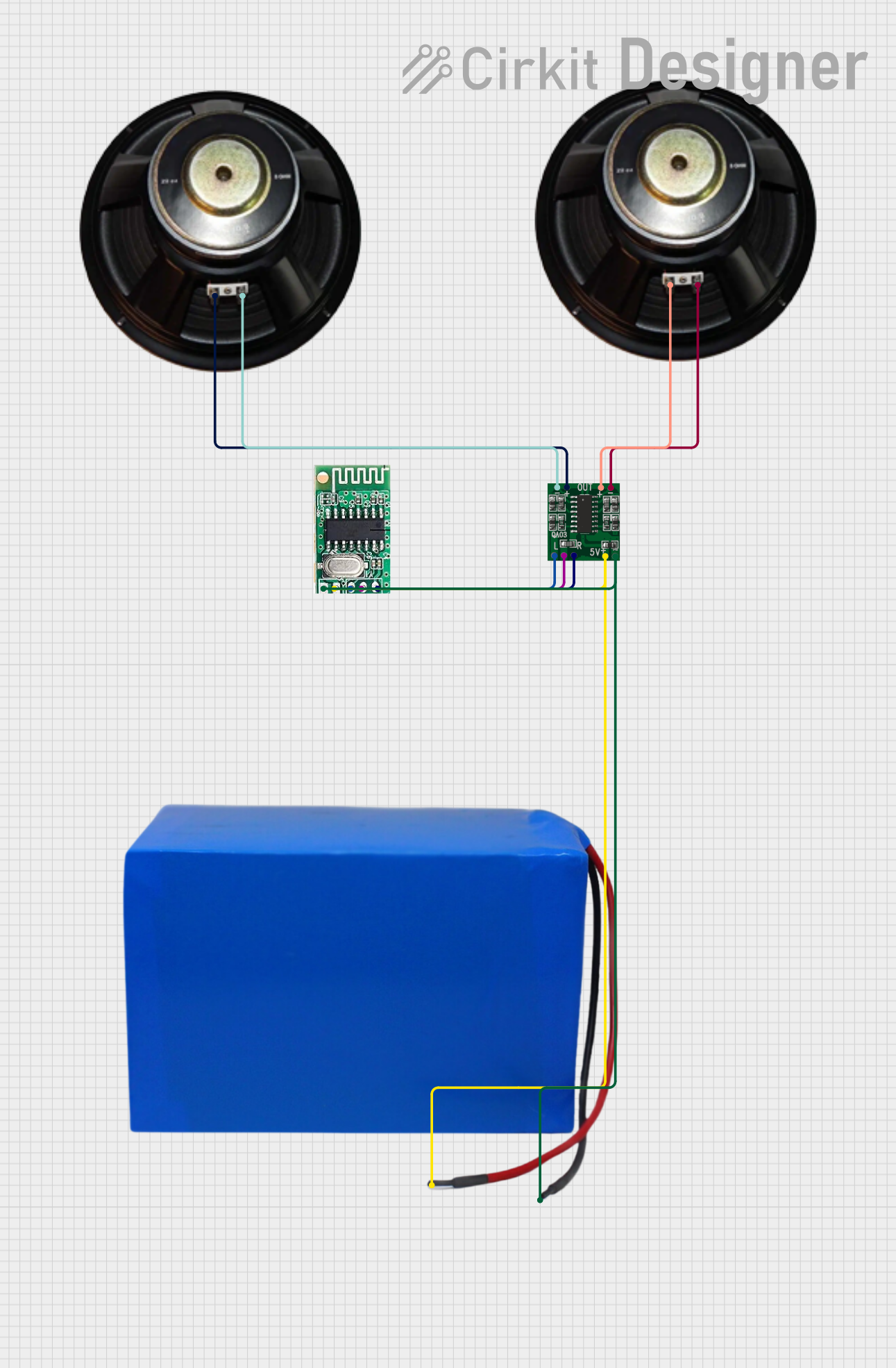 Open Project in Cirkit Designer
Explore Projects Built with Bluetooth Mate Silver
Open Project in Cirkit DesignerOpen Project in Cirkit DesignerOpen Project in Cirkit DesignerOpen Project in Cirkit DesignerCommon Applications
- Wireless communication between microcontrollers and devices
- IoT (Internet of Things) applications
- Robotics and remote control systems
- Wireless data logging and monitoring
- Serial communication replacement for wired connections
Technical Specifications
Below are the key technical details and pin configuration for the Bluetooth Mate Silver:
Key Technical Details
| Parameter | Specification |
|---|---|
| Bluetooth Version | Bluetooth 2.0 + EDR |
| Operating Voltage | 3.3V to 6V |
| Current Consumption | 25mA (active), 2mA (idle) |
| Communication Protocol | UART (Serial) |
| Baud Rate (Default) | 115200 bps |
| Range | Up to 10 meters (line of sight) |
| Dimensions | 43mm x 16mm x 5mm |
| Operating Temperature | -40°C to +85°C |
Pin Configuration
The Bluetooth Mate Silver has a total of 6 pins. Below is the pinout and description:
| Pin Name | Pin Number | Description |
|---|---|---|
| GND | 1 | Ground connection |
| VCC | 2 | Power supply input (3.3V to 6V) |
| TX-0 | 3 | Transmit data (UART output, connect to RX of microcontroller) |
| RX-1 | 4 | Receive data (UART input, connect to TX of microcontroller) |
| RTS | 5 | Request to Send (used for hardware flow control, optional) |
| CTS | 6 | Clear to Send (used for hardware flow control, optional) |
Usage Instructions
How to Use the Bluetooth Mate Silver in a Circuit
- Powering the Module: Connect the
VCCpin to a 3.3V to 6V power source and theGNDpin to ground. - Serial Communication: Connect the
TX-0pin of the module to theRXpin of your microcontroller, and theRX-1pin of the module to theTXpin of your microcontroller. - Optional Flow Control: If hardware flow control is required, connect the
RTSandCTSpins to the corresponding pins on your microcontroller. - Pairing: The module will appear as a Bluetooth device on your computer or smartphone. The default pairing code is typically
1234or0000. - Communication: Use a serial terminal or microcontroller code to send and receive data wirelessly.
Important Considerations and Best Practices
- Voltage Levels: Ensure that the
RX-1pin does not receive signals higher than 3.3V. Use a voltage divider or level shifter if your microcontroller operates at 5V logic. - Antenna Placement: Avoid placing the module near metal objects or other RF sources to ensure optimal signal strength.
- Baud Rate: The default baud rate is 115200 bps. If needed, you can change it using AT commands.
- Power Supply: Use a stable power source to avoid communication issues caused by voltage fluctuations.
Example: Connecting to an Arduino UNO
Below is an example of how to connect the Bluetooth Mate Silver to an Arduino UNO and send data wirelessly.
Wiring Diagram
| Bluetooth Mate Silver Pin | Arduino UNO Pin |
|---|---|
| VCC | 5V |
| GND | GND |
| TX-0 | D0 (RX) |
| RX-1 | D1 (TX) |
Arduino Code
// Example code to send and receive data using Bluetooth Mate Silver
// Ensure the Bluetooth module is properly connected to the Arduino UNO

void setup() {
  Serial.begin(115200); // Initialize serial communication at 115200 bps
  Serial.println("Bluetooth Mate Silver is ready!");
  // Send an initial message to confirm setup
}

void loop() {
  // Check if data is available from the Bluetooth module
  if (Serial.available()) {
    char receivedChar = Serial.read(); // Read the incoming data
    Serial.print("Received: ");
    Serial.println(receivedChar); // Print the received data
  }

  // Send data to the Bluetooth module
  Serial.println("Hello from Arduino!");
  delay(1000); // Wait for 1 second before sending the next message
}
Troubleshooting and FAQs
Common Issues and Solutions
Module Not Pairing
- Cause: Incorrect pairing code or module not powered properly.
- Solution: Ensure the module is powered and visible. Use the default pairing code (
1234or0000).
No Data Transmission
- Cause: Incorrect wiring or mismatched baud rate.
- Solution: Verify the
TXandRXconnections. Ensure the baud rate matches the module's default (115200 bps).
Intermittent Connection
- Cause: Poor power supply or interference.
- Solution: Use a stable power source and avoid placing the module near RF sources or metal objects.
AT Commands Not Working
- Cause: Incorrect baud rate or module not in command mode.
- Solution: Ensure the module is in command mode and the baud rate is set correctly.
FAQs
Q1: Can the Bluetooth Mate Silver work with 5V logic?
A1: The module operates at 3.3V logic. Use a level shifter or voltage divider for 5V systems.
Q2: What is the maximum range of the module?
A2: The module has a range of up to 10 meters in line-of-sight conditions.
Q3: How do I change the baud rate?
A3: Use AT commands to configure the baud rate. Refer to the module's datasheet for detailed instructions.
Q4: Can I use this module with a smartphone?
A4: Yes, the module can pair with smartphones for wireless communication using apps that support Bluetooth serial communication.