
How to Use huskylens v1: Examples, Pinouts, and Specs
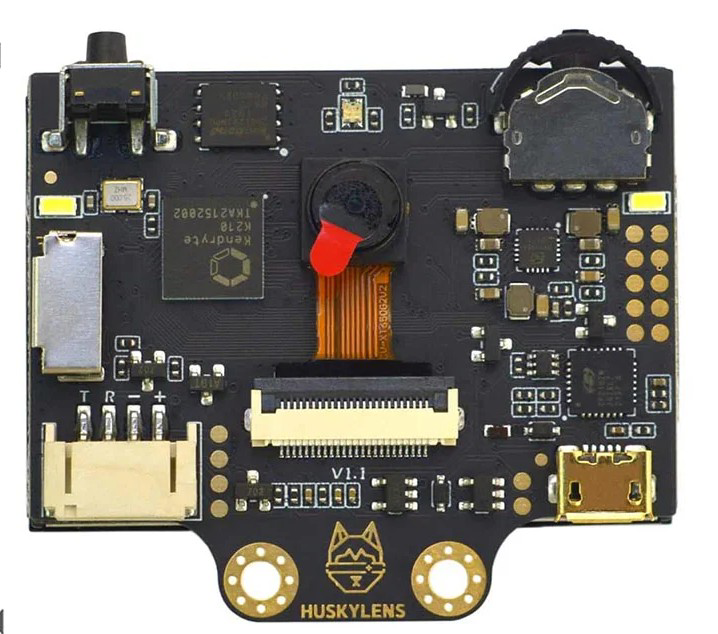
 Design with huskylens v1 in Cirkit Designer
Introduction
HuskyLens V1, manufactured by Husky, is an AI-powered camera module designed for object, face, and color recognition and tracking. It leverages advanced machine learning algorithms to provide real-time visual recognition capabilities. With its intuitive interface and versatile functionality, HuskyLens V1 is ideal for robotics, automation, and interactive applications. Its compact design and ease of integration make it a popular choice for hobbyists, educators, and professionals alike.
Explore Projects Built with huskylens v1
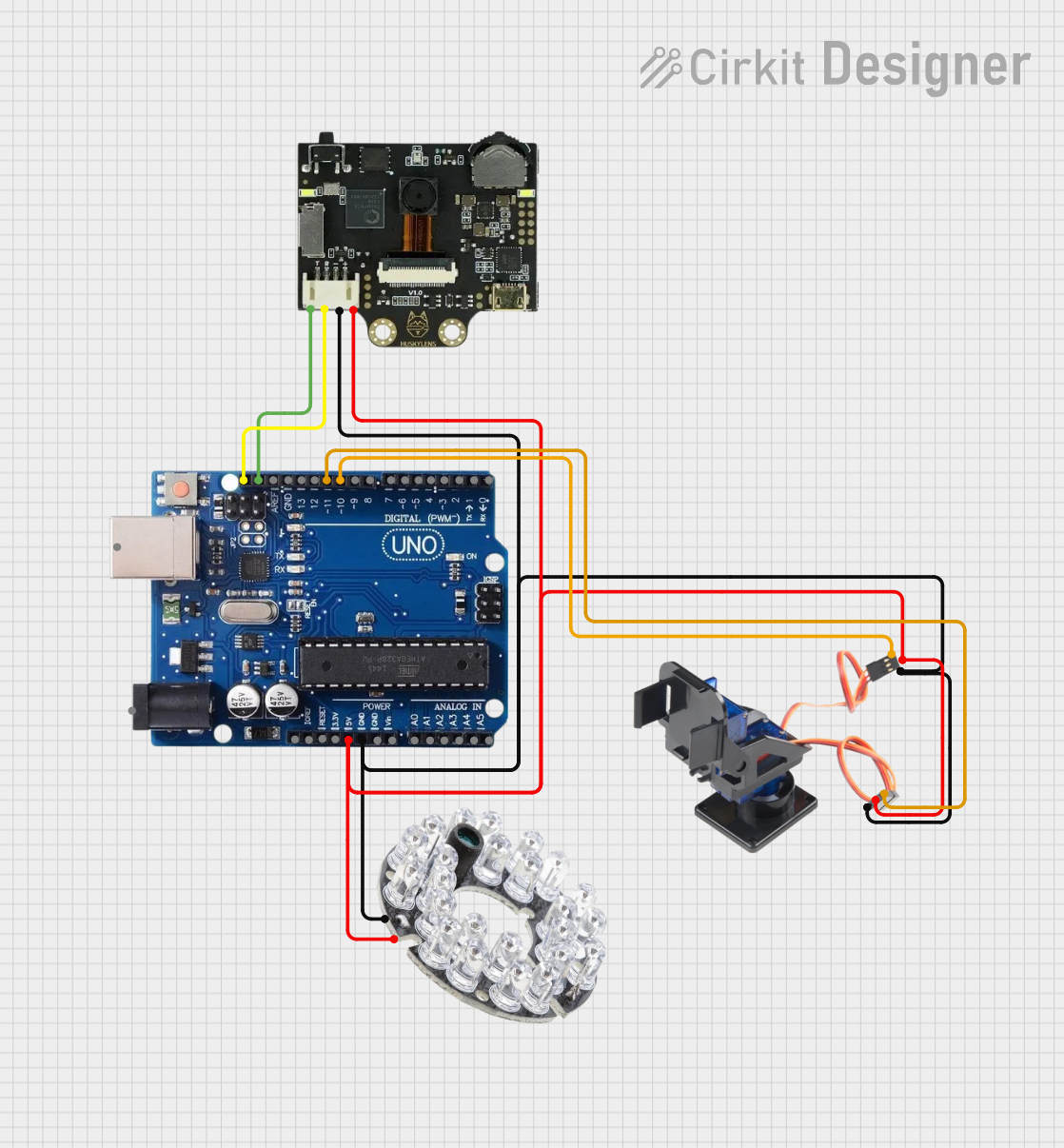 Open Project in Cirkit Designer
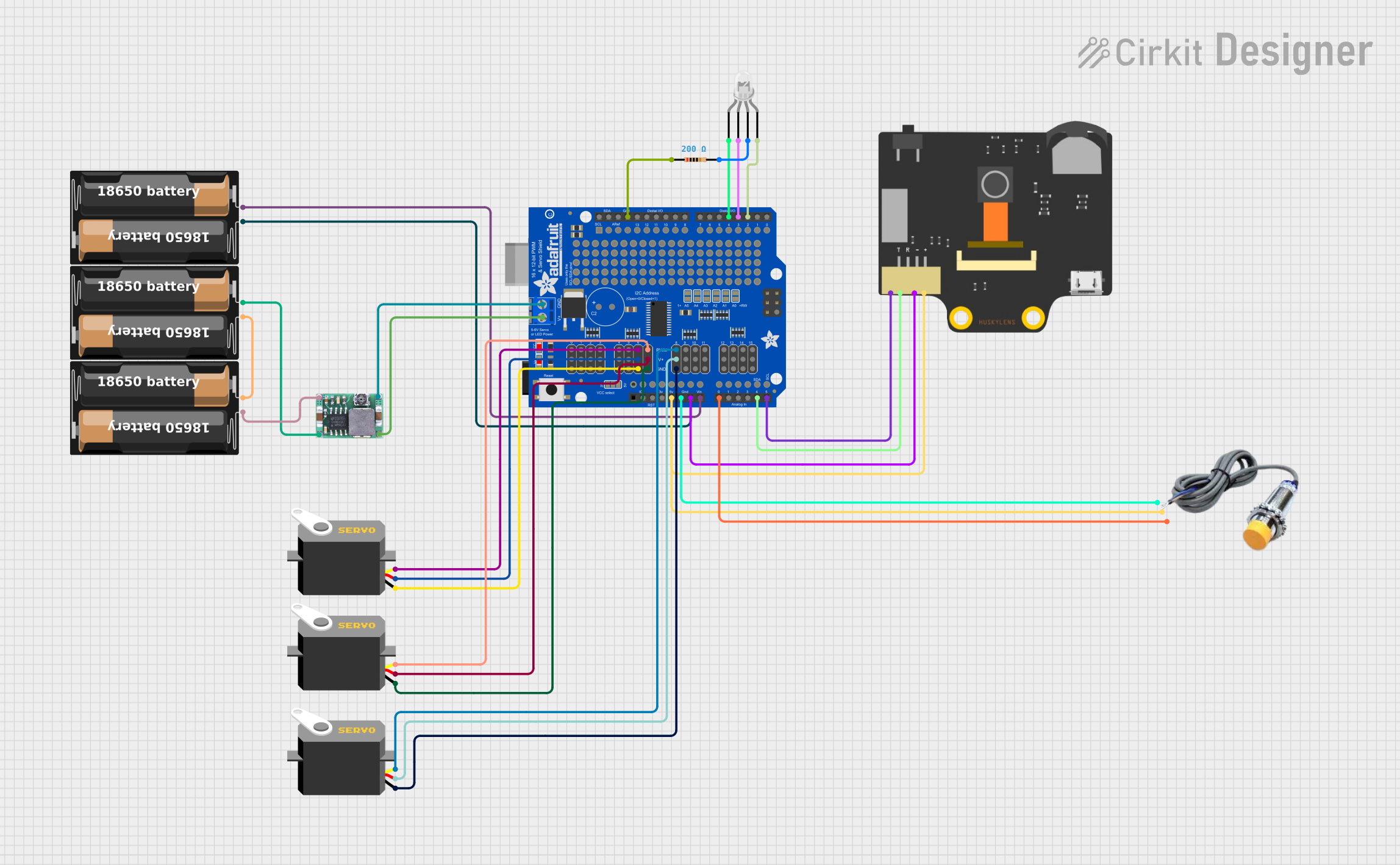 Open Project in Cirkit Designer
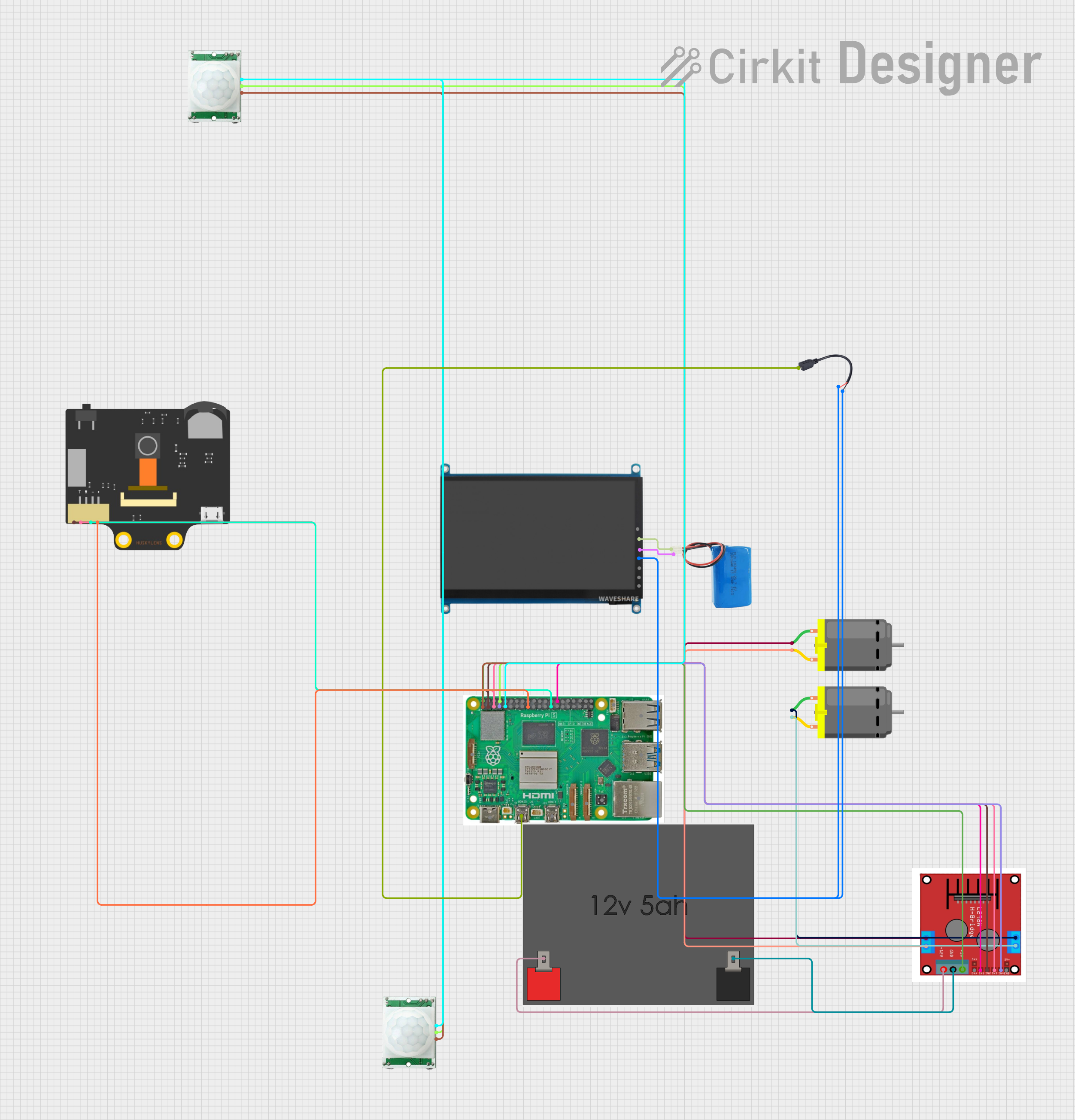 Open Project in Cirkit Designer
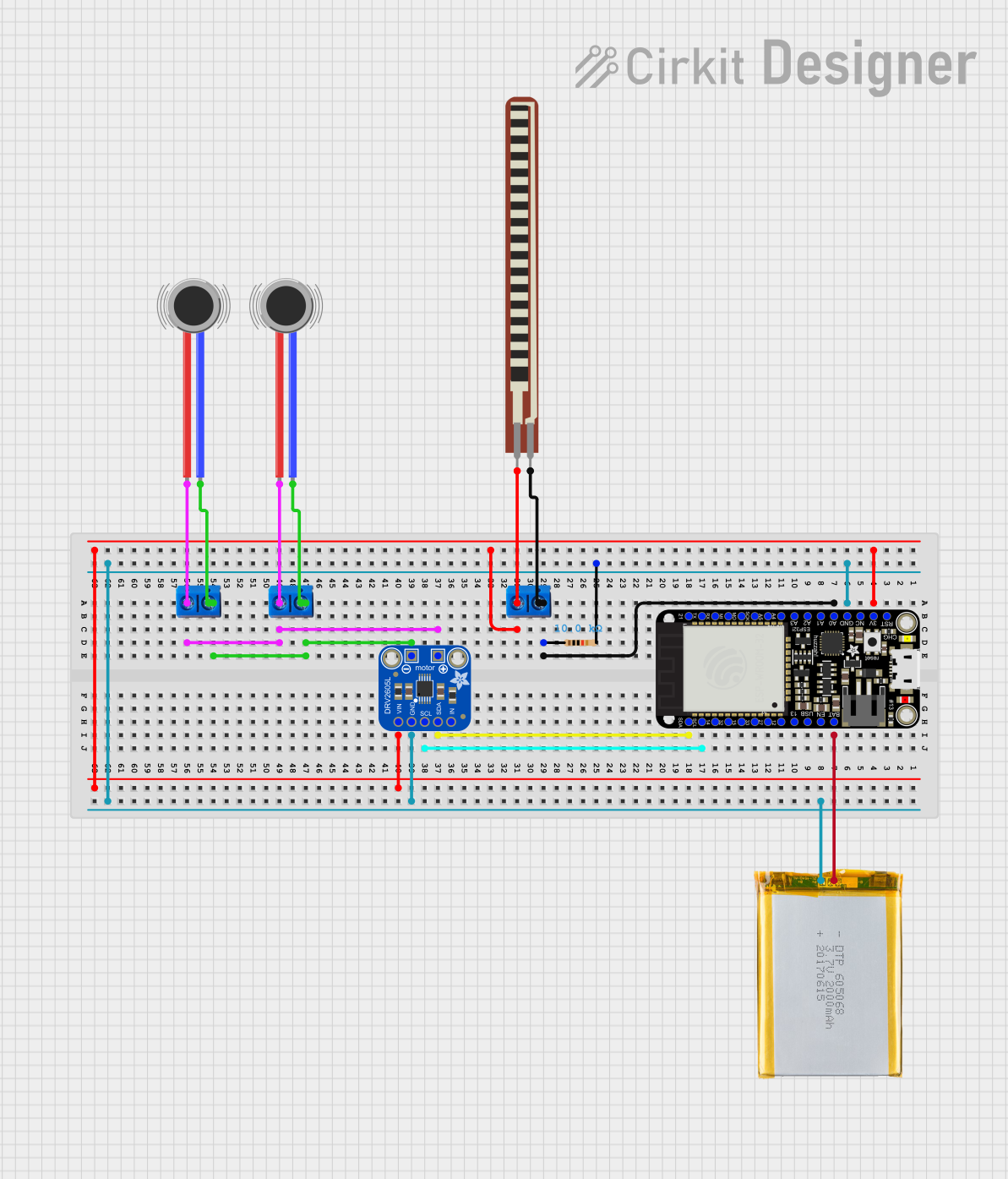 Open Project in Cirkit Designer
Explore Projects Built with huskylens v1
Open Project in Cirkit DesignerOpen Project in Cirkit DesignerOpen Project in Cirkit DesignerOpen Project in Cirkit DesignerCommon Applications
- Robotics: Object and face tracking for autonomous navigation.
- Automation: Color recognition for sorting and quality control.
- Interactive Projects: Gesture-based controls and interactive displays.
- Education: Teaching AI and computer vision concepts.
Technical Specifications
Below are the key technical details of the HuskyLens V1:
| Specification | Details |
|---|---|
| Manufacturer | Husky |
| Part ID | V1 |
| Power Supply Voltage | 3.3V to 5V |
| Communication Interfaces | UART, I2C |
| Image Sensor | OV2640 (2MP) |
| Display | 2-inch IPS screen (320x240 resolution) |
| Recognition Capabilities | Object, face, color, tag (QR code), line, and object classification |
| Frame Rate | Up to 30 FPS |
| Dimensions | 52mm x 44mm x 20mm |
| Weight | 30g |
Pin Configuration
The HuskyLens V1 module has a 4-pin interface for communication and power. The pin configuration is as follows:
| Pin | Name | Description |
|---|---|---|
| 1 | VCC | Power input (3.3V to 5V) |
| 2 | GND | Ground |
| 3 | TX | UART Transmit (data output) |
| 4 | RX | UART Receive (data input) |
Usage Instructions
Connecting HuskyLens V1 to an Arduino UNO
To use HuskyLens V1 with an Arduino UNO, follow these steps:
Wiring:
- Connect the
VCCpin of HuskyLens to the5Vpin on the Arduino UNO. - Connect the
GNDpin of HuskyLens to theGNDpin on the Arduino UNO. - Connect the
TXpin of HuskyLens to theRXpin (pin 0) on the Arduino UNO. - Connect the
RXpin of HuskyLens to theTXpin (pin 1) on the Arduino UNO.
- Connect the
Install Libraries:
- Download and install the HuskyLens Arduino library from the official HuskyLens GitHub repository or Arduino IDE Library Manager.
Upload Code: Use the following example code to test the connection and functionality of HuskyLens V1:
#include "HUSKYLENS.h" // Include the HuskyLens library

HUSKYLENS huskylens; // Create a HuskyLens object

void setup() {
  Serial.begin(9600); // Initialize serial communication
  while (!Serial);    // Wait for the serial monitor to open

  // Initialize HuskyLens with I2C communication
  if (!huskylens.begin(Wire)) {
    Serial.println("HuskyLens initialization failed!");
    while (1); // Halt if initialization fails
  }

  Serial.println("HuskyLens initialized successfully!");
}

void loop() {
  if (huskylens.request()) { // Request data from HuskyLens
    if (huskylens.isLearned()) { // Check if HuskyLens has learned an object
      Serial.println("Object detected!");
    } else {
      Serial.println("No object detected.");
    }
  } else {
    Serial.println("Failed to communicate with HuskyLens.");
  }

  delay(500); // Wait for 500ms before the next request
}
Important Considerations
- Power Supply: Ensure a stable power supply (3.3V to 5V) to avoid performance issues.
- Communication Mode: HuskyLens supports both UART and I2C. Configure the mode based on your project requirements.
- Learning Mode: Use the onboard buttons or serial commands to teach HuskyLens objects, faces, or colors to recognize.
- Mounting: Secure the module to avoid vibrations or misalignment, which can affect recognition accuracy.
Troubleshooting and FAQs
Common Issues and Solutions
| Issue | Solution |
|---|---|
| HuskyLens does not power on | Check the power connections and ensure the correct voltage (3.3V to 5V). |
| No data received from HuskyLens | Verify the UART or I2C connections and ensure the correct baud rate is set. |
| Recognition accuracy is low | Ensure proper lighting and avoid reflective or cluttered backgrounds. |
| HuskyLens fails to learn objects | Ensure the object is within the camera's field of view and is well-lit. |
| Arduino code fails to compile | Ensure the HuskyLens library is installed and included in your project. |
FAQs
Can HuskyLens V1 recognize multiple objects simultaneously?
- Yes, HuskyLens can recognize and track multiple objects, depending on the mode.
What is the maximum recognition distance?
- The recognition distance depends on the object size and lighting but typically ranges from 0.5m to 2m.
Can I use HuskyLens with Raspberry Pi?
- Yes, HuskyLens supports UART and I2C communication, making it compatible with Raspberry Pi.
How do I reset HuskyLens to factory settings?
- Use the onboard buttons to access the settings menu and select the reset option.
Does HuskyLens support custom AI models?
- No, HuskyLens uses pre-trained models for its recognition capabilities and does not support custom models.
By following this documentation, you can effectively integrate and utilize HuskyLens V1 in your projects.