
How to Use CAPSENSE_PAD: Examples, Pinouts, and Specs
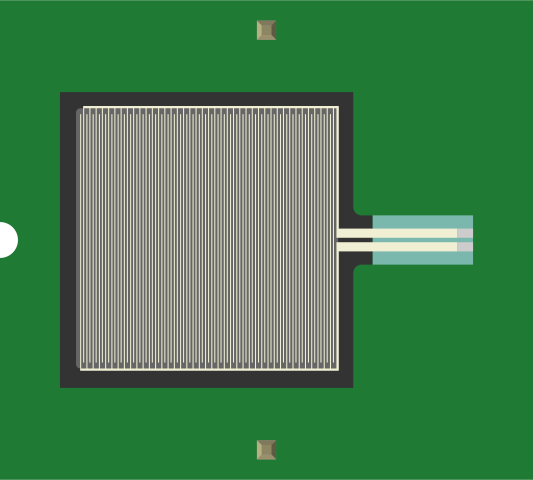
 Design with CAPSENSE_PAD in Cirkit Designer
Introduction
The CAPSENSE_PAD is a capacitive sensing pad designed to detect touch or proximity by measuring changes in capacitance. When a conductive object, such as a human finger, approaches or touches the surface of the pad, the capacitance changes, allowing the pad to register the interaction. This component is widely used in touch-sensitive interfaces, proximity sensors, and interactive devices.
Explore Projects Built with CAPSENSE_PAD
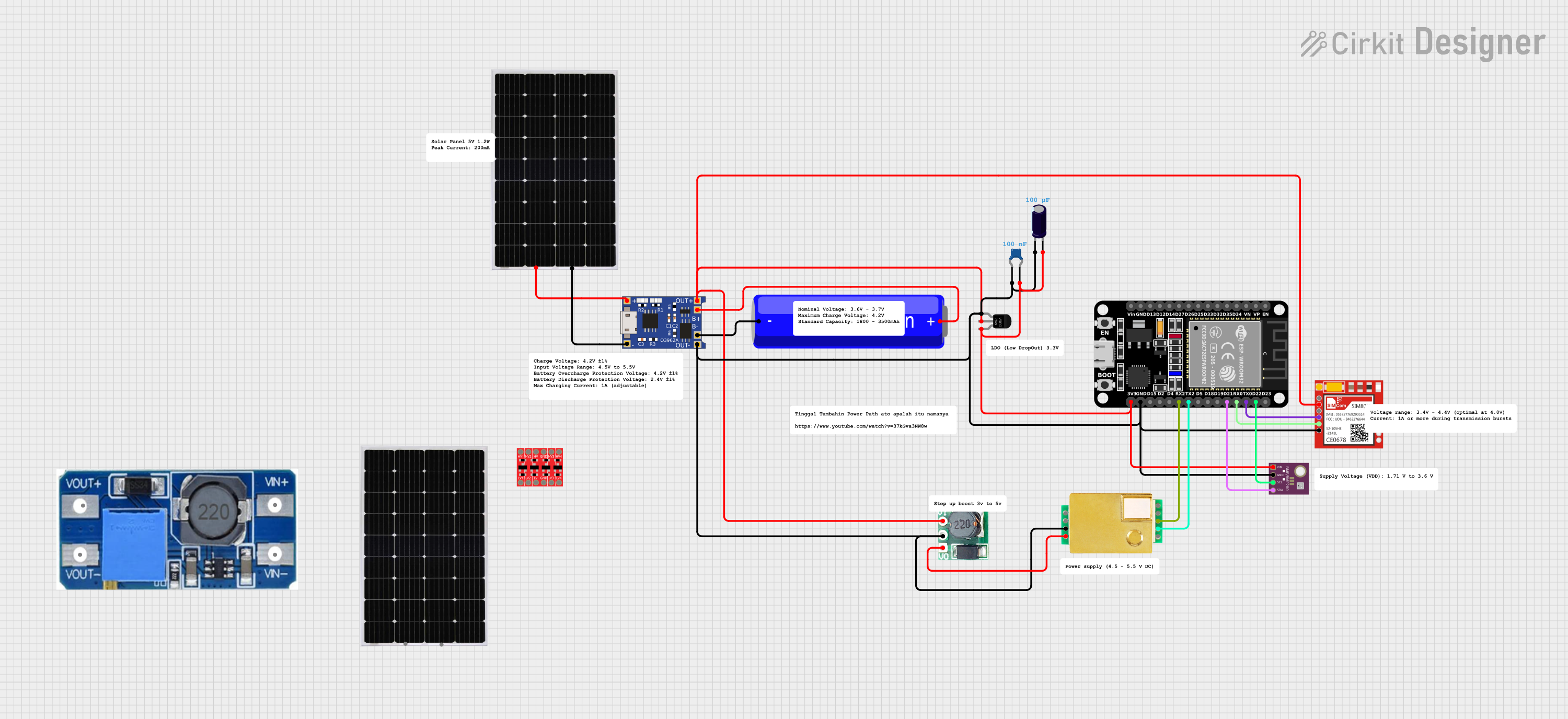 Open Project in Cirkit Designer
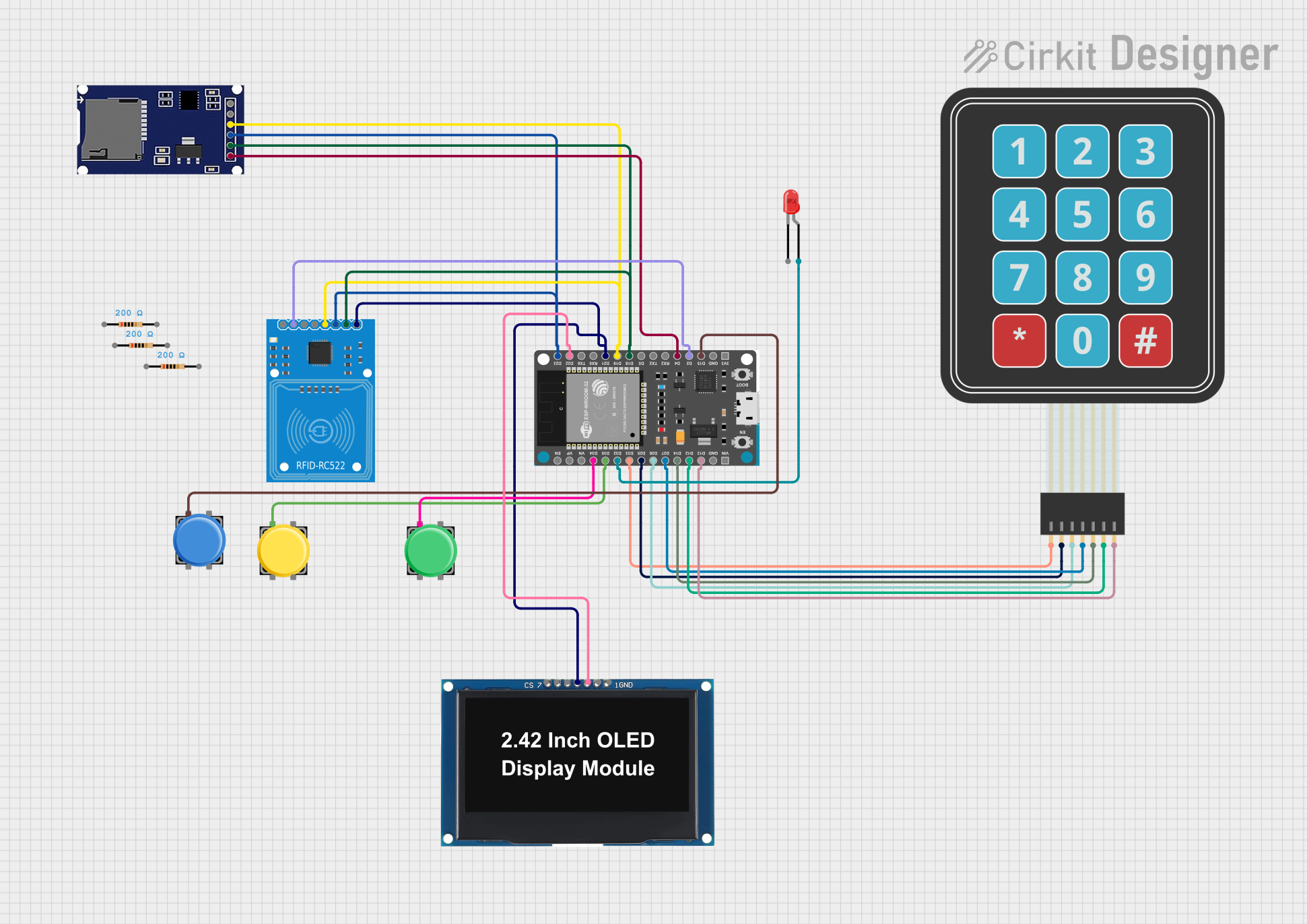 Open Project in Cirkit Designer
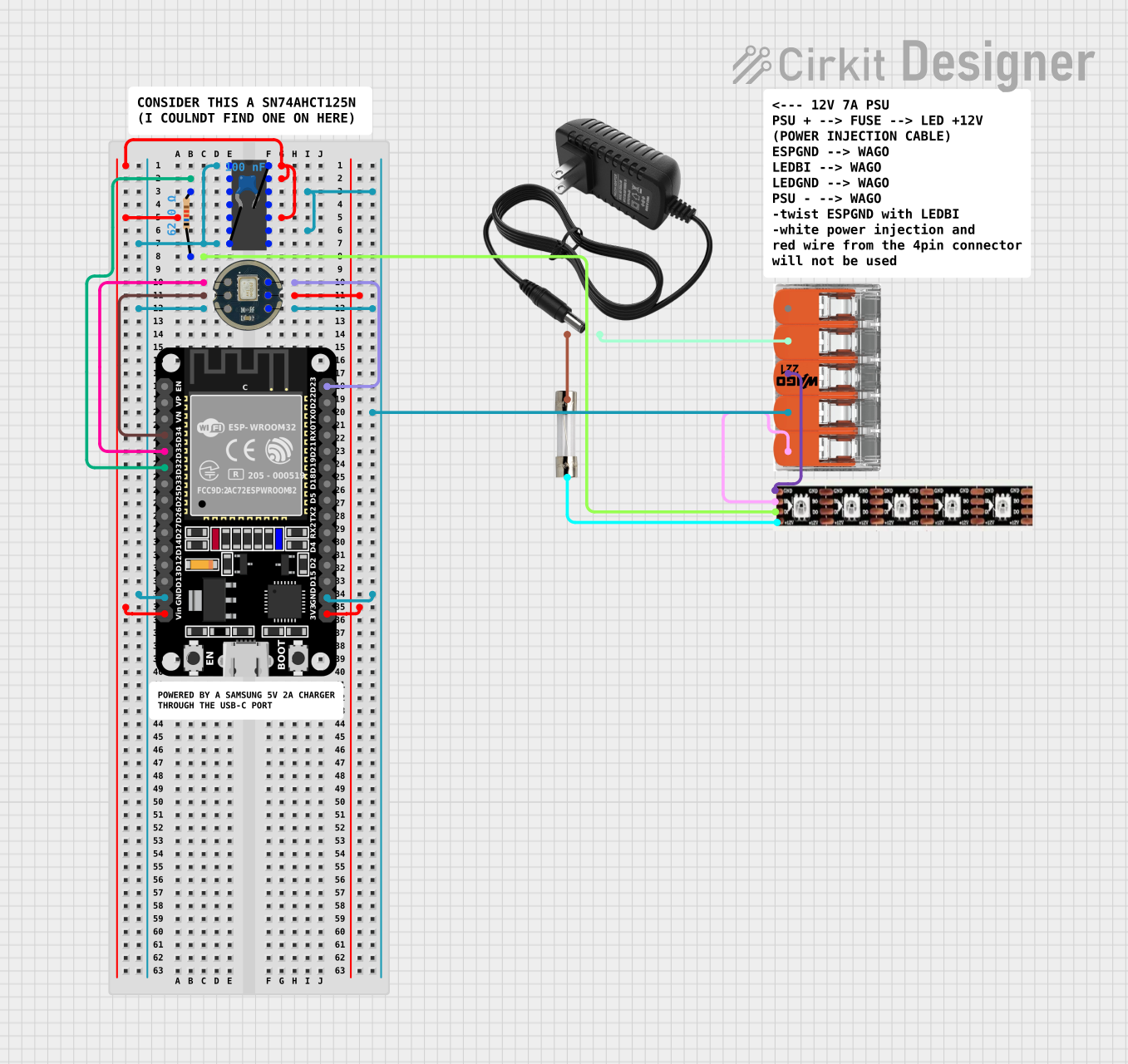 Open Project in Cirkit Designer
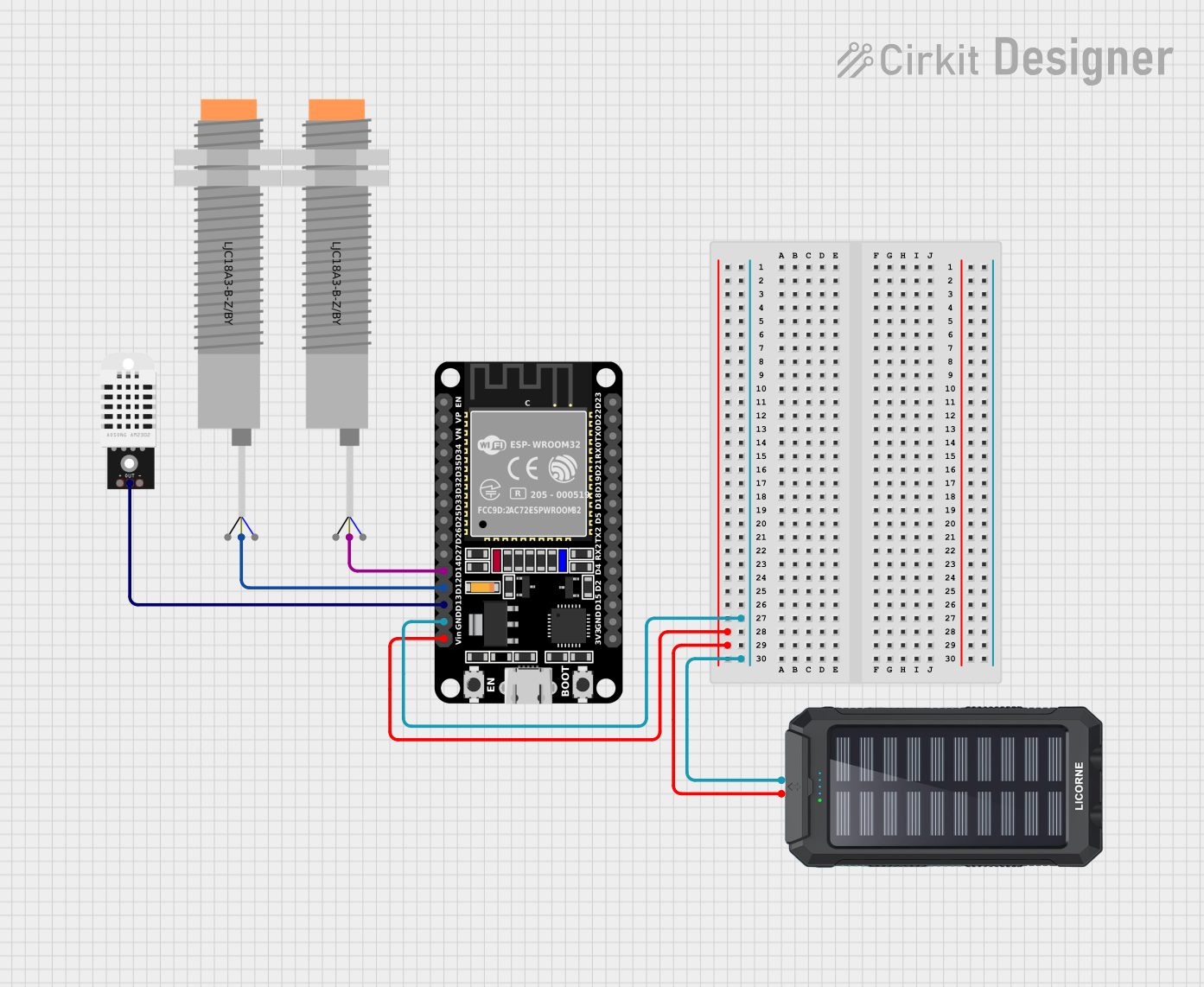 Open Project in Cirkit Designer
Explore Projects Built with CAPSENSE_PAD
Open Project in Cirkit DesignerOpen Project in Cirkit DesignerOpen Project in Cirkit DesignerOpen Project in Cirkit DesignerCommon Applications and Use Cases
- Touch-sensitive buttons for consumer electronics
- Proximity detection in smart home devices
- Interactive displays and control panels
- Wearable technology for gesture recognition
- Capacitive touch keyboards and sliders
Technical Specifications
The CAPSENSE_PAD is a passive component that requires an external circuit or microcontroller to measure capacitance changes. Below are the key technical details:
Key Specifications
| Parameter | Value/Range |
|---|---|
| Operating Voltage | 1.8V to 5.5V |
| Capacitance Range | 1pF to 50pF (typical) |
| Response Time | <10ms (depending on circuit) |
| Operating Temperature | -40°C to +85°C |
| Dimensions | Varies (customizable) |
| Material | Conductive surface (e.g., ITO, copper) |
Pin Configuration and Descriptions
The CAPSENSE_PAD itself does not have pins but is typically connected to a capacitive sensing circuit or microcontroller. Below is an example of a typical connection setup:
| Pin Name | Description |
|---|---|
| Signal (SIG) | Connects to the capacitive sensing input of a microcontroller or IC. |
| Ground (GND) | Connects to the ground of the circuit to complete the electrical connection. |
| Shield (optional) | Optional shielding layer to reduce noise and improve sensitivity. |
Usage Instructions
The CAPSENSE_PAD is straightforward to use but requires proper integration with a capacitive sensing circuit or microcontroller. Below are the steps and considerations for using the component:
How to Use the CAPSENSE_PAD in a Circuit
- Connect the Signal Pin: Attach the signal pin of the CAPSENSE_PAD to the capacitive sensing input of a microcontroller or dedicated IC (e.g., a touch sensor IC like TTP223).
- Ground Connection: Ensure the GND pin of the pad is connected to the circuit's ground.
- Optional Shielding: If noise is a concern, use a shielding layer connected to ground to improve performance.
- Microcontroller Setup: Configure the microcontroller to measure capacitance changes. Many microcontrollers, such as the Arduino UNO, have libraries to simplify this process.
Important Considerations and Best Practices
- Avoid Noise Interference: Place the CAPSENSE_PAD away from high-frequency components or power lines to reduce noise.
- Use Proper Pull-Up/Down Resistors: Depending on the circuit, you may need pull-up or pull-down resistors to stabilize the signal.
- Calibration: Implement a calibration routine in your software to account for environmental changes (e.g., temperature, humidity).
- Sensitivity Adjustment: Adjust the sensitivity in software to avoid false triggers or missed touches.
Example: Using CAPSENSE_PAD with Arduino UNO
Below is an example of how to use the CAPSENSE_PAD with an Arduino UNO using the CapacitiveSensor library:
#include <CapacitiveSensor.h>

// Create a CapacitiveSensor object. Connect the send pin to pin 4 and the receive pin to pin 2.
CapacitiveSensor capSensor = CapacitiveSensor(4, 2);

void setup() {
  Serial.begin(9600); // Initialize serial communication at 9600 baud rate
  Serial.println("CAPSENSE_PAD Test Initialized");
}

void loop() {
  long sensorValue = capSensor.capacitiveSensor(30);
  // Measure capacitance with a timeout of 30ms

  Serial.print("Capacitance Value: ");
  Serial.println(sensorValue); // Print the measured capacitance value

  if (sensorValue > 1000) {
    // Adjust threshold based on your application
    Serial.println("Touch Detected!");
  }

  delay(100); // Add a small delay to avoid flooding the serial monitor
}
Notes on the Code
- The
CapacitiveSensorlibrary can be installed via the Arduino Library Manager. - Adjust the threshold value (
1000in the example) based on your specific application and environment.
Troubleshooting and FAQs
Common Issues and Solutions
No Response from the CAPSENSE_PAD
- Cause: Improper connection or insufficient sensitivity.
- Solution: Verify all connections, ensure the signal pin is connected to the correct input, and adjust the sensitivity in software.
False Triggers
- Cause: Electrical noise or environmental interference.
- Solution: Add a shielding layer, use proper grounding, and implement software filtering.
Inconsistent Readings
- Cause: Environmental factors such as temperature or humidity changes.
- Solution: Use a calibration routine to adapt to environmental changes.
Slow Response Time
- Cause: High capacitance or improper circuit configuration.
- Solution: Reduce the timeout value in the software or optimize the circuit design.
FAQs
Q: Can the CAPSENSE_PAD detect proximity without physical touch?
A: Yes, the CAPSENSE_PAD can detect proximity by measuring changes in capacitance caused by a nearby conductive object.
Q: How do I increase the sensitivity of the CAPSENSE_PAD?
A: Sensitivity can be increased by adjusting the software threshold, reducing noise, or increasing the size of the pad.
Q: Can I use multiple CAPSENSE_PADs in a single circuit?
A: Yes, multiple pads can be used, but each requires a separate sensing input or multiplexing to avoid interference.
Q: What materials can be used for the pad surface?
A: Common materials include indium tin oxide (ITO), copper, or any conductive material with a flat surface.
By following this documentation, you can effectively integrate the CAPSENSE_PAD into your projects and troubleshoot common issues.