
How to Use Carbon: Examples, Pinouts, and Specs
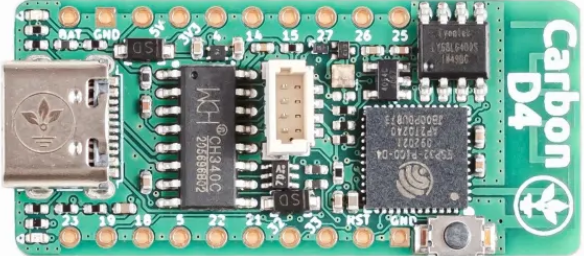
 Design with Carbon in Cirkit Designer
Introduction
Carbon, a non-metal element, is widely used in electronics due to its excellent conductive and resistive properties. Manufactured by Arduino under the part ID D4, this versatile material is commonly found in the form of carbon black, graphite, or carbon film. It is used in resistors, brushes for electric motors, electrodes, and even as a conductive filler in composite materials.
Explore Projects Built with Carbon
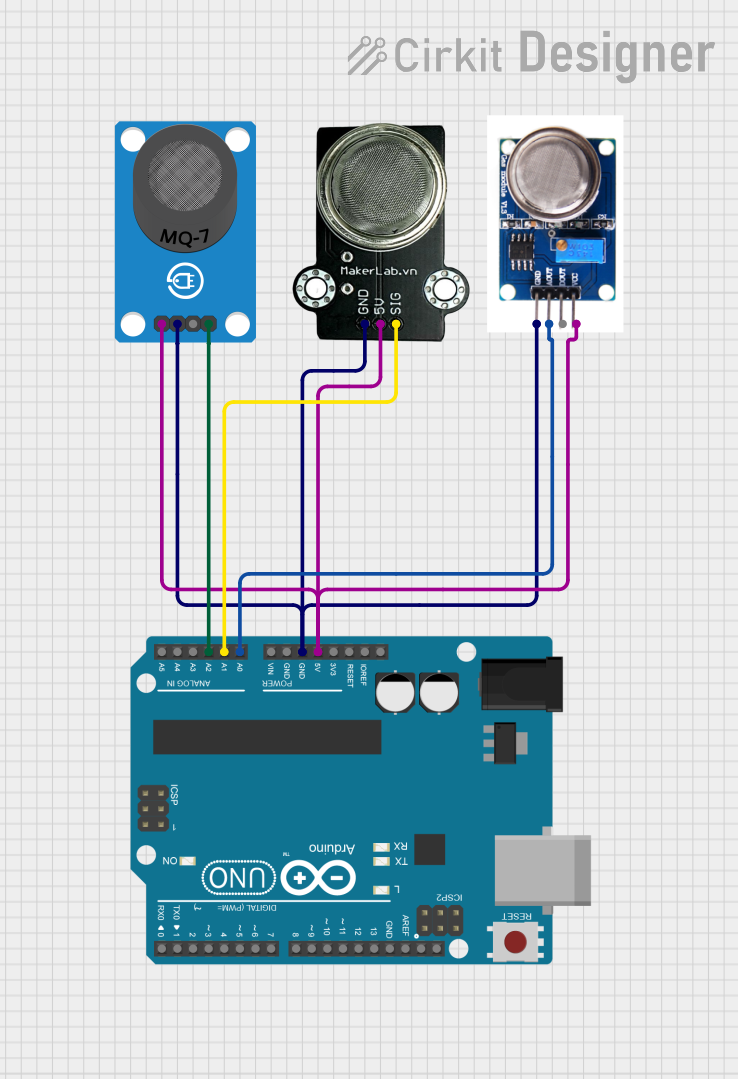 Open Project in Cirkit Designer
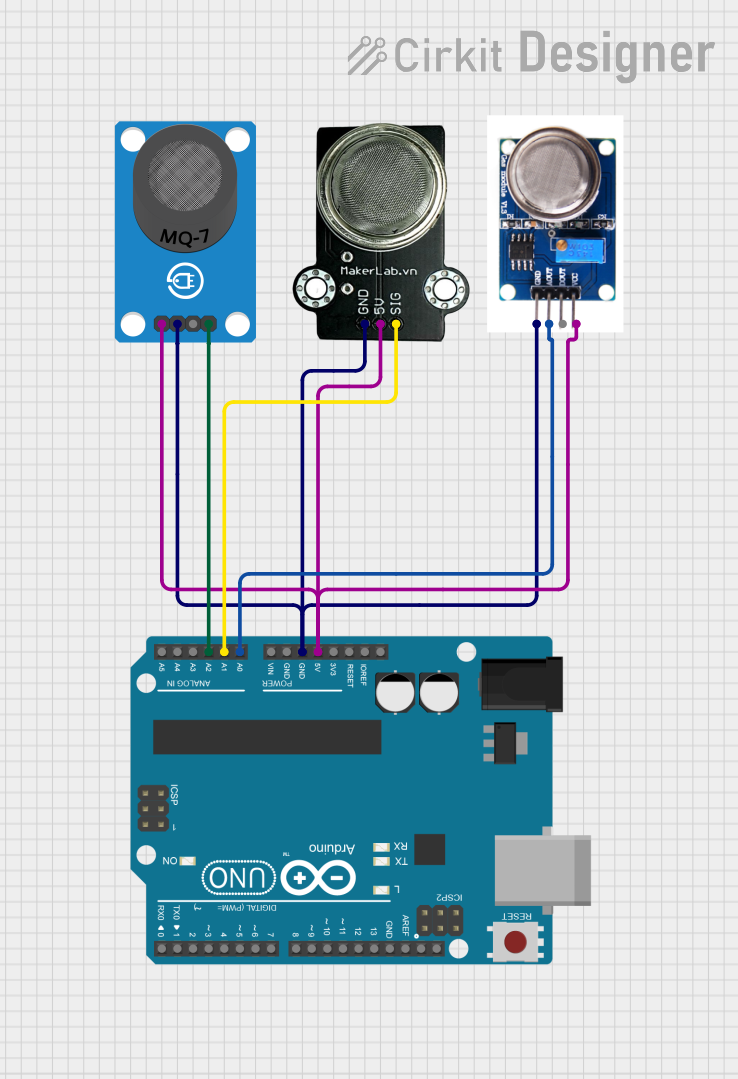 Open Project in Cirkit Designer
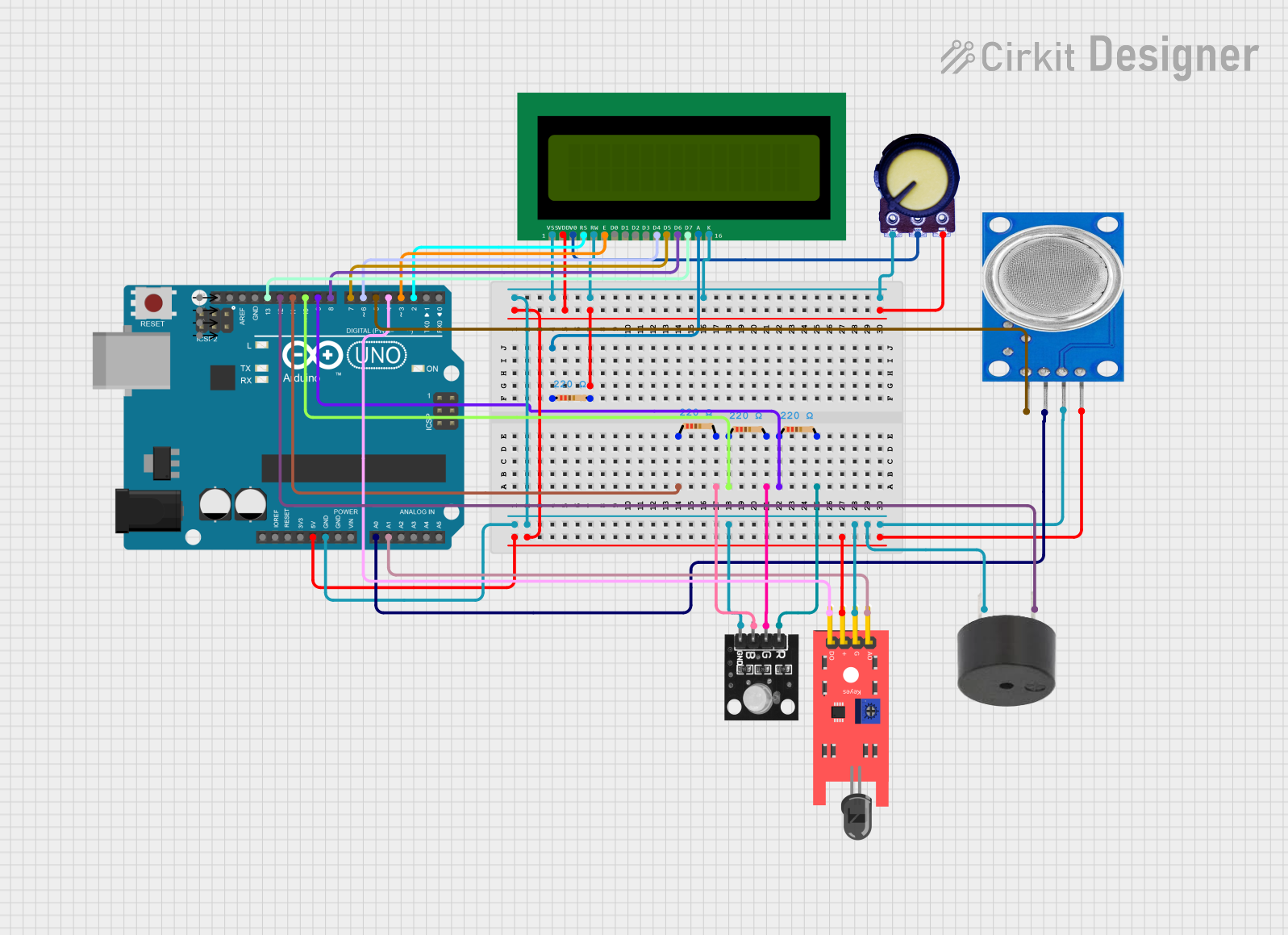 Open Project in Cirkit Designer
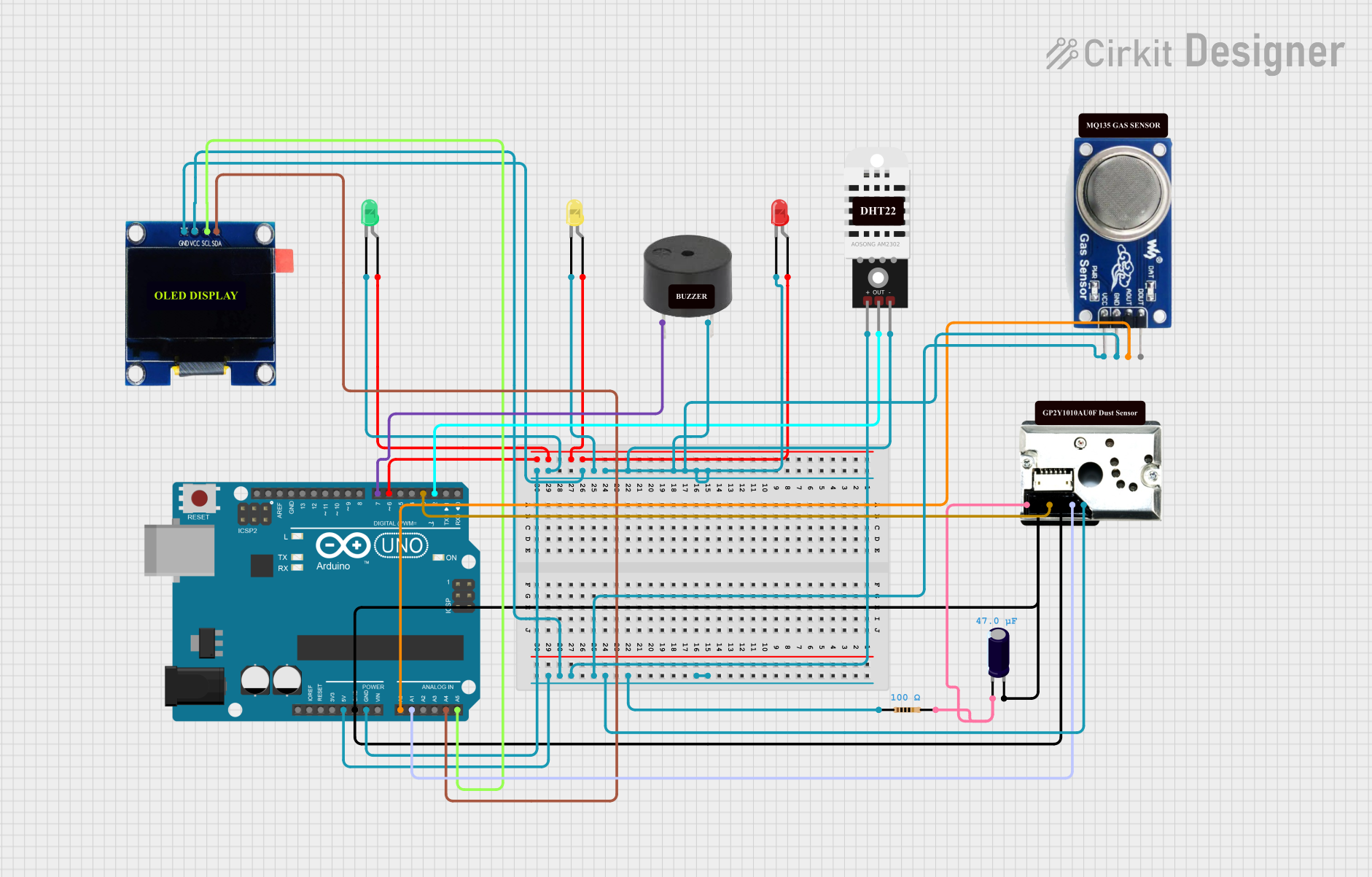 Open Project in Cirkit Designer
Explore Projects Built with Carbon
Open Project in Cirkit DesignerOpen Project in Cirkit DesignerOpen Project in Cirkit DesignerOpen Project in Cirkit DesignerCommon Applications and Use Cases
- Resistors: Carbon film and carbon composition resistors are widely used in circuits.
- Electrodes: Found in batteries, fuel cells, and arc lamps.
- Conductive Materials: Used in conductive inks and coatings.
- Brushes for Motors: Graphite brushes are used in DC motors and generators.
- Sensors: Carbon-based materials are used in gas and pressure sensors.
Technical Specifications
The following table outlines the key technical details of Arduino D4 Carbon:
| Property | Specification |
|---|---|
| Material Type | Carbon (Graphite or Carbon Black) |
| Electrical Resistivity | 1.5 × 10^-5 to 5 × 10^-5 Ω·m (varies based on form and purity) |
| Thermal Conductivity | 80–200 W/m·K (graphite) |
| Melting Point | Sublimes at ~3,600°C |
| Operating Temperature | -40°C to 200°C (typical for carbon-based resistors and coatings) |
| Form Factor | Powder, film, or solid (depending on application) |
Pin Configuration and Descriptions
Carbon itself does not have pins, but when used in components like resistors or electrodes, the following table applies:
| Pin | Description | Notes |
|---|---|---|
| Pin 1 | Input/Connection to circuit | Connects to the positive or signal side of the circuit. |
| Pin 2 | Output/Connection to circuit | Connects to the ground or return path of the circuit. |
Usage Instructions
How to Use Carbon in a Circuit
- Resistors: Carbon film resistors are commonly used to limit current or divide voltage in a circuit. Select the appropriate resistance value based on your circuit requirements.
- Electrodes: When using carbon as an electrode (e.g., in a battery), ensure proper contact with the electrolyte and other electrodes.
- Conductive Coatings: Apply carbon-based conductive ink or paint to create custom conductive traces or shields.
Important Considerations and Best Practices
- Heat Management: Carbon components can degrade at high temperatures. Ensure proper cooling or heat dissipation in your circuit.
- Purity: The electrical properties of carbon vary with its purity. Use high-purity carbon for applications requiring precise conductivity.
- Handling: Carbon powder or film can be fragile. Handle with care to avoid damage or contamination.
Example: Using a Carbon Resistor with Arduino UNO
Below is an example of using a carbon film resistor in an LED circuit with an Arduino UNO:
// Example: Blinking an LED with a carbon film resistor
// Ensure the resistor value is appropriate for the LED and power supply.

const int ledPin = 13; // Pin connected to the LED

void setup() {
  pinMode(ledPin, OUTPUT); // Set the LED pin as an output
}

void loop() {
  digitalWrite(ledPin, HIGH); // Turn the LED on
  delay(1000);                // Wait for 1 second
  digitalWrite(ledPin, LOW);  // Turn the LED off
  delay(1000);                // Wait for 1 second
}
Note: Use a carbon film resistor (e.g., 220Ω) in series with the LED to limit current and prevent damage to the LED.
Troubleshooting and FAQs
Common Issues
High Resistance or Poor Conductivity:
- Cause: Impurities in the carbon material or poor connections.
- Solution: Use high-purity carbon and ensure secure connections.
Overheating:
- Cause: Excessive current or inadequate heat dissipation.
- Solution: Use a resistor with a higher power rating or improve cooling.
Fragility:
- Cause: Carbon film or powder can be brittle.
- Solution: Handle components carefully and avoid excessive mechanical stress.
FAQs
Q1: Can I use carbon resistors in high-frequency circuits?
A1: Carbon resistors are suitable for low to moderate frequency applications. For high-frequency circuits, metal film or wire-wound resistors are preferred due to their lower noise and inductance.
Q2: How do I choose the right carbon resistor for my circuit?
A2: Determine the required resistance value and power rating based on your circuit's voltage and current. Use Ohm's Law (V = IR) to calculate the appropriate resistor value.
Q3: Is carbon conductive ink safe to use on PCBs?
A3: Yes, carbon conductive ink is safe for low-power applications. However, ensure it is applied evenly and allowed to dry completely before use.
By following this documentation, you can effectively utilize Arduino D4 Carbon in your electronic projects.