
How to Use Porta pilas: Examples, Pinouts, and Specs
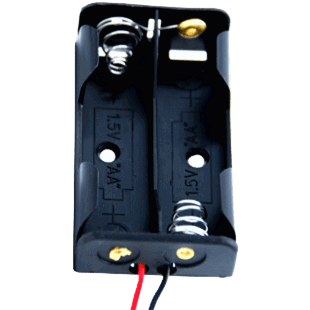
 Design with Porta pilas in Cirkit Designer
Introduction
The Porta Pilas is a battery holder designed to securely hold batteries in place while providing reliable electrical connections for powering electronic circuits. It is an essential component in portable electronic devices, DIY projects, and prototyping. The Porta Pilas ensures proper alignment of battery terminals and facilitates easy replacement of batteries.
Explore Projects Built with Porta pilas
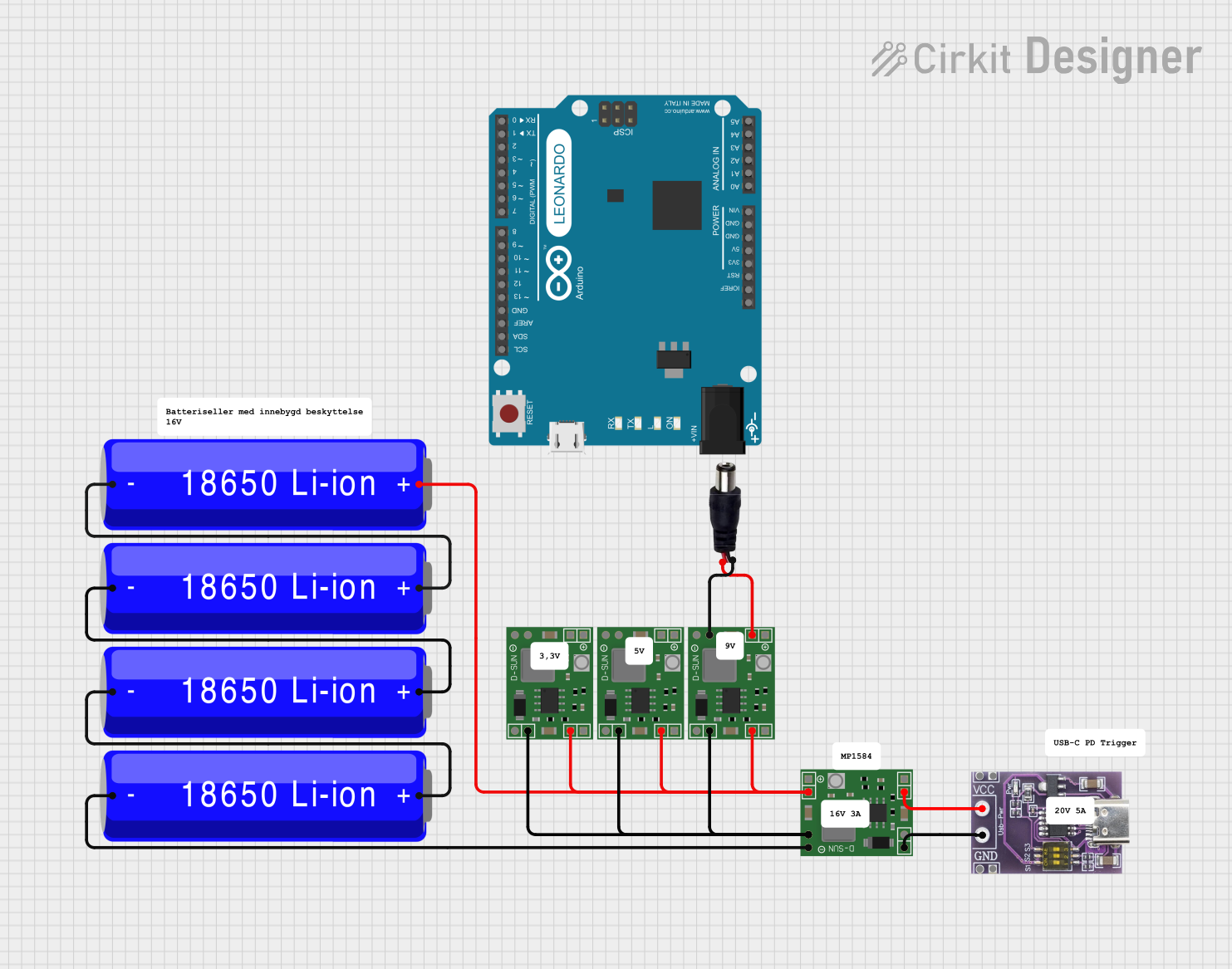 Open Project in Cirkit Designer
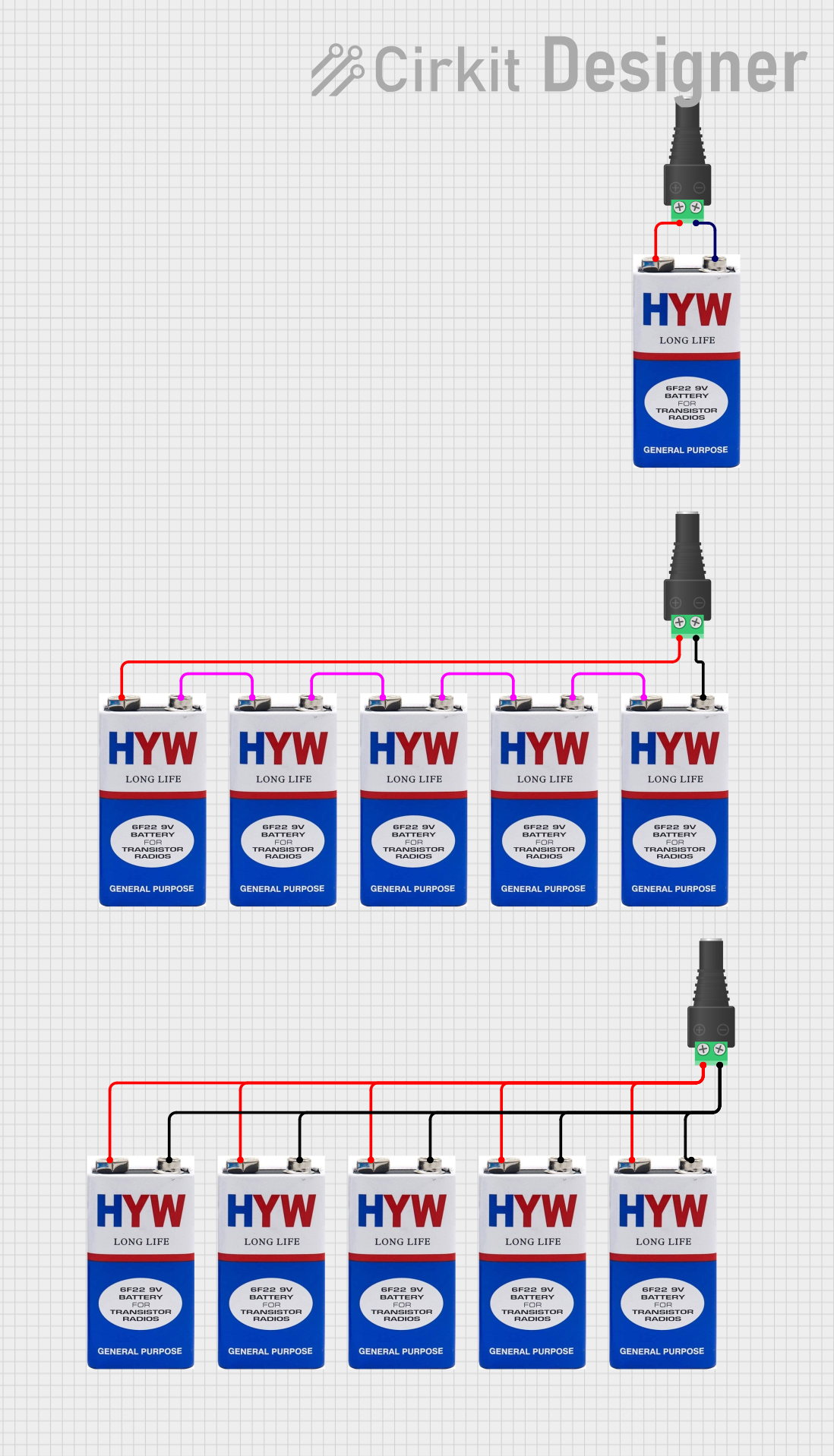 Open Project in Cirkit Designer
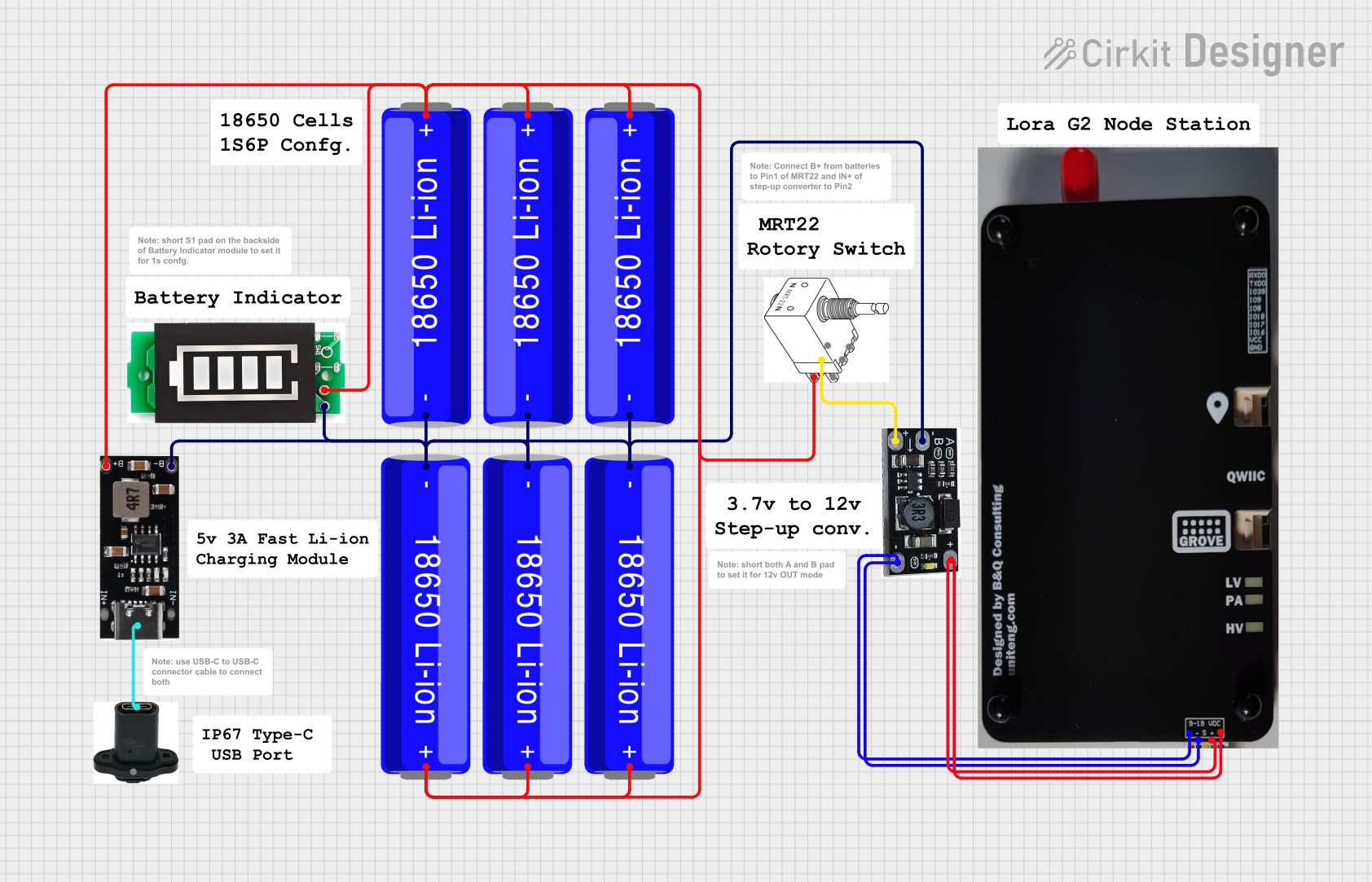 Open Project in Cirkit Designer
 Open Project in Cirkit Designer
Explore Projects Built with Porta pilas
Open Project in Cirkit DesignerOpen Project in Cirkit DesignerOpen Project in Cirkit DesignerOpen Project in Cirkit DesignerCommon Applications and Use Cases
- Powering portable electronic devices
- DIY electronics and prototyping
- Robotics and embedded systems
- Backup power supplies
- Educational projects and experiments
Technical Specifications
The Porta Pilas is available in various configurations to accommodate different battery types and quantities. Below are the general specifications:
Key Technical Details
- Supported Battery Types: AA, AAA, 9V, CR2032 (varies by model)
- Material: ABS plastic (body), nickel-plated steel (contacts)
- Voltage Output: Depends on the number and type of batteries used
- Current Rating: Up to 2A (depending on battery type)
- Mounting Options: Screw holes, adhesive backing, or PCB solder pins
- Wire Leads: Pre-attached wires (typically 22 AWG) or solder terminals
Pin Configuration and Descriptions
For Porta Pilas models with wire leads, the connections are as follows:
| Pin/Lead | Description | Notes |
|---|---|---|
| Red Wire | Positive terminal (+) | Connect to the positive side of the circuit |
| Black Wire | Negative terminal (-) | Connect to the ground (GND) of the circuit |
For PCB-mounted Porta Pilas, the pin configuration may vary. Refer to the specific model's datasheet for details.
Usage Instructions
How to Use the Porta Pilas in a Circuit
- Select the Appropriate Model: Choose a Porta Pilas that matches the battery type and quantity required for your circuit.
- Insert Batteries: Place the batteries into the holder, ensuring correct polarity (match the "+" and "-" markings).
- Connect to Circuit:
- For wire-lead models, connect the red wire to the positive input of your circuit and the black wire to the ground (GND).
- For PCB-mounted models, solder the terminals to the corresponding pads on your PCB.
- Secure the Holder: Use screws, adhesive backing, or other mounting options to secure the Porta Pilas in place.
Important Considerations and Best Practices
- Polarity: Always double-check the polarity of the batteries before connecting the Porta Pilas to your circuit.
- Voltage Matching: Ensure the total voltage of the batteries matches the voltage requirements of your circuit.
- Current Capacity: Verify that the batteries can supply sufficient current for your application.
- Avoid Short Circuits: Ensure that the wire leads or terminals do not touch each other or other conductive surfaces.
- Battery Replacement: Replace batteries promptly when they are depleted to avoid leakage or damage.
Example: Connecting to an Arduino UNO
The Porta Pilas can be used to power an Arduino UNO. Below is an example of how to connect a 4xAA Porta Pilas (6V output) to the Arduino UNO:
- Insert 4 AA batteries into the Porta Pilas.
- Connect the red wire (positive) to the Arduino's VIN pin.
- Connect the black wire (negative) to the Arduino's GND pin.
// Example Arduino code to blink an LED when powered by Porta Pilas

int ledPin = 13; // Pin connected to the onboard LED

void setup() {
  pinMode(ledPin, OUTPUT); // Set the LED pin as an output
}

void loop() {
  digitalWrite(ledPin, HIGH); // Turn the LED on
  delay(1000);               // Wait for 1 second
  digitalWrite(ledPin, LOW);  // Turn the LED off
  delay(1000);               // Wait for 1 second
}
Troubleshooting and FAQs
Common Issues Users Might Face
No Power Output:
- Cause: Batteries inserted incorrectly or depleted.
- Solution: Check the polarity of the batteries and replace them if necessary.
Loose Connections:
- Cause: Wires or terminals not securely connected.
- Solution: Ensure the wire leads are firmly connected to the circuit or soldered properly.
Overheating:
- Cause: Excessive current draw or short circuit.
- Solution: Verify that the circuit's current requirements are within the battery's capacity and check for short circuits.
Battery Leakage:
- Cause: Old or damaged batteries.
- Solution: Replace the batteries and clean the holder with a dry cloth.
FAQs
Q: Can I use rechargeable batteries with the Porta Pilas?
A: Yes, the Porta Pilas is compatible with rechargeable batteries, such as NiMH or Li-ion, as long as their size and voltage match the holder's specifications.
Q: How do I calculate the total voltage output of the Porta Pilas?
A: Multiply the voltage of a single battery by the number of batteries in series. For example, 4 AA batteries (1.5V each) in series provide 6V.
Q: Can I use the Porta Pilas to power high-current devices?
A: The Porta Pilas can handle currents up to 2A, but ensure the batteries used can supply the required current without overheating.
Q: Is the Porta Pilas waterproof?
A: No, the Porta Pilas is not waterproof. Avoid exposing it to moisture or liquids.