
How to Use 24v to 3.3v Octocoupler Moduler: Examples, Pinouts, and Specs
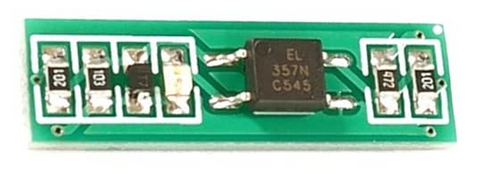
 Design with 24v to 3.3v Octocoupler Moduler in Cirkit Designer
Introduction
The 24V to 3.3V Optocoupler Module is a versatile electronic component designed to convert a 24V input signal to a 3.3V output signal. It achieves this while providing electrical isolation between the input and output, ensuring safe and reliable operation in circuits where different voltage levels need to interface. This module is commonly used in industrial automation, microcontroller interfacing, and signal level shifting applications.
Explore Projects Built with 24v to 3.3v Octocoupler Moduler
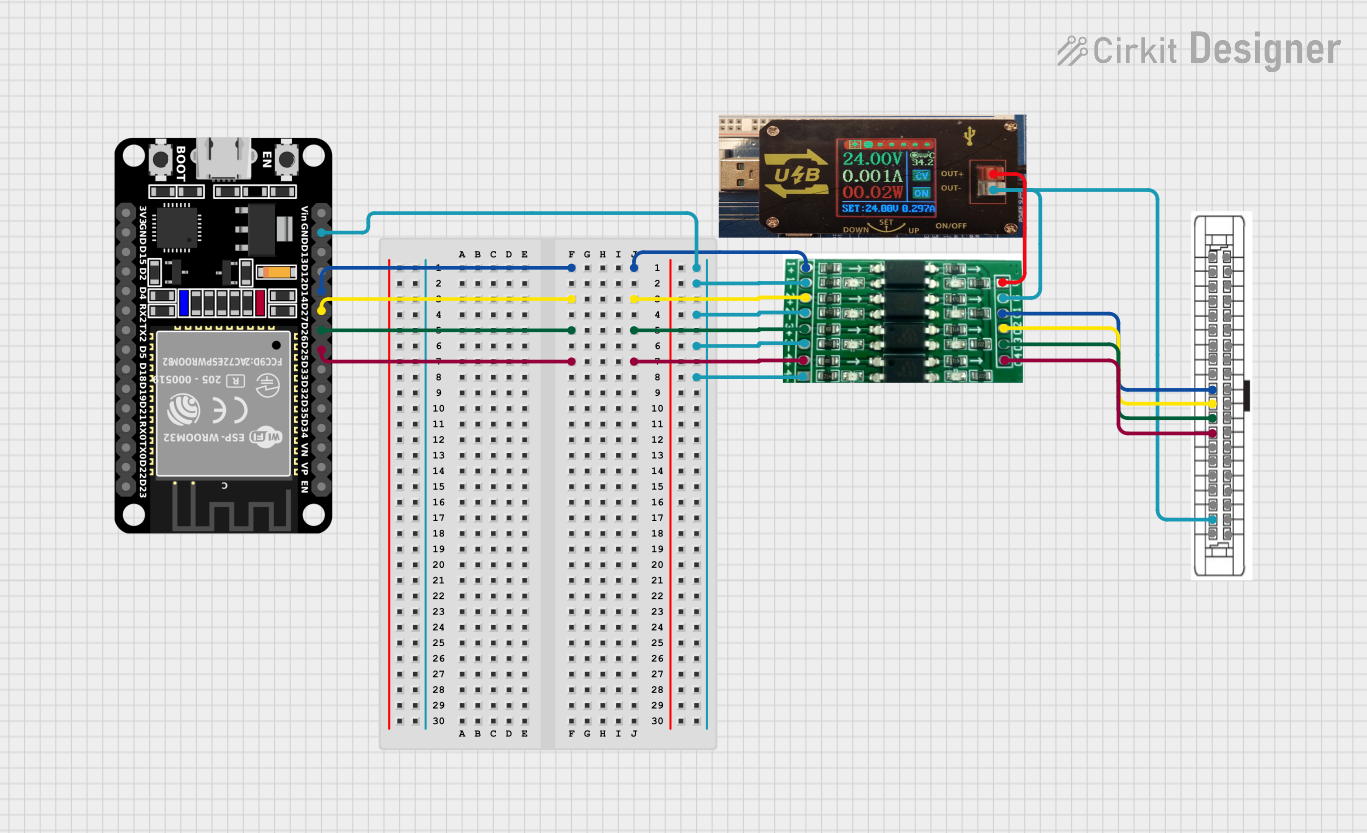 Open Project in Cirkit Designer
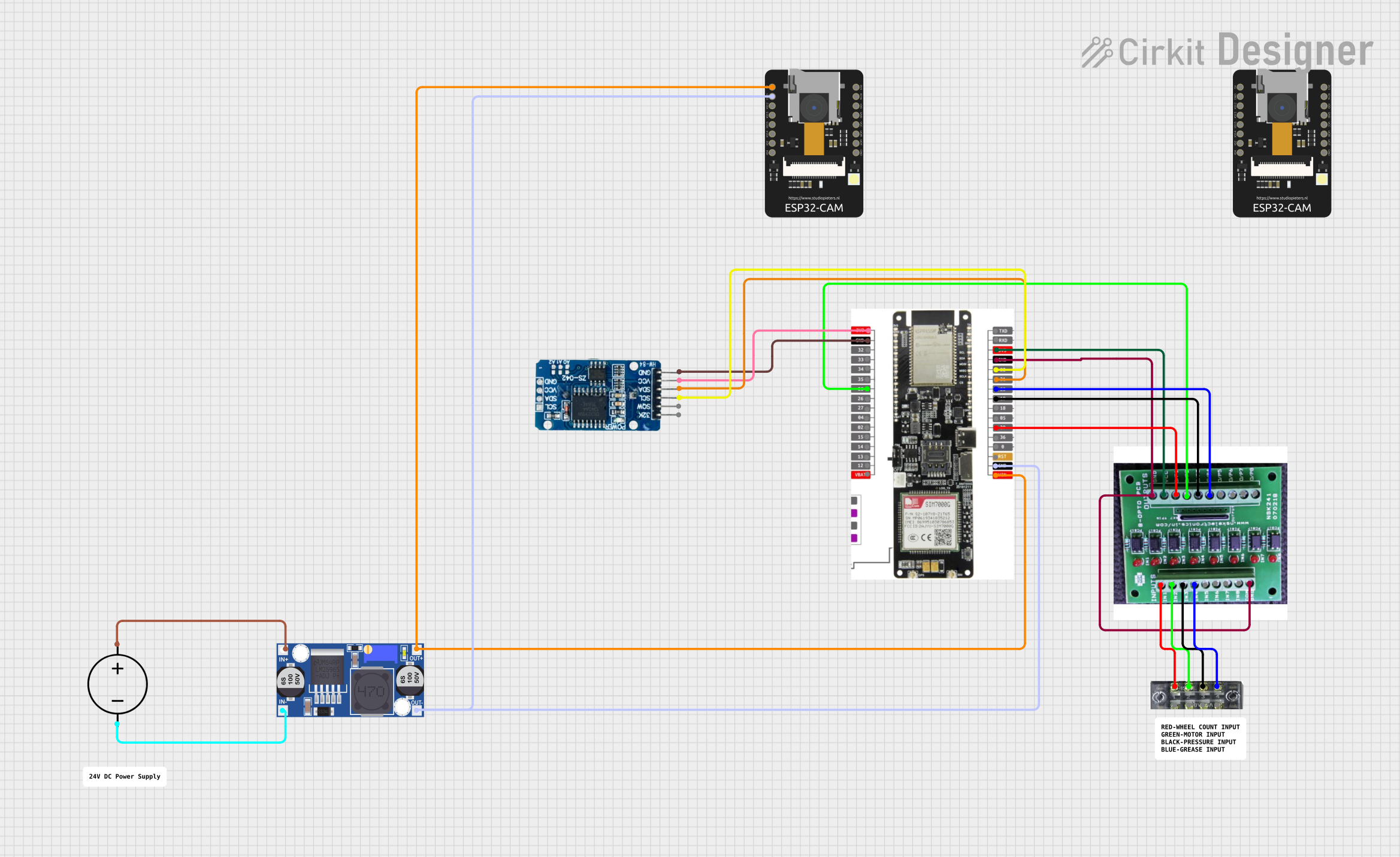 Open Project in Cirkit Designer
 Open Project in Cirkit Designer
 Open Project in Cirkit Designer
Explore Projects Built with 24v to 3.3v Octocoupler Moduler
Open Project in Cirkit DesignerOpen Project in Cirkit DesignerOpen Project in Cirkit DesignerOpen Project in Cirkit DesignerCommon Applications:
- Interfacing industrial 24V control systems with 3.3V microcontrollers (e.g., Arduino, ESP32).
- Signal isolation to protect sensitive components from high-voltage spikes.
- Level shifting in mixed-voltage systems.
- Noise suppression in communication lines.
Technical Specifications
Key Technical Details:
| Parameter | Value |
|---|---|
| Input Voltage Range | 12V to 24V DC |
| Output Voltage | 3.3V DC |
| Isolation Voltage | Up to 2500V |
| Maximum Input Current | 10mA |
| Output Current Capacity | 10mA |
| Operating Temperature | -40°C to 85°C |
| Dimensions | Typically 25mm x 15mm x 10mm |
Pin Configuration and Descriptions:
| Pin Name | Pin Type | Description |
|---|---|---|
| VCC_IN | Input | Connect to the 24V DC input voltage. |
| GND_IN | Input | Ground connection for the input side. |
| VCC_OUT | Output | Provides the 3.3V output signal. |
| GND_OUT | Output | Ground connection for the output side. |
| SIGNAL_IN | Input | Input signal pin (24V logic level). |
| SIGNAL_OUT | Output | Output signal pin (3.3V logic level). |
Usage Instructions
How to Use the Module in a Circuit:
Power the Module:
- Connect the
VCC_INpin to a 24V DC power source. - Connect the
GND_INpin to the ground of the 24V power source.
- Connect the
Input Signal:
- Feed the 24V logic signal to the
SIGNAL_INpin.
- Feed the 24V logic signal to the
Output Signal:
- Connect the
SIGNAL_OUTpin to the 3.3V logic input of your microcontroller or circuit. - Ensure the
VCC_OUTandGND_OUTpins are connected to the 3.3V power rail and ground of the output circuit.
- Connect the
Verify Connections:
- Double-check all connections to ensure proper polarity and avoid damage.
Important Considerations:
- Isolation: The module provides electrical isolation between the input and output. Ensure that the input and output grounds (
GND_INandGND_OUT) are not directly connected. - Input Voltage Range: Do not exceed the specified input voltage range (12V to 24V DC) to prevent damage to the module.
- Output Current: The output current is limited to 10mA. Use an external transistor or driver circuit if higher current is required.
Example: Connecting to an Arduino UNO
Below is an example of how to connect the module to an Arduino UNO to read a 24V input signal.
Circuit Diagram:
VCC_IN→ 24V DC power supplyGND_IN→ Ground of the 24V power supplySIGNAL_IN→ 24V signal sourceSIGNAL_OUT→ Arduino digital input pin (e.g., D2)VCC_OUT→ Arduino 3.3V pinGND_OUT→ Arduino GND pin
Arduino Code Example:
// Define the input pin connected to the SIGNAL_OUT of the module
const int signalPin = 2;

void setup() {
  // Initialize the serial monitor for debugging
  Serial.begin(9600);

  // Set the signal pin as an input
  pinMode(signalPin, INPUT);
}

void loop() {
  // Read the state of the signal pin
  int signalState = digitalRead(signalPin);

  // Print the signal state to the serial monitor
  if (signalState == HIGH) {
    Serial.println("Signal HIGH (24V detected)");
  } else {
    Serial.println("Signal LOW (No 24V detected)");
  }

  // Add a small delay to avoid flooding the serial monitor
  delay(500);
}
Troubleshooting and FAQs
Common Issues and Solutions:
No Output Signal:
- Cause: Incorrect wiring or insufficient input voltage.
- Solution: Verify that the
VCC_INpin is connected to a 24V DC source and that theSIGNAL_INpin is receiving a valid 24V signal.
Output Signal Not Detected by Microcontroller:
- Cause: Incorrect connection to the microcontroller or incompatible logic levels.
- Solution: Ensure the
SIGNAL_OUTpin is connected to a 3.3V-compatible input pin on the microcontroller.
Module Overheating:
- Cause: Input voltage exceeds the specified range.
- Solution: Check the input voltage and ensure it is within the 12V to 24V range.
Ground Loops:
- Cause: Input and output grounds are connected.
- Solution: Ensure that
GND_INandGND_OUTare electrically isolated.
FAQs:
Q: Can this module be used with a 5V microcontroller?
A: No, this module is specifically designed for 3.3V logic levels. For 5V systems, use a level shifter or a different optocoupler module.
Q: Is the module bidirectional?
A: No, the module is unidirectional. It converts signals from 24V to 3.3V only.
Q: Can I use this module for AC signals?
A: No, this module is designed for DC signals only. Using it with AC signals may damage the module.
Q: What is the maximum switching frequency?
A: The module typically supports switching frequencies up to 10kHz, depending on the optocoupler used.
By following this documentation, you can effectively integrate the 24V to 3.3V Optocoupler Module into your projects for safe and reliable signal conversion.