
How to Use MLX90614: Examples, Pinouts, and Specs
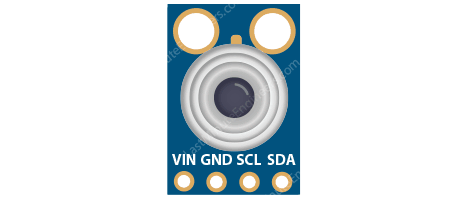
 Design with MLX90614 in Cirkit Designer
Introduction
The MLX90614 is a non-contact infrared temperature sensor manufactured by Melexis. It is designed to measure the temperature of objects without requiring physical contact, making it ideal for applications where direct measurement is impractical or unsafe. The sensor uses advanced infrared thermopile technology and integrates a low-noise amplifier, 17-bit ADC, and a powerful DSP for accurate temperature readings.
Explore Projects Built with MLX90614
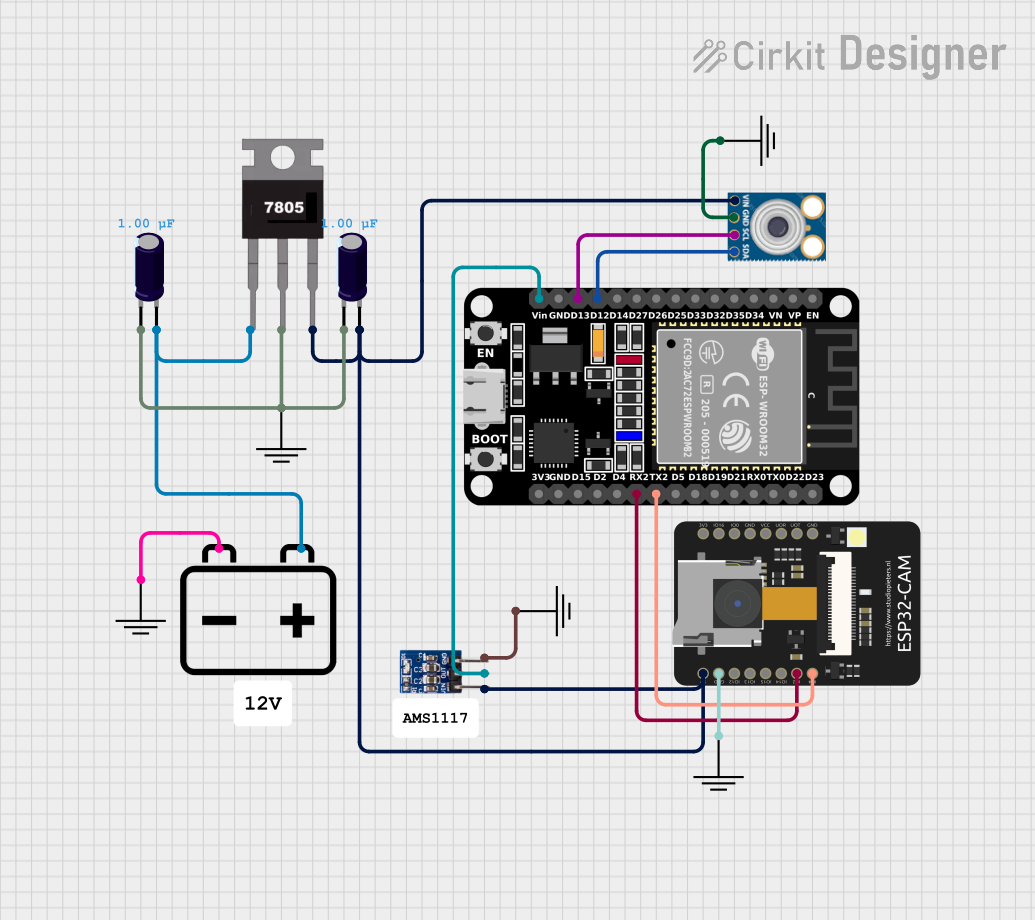 Open Project in Cirkit Designer
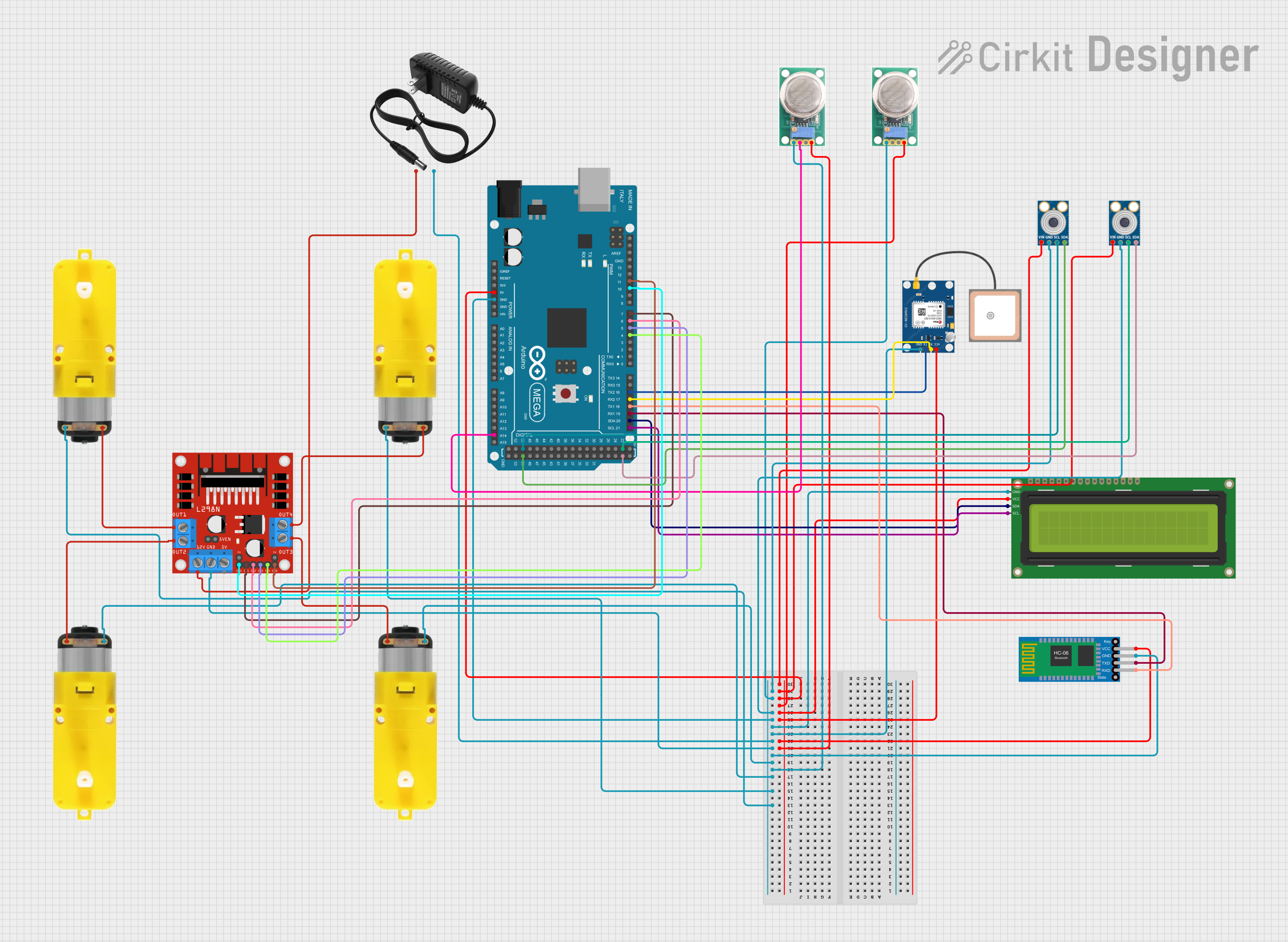 Open Project in Cirkit Designer
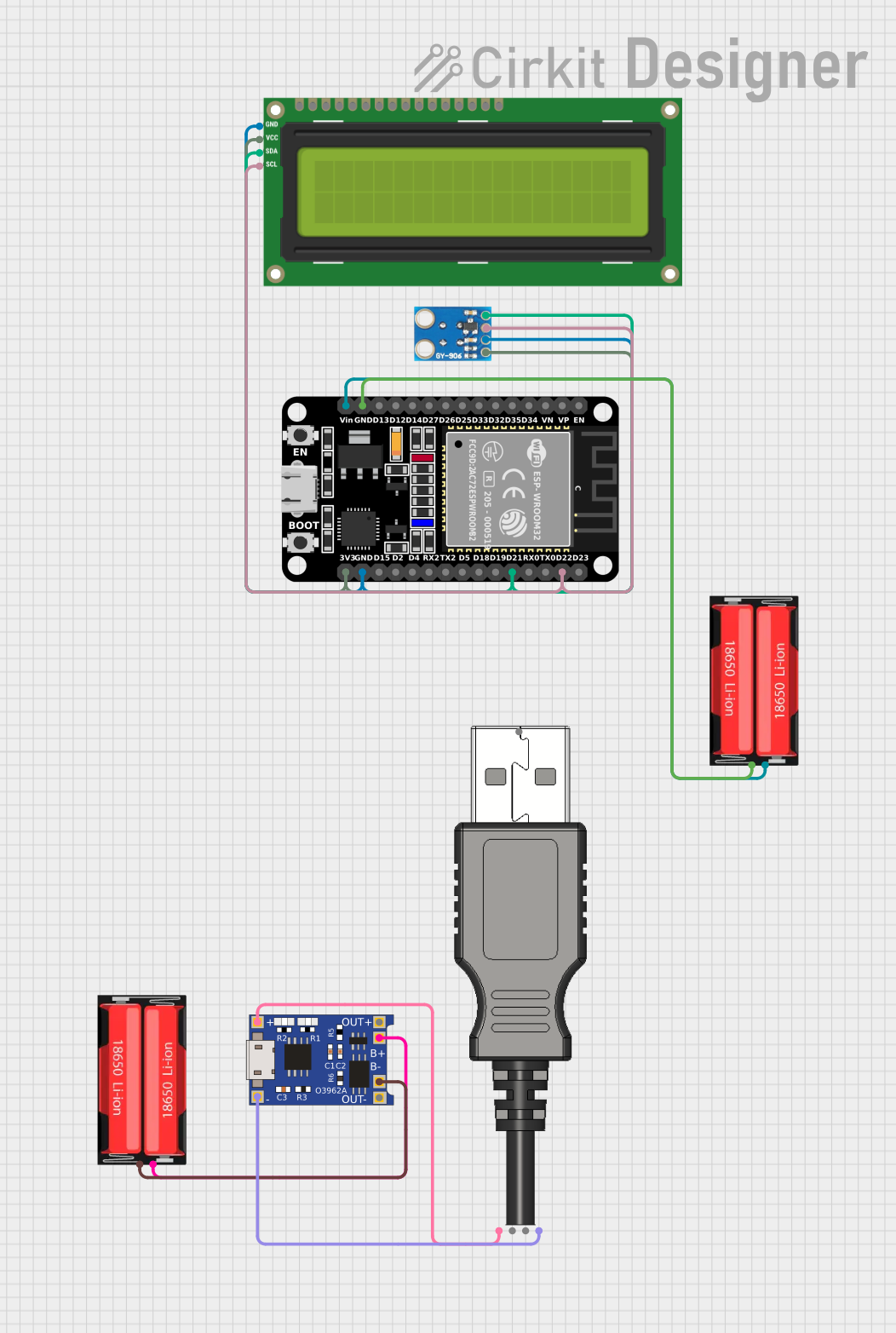 Open Project in Cirkit Designer
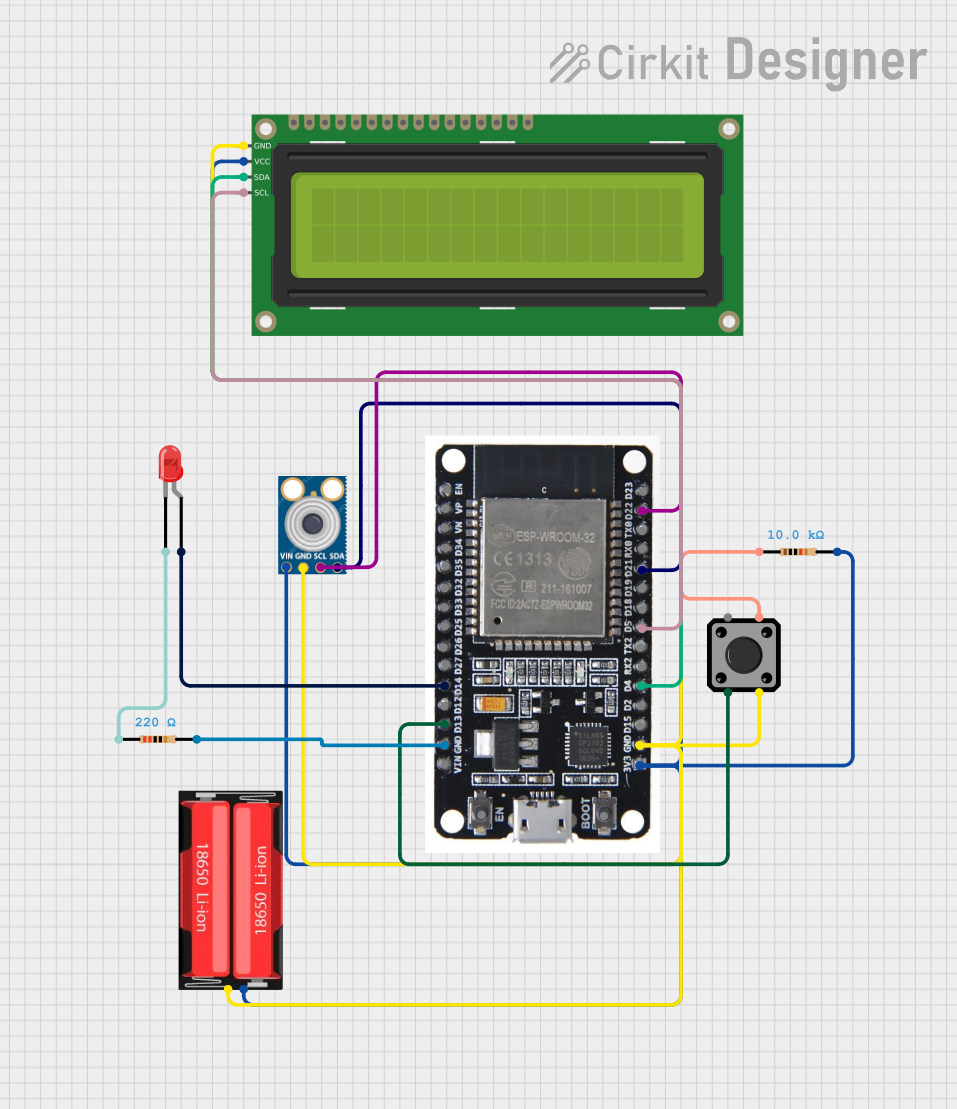 Open Project in Cirkit Designer
Explore Projects Built with MLX90614
Open Project in Cirkit DesignerOpen Project in Cirkit DesignerOpen Project in Cirkit DesignerOpen Project in Cirkit DesignerCommon Applications
- Medical devices (e.g., non-contact thermometers)
- Industrial automation and process control
- HVAC systems
- Consumer electronics (e.g., smart home devices)
- Automotive applications (e.g., climate control systems)
- Robotics and IoT projects
Technical Specifications
The following table outlines the key technical details of the MLX90614ESF-AAA-000-TU:
| Parameter | Value |
|---|---|
| Operating Voltage | 3.6V to 5.5V |
| Current Consumption | 1.5 mA (typical) |
| Object Temperature Range | -70°C to +380°C |
| Ambient Temperature Range | -40°C to +85°C |
| Accuracy | ±0.5°C (typical, for 0°C to +50°C range) |
| Field of View (FOV) | 35° |
| Communication Interfaces | I2C, PWM |
| Resolution | 0.02°C |
| Package Type | TO-39 metal can |
Pin Configuration
The MLX90614 has four pins, as described in the table below:
| Pin Number | Pin Name | Description |
|---|---|---|
| 1 | VDD | Power supply (3.6V to 5.5V) |
| 2 | VSS | Ground (0V) |
| 3 | SDA | I2C data line / PWM output |
| 4 | SCL | I2C clock line |
Usage Instructions
Using the MLX90614 in a Circuit
- Power Supply: Connect the VDD pin to a 3.6V to 5.5V power source and the VSS pin to ground.
- I2C Communication:
- Connect the SDA pin to the I2C data line of your microcontroller.
- Connect the SCL pin to the I2C clock line of your microcontroller.
- Use pull-up resistors (typically 4.7kΩ) on both the SDA and SCL lines.
- PWM Output (optional):
- If using PWM mode, the temperature data will be output as a pulse-width modulated signal on the SDA pin.
Important Considerations
- Ensure the sensor is not exposed to direct sunlight or strong infrared sources, as this may affect accuracy.
- Avoid placing the sensor in environments with high humidity or condensation.
- The sensor should be mounted with a clear line of sight to the target object for optimal performance.
- Use decoupling capacitors (e.g., 0.1µF) near the power supply pins to reduce noise.
Example: Connecting MLX90614 to Arduino UNO
Below is an example of how to interface the MLX90614 with an Arduino UNO using the I2C protocol:
Circuit Connections
- MLX90614 VDD → Arduino 5V
- MLX90614 VSS → Arduino GND
- MLX90614 SDA → Arduino A4 (SDA)
- MLX90614 SCL → Arduino A5 (SCL)
Arduino Code
#include <Wire.h>
#include <Adafruit_MLX90614.h>

// Create an instance of the MLX90614 library
Adafruit_MLX90614 mlx = Adafruit_MLX90614();

void setup() {
  Serial.begin(9600); // Initialize serial communication at 9600 baud
  if (!mlx.begin()) {
    Serial.println("Error: MLX90614 not detected. Check connections.");
    while (1); // Halt execution if sensor initialization fails
  }
  Serial.println("MLX90614 initialized successfully.");
}

void loop() {
  // Read object and ambient temperatures
  double objectTemp = mlx.readObjectTempC();
  double ambientTemp = mlx.readAmbientTempC();

  // Print the temperatures to the serial monitor
  Serial.print("Object Temperature: ");
  Serial.print(objectTemp);
  Serial.println(" °C");

  Serial.print("Ambient Temperature: ");
  Serial.print(ambientTemp);
  Serial.println(" °C");

  delay(1000); // Wait 1 second before the next reading
}
Troubleshooting and FAQs
Common Issues
Sensor Not Detected:
- Ensure the I2C connections (SDA and SCL) are correct and secure.
- Verify that pull-up resistors are connected to the SDA and SCL lines.
- Check the power supply voltage (3.6V to 5.5V).
Inaccurate Temperature Readings:
- Ensure the sensor has a clear line of sight to the target object.
- Avoid reflective surfaces that may distort infrared readings.
- Allow the sensor to stabilize for a few seconds after powering on.
No Output on Serial Monitor:
- Confirm that the correct COM port is selected in the Arduino IDE.
- Verify that the baud rate in the Serial Monitor matches the code (9600 baud).
FAQs
Q1: Can the MLX90614 measure the temperature of liquids?
A1: Yes, but the sensor must have a clear line of sight to the liquid surface. Ensure the liquid is not reflective.
Q2: Can I use the MLX90614 with a 3.3V microcontroller?
A2: Yes, the sensor supports a minimum operating voltage of 3.6V. Use a level shifter for I2C lines if needed.
Q3: How far can the MLX90614 measure temperature?
A3: The effective range depends on the size and emissivity of the target object. For small objects, the range is typically a few centimeters, while larger objects can be measured from farther distances.
Q4: Can I use multiple MLX90614 sensors on the same I2C bus?
A4: Yes, but you must change the default I2C address of each sensor. This can be done by writing to the sensor's EEPROM.
By following this documentation, you can effectively integrate the MLX90614 into your projects and troubleshoot common issues.