
How to Use Diode: Examples, Pinouts, and Specs
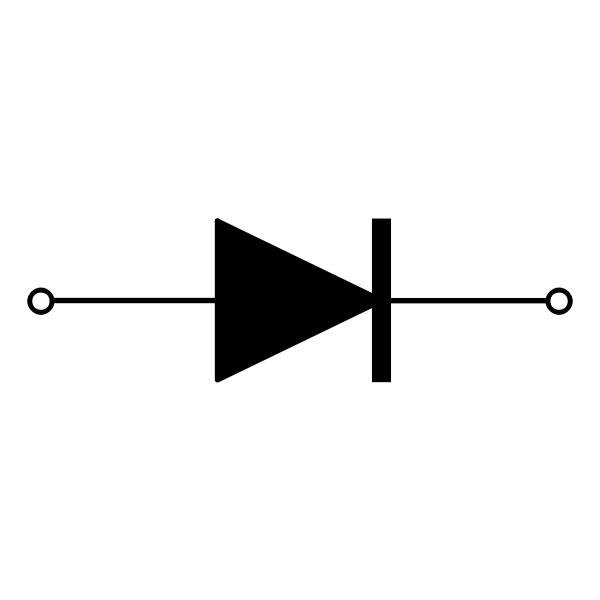
 Design with Diode in Cirkit Designer
Introduction
A diode is a semiconductor device that allows current to flow in one direction only, acting as a one-way valve for electrical current. It is one of the most fundamental components in electronics and is widely used in various applications. Diodes are essential for rectification, signal demodulation, voltage regulation, and circuit protection.
Explore Projects Built with Diode
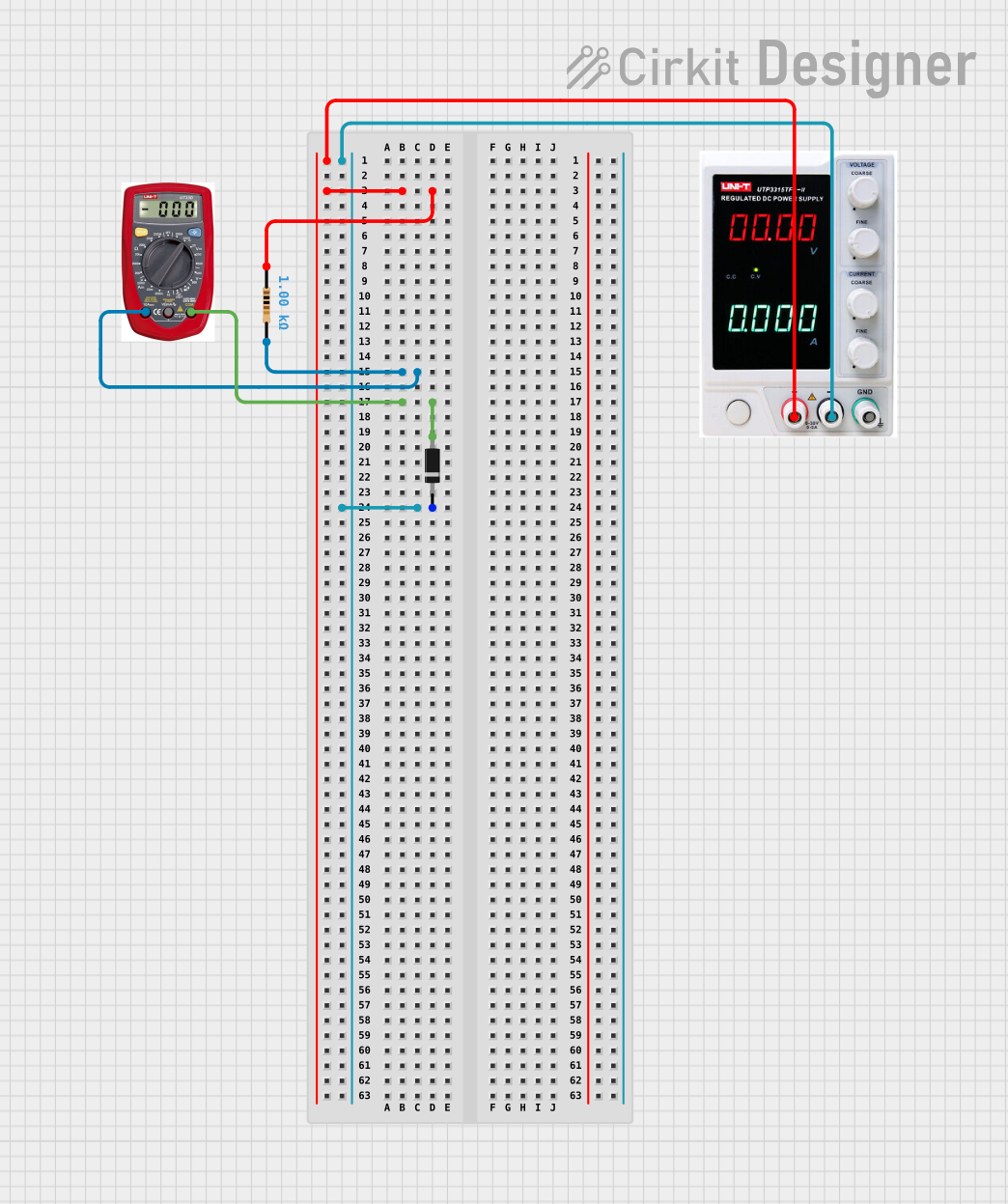 Open Project in Cirkit Designer
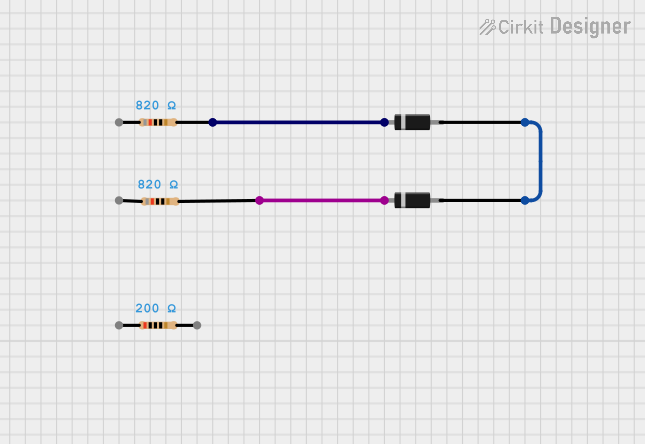 Open Project in Cirkit Designer
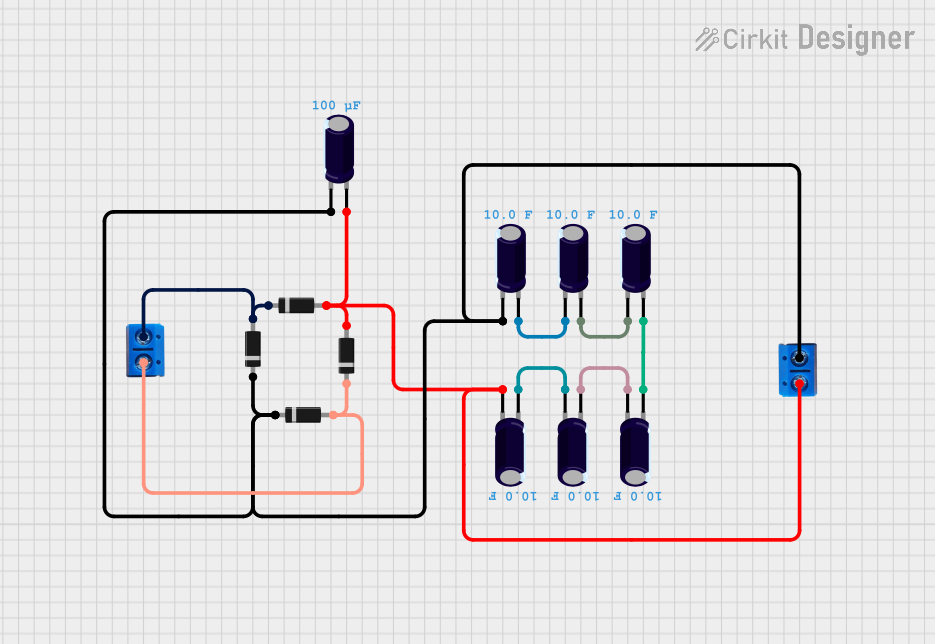 Open Project in Cirkit Designer
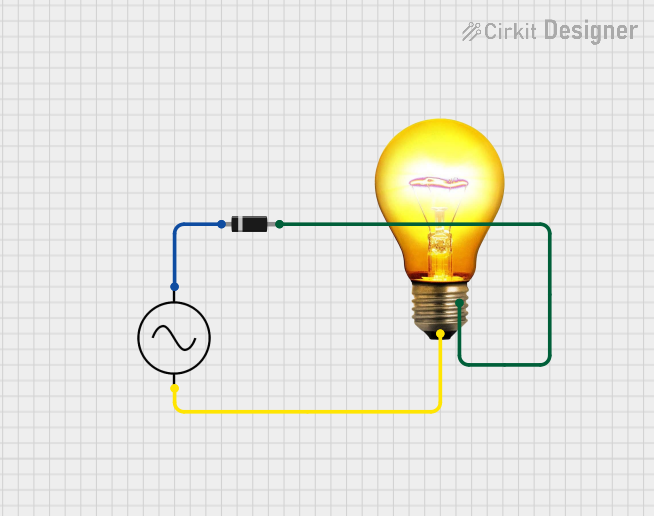 Open Project in Cirkit Designer
Explore Projects Built with Diode
Open Project in Cirkit DesignerOpen Project in Cirkit DesignerOpen Project in Cirkit DesignerOpen Project in Cirkit DesignerCommon Applications and Use Cases
- Rectification: Converting AC (alternating current) to DC (direct current) in power supplies.
- Signal Demodulation: Extracting information from modulated signals in communication systems.
- Voltage Regulation: Stabilizing voltage levels in circuits.
- Circuit Protection: Preventing reverse polarity damage in sensitive components.
- LEDs (Light Emitting Diodes): Producing light in display and lighting applications.
Technical Specifications
Below are the general technical specifications for a standard silicon diode (e.g., 1N4007). Specifications may vary depending on the specific diode type.
Key Technical Details
- Forward Voltage Drop (Vf): ~0.7V (silicon diode), ~0.3V (germanium diode)
- Maximum Reverse Voltage (Vr): 50V to 1000V (depending on the diode model)
- Maximum Forward Current (If): 1A (for 1N4007)
- Power Dissipation: Typically 3W
- Reverse Leakage Current (Ir): ~5µA (at rated reverse voltage)
- Operating Temperature Range: -65°C to +150°C
Pin Configuration and Descriptions
Diodes typically have two terminals: Anode and Cathode. The cathode is marked with a band or stripe on the diode body.
| Pin Name | Description | Symbol |
|---|---|---|
| Anode | Positive terminal; current enters here | A |
| Cathode | Negative terminal; current exits here | K |
Usage Instructions
How to Use the Diode in a Circuit
- Identify the Terminals: Locate the cathode stripe on the diode body. The cathode connects to the negative side of the circuit, and the anode connects to the positive side.
- Insert the Diode: Place the diode in the circuit with the correct orientation. Current will flow from the anode to the cathode.
- Use a Resistor if Necessary: For LEDs or other diodes, include a current-limiting resistor to prevent excessive current flow.
- Check Voltage Ratings: Ensure the diode's reverse voltage rating exceeds the maximum voltage in the circuit to avoid breakdown.
Important Considerations and Best Practices
- Polarity Matters: Reversing the diode may block current flow or damage the diode.
- Heat Dissipation: Use heat sinks or ensure proper ventilation if the diode operates near its maximum current rating.
- Testing the Diode: Use a multimeter in diode mode to verify functionality. A good diode will show a low forward voltage (~0.7V for silicon) and no conduction in reverse.
Example: Connecting a Diode to an Arduino UNO
Below is an example of using a diode for reverse polarity protection in an Arduino UNO circuit.
/*
  Example: Using a Diode for Reverse Polarity Protection
  This circuit protects the Arduino UNO from damage if the power supply
  is connected in reverse. A 1N4007 diode is used for this purpose.
*/

void setup() {
  // No specific code is required for the diode itself.
  // The diode is a passive component and works automatically.
}

void loop() {
  // Your main code goes here.
  // The diode ensures the Arduino is protected from reverse polarity.
}
Circuit Diagram:
- Connect the anode of the diode to the positive terminal of the power supply.
- Connect the cathode of the diode to the VIN pin of the Arduino UNO.
- The diode will block current if the power supply is connected in reverse.
Troubleshooting and FAQs
Common Issues and Solutions
Diode Not Conducting in Forward Direction:
- Cause: Incorrect orientation.
- Solution: Verify the anode and cathode connections. Ensure the anode is connected to the positive side of the circuit.
Diode Overheating:
- Cause: Exceeding the maximum forward current rating.
- Solution: Use a diode with a higher current rating or add a current-limiting resistor.
Reverse Voltage Breakdown:
- Cause: Reverse voltage exceeds the diode's rating.
- Solution: Use a diode with a higher reverse voltage rating.
High Reverse Leakage Current:
- Cause: Faulty or damaged diode.
- Solution: Replace the diode with a new one.
FAQs
Q: Can I use a diode to block reverse current in a solar panel circuit?
- A: Yes, a diode (e.g., Schottky diode) can prevent reverse current flow from the battery to the solar panel at night.
Q: What is the difference between a silicon diode and a Schottky diode?
- A: A Schottky diode has a lower forward voltage drop (
0.2V to 0.4V) compared to a silicon diode (0.7V), making it more efficient in low-voltage applications.
- A: A Schottky diode has a lower forward voltage drop (
Q: How do I test a diode with a multimeter?
- A: Set the multimeter to diode mode. Place the positive probe on the anode and the negative probe on the cathode. A good diode will show a forward voltage drop (~0.7V for silicon) and no reading in reverse.
By following this documentation, you can effectively use diodes in your electronic projects and troubleshoot common issues.