
How to Use STM32F103RB: Examples, Pinouts, and Specs
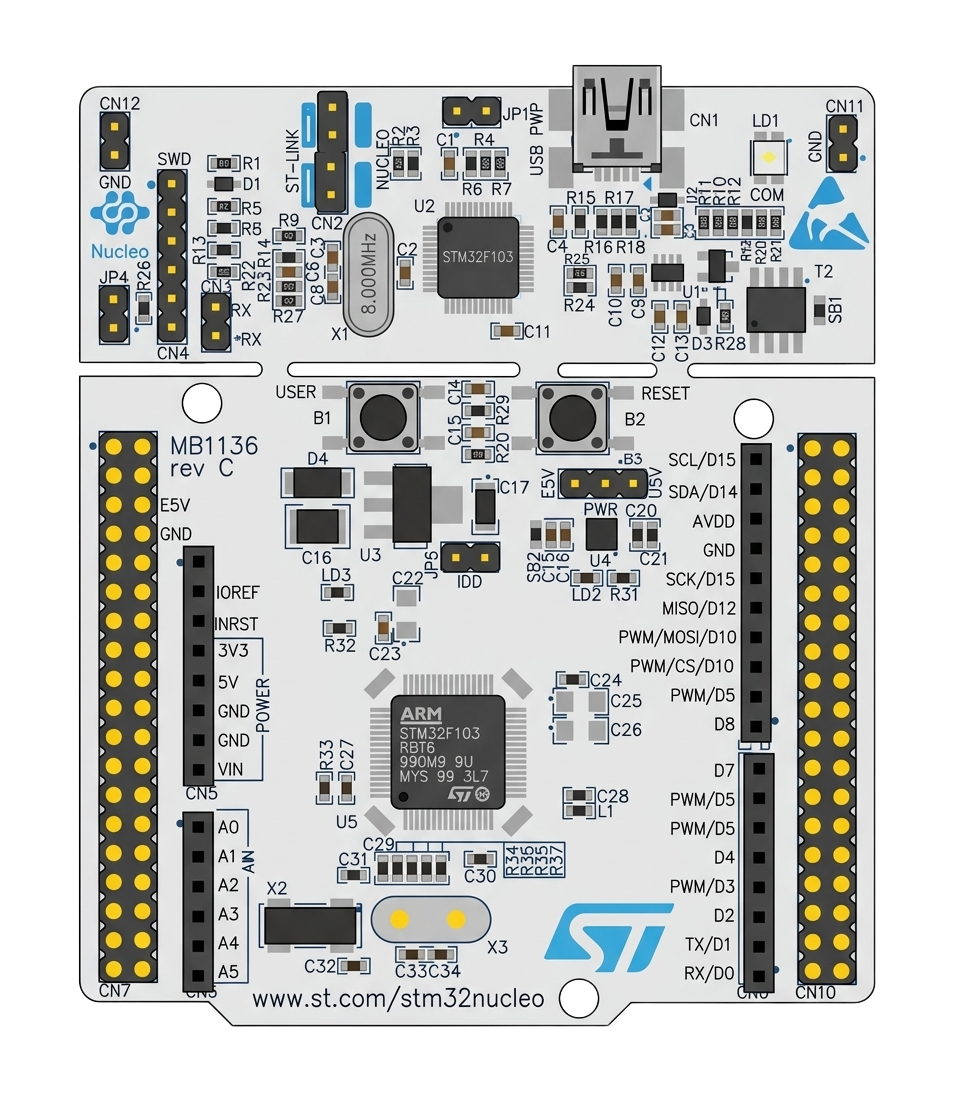
 Design with STM32F103RB in Cirkit Designer
Introduction
The STM32F103RB is a 32-bit microcontroller developed by STMicroelectronics. It is part of the STM32 family and is based on the ARM Cortex-M3 core. This microcontroller is designed for high-performance applications, offering a clock speed of up to 72 MHz, 128 KB of flash memory, and a wide range of peripherals for communication, control, and data processing.
Explore Projects Built with STM32F103RB
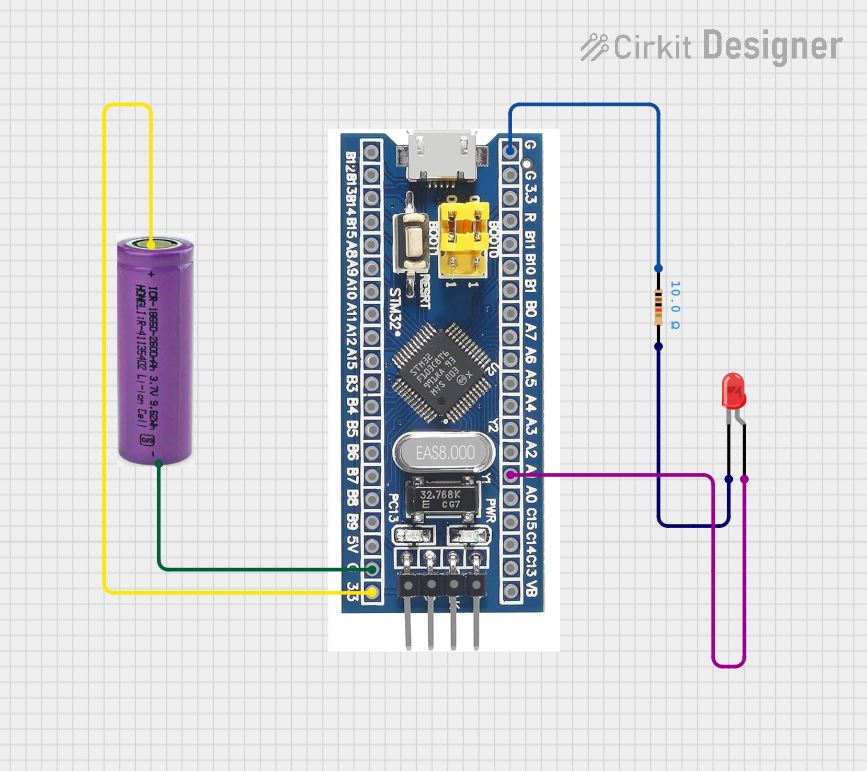 Open Project in Cirkit Designer
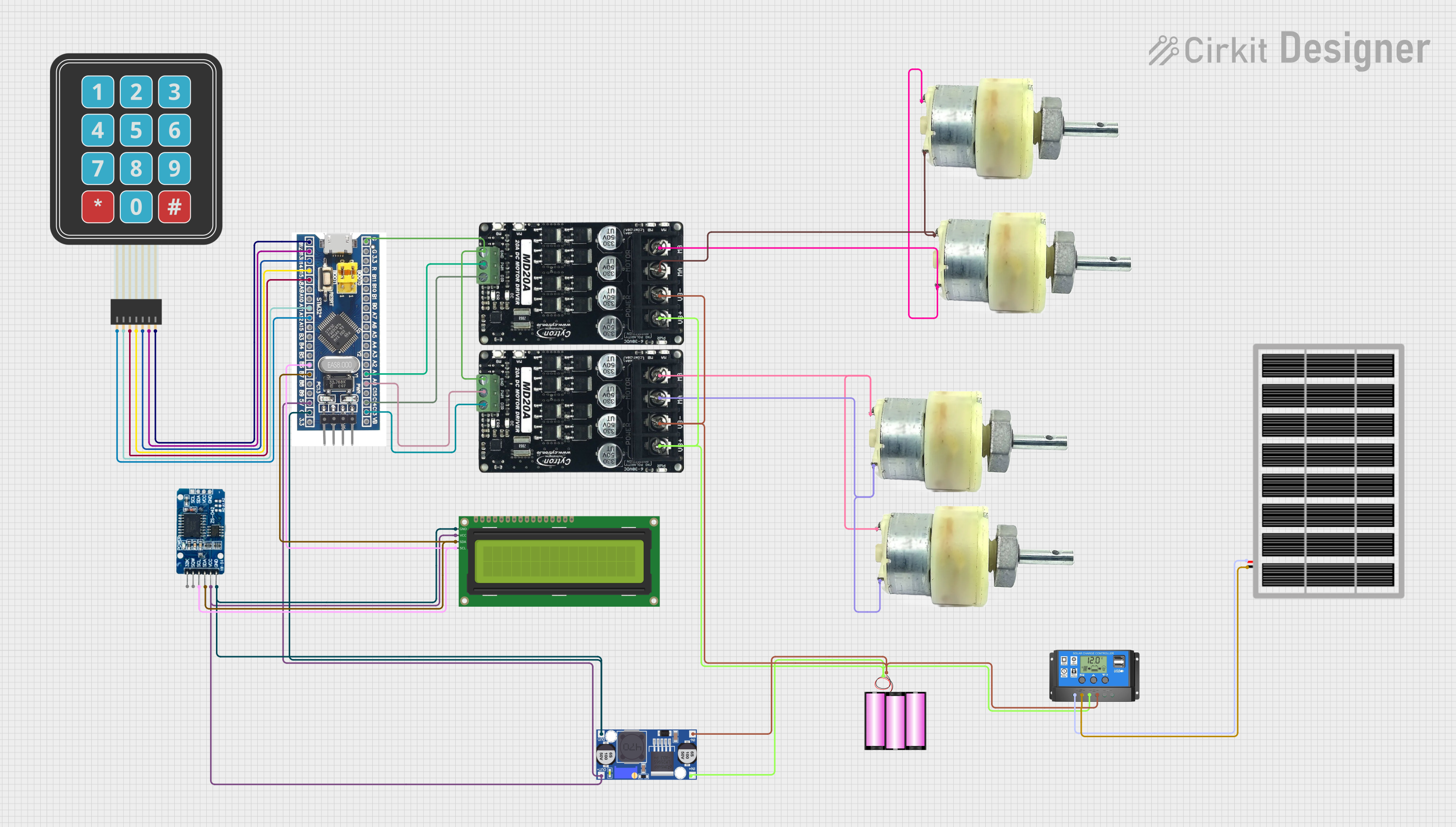 Open Project in Cirkit Designer
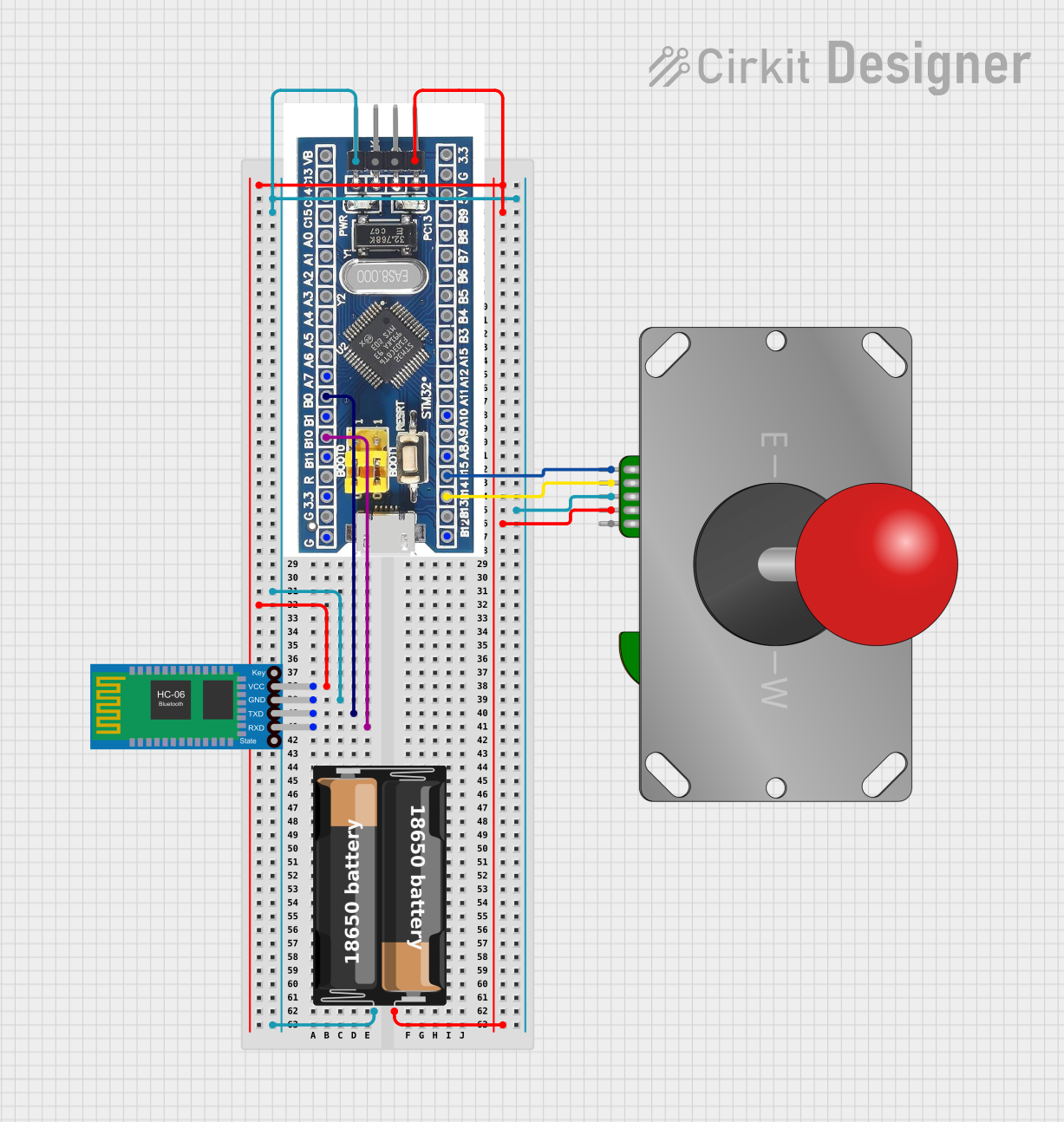 Open Project in Cirkit Designer
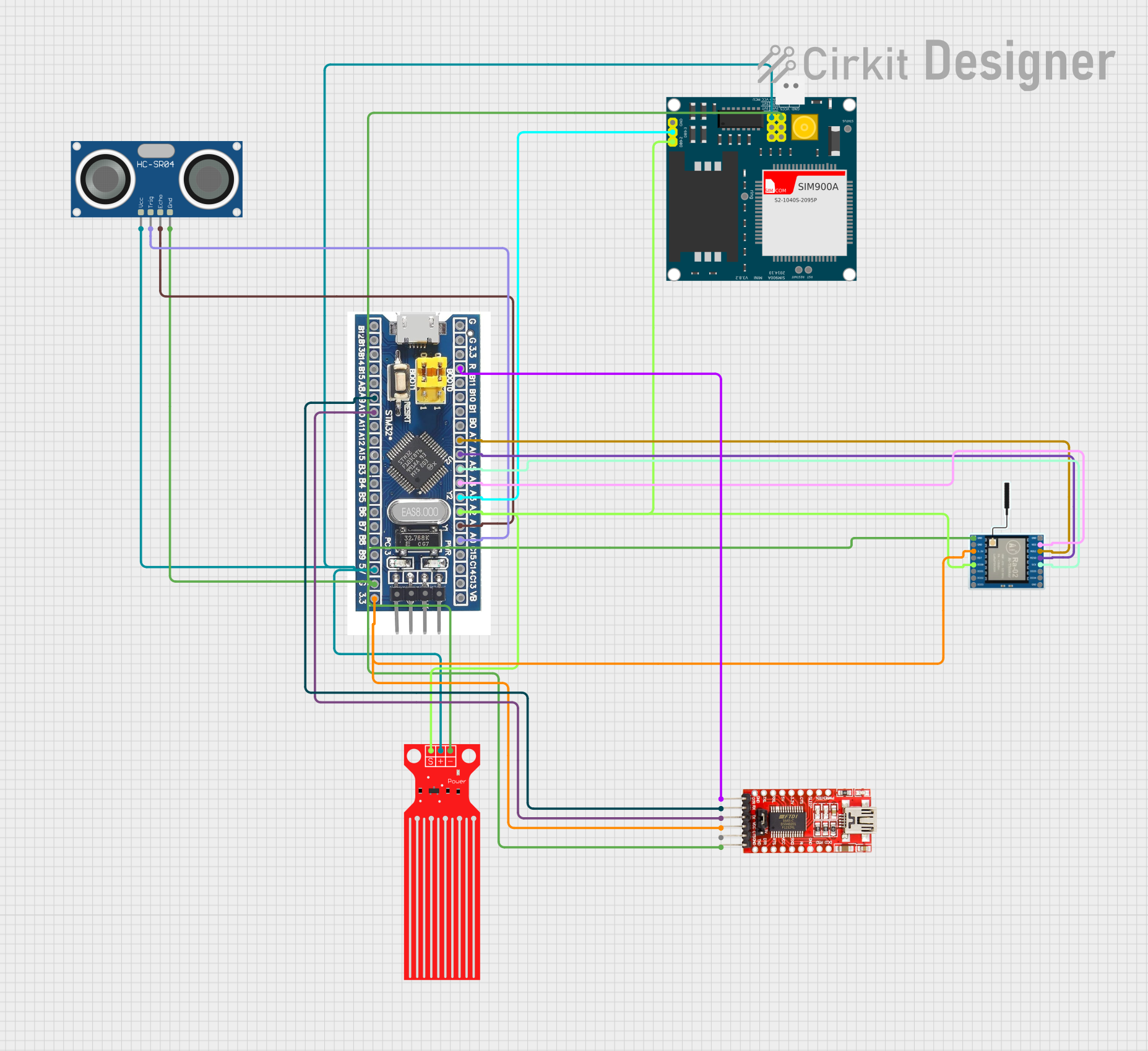 Open Project in Cirkit Designer
Explore Projects Built with STM32F103RB
Open Project in Cirkit DesignerOpen Project in Cirkit DesignerOpen Project in Cirkit DesignerOpen Project in Cirkit DesignerCommon Applications and Use Cases
- Industrial automation and control systems
- Consumer electronics
- IoT devices and smart home applications
- Motor control and robotics
- Medical devices
- Data acquisition systems
Technical Specifications
Key Technical Details
| Parameter | Value |
|---|---|
| Core | ARM Cortex-M3 |
| Clock Speed | Up to 72 MHz |
| Flash Memory | 128 KB |
| SRAM | 20 KB |
| Operating Voltage | 2.0 V to 3.6 V |
| GPIO Pins | 51 |
| Communication Interfaces | USART, SPI, I2C, CAN, USB |
| Timers | 3 general-purpose, 1 advanced |
| ADC | 12-bit, up to 16 channels |
| Package | LQFP64 (64-pin) |
Pin Configuration and Descriptions
The STM32F103RB comes in an LQFP64 package with 64 pins. Below is a table summarizing the key pin functions:
| Pin Number | Pin Name | Function(s) |
|---|---|---|
| 1 | VDD | Power supply (3.3 V) |
| 2 | VSS | Ground |
| 10 | PA0 | GPIO, ADC_IN0, WKUP |
| 22 | PB6 | GPIO, I2C1_SCL, USART1_TX |
| 23 | PB7 | GPIO, I2C1_SDA, USART1_RX |
| 31 | PC13 | GPIO, TAMPER-RTC |
| 50 | PA9 | GPIO, USART1_TX |
| 51 | PA10 | GPIO, USART1_RX |
| 64 | NRST | Reset |
For a complete pinout, refer to the STM32F103RB datasheet provided by STMicroelectronics.
Usage Instructions
How to Use the STM32F103RB in a Circuit
- Power Supply: Connect the VDD pin to a 3.3 V power source and the VSS pin to ground.
- Clock Configuration: Use an external 8 MHz crystal oscillator for precise clocking or configure the internal RC oscillator.
- Programming: Use an ST-Link programmer/debugger to upload firmware via the SWD (Serial Wire Debug) interface.
- Peripherals: Connect peripherals (e.g., sensors, actuators) to the GPIO pins. Configure the pins in the firmware for the desired functionality (e.g., input, output, alternate function).
- Communication: Utilize USART, SPI, I2C, or CAN interfaces for communication with other devices.
Important Considerations and Best Practices
- Voltage Levels: Ensure all connected devices operate within the 3.3 V logic level to avoid damage.
- Decoupling Capacitors: Place 0.1 µF decoupling capacitors close to the VDD pins to stabilize the power supply.
- Boot Modes: Configure the BOOT0 and BOOT1 pins to select the desired boot mode (e.g., boot from flash memory).
- Debugging: Use the SWD interface for debugging and firmware updates.
- Code Optimization: Leverage the ARM Cortex-M3's advanced features, such as interrupt handling and low-power modes, for efficient operation.
Example Code for Arduino IDE (Using STM32 Core)
The STM32F103RB can be programmed using the Arduino IDE with the STM32 core installed. Below is an example of blinking an LED connected to pin PA5:
// Define the LED pin
#define LED_PIN PA5

void setup() {
  // Set the LED pin as output
  pinMode(LED_PIN, OUTPUT);
}

void loop() {
  // Turn the LED on
  digitalWrite(LED_PIN, HIGH);
  delay(500); // Wait for 500 ms

  // Turn the LED off
  digitalWrite(LED_PIN, LOW);
  delay(500); // Wait for 500 ms
}
Note: Install the STM32 core in the Arduino IDE by navigating to
File > Preferences, adding the STM32 board manager URL, and installing the STM32 package via the Board Manager.
Troubleshooting and FAQs
Common Issues and Solutions
Microcontroller Not Responding
- Cause: Incorrect power supply or boot mode configuration.
- Solution: Verify the power supply voltage (3.3 V) and ensure BOOT0 is set to boot from flash memory.
Programming Failure
- Cause: Faulty connection to the ST-Link programmer.
- Solution: Check the SWD connections (SWCLK, SWDIO, GND, and VDD) and ensure the ST-Link driver is installed.
Peripheral Not Working
- Cause: Incorrect pin configuration in the firmware.
- Solution: Double-check the pin assignments and ensure the peripheral clock is enabled in the firmware.
Overheating
- Cause: Excessive current draw or short circuit.
- Solution: Inspect the circuit for shorts and ensure the microcontroller is not overloaded.
FAQs
Q: Can the STM32F103RB operate at 5 V?
A: No, the STM32F103RB operates at a voltage range of 2.0 V to 3.6 V. Use level shifters for 5 V devices.Q: How do I reset the microcontroller?
A: Use the NRST pin or issue a software reset command in the firmware.Q: Can I use the STM32F103RB for USB communication?
A: Yes, the STM32F103RB has a USB 2.0 full-speed interface for communication.Q: What development tools are recommended?
A: Use STM32CubeIDE, Keil uVision, or the Arduino IDE with the STM32 core for development.
This concludes the documentation for the STM32F103RB microcontroller. For further details, refer to the official datasheet and reference manual provided by STMicroelectronics.