
How to Use pcb: Examples, Pinouts, and Specs
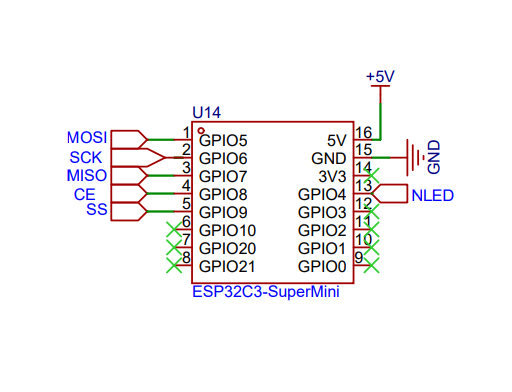
 Design with pcb in Cirkit Designer
Introduction
A Printed Circuit Board (PCB) is a flat board made of insulating material, typically fiberglass, that provides mechanical support and electrical connections for electronic components. Conductive pathways, or traces, are etched onto the board to connect various components, such as resistors, capacitors, and integrated circuits. PCBs are essential in modern electronics, offering a compact and reliable way to assemble and interconnect components.
Common applications of PCBs include:
- Consumer electronics (e.g., smartphones, laptops, and televisions)
- Industrial equipment and machinery
- Automotive systems (e.g., engine control units and infotainment systems)
- Medical devices (e.g., diagnostic equipment and wearable devices)
- Aerospace and defense systems
Explore Projects Built with pcb
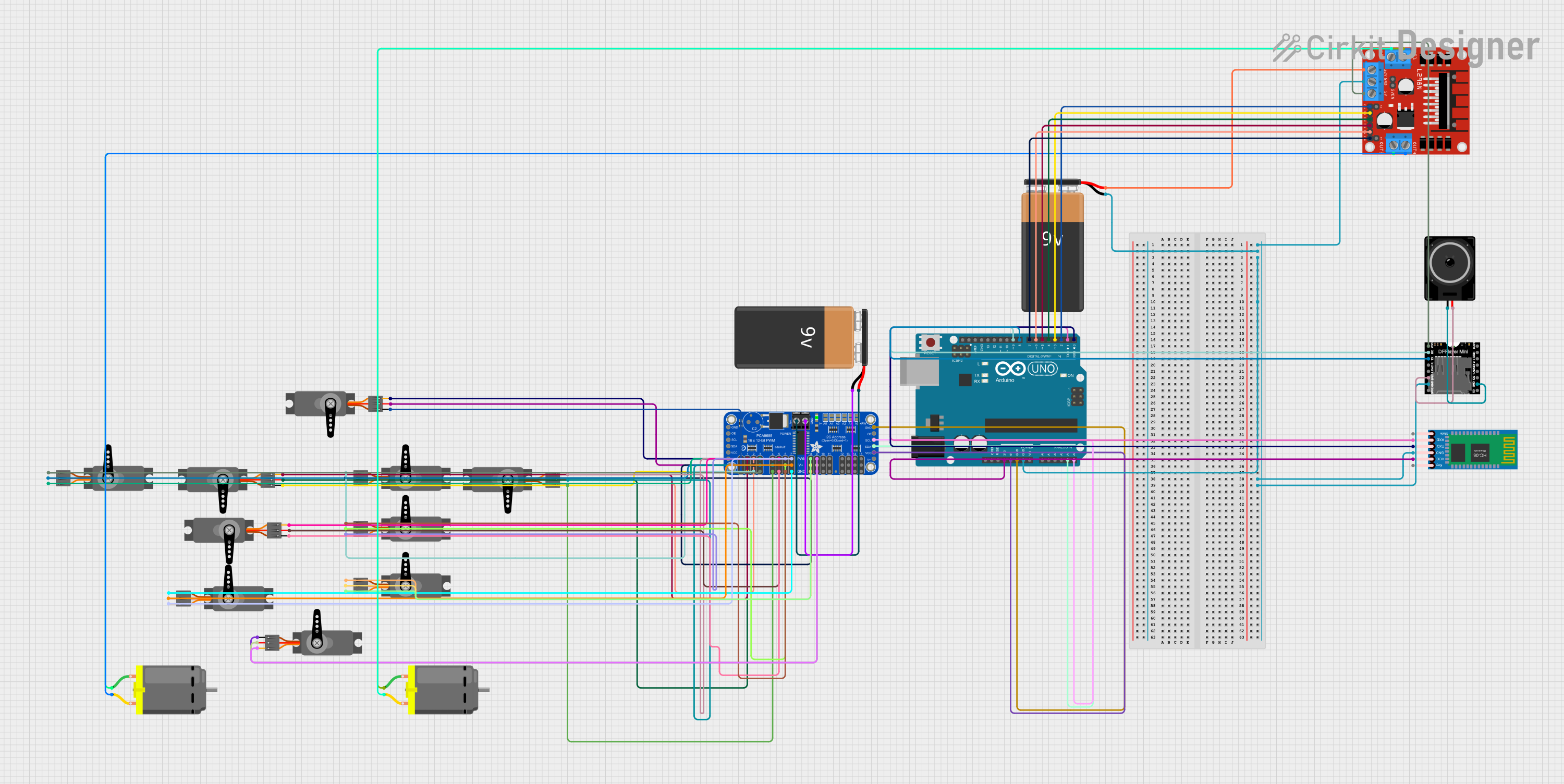 Open Project in Cirkit Designer
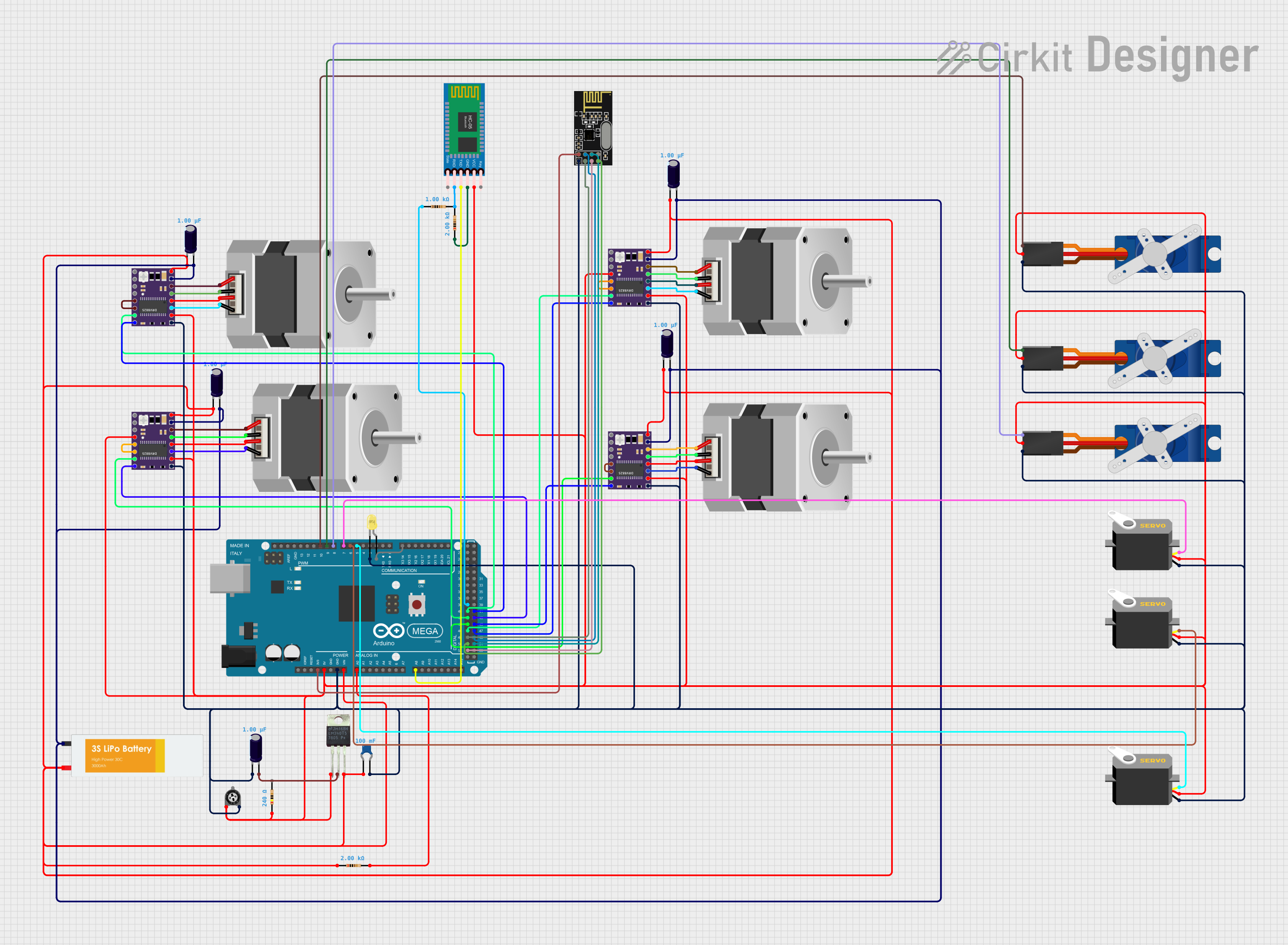 Open Project in Cirkit Designer
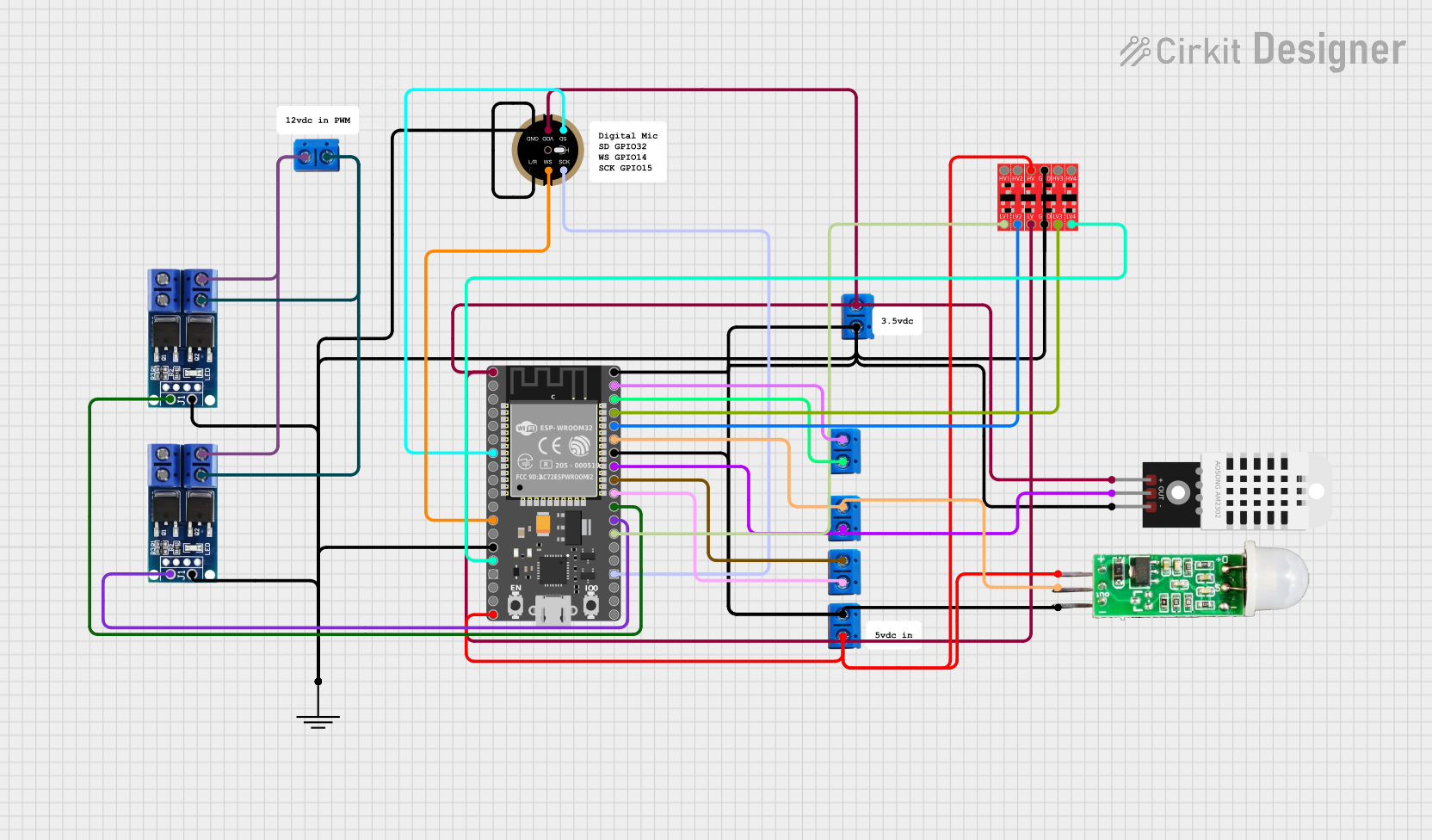 Open Project in Cirkit Designer
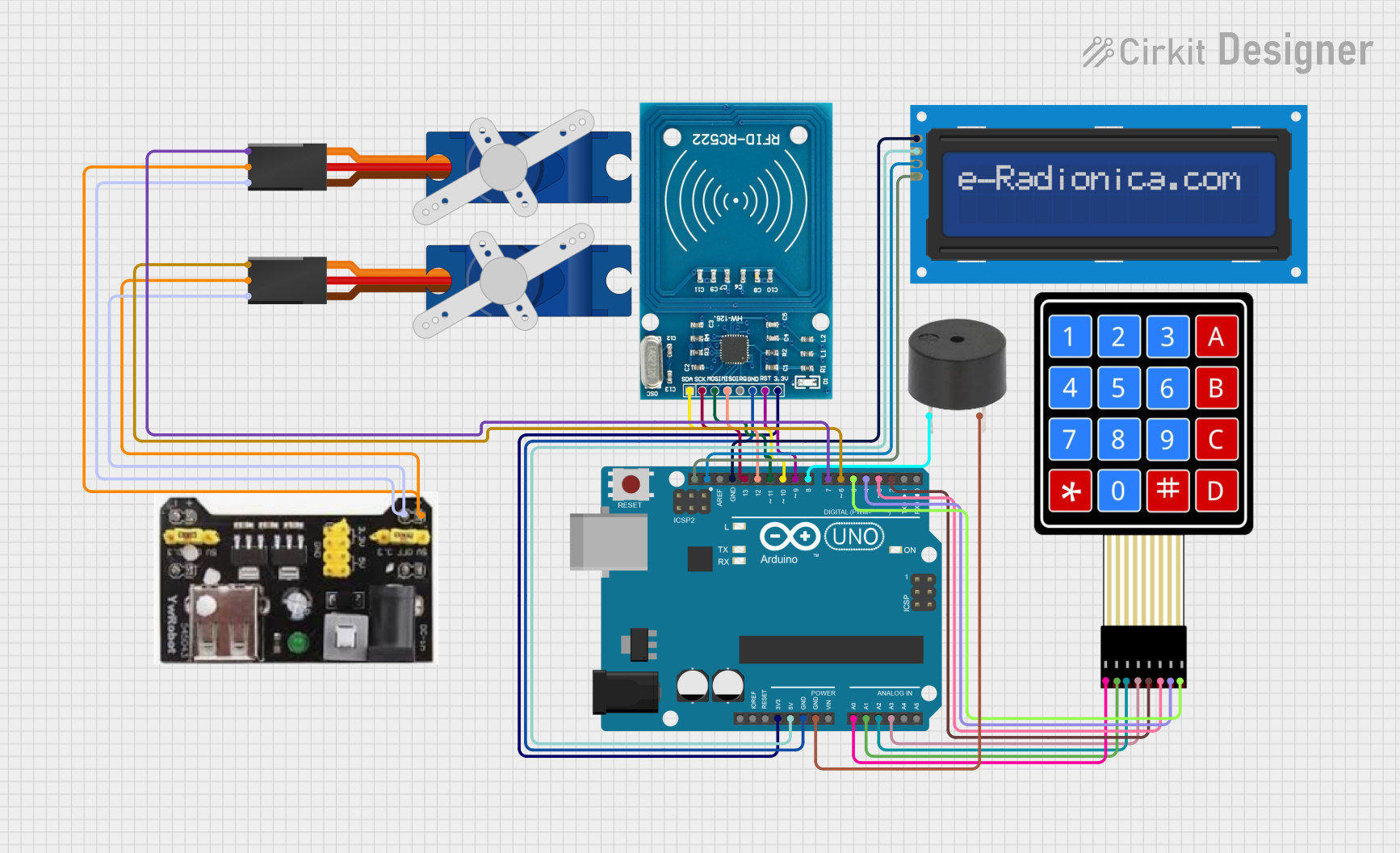 Open Project in Cirkit Designer
Explore Projects Built with pcb
Open Project in Cirkit DesignerOpen Project in Cirkit DesignerOpen Project in Cirkit DesignerOpen Project in Cirkit DesignerTechnical Specifications
Below are the general technical specifications for a PCB manufactured by AC, part ID: PCB.
General Specifications
| Parameter | Value/Description |
|---|---|
| Material | FR4 (fiberglass-reinforced epoxy laminate) |
| Layers | 1 to 16 (depending on design requirements) |
| Copper Thickness | 1 oz/ft² to 3 oz/ft² |
| Board Thickness | 0.4 mm to 3.2 mm |
| Surface Finish | HASL, ENIG, OSP, or immersion silver |
| Solder Mask Color | Green (default), other colors available |
| Operating Temperature | -40°C to +125°C |
| Dielectric Constant (Dk) | 4.2 to 4.8 (for FR4 material) |
Pin Configuration and Descriptions
PCBs do not have a standard pin configuration, as they are custom-designed for specific applications. However, the following table outlines common connection points found on a PCB:
| Connection Point | Description |
|---|---|
| VCC | Power supply input (positive voltage) |
| GND | Ground connection |
| Signal Traces | Conductive pathways for data or control signals |
| Test Points | Designated points for testing and debugging |
| Component Pads | Soldering points for electronic components |
| Connectors | Interfaces for external connections (e.g., headers, sockets) |
Usage Instructions
How to Use a PCB in a Circuit
- Design the PCB Layout: Use PCB design software (e.g., KiCAD, Eagle, or Altium Designer) to create the schematic and layout. Ensure proper placement of components and routing of traces.
- Manufacture the PCB: Send the design files (Gerber files) to a PCB manufacturer. Specify the desired material, layer count, and surface finish.
- Assemble Components: Solder the electronic components onto the PCB using a soldering iron or reflow soldering process.
- Test the PCB: Verify the functionality of the assembled PCB using test equipment such as multimeters and oscilloscopes.
Important Considerations and Best Practices
- Trace Width and Spacing: Ensure traces are wide enough to handle the required current and spaced to prevent short circuits.
- Ground Plane: Use a ground plane to reduce electromagnetic interference (EMI) and improve signal integrity.
- Thermal Management: Include thermal vias and heat sinks for components that generate significant heat.
- Design for Manufacturability (DFM): Follow DFM guidelines to ensure the PCB can be easily and reliably manufactured.
- Arduino Compatibility: If designing a PCB for use with an Arduino UNO, ensure the pin headers align with the Arduino's pin layout.
Example: Connecting an Arduino UNO to a Custom PCB
Below is an example of Arduino code to interface with a custom PCB that includes an LED and a button:
// Define pin connections
const int ledPin = 13;  // LED connected to digital pin 13
const int buttonPin = 7; // Button connected to digital pin 7

void setup() {
  pinMode(ledPin, OUTPUT);  // Set LED pin as output
  pinMode(buttonPin, INPUT_PULLUP); // Set button pin as input with pull-up resistor
}

void loop() {
  // Read the button state
  int buttonState = digitalRead(buttonPin);

  // If the button is pressed, turn on the LED
  if (buttonState == LOW) {
    digitalWrite(ledPin, HIGH); // Turn on LED
  } else {
    digitalWrite(ledPin, LOW);  // Turn off LED
  }
}
Troubleshooting and FAQs
Common Issues
Short Circuits: Traces or solder joints may accidentally connect, causing a short circuit.
- Solution: Inspect the PCB under a magnifying glass and use a multimeter to check for continuity. Remove excess solder or rework the affected area.
Open Circuits: A broken trace or poor solder joint may prevent proper connections.
- Solution: Use a multimeter to identify the break and repair it with a solder bridge or jumper wire.
Overheating Components: Components may overheat due to insufficient cooling or incorrect placement.
- Solution: Add heat sinks, thermal vias, or reposition components to improve heat dissipation.
Signal Interference: High-speed signals may experience noise or crosstalk.
- Solution: Use proper grounding, shielding, and trace separation techniques.
FAQs
Q: Can I reuse a PCB from an old device?
A: Yes, but you must desolder the components and ensure the traces and pads are intact. Reusing PCBs is generally not recommended for critical applications.
Q: What software should I use to design a PCB?
A: Popular options include KiCAD (free), Eagle (freemium), and Altium Designer (professional-grade).
Q: How do I choose the right PCB material?
A: For most applications, FR4 is sufficient. For high-frequency or high-temperature applications, consider specialized materials like Rogers or polyimide.
Q: What is the difference between single-layer and multi-layer PCBs?
A: Single-layer PCBs have one conductive layer, while multi-layer PCBs have multiple layers separated by insulating material, allowing for more complex designs.
By following this documentation, you can effectively design, assemble, and troubleshoot PCBs for a wide range of applications.