
How to Use DE10-Lite Development and Education Board: Examples, Pinouts, and Specs
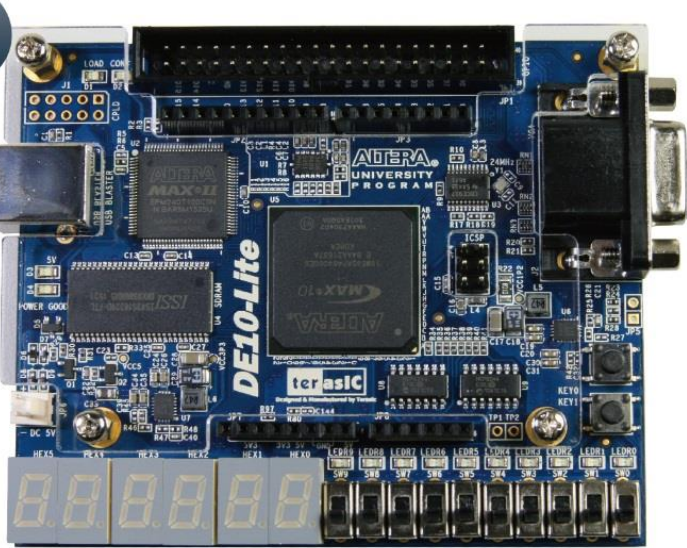
 Design with DE10-Lite Development and Education Board in Cirkit Designer
Introduction
The DE10-Lite Development and Education Board is a versatile FPGA development platform designed for educational purposes and prototyping. It features an Intel MAX 10 FPGA, offering a balance of performance and flexibility for a wide range of applications. The board includes various I/O interfaces, onboard peripherals, and support for multiple programming environments, making it an excellent choice for students, hobbyists, and professionals.
Explore Projects Built with DE10-Lite Development and Education Board
 Open Project in Cirkit Designer
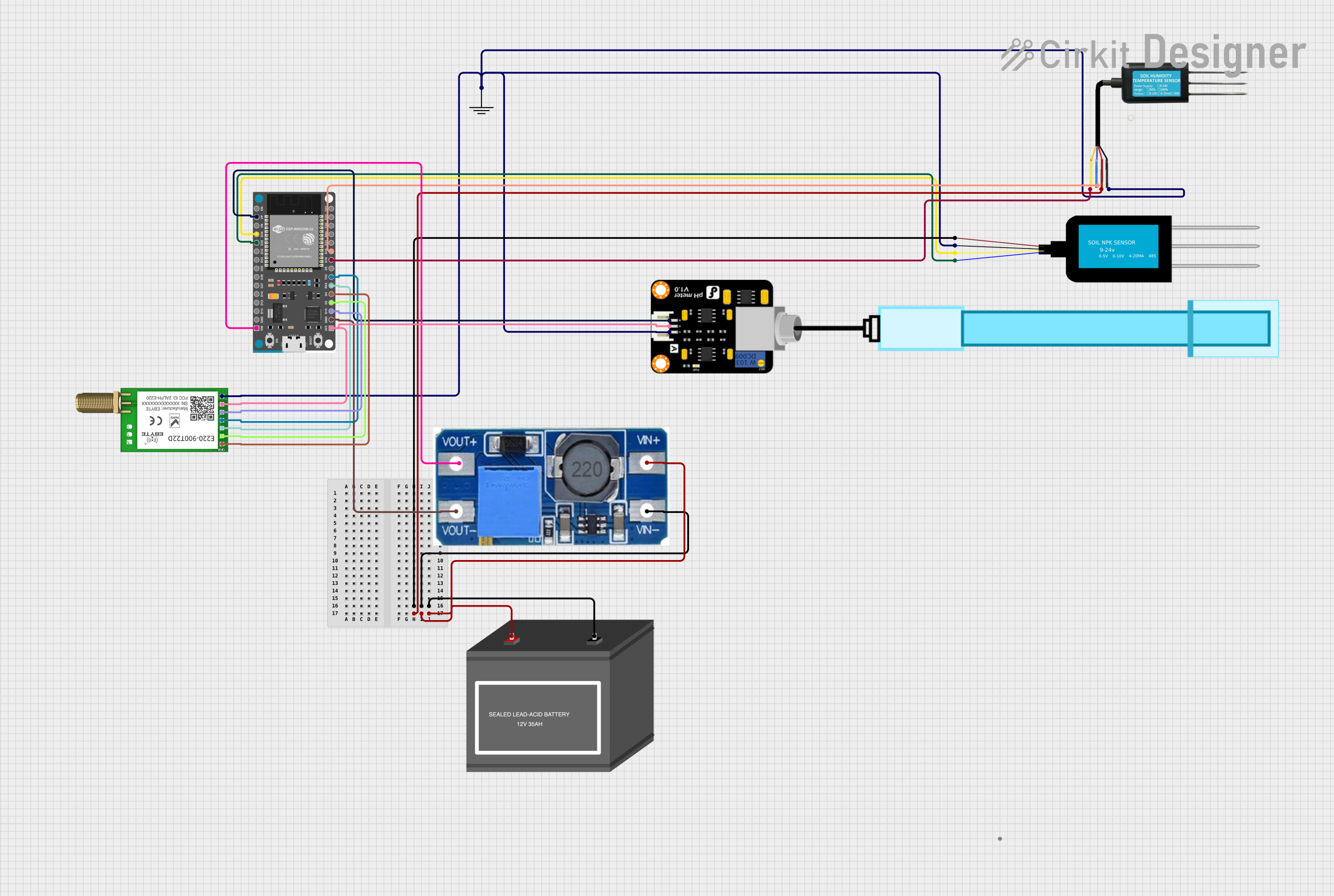 Open Project in Cirkit Designer
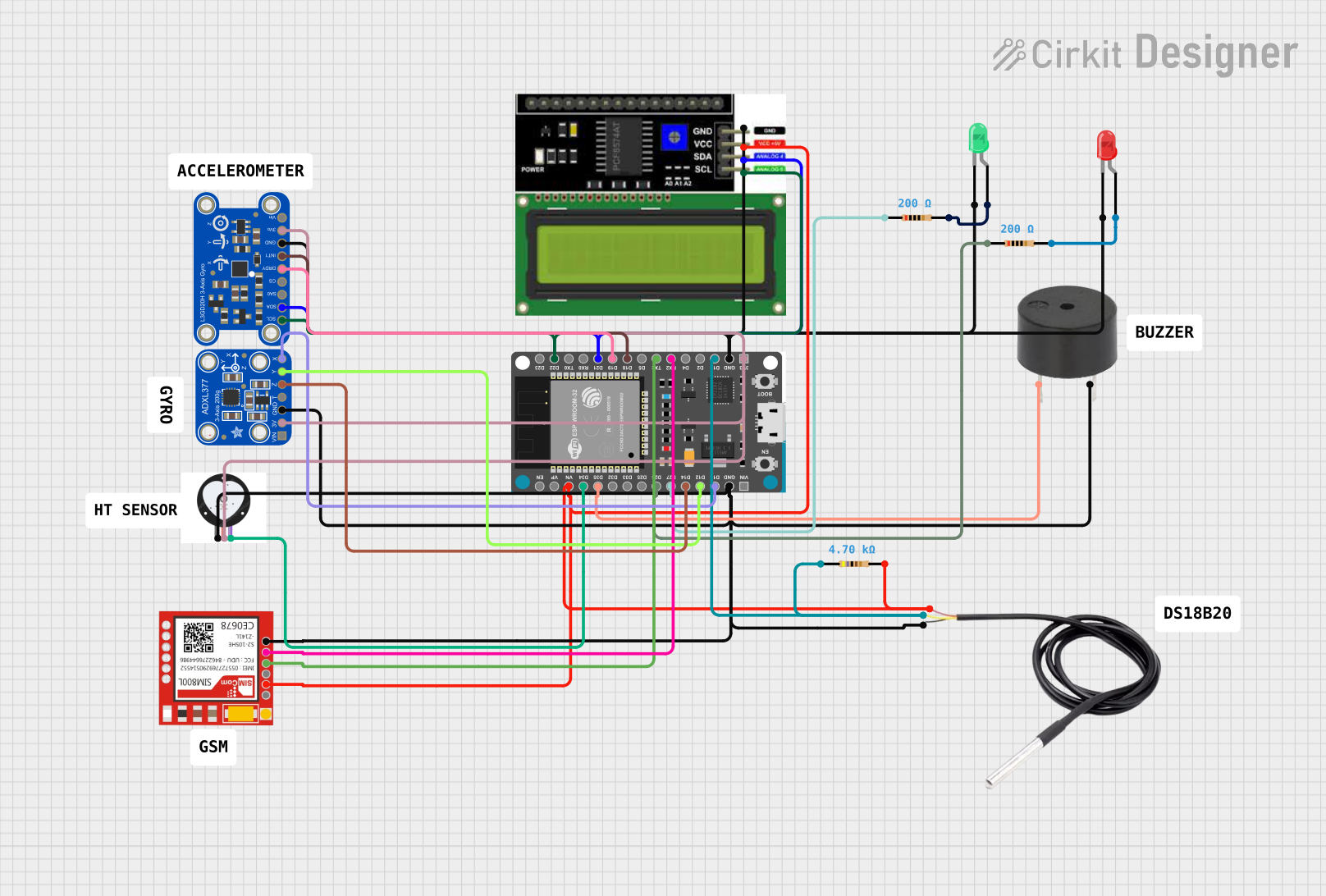 Open Project in Cirkit Designer
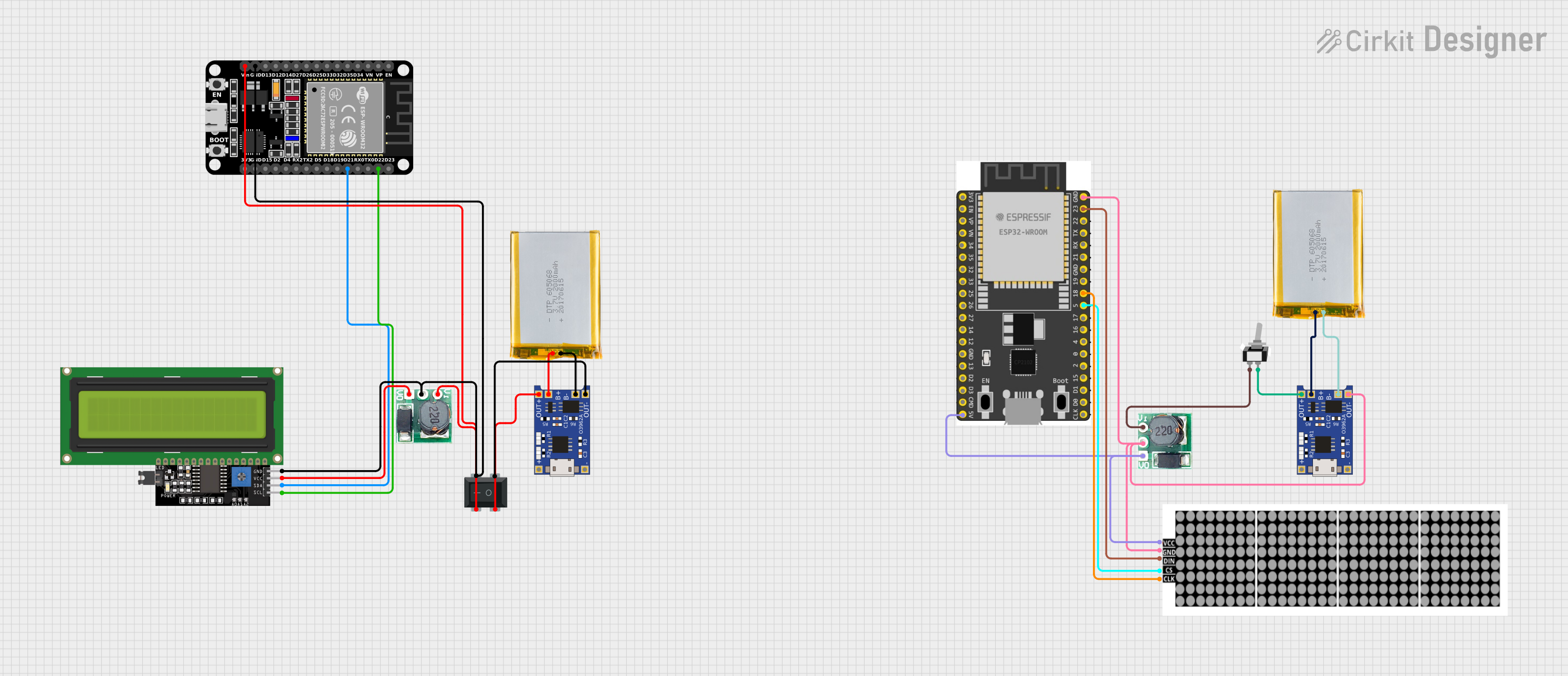 Open Project in Cirkit Designer
Explore Projects Built with DE10-Lite Development and Education Board
Open Project in Cirkit DesignerOpen Project in Cirkit DesignerOpen Project in Cirkit DesignerOpen Project in Cirkit DesignerCommon Applications and Use Cases
- Digital logic design and verification
- Embedded system prototyping
- Signal processing and hardware acceleration
- Educational projects and FPGA training
- Custom hardware development for IoT and robotics
Technical Specifications
The DE10-Lite board is equipped with the following key features and specifications:
Key Technical Details
- FPGA: Intel MAX 10 FPGA (10M50DAF484C7G)
- Logic Elements (LEs): 49,000
- Embedded Memory: 1,638 Kbits
- Phase-Locked Loops (PLLs): 4
- User I/O Pins: 77
- Onboard Memory: 64 MB SDRAM
- Clock: 50 MHz onboard oscillator
- Power Supply: 5V DC input via USB or external adapter
- Programming Interface: USB-Blaster II (onboard)
- Dimensions: 99 mm x 64 mm
Pin Configuration and Descriptions
The DE10-Lite board provides a variety of I/O pins and connectors. Below is a summary of the key pin configurations:
GPIO Header
| Pin | Description | Voltage Level |
|---|---|---|
| GPIO_0 | General-purpose I/O | 3.3V |
| GPIO_1 | General-purpose I/O | 3.3V |
| GPIO_2 | General-purpose I/O | 3.3V |
| ... | ... | ... |
| GPIO_77 | General-purpose I/O | 3.3V |
Power and Programming Pins
| Pin | Description | Voltage Level |
|---|---|---|
| VCC | Power supply input | 5V |
| GND | Ground | 0V |
| USB-Blaster | Programming interface | - |
Onboard Peripherals
| Peripheral | Description |
|---|---|
| 7-segment displays | 4-digit 7-segment display for output |
| Push buttons | 4 user push buttons |
| Slide switches | 10 user slide switches |
| LEDs | 10 user LEDs |
Usage Instructions
How to Use the DE10-Lite in a Circuit
- Powering the Board: Connect the DE10-Lite to a computer or power source using the provided USB cable or an external 5V adapter.
- Programming the FPGA:
- Install the Intel Quartus Prime Lite Edition software.
- Use the USB-Blaster II interface to program the FPGA with your design.
- Interfacing with Peripherals:
- Use the GPIO pins to connect external devices such as sensors, motors, or displays.
- Utilize the onboard peripherals (e.g., LEDs, switches) for testing and debugging.
- Clock Configuration: The onboard 50 MHz oscillator provides the default clock signal. For custom clock requirements, configure the PLLs in your design.
Important Considerations and Best Practices
- Voltage Levels: Ensure all external devices connected to the GPIO pins operate at 3.3V logic levels to avoid damage.
- Static Protection: Handle the board with care to prevent electrostatic discharge (ESD) damage.
- Cooling: While the DE10-Lite does not require active cooling, ensure proper ventilation during extended use.
- Design Constraints: Use the Intel Quartus Prime software to define pin assignments and constraints for your design.
Example Code for Interfacing with LEDs
Below is an example Verilog code snippet to toggle the onboard LEDs:
module led_blink (
    input wire clk,          // 50 MHz clock input
    output reg [9:0] leds    // 10 onboard LEDs
);

    reg [23:0] counter;      // 24-bit counter for delay

    always @(posedge clk) begin
        counter <= counter + 1;  // Increment counter on each clock cycle
        leds <= counter[23:14]; // Assign upper bits of counter to LEDs
    end

endmodule
Using the DE10-Lite with Arduino UNO
While the DE10-Lite is not directly compatible with Arduino, you can interface the two using GPIO pins and level shifters. For example, use the Arduino to send signals to the DE10-Lite for triggering specific FPGA operations.
Troubleshooting and FAQs
Common Issues and Solutions
FPGA Not Programming:
- Cause: USB-Blaster not detected.
- Solution: Ensure the USB driver is installed and the cable is securely connected.
No Output on LEDs:
- Cause: Incorrect pin assignments in the Quartus project.
- Solution: Verify the pin assignments in the
.qsffile and recompile the design.
Board Not Powering On:
- Cause: Insufficient power supply.
- Solution: Use a reliable 5V power source with adequate current capacity.
Clock Signal Issues:
- Cause: PLL misconfiguration.
- Solution: Double-check the PLL settings in the Quartus software.
FAQs
Q: Can I use the DE10-Lite for machine learning applications?
A: Yes, the FPGA can be programmed for hardware acceleration of machine learning algorithms.Q: Is the DE10-Lite compatible with other Intel FPGA boards?
A: The DE10-Lite is compatible with Intel Quartus Prime software, which supports a wide range of Intel FPGA boards.Q: Can I use external memory with the DE10-Lite?
A: Yes, you can interface external memory modules via the GPIO pins, but onboard 64 MB SDRAM is sufficient for most applications.
This documentation provides a comprehensive guide to using the DE10-Lite Development and Education Board effectively. For further assistance, refer to the official user manual or community forums.