
How to Use BGB203_BLUETOOTH: Examples, Pinouts, and Specs
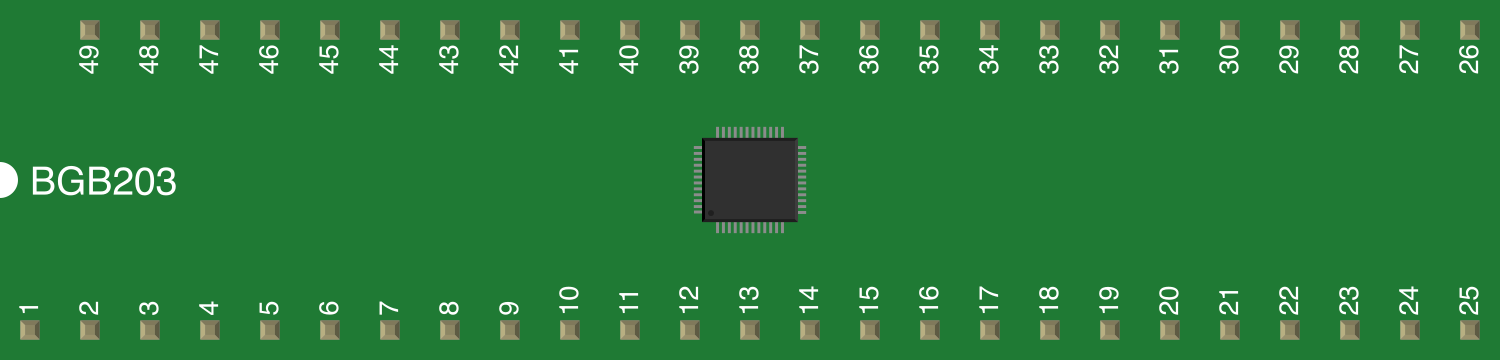
 Design with BGB203_BLUETOOTH in Cirkit Designer
Introduction
The BGB203 is a Bluetooth module designed for low-power wireless communication, enabling devices to connect and exchange data over short distances using Bluetooth technology. It is widely used in applications such as wireless data transfer, IoT devices, smart home systems, and wearable technology. The module is compact, energy-efficient, and supports Bluetooth 4.2, making it ideal for modern wireless communication needs.
Explore Projects Built with BGB203_BLUETOOTH
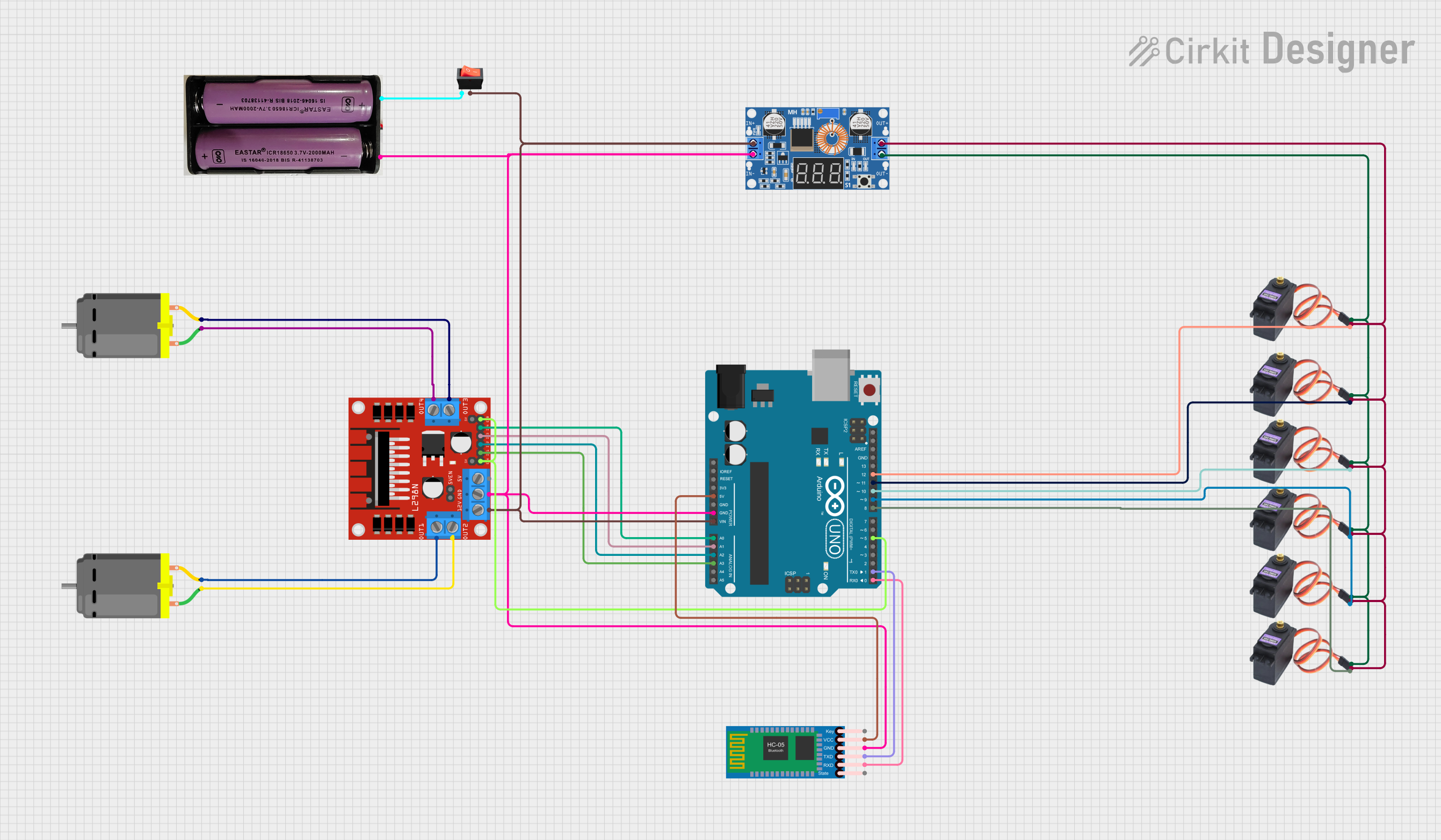 Open Project in Cirkit Designer
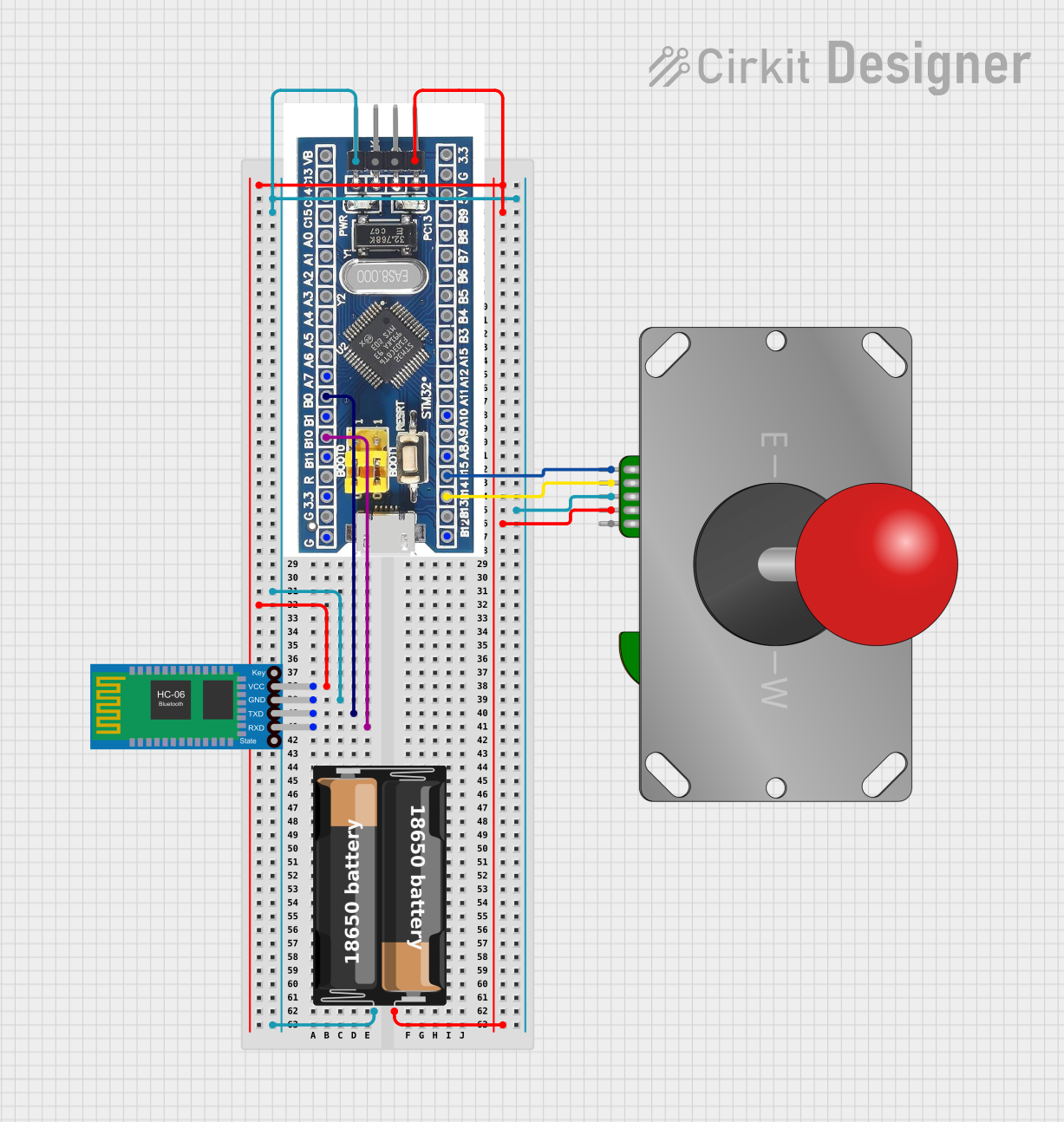 Open Project in Cirkit Designer
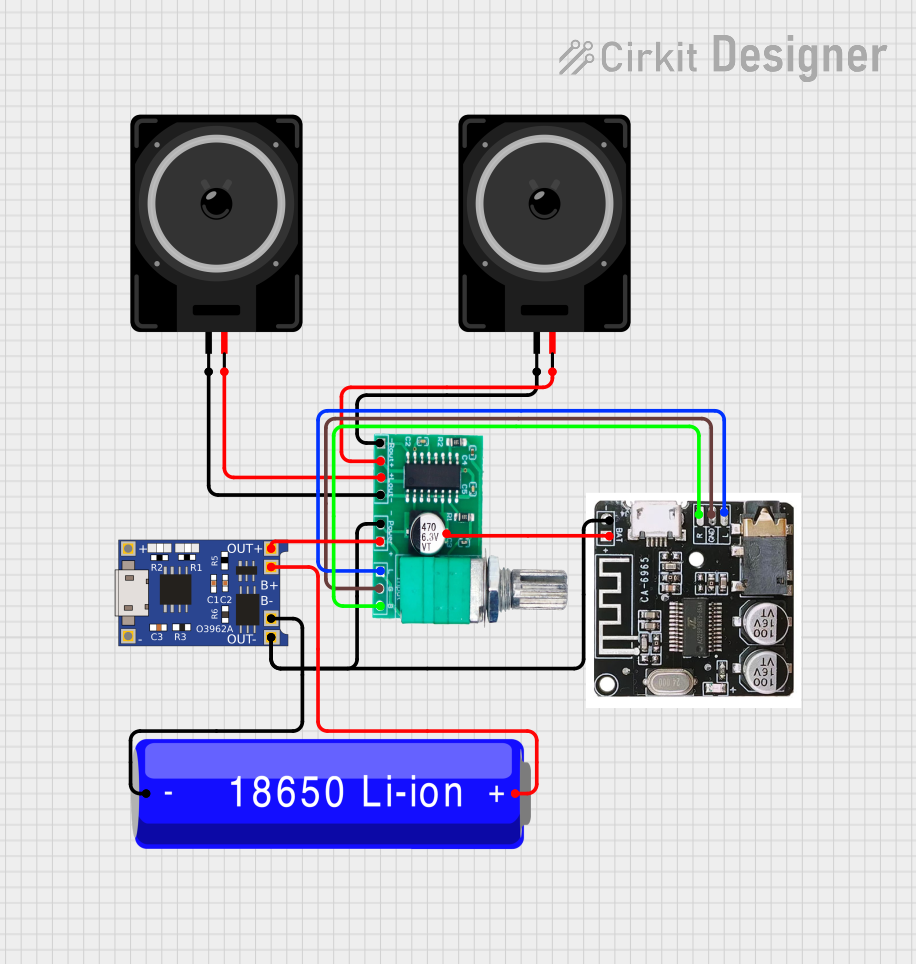 Open Project in Cirkit Designer
 Open Project in Cirkit Designer
Explore Projects Built with BGB203_BLUETOOTH
Open Project in Cirkit DesignerOpen Project in Cirkit DesignerOpen Project in Cirkit DesignerOpen Project in Cirkit DesignerCommon Applications:
- Wireless data transmission between devices
- IoT (Internet of Things) applications
- Smart home automation systems
- Wearable devices
- Wireless sensors and controllers
Technical Specifications
Below are the key technical details of the BGB203 Bluetooth module:
| Parameter | Value |
|---|---|
| Bluetooth Version | 4.2 |
| Operating Voltage | 3.3V to 5V |
| Operating Current | 8 mA (active), 0.5 µA (standby) |
| Communication Protocol | UART |
| Data Rate | Up to 1 Mbps |
| Operating Range | Up to 10 meters (line of sight) |
| Frequency Range | 2.402 GHz to 2.480 GHz |
| Dimensions | 15 mm x 12 mm x 2 mm |
| Operating Temperature | -20°C to 70°C |
Pin Configuration and Descriptions
The BGB203 module has 6 pins, as described in the table below:
| Pin Number | Pin Name | Description |
|---|---|---|
| 1 | VCC | Power supply input (3.3V to 5V) |
| 2 | GND | Ground connection |
| 3 | TXD | UART Transmit pin (connect to RX of host device) |
| 4 | RXD | UART Receive pin (connect to TX of host device) |
| 5 | EN | Enable pin (active HIGH, used to enable the module) |
| 6 | STATE | Status indicator pin (HIGH when connected) |
Usage Instructions
How to Use the BGB203 in a Circuit
- Power Supply: Connect the
VCCpin to a 3.3V or 5V power source and theGNDpin to ground. - UART Communication: Connect the
TXDpin of the module to theRXpin of the host microcontroller (e.g., Arduino UNO) and theRXDpin of the module to theTXpin of the host. - Enable the Module: Pull the
ENpin HIGH to activate the module. - Status Monitoring: Use the
STATEpin to monitor the connection status. It will be HIGH when the module is connected to a Bluetooth device.
Important Considerations
- Ensure the operating voltage does not exceed 5V to avoid damaging the module.
- Use a level shifter if interfacing with a 5V microcontroller to protect the module's UART pins.
- Place the module away from sources of electromagnetic interference for optimal performance.
- Use an external antenna if the module's range is insufficient for your application.
Example: Connecting BGB203 to Arduino UNO
Below is an example of how to connect and use the BGB203 module with an Arduino UNO:
Circuit Connections:
VCC→ 5V on ArduinoGND→ GND on ArduinoTXD→ Pin 10 on Arduino (software serial RX)RXD→ Pin 11 on Arduino (software serial TX)EN→ 3.3V or 5V on Arduino
Arduino Code:
#include <SoftwareSerial.h>

// Define software serial pins for BGB203 communication
SoftwareSerial bluetooth(10, 11); // RX, TX

void setup() {
  // Initialize serial communication
  Serial.begin(9600); // For debugging via Serial Monitor
  bluetooth.begin(9600); // For communication with BGB203

  Serial.println("BGB203 Bluetooth Module Test");
}

void loop() {
  // Check if data is available from the Bluetooth module
  if (bluetooth.available()) {
    char data = bluetooth.read(); // Read data from BGB203
    Serial.print("Received: ");
    Serial.println(data); // Print received data to Serial Monitor
  }

  // Check if data is available from the Serial Monitor
  if (Serial.available()) {
    char data = Serial.read(); // Read data from Serial Monitor
    bluetooth.write(data); // Send data to BGB203
    Serial.print("Sent: ");
    Serial.println(data); // Print sent data to Serial Monitor
  }
}
Notes:
- The default baud rate for the BGB203 module is 9600. Ensure the Arduino's software serial baud rate matches this.
- Use the Arduino Serial Monitor to send and receive data for testing.
Troubleshooting and FAQs
Common Issues and Solutions
Module Not Powering On:
- Ensure the
VCCpin is connected to a 3.3V or 5V power source. - Verify the
GNDconnection is secure.
- Ensure the
No Data Transmission:
- Check the UART connections (
TXDandRXD) between the module and the host device. - Ensure the baud rate of the host device matches the module's default baud rate (9600).
- Check the UART connections (
Bluetooth Device Not Discoverable:
- Confirm the
ENpin is pulled HIGH to enable the module. - Ensure the module is within range of the Bluetooth device.
- Confirm the
Intermittent Connection:
- Reduce interference by placing the module away from other wireless devices.
- Check the power supply for stability.
FAQs
Q1: Can the BGB203 module be used with a 5V microcontroller?
A1: Yes, but it is recommended to use a level shifter for the UART pins to avoid damaging the module.
Q2: What is the maximum range of the BGB203 module?
A2: The module has a maximum range of 10 meters in a line-of-sight environment.
Q3: How can I change the module's baud rate?
A3: The baud rate can be changed using AT commands. Refer to the module's AT command set documentation for details.
Q4: Can the module operate in low-power mode?
A4: Yes, the module supports a standby mode with a current consumption of 0.5 µA.