
How to Use BME BMP280: Examples, Pinouts, and Specs
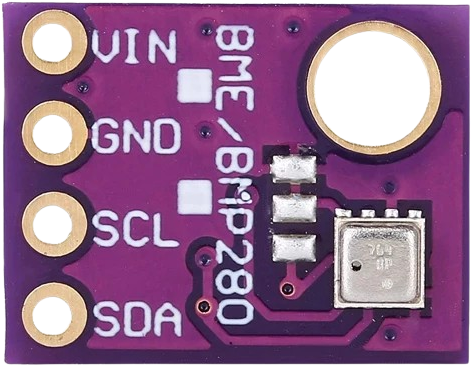
 Design with BME BMP280 in Cirkit Designer
Introduction
The BME BMP280 is a high-precision, low-power barometric pressure and temperature sensor. It is widely used in weather monitoring, altitude measurement, and environmental sensing applications. The sensor is designed for both I2C and SPI communication, making it versatile and easy to integrate into various microcontroller-based projects.
Common applications include:
- Weather stations
- Altimeters for drones and other vehicles
- Indoor and outdoor environmental monitoring
- IoT devices for climate control
Explore Projects Built with BME BMP280
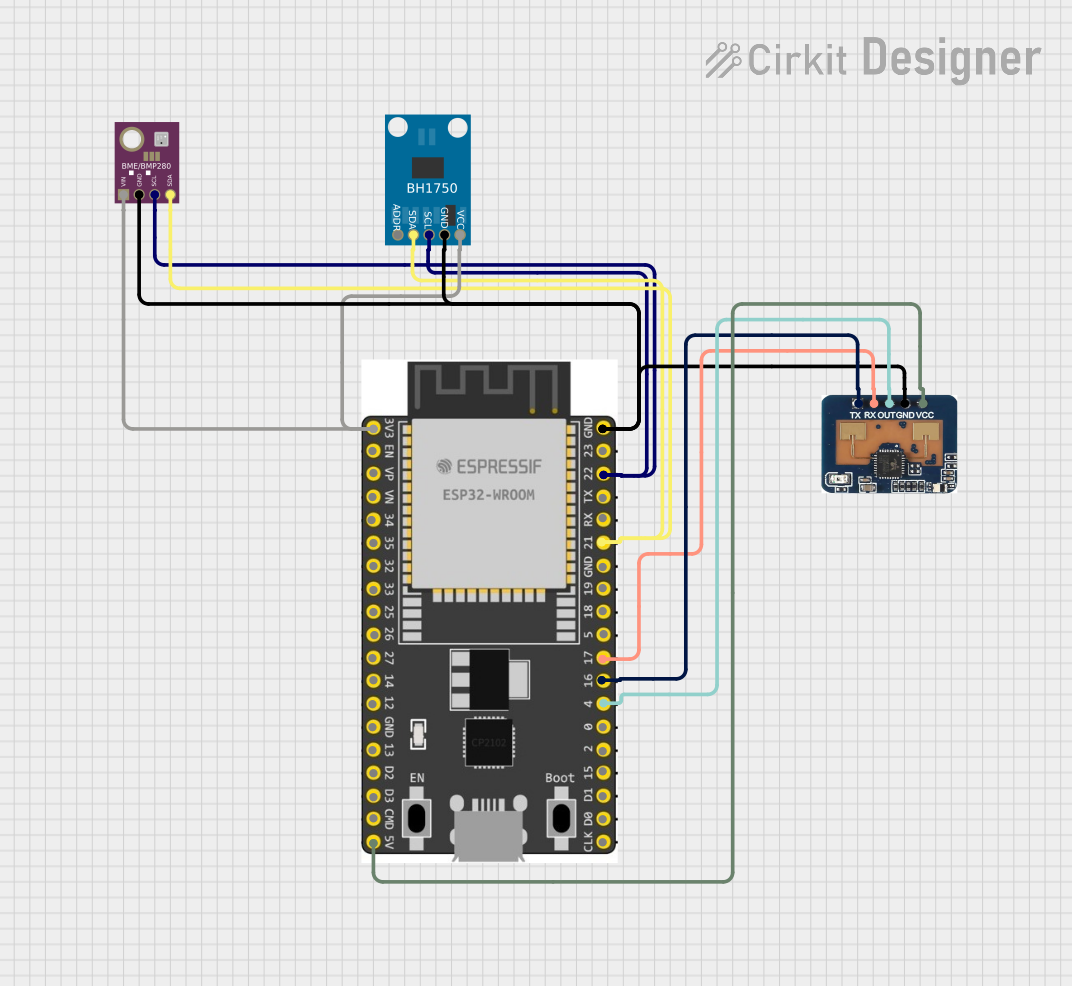 Open Project in Cirkit Designer
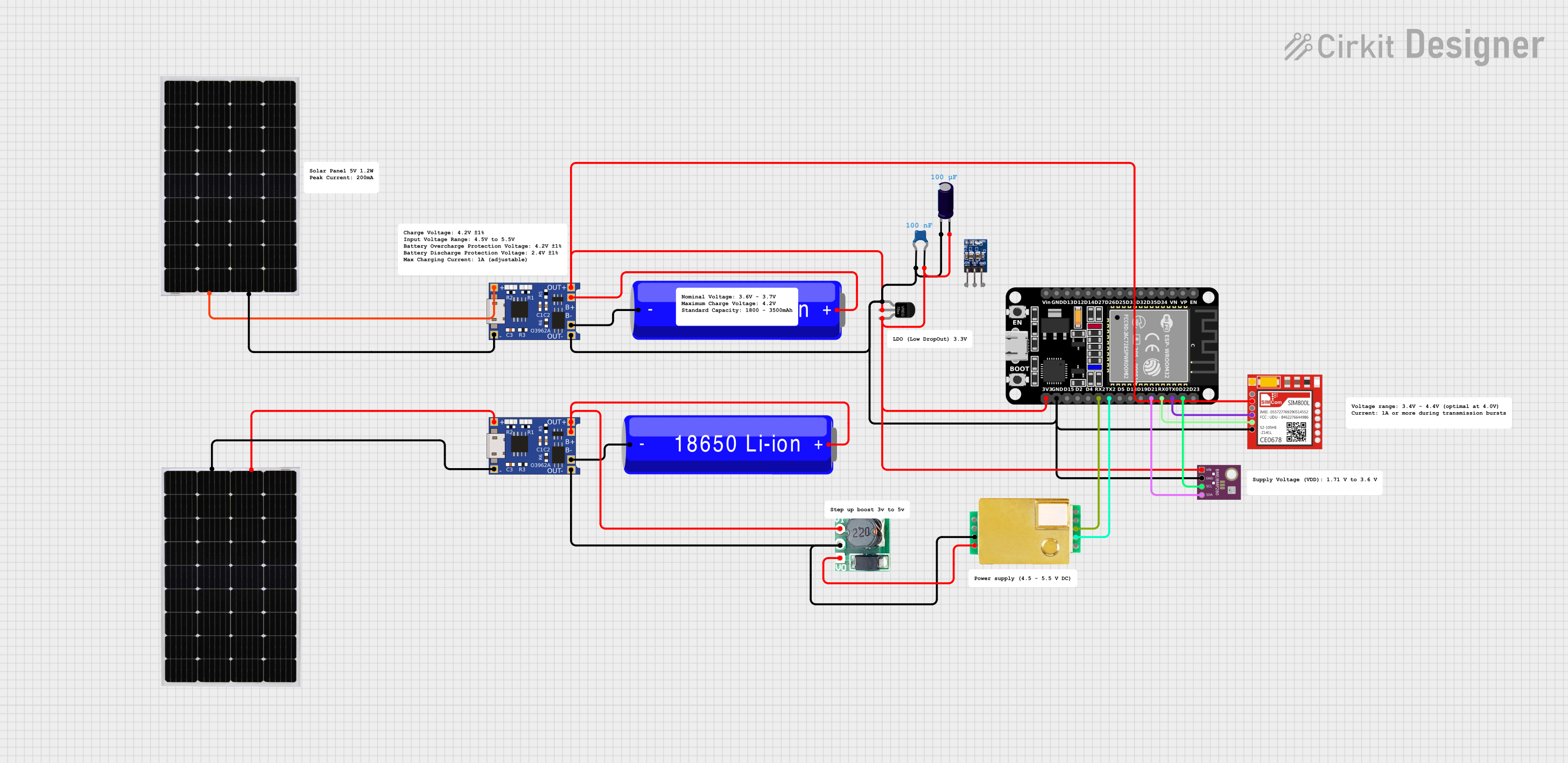 Open Project in Cirkit Designer
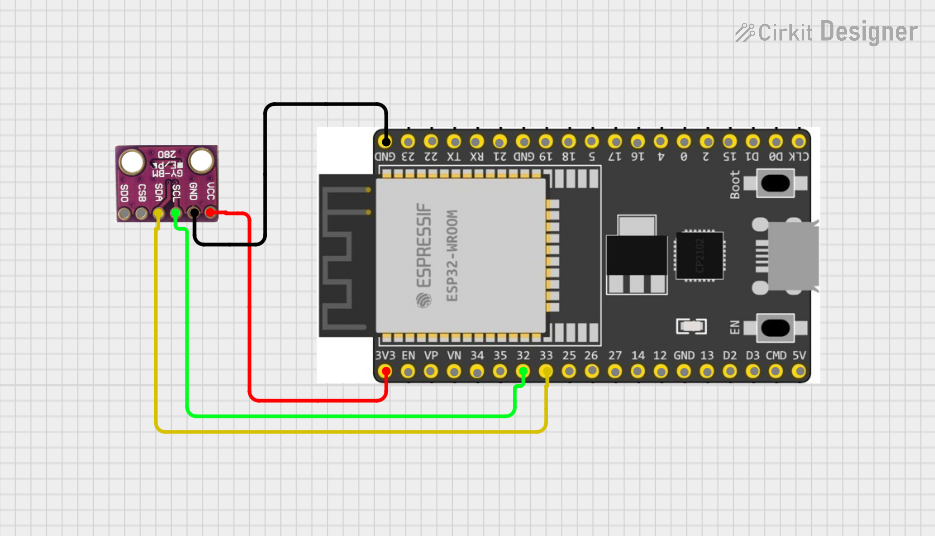 Open Project in Cirkit Designer
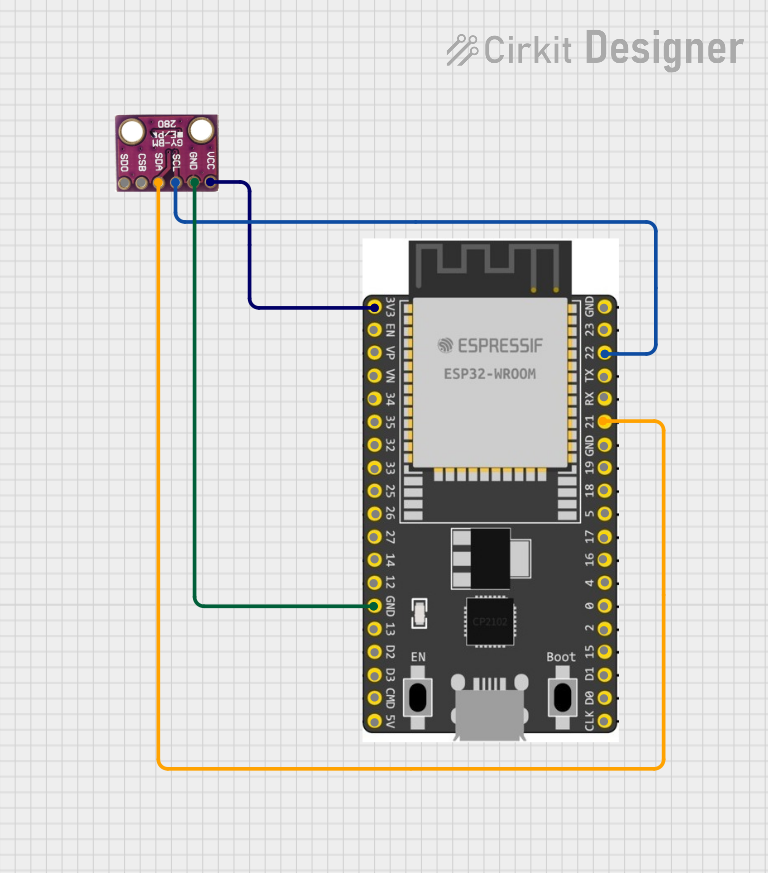 Open Project in Cirkit Designer
Explore Projects Built with BME BMP280
Open Project in Cirkit DesignerOpen Project in Cirkit DesignerOpen Project in Cirkit DesignerOpen Project in Cirkit DesignerTechnical Specifications
The BME BMP280 sensor offers the following key technical details:
| Parameter | Value |
|---|---|
| Operating Voltage | 1.71V to 3.6V |
| Typical Operating Current | 2.7 µA (in normal mode) |
| Communication Interface | I2C (up to 3.4 MHz) / SPI (up to 10 MHz) |
| Pressure Measurement Range | 300 hPa to 1100 hPa |
| Temperature Measurement Range | -40°C to +85°C |
| Pressure Resolution | 0.16 Pa |
| Temperature Resolution | 0.01°C |
| Operating Temperature | -40°C to +85°C |
Pin Configuration
The BME BMP280 sensor typically comes in a breakout board format. Below is the pin configuration:
| Pin Name | Description |
|---|---|
| VCC | Power supply (1.71V to 3.6V) |
| GND | Ground |
| SCL | Serial Clock Line for I2C / SPI Clock |
| SDA | Serial Data Line for I2C / SPI Data |
| CS | Chip Select for SPI (active low) |
| SDO | Serial Data Output for SPI / I2C Address Bit |
Usage Instructions
Connecting the BME BMP280 to an Arduino UNO
The BME BMP280 can be easily connected to an Arduino UNO using the I2C interface. Below is the wiring guide:
| BME BMP280 Pin | Arduino UNO Pin |
|---|---|
| VCC | 3.3V |
| GND | GND |
| SCL | A5 (SCL) |
| SDA | A4 (SDA) |
Arduino Code Example
The following example demonstrates how to read temperature and pressure data from the BME BMP280 using the Adafruit BMP280 library.
#include <Wire.h>
#include <Adafruit_Sensor.h>
#include <Adafruit_BMP280.h>

// Create an instance of the BMP280 sensor
Adafruit_BMP280 bmp;

// Define sea level pressure in hPa for altitude calculation
#define SEALEVELPRESSURE_HPA (1013.25)

void setup() {
  Serial.begin(9600);
  // Initialize the BMP280 sensor
  if (!bmp.begin(0x76)) {
    // Check if the sensor is connected at I2C address 0x76
    Serial.println("Could not find a valid BMP280 sensor, check wiring!");
    while (1); // Halt execution if sensor is not found
  }
}

void loop() {
  // Read and print temperature
  Serial.print("Temperature = ");
  Serial.print(bmp.readTemperature());
  Serial.println(" °C");

  // Read and print pressure
  Serial.print("Pressure = ");
  Serial.print(bmp.readPressure());
  Serial.println(" Pa");

  // Calculate and print altitude
  Serial.print("Approx. Altitude = ");
  Serial.print(bmp.readAltitude(SEALEVELPRESSURE_HPA));
  Serial.println(" m");

  Serial.println();
  delay(2000); // Wait 2 seconds before the next reading
}
Important Considerations
- Power Supply: Ensure the sensor is powered with 3.3V. Supplying 5V may damage the sensor.
- Pull-Up Resistors: If using I2C, ensure pull-up resistors (typically 4.7kΩ) are present on the SDA and SCL lines.
- I2C Address: The default I2C address is
0x76. If theSDOpin is connected to VCC, the address changes to0x77. - Altitude Calculation: The altitude calculation depends on the sea level pressure. Adjust
SEALEVELPRESSURE_HPAfor your location.
Troubleshooting and FAQs
Common Issues
Sensor Not Detected:
- Ensure proper wiring and check the I2C address.
- Verify that the sensor is powered with 3.3V.
- Use an I2C scanner sketch to confirm the sensor's address.
Incorrect Readings:
- Check for loose connections or poor soldering.
- Ensure the sensor is not exposed to extreme environmental conditions beyond its operating range.
Altitude Readings Are Inaccurate:
- Adjust the
SEALEVELPRESSURE_HPAvalue in the code to match your local sea level pressure.
- Adjust the
FAQs
Q: Can the BME BMP280 measure humidity?
A: No, the BMP280 measures only temperature and pressure. For humidity measurements, use the BME280 sensor.
Q: Can I use the BMP280 with a 5V microcontroller?
A: Yes, but you must use a logic level shifter for the I2C or SPI lines, as the BMP280 operates at 3.3V logic levels.
Q: How do I switch between I2C and SPI modes?
A: The communication mode is determined by the wiring. For I2C, connect the CS pin to VCC. For SPI, connect the CS pin to the microcontroller's GPIO pin and configure it in your code.
By following this documentation, you can effectively integrate the BME BMP280 sensor into your projects for accurate environmental sensing.