Cirkit Designer LogoCirkit DesignerYour all-in-one circuit design IDE Launch Cirkit Designer App

How to Use Whisker Limit Switch: Examples, Pinouts, and Specs

Image of Whisker Limit SwitchDesign with Whisker Limit Switch in Cirkit Designer

Introduction

A whisker limit switch is a tactile sensor that is widely used in the field of robotics and automation. It operates by making physical contact with an object through a flexible, wire-like actuator known as a whisker. This simple yet effective component is essential for providing feedback on the position of mechanical parts, ensuring precision and safety in various applications.

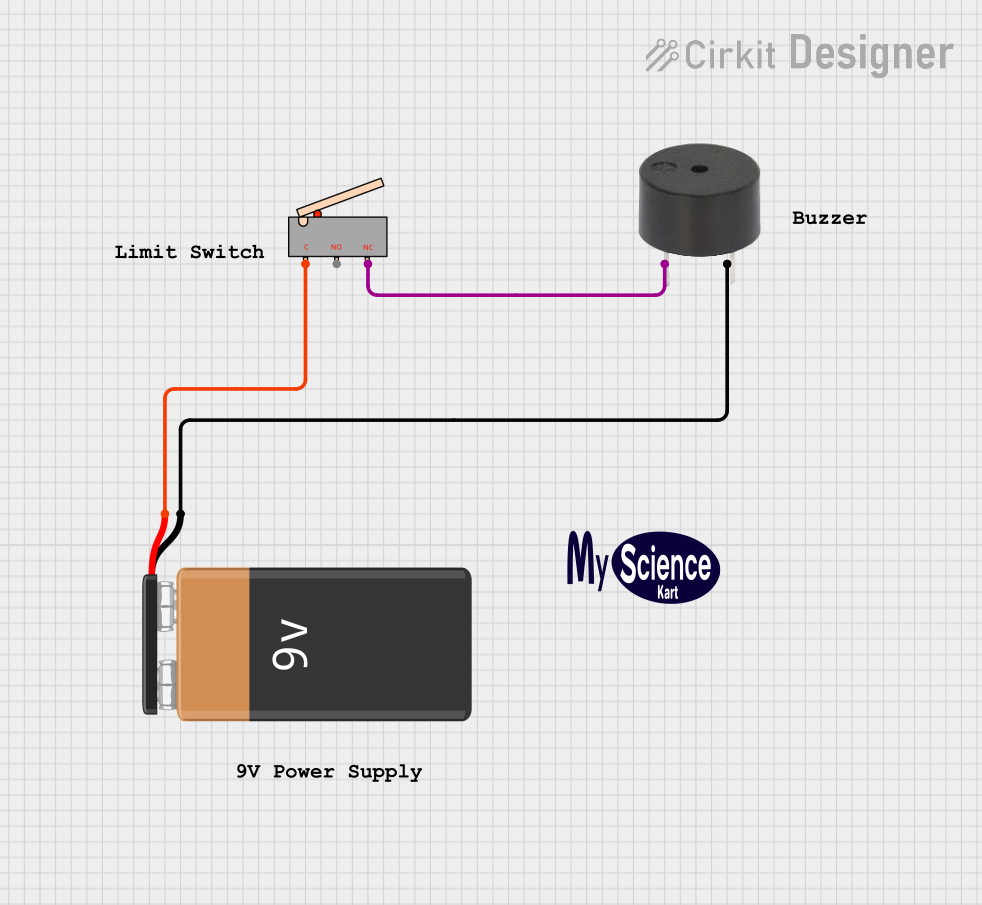
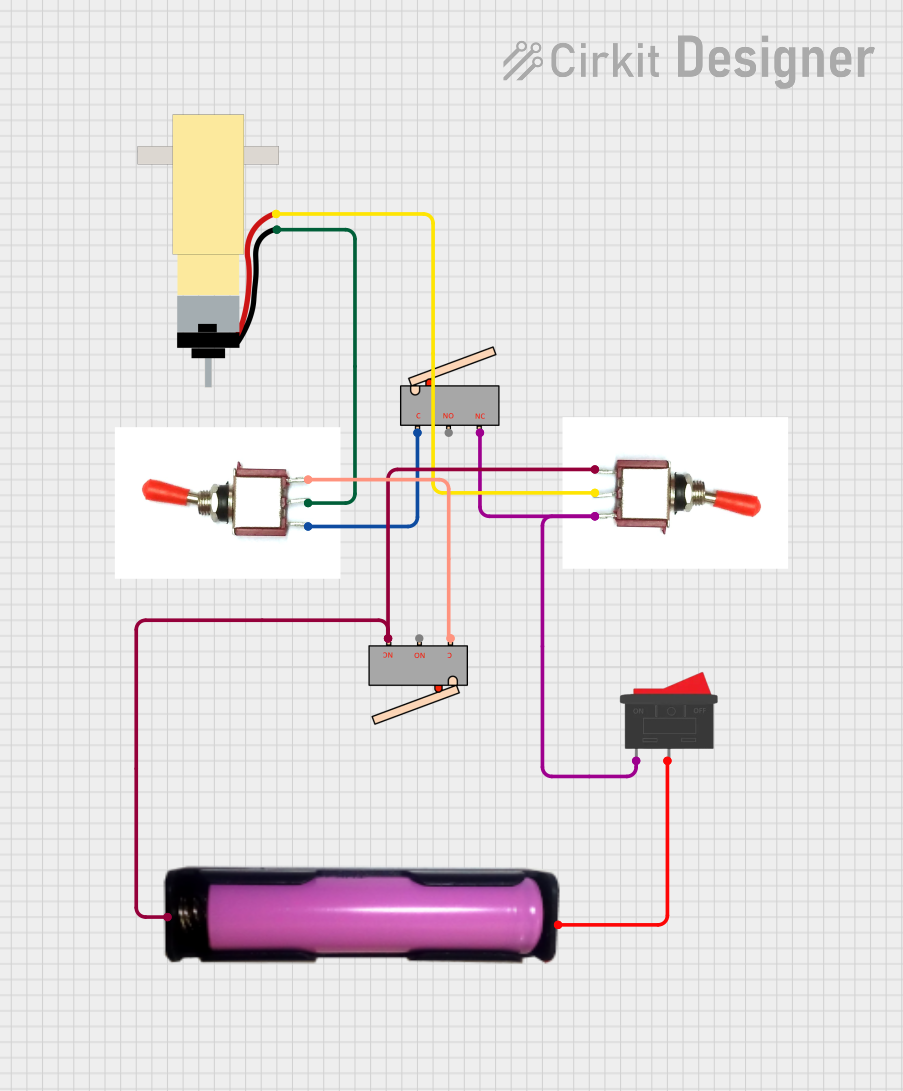
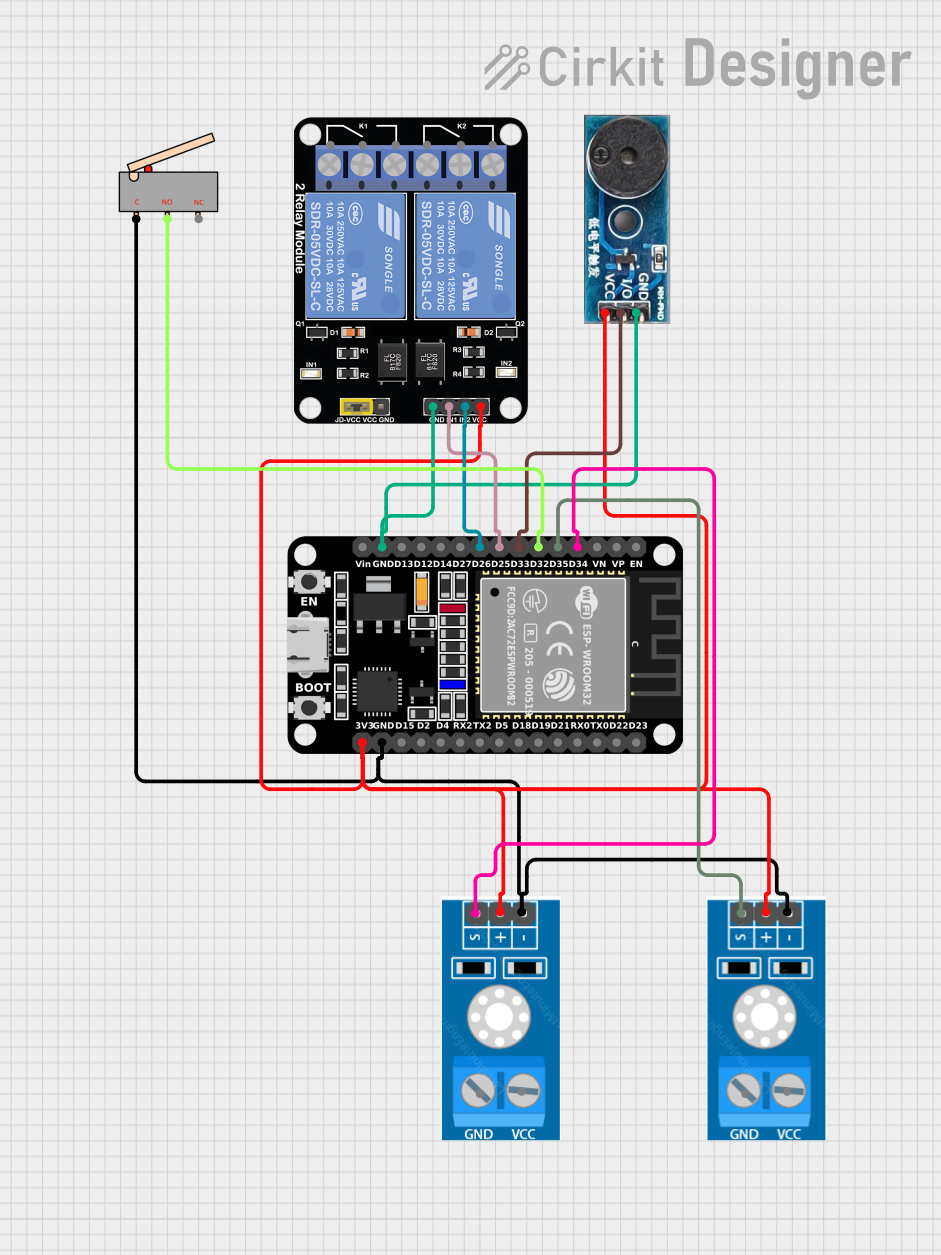
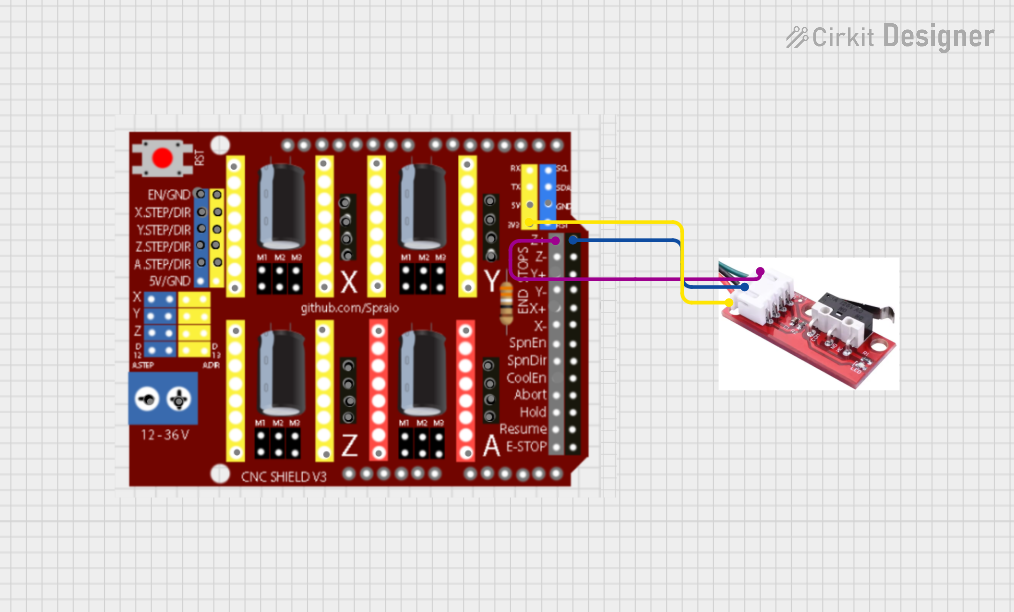
Explore Projects Built with Whisker Limit Switch

Use Cirkit Designer to design, explore, and prototype these projects online. Some projects support real-time simulation. Click "Open Project" to start designing instantly!

Common Applications and Use Cases

Technical Specifications

Key Technical Details

Pin Configuration and Descriptions

Pin Number Description Notes
1 Common (C) Connect to ground or Vcc based on NO/NC configuration
2 Normally Open (NO) Closed when whisker is activated; otherwise open
3 Normally Closed (NC) Open when whisker is activated; otherwise closed

Usage Instructions

How to Use the Component in a Circuit

  1. Connect the Common Pin: Depending on your circuit design, connect the common pin to either the ground or Vcc.
  2. Choose NO/NC Configuration: Connect your load to the Normally Open or Normally Closed pin based on the desired behavior.
  3. Mount the Switch: Secure the switch in a position where the whisker can make contact with the moving part.
  4. Wire to Control Circuitry: Connect the output of the switch to the input of a microcontroller or relay module to process the switch signal.

Important Considerations and Best Practices

Example Code for Arduino UNO

// Define the pin connected to the limit switch
const int limitSwitchPin = 2;

void setup() {
  // Set the limit switch pin as an input
  pinMode(limitSwitchPin, INPUT_PULLUP);
  // Initialize serial communication at 9600 bits per second
  Serial.begin(9600);
}

void loop() {
  // Read the state of the limit switch
  int switchState = digitalRead(limitSwitchPin);

  // Check if the switch is pressed (assuming NO configuration)
  if (switchState == LOW) {
    // The whisker has made contact
    Serial.println("Whisker is in contact");
  } else {
    // The whisker is not in contact
    Serial.println("Whisker is not in contact");
  }

  // Delay a bit for debounce
  delay(50);
}

Troubleshooting and FAQs

Common Issues Users Might Face

Solutions and Tips for Troubleshooting

FAQs