
How to Use TCRT5000: Examples, Pinouts, and Specs
 Design with TCRT5000 in Cirkit Designer
Introduction
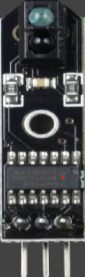
The TCRT5000, manufactured by TOI, is an infrared (IR) sensor module that integrates an IR emitter and a phototransistor in a single package. This sensor is widely used for object detection and proximity sensing applications. It works by emitting infrared light and detecting the reflected light from nearby objects, enabling it to determine their presence and approximate distance.
Explore Projects Built with TCRT5000
 Open Project in Cirkit Designer
 Open Project in Cirkit Designer
 Open Project in Cirkit Designer
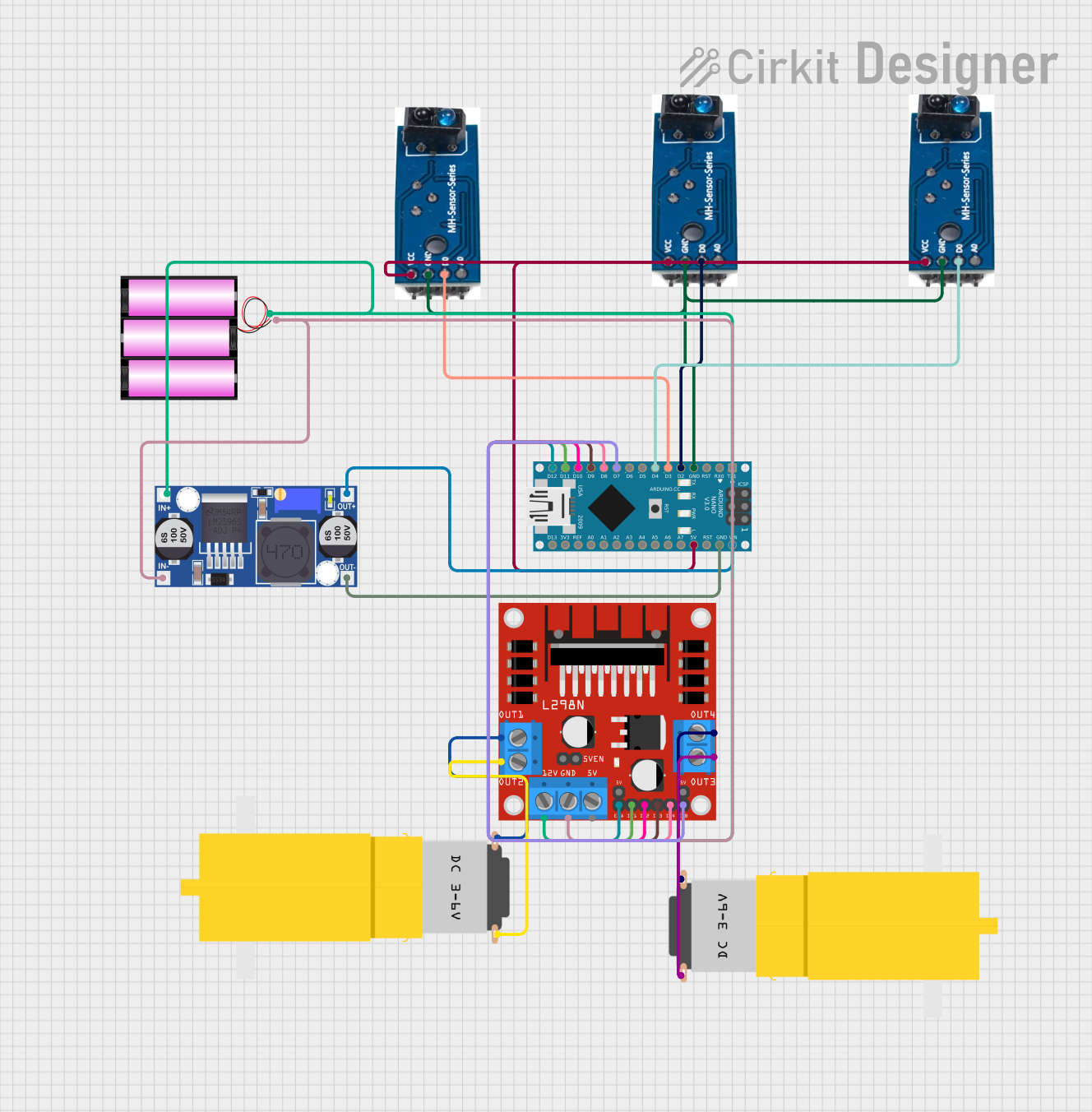 Open Project in Cirkit Designer
Explore Projects Built with TCRT5000
Open Project in Cirkit DesignerOpen Project in Cirkit DesignerOpen Project in Cirkit DesignerOpen Project in Cirkit DesignerCommon Applications
- Line-following robots
- Obstacle detection in robotics
- Proximity sensing in automation systems
- Position encoders for motors
- Reflective object detection in industrial systems
Technical Specifications
Below are the key technical details of the TCRT5000 sensor:
| Parameter | Value |
|---|---|
| Operating Voltage | 4.5V to 5.5V |
| Forward Current (IR LED) | 60 mA (typical) |
| Collector Current (Phototransistor) | 1 mA (typical) |
| Peak Wavelength (IR LED) | 950 nm |
| Detection Range | 2 mm to 15 mm (depending on object reflectivity) |
| Operating Temperature Range | -25°C to +85°C |
| Package Type | 4-pin through-hole |
Pin Configuration and Descriptions
The TCRT5000 has four pins, as described in the table below:
| Pin Number | Pin Name | Description |
|---|---|---|
| 1 | Emitter (A) | Anode of the IR LED (connect to a current-limiting resistor). |
| 2 | Emitter (K) | Cathode of the IR LED (connect to ground). |
| 3 | Collector | Collector of the phototransistor (output signal). |
| 4 | Emitter | Emitter of the phototransistor (connect to ground). |
Usage Instructions
How to Use the TCRT5000 in a Circuit
- Powering the Sensor: Connect the IR LED anode (Pin 1) to a 5V power supply through a current-limiting resistor (typically 220Ω to 330Ω). Connect the cathode (Pin 2) to ground.
- Phototransistor Output: Connect the phototransistor collector (Pin 3) to a pull-up resistor (e.g., 10kΩ) and then to the microcontroller input pin. Connect the emitter (Pin 4) to ground.
- Object Detection: When an object is detected, the phototransistor conducts more current, causing a voltage drop across the pull-up resistor. This change can be read as a digital or analog signal by a microcontroller.
Important Considerations
- Distance and Reflectivity: The detection range depends on the reflectivity of the object. Highly reflective surfaces (e.g., white objects) are detected more effectively than dark or matte surfaces.
- Ambient Light: Avoid placing the sensor in environments with strong ambient IR light (e.g., sunlight) as it may interfere with detection.
- Mounting: Ensure proper alignment of the sensor with the target object for accurate detection.
Example: Connecting TCRT5000 to Arduino UNO
Below is an example of how to use the TCRT5000 with an Arduino UNO for object detection:
// Define the pin connected to the phototransistor output
const int sensorPin = A0; // Analog pin A0 for reading sensor output
const int threshold = 500; // Threshold value for object detection

void setup() {
  pinMode(sensorPin, INPUT); // Set sensor pin as input
  Serial.begin(9600); // Initialize serial communication
}

void loop() {
  int sensorValue = analogRead(sensorPin); // Read the sensor value

  // Print the sensor value to the Serial Monitor
  Serial.print("Sensor Value: ");
  Serial.println(sensorValue);

  // Check if an object is detected
  if (sensorValue > threshold) {
    Serial.println("Object Detected!");
  } else {
    Serial.println("No Object Detected.");
  }

  delay(500); // Wait for 500ms before the next reading
}
Notes:
- Adjust the
thresholdvalue based on your specific application and environment. - Use a decoupling capacitor (e.g., 0.1 µF) near the sensor to reduce noise.
Troubleshooting and FAQs
Common Issues and Solutions
No Object Detection:
- Cause: Incorrect wiring or insufficient IR LED current.
- Solution: Verify the connections and ensure the IR LED has a proper current-limiting resistor.
False Positives:
- Cause: Ambient IR interference or reflective surfaces in the background.
- Solution: Shield the sensor from ambient light and ensure the target object is within the detection range.
Inconsistent Readings:
- Cause: Electrical noise or unstable power supply.
- Solution: Add a decoupling capacitor near the sensor and use a stable power source.
Short Detection Range:
- Cause: Low object reflectivity or misalignment.
- Solution: Use highly reflective objects or adjust the sensor's position for better alignment.
FAQs
Q1: Can the TCRT5000 detect transparent objects?
A1: The TCRT5000 is not ideal for detecting transparent objects as they do not reflect sufficient IR light. Use specialized sensors for such applications.
Q2: What is the maximum detection range of the TCRT5000?
A2: The maximum detection range is approximately 15 mm, but this depends on the reflectivity of the object.
Q3: Can I use the TCRT5000 with a 3.3V microcontroller?
A3: Yes, but ensure the IR LED receives sufficient current by adjusting the resistor value. The phototransistor output can be read by 3.3V logic levels.
Q4: How do I improve detection accuracy?
A4: Use a reflective surface for the target object, minimize ambient IR interference, and ensure proper alignment of the sensor.
This concludes the documentation for the TCRT5000 IR sensor.