Introduction
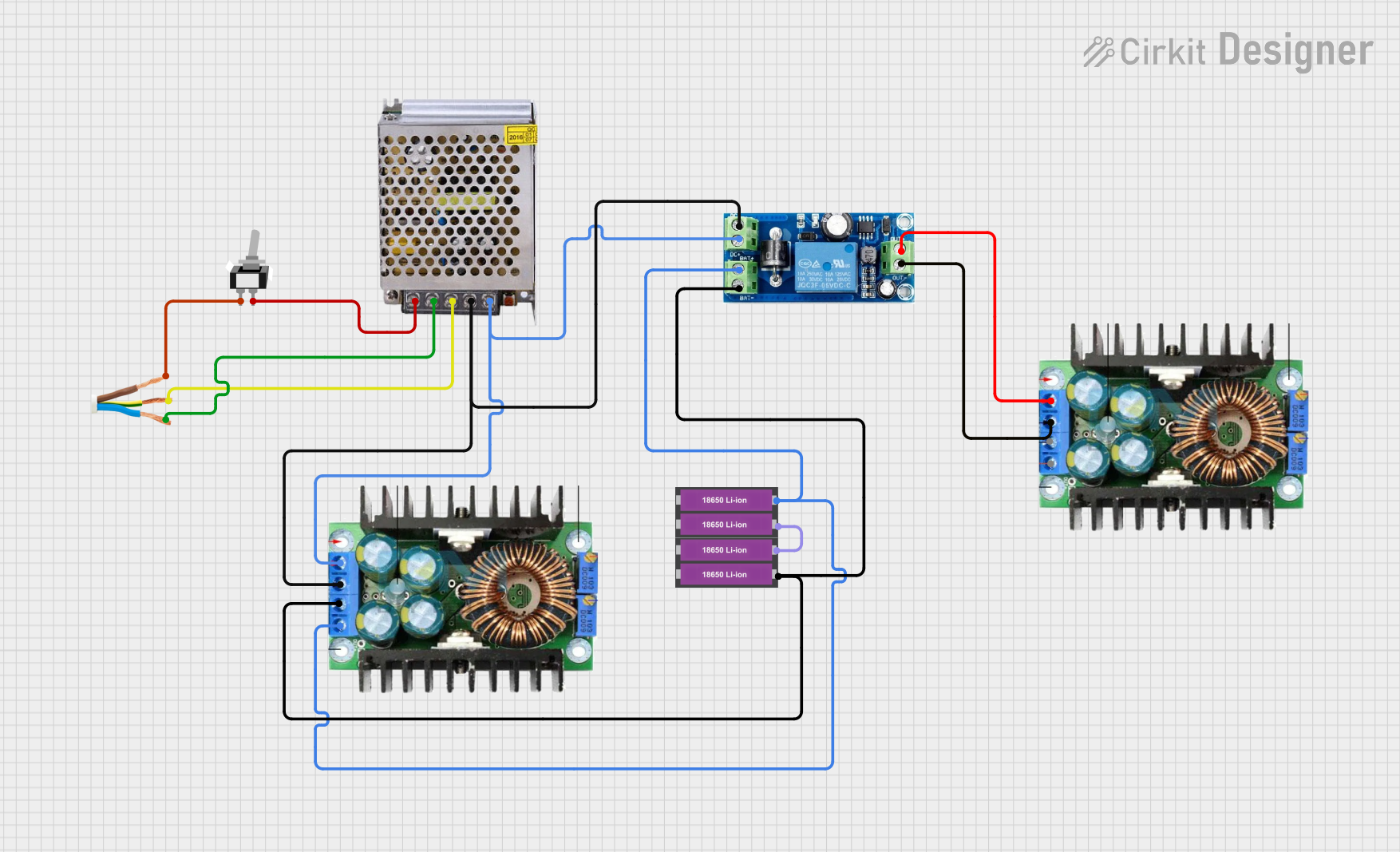
The TNK SMPS 12V 15A is a Switched-Mode Power Supply designed to provide a stable 12-volt output with a maximum current of 15 amperes. This component is essential for powering various electronic devices and systems, ensuring efficient and reliable performance. Common applications include powering LED strips, motor drivers, microcontrollers, and other electronic circuits that require a stable 12V power source.
Technical Specifications
Key Technical Details
Pin Configuration and Descriptions
Usage Instructions
How to Use the Component in a Circuit
- Safety First: Ensure the power supply is disconnected from the mains before making any connections.
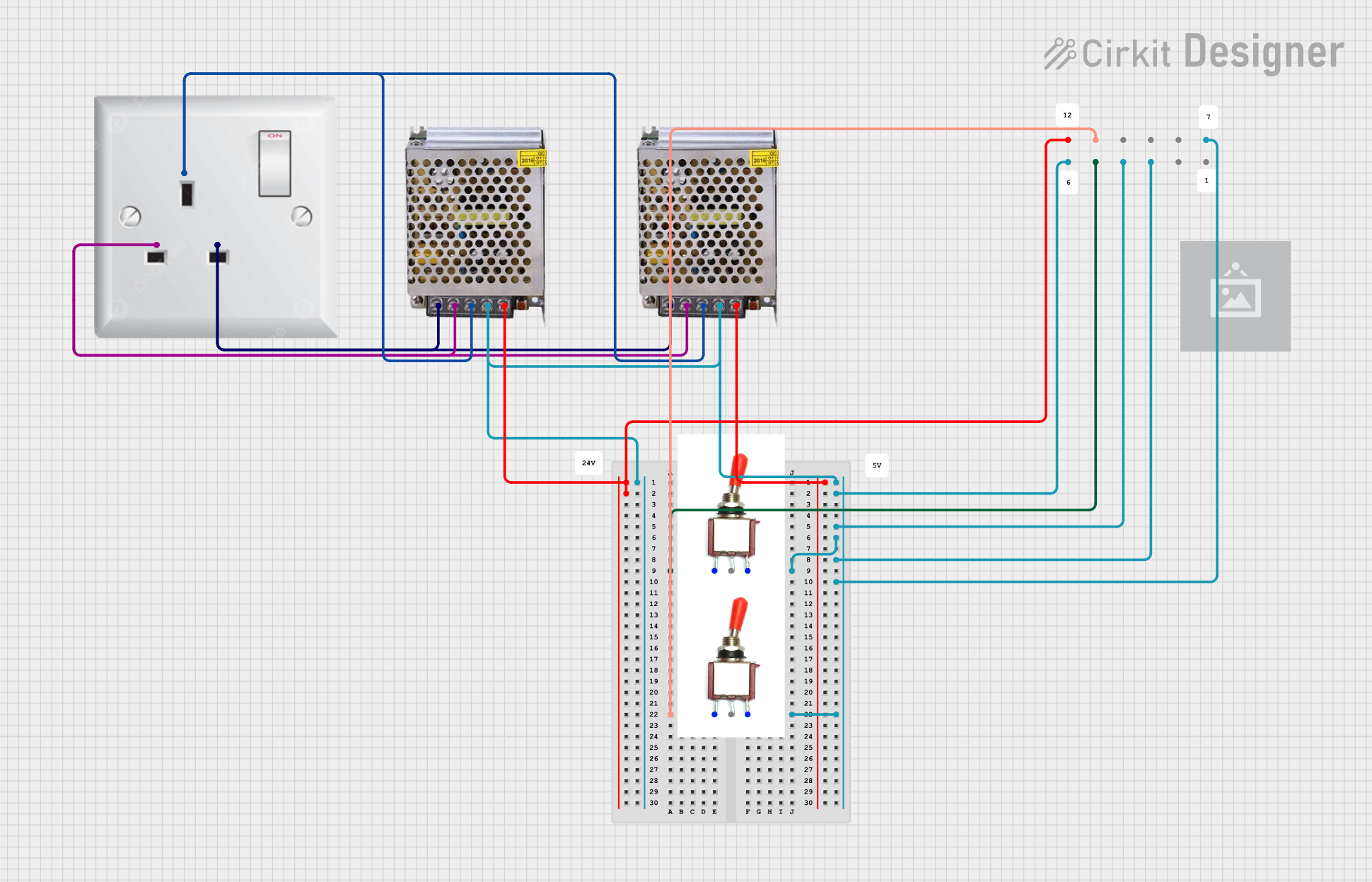
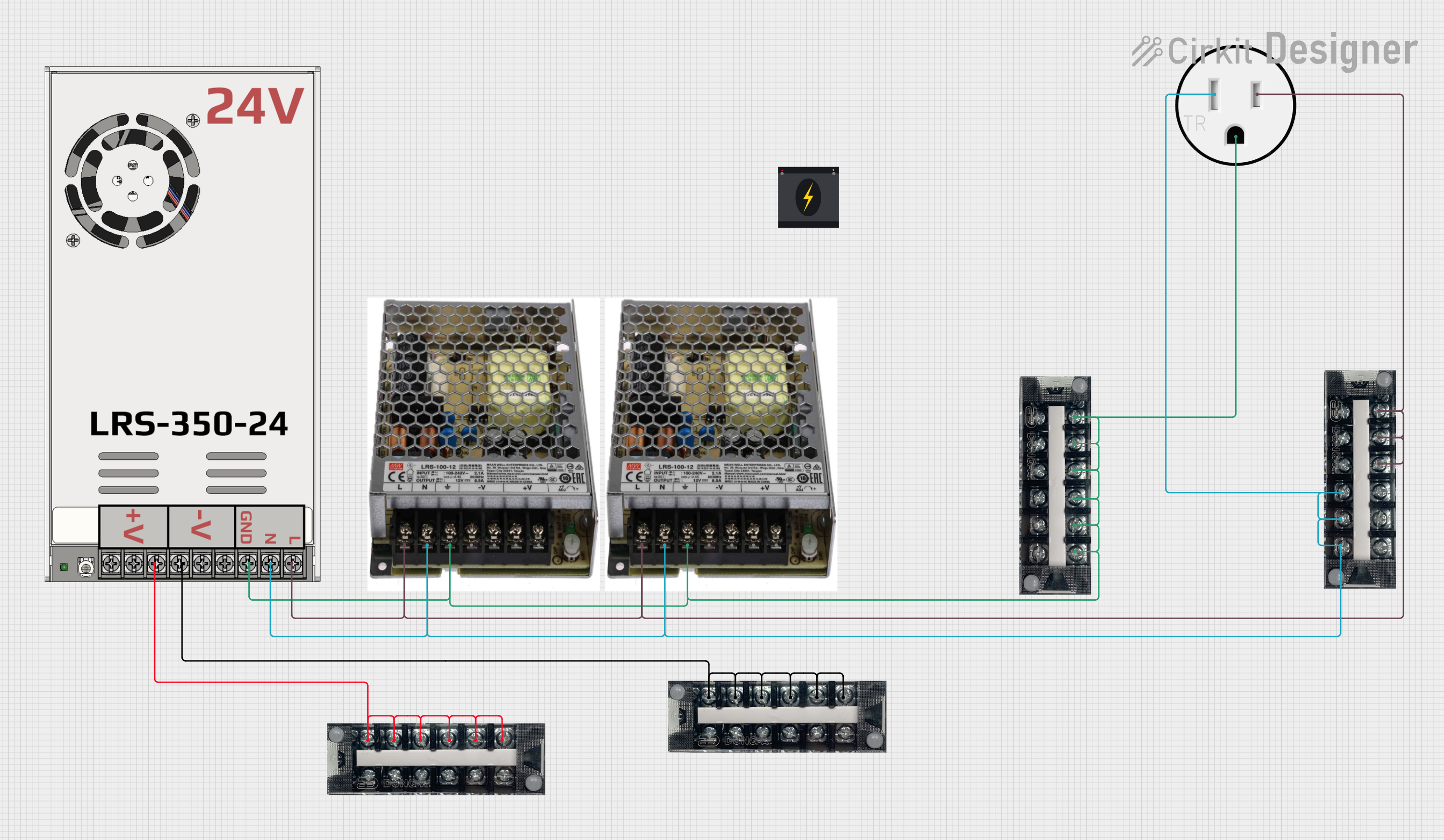
- Connect AC Input: Connect the Live (L) and Neutral (N) pins to the AC mains supply. Ensure proper insulation and secure connections.
- Connect DC Output: Connect the +V pin to the positive terminal of your load and the -V pin to the ground terminal of your load.
- Power On: Once all connections are secure, plug in the power supply to the mains and switch it on.
Important Considerations and Best Practices
- Heat Dissipation: Ensure adequate ventilation around the SMPS to prevent overheating. Use heat sinks or cooling fans if necessary.
- Load Regulation: Avoid exceeding the maximum current rating of 15A to prevent damage to the power supply and connected devices.
- Short Circuit Protection: Implement appropriate fuses or circuit breakers to protect against short circuits.
- Grounding: Properly ground the power supply to avoid electrical noise and potential hazards.
Troubleshooting and FAQs
Common Issues and Solutions
No Output Voltage
- Solution: Check the AC input connections and ensure the mains supply is active. Verify that the power switch is turned on.
Overheating
- Solution: Ensure proper ventilation and cooling. Check for any obstructions around the power supply. Reduce the load if it exceeds the maximum current rating.
Voltage Fluctuations
- Solution: Verify the stability of the AC mains supply. Ensure that the load connected to the power supply is within the specified limits.
Noise in Output
- Solution: Properly ground the power supply. Use decoupling capacitors at the output to filter out noise.
FAQs
Q1: Can I use this SMPS to power my Arduino UNO?
- A1: Yes, you can use the 12V output to power your Arduino UNO through the VIN pin. Ensure that the current requirements of your Arduino and connected peripherals do not exceed 15A.
Q2: What should I do if the SMPS stops working suddenly?
- A2: Check for any blown fuses or tripped circuit breakers. Inspect the connections and ensure there are no short circuits. If the issue persists, consult the manufacturer or a professional technician.
Q3: Is it safe to use this SMPS outdoors?
- A3: The TNK SMPS 12V 15A is designed for indoor use. If you need to use it outdoors, ensure it is housed in a weatherproof enclosure.
Example Code for Arduino UNO
Below is an example code to power an Arduino UNO using the TNK SMPS 12V 15A. The SMPS is connected to the VIN pin of the Arduino to provide a stable 12V power supply.
/*
  Example code to power Arduino UNO using TNK SMPS 12V 15A
  Connect the +V pin of the SMPS to the VIN pin of the Arduino
  Connect the -V pin of the SMPS to the GND pin of the Arduino
*/

void setup() {
  // Initialize serial communication at 9600 baud rate
  Serial.begin(9600);
  // Print a message to the serial monitor
  Serial.println("Arduino powered by TNK SMPS 12V 15A");
}

void loop() {
  // Blink the built-in LED on pin 13
  digitalWrite(13, HIGH); // Turn the LED on
  delay(1000);            // Wait for 1 second
  digitalWrite(13, LOW);  // Turn the LED off
  delay(1000);            // Wait for 1 second
}
This documentation provides a comprehensive guide to using the TNK SMPS 12V 15A, ensuring both beginners and experienced users can effectively utilize this component in their projects.


 Open Project in Cirkit Designer