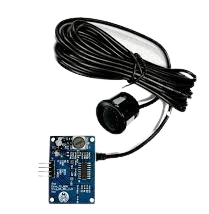
The JSN-SR04T is a waterproof ultrasonic sensor designed to measure distances or detect objects using ultrasonic waves. Its waterproof design makes it ideal for applications in wet or harsh environments, such as outdoor installations, liquid level measurement, and industrial automation. This sensor is particularly useful in scenarios where traditional ultrasonic sensors may fail due to exposure to moisture or water.
Explore Projects Built with waterproof ultrasonic sensor
Use Cirkit Designer to design, explore, and prototype these projects online. Some projects support real-time simulation. Click "Open Project" to start designing instantly!
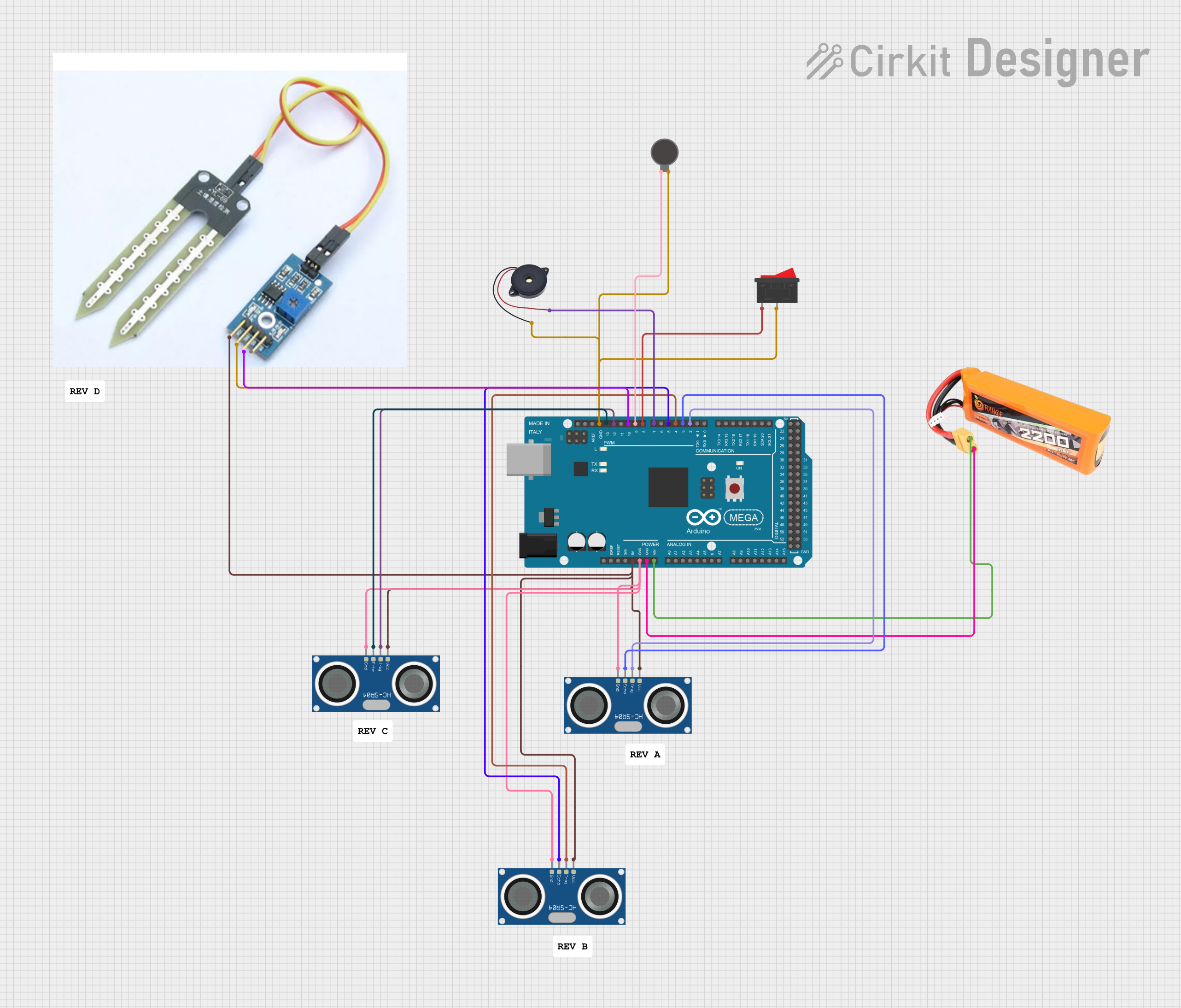
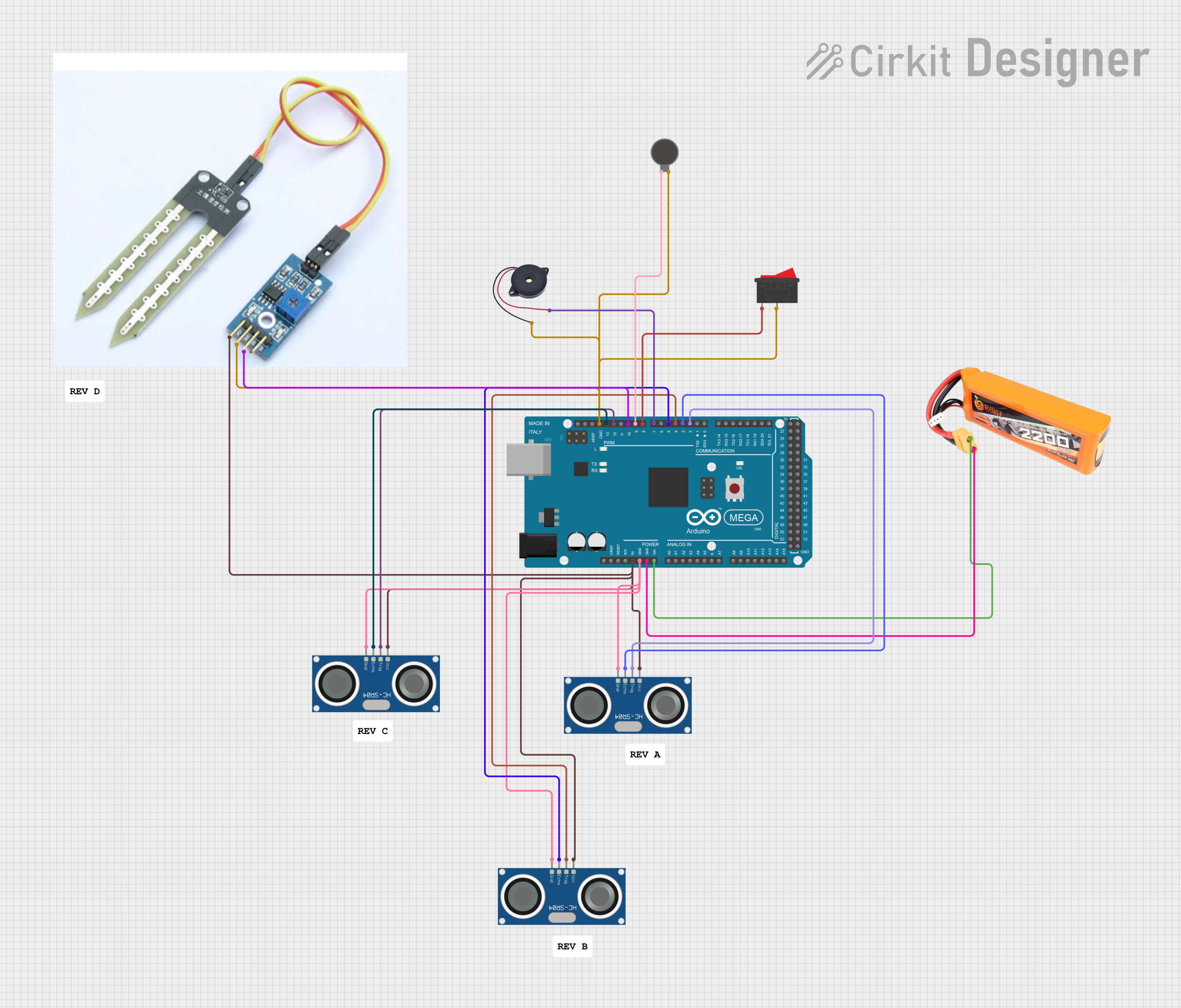
This circuit is a multi-sensor obstacle and water detection system controlled by an Arduino Mega 2560. It uses multiple HC-SR04 ultrasonic sensors to detect obstacles at different heights and a soil sensor for water detection, triggering a vibration motor and a buzzer for alerts. An emergency rocker switch is included to activate an emergency mode, overriding normal operations.
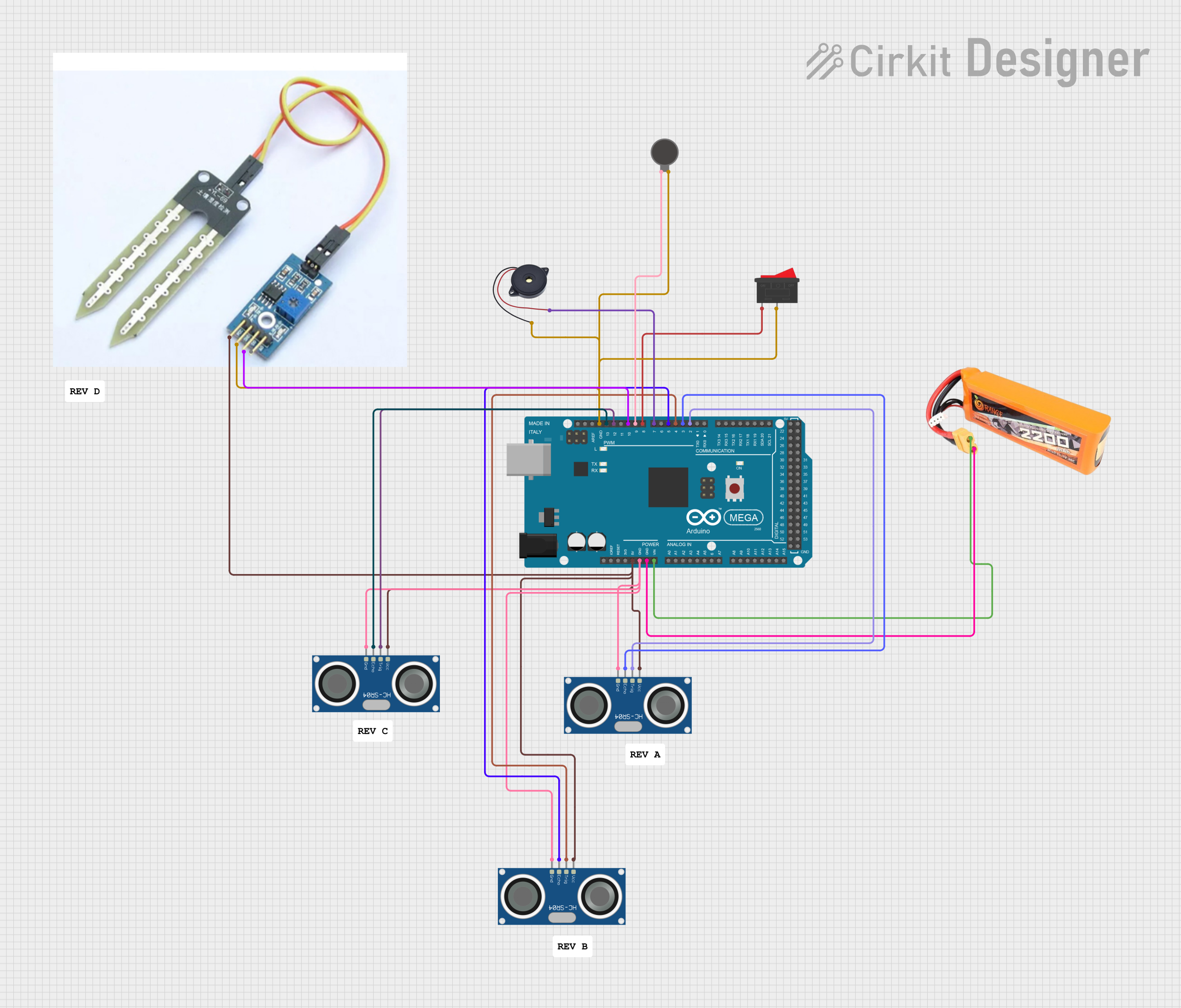
This circuit is an obstacle and water detection system using an Arduino Mega 2560, multiple HC-SR04 ultrasonic sensors, a soil sensor, a vibration motor, and a buzzer. The system detects obstacles at different heights and water presence, providing feedback through the vibration motor and buzzer, with an emergency rocker switch to activate an alert mode.
This circuit is an obstacle and water detection system using an Arduino Mega 2560, multiple HC-SR04 ultrasonic sensors, a soil sensor, a vibration motor, and a buzzer. The system detects obstacles at different heights and water presence, providing feedback through the vibration motor and buzzer, with an emergency rocker switch to activate an alert mode.
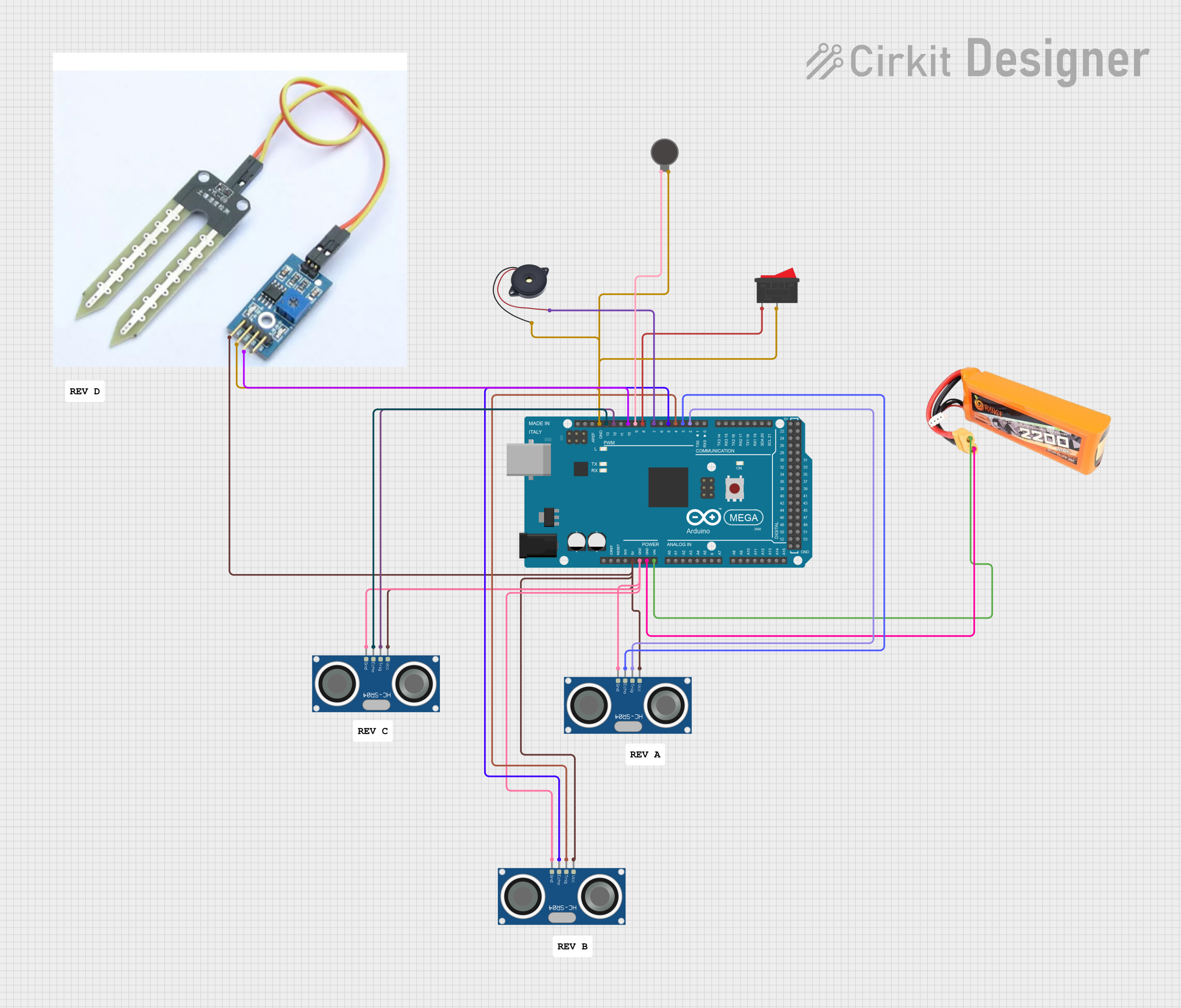
This circuit is a multi-sensor obstacle and moisture detection system controlled by an Arduino Mega 2560. It uses three HC-SR04 ultrasonic sensors to detect obstacles at different heights, a soil sensor for moisture detection, and activates a vibration motor and buzzer for alerts. The system includes an emergency rocker switch to trigger an immediate alert.
The JSN-SR04T is a robust and reliable sensor with the following key specifications:
Parameter
Value
Operating Voltage
5V DC
Operating Current
≤ 30mA
Measuring Range
20cm to 600cm
Accuracy
±1cm
Operating Frequency
40kHz
Waterproof Rating
IP67
Operating Temperature
-20°C to 70°C
Trigger Input Signal
10µs TTL pulse
Echo Output Signal
TTL pulse width proportional to distance
Dimensions (Sensor Head)
Diameter: 25mm, Length: 35mm
Pin Configuration and Descriptions
The JSN-SR04T module has a 4-pin interface for easy integration into circuits. Below is the pinout:
Pin
Name
Description
1
VCC
Power supply input (5V DC)
2
Trig
Trigger pin: Sends a 10µs TTL pulse to initiate distance measurement
3
Echo
Echo pin: Outputs a TTL pulse width proportional to the measured distance
4
GND
Ground connection
Usage Instructions
How to Use the JSN-SR04T in a Circuit
Power the Sensor: Connect the VCC pin to a 5V DC power source and the GND pin to the ground.
Trigger the Sensor: Send a 10µs TTL pulse to the Trig pin to initiate a measurement.
Read the Echo: Measure the width of the pulse on the Echo pin to calculate the distance. The pulse width is proportional to the distance of the detected object.
Distance Calculation: Use the formula below to calculate the distance:
[
\text{Distance (cm)} = \frac{\text{Pulse Width (µs)}}{58}
]
Important Considerations and Best Practices
Ensure the sensor is powered with a stable 5V DC supply to avoid erratic readings.
Avoid placing the sensor near ultrasonic noise sources, as this may interfere with its operation.
The sensor is waterproof, but the module itself (PCB) is not. Protect the module from water exposure.
Use a pull-down resistor on the Echo pin if the signal is unstable.
For best results, ensure the sensor is mounted perpendicular to the surface being measured.
Example: Connecting to an Arduino UNO
Below is an example of how to connect and use the JSN-SR04T with an Arduino UNO:
Wiring Diagram
JSN-SR04T Pin
Arduino UNO Pin
VCC
5V
Trig
Digital Pin 9
Echo
Digital Pin 10
GND
GND
Arduino Code
// Example code for JSN-SR04T with Arduino UNO
// This code measures distance and prints it to the Serial Monitor

#define TRIG_PIN 9  // Define the Trig pin
#define ECHO_PIN 10 // Define the Echo pin

void setup() {
  pinMode(TRIG_PIN, OUTPUT); // Set Trig pin as output
  pinMode(ECHO_PIN, INPUT);  // Set Echo pin as input
  Serial.begin(9600);        // Initialize serial communication
}

void loop() {
  // Send a 10µs pulse to the Trig pin
  digitalWrite(TRIG_PIN, LOW);
  delayMicroseconds(2);
  digitalWrite(TRIG_PIN, HIGH);
  delayMicroseconds(10);
  digitalWrite(TRIG_PIN, LOW);

  // Measure the duration of the Echo pulse
  long duration = pulseIn(ECHO_PIN, HIGH);

  // Calculate the distance in cm
  float distance = duration / 58.0;

  // Print the distance to the Serial Monitor
  Serial.print("Distance: ");
  Serial.print(distance);
  Serial.println(" cm");

  delay(500); // Wait for 500ms before the next measurement
}
Troubleshooting and FAQs
Common Issues and Solutions
No Output or Incorrect Readings
Cause: Insufficient power supply or loose connections.
Solution: Ensure the VCC pin is connected to a stable 5V source and all connections are secure.
Unstable Distance Measurements
Cause: Electrical noise or interference from nearby devices.
Solution: Use a decoupling capacitor (e.g., 100µF) across the VCC and GND pins to stabilize the power supply.
Sensor Not Detecting Objects
Cause: Object is outside the sensor's range or has poor ultrasonic reflectivity.
Solution: Ensure the object is within the 20cm to 600cm range and has a surface that reflects ultrasonic waves effectively.
Echo Pin Always HIGH or LOW
Cause: Faulty sensor or incorrect wiring.
Solution: Verify the wiring and test the sensor with a different microcontroller or circuit.
FAQs
Q: Can the JSN-SR04T measure distances underwater?
A: The sensor head is waterproof, but it is not designed for underwater distance measurement. It works best in air.
Q: How do I protect the module (PCB) from water?
A: Use a waterproof enclosure for the module while leaving the sensor head exposed.
Q: Can I use the JSN-SR04T with a 3.3V microcontroller?
A: The sensor requires a 5V power supply, but you can use a level shifter to interface the Trig and Echo pins with a 3.3V microcontroller.
Q: What is the maximum cable length for the sensor head?
A: The sensor head comes with a pre-attached cable. Extending the cable may degrade performance due to signal loss. Use shielded cables if extension is necessary.

 Open Project in Cirkit Designer