
How to Use FUSEs: Examples, Pinouts, and Specs
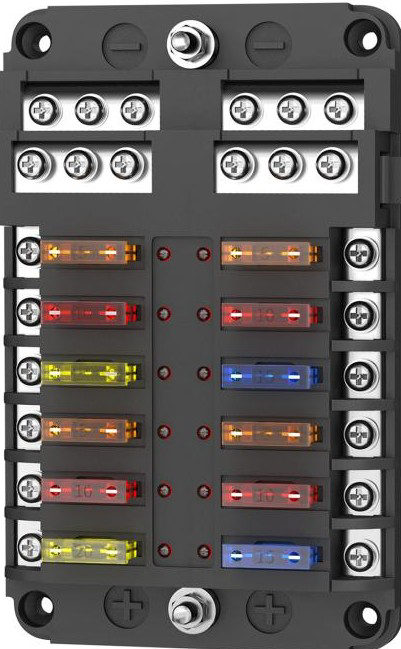
 Design with FUSEs in Cirkit Designer
Introduction
Fuses, such as the Chinadaier FB-1714, are essential safety devices designed to protect electrical circuits from damage caused by excessive current. When the current flowing through a circuit exceeds the fuse's rated capacity, the fuse "blows" or breaks the circuit, preventing overheating, fires, or damage to connected components. Fuses are widely used in various applications, including consumer electronics, automotive systems, industrial equipment, and household appliances.
Explore Projects Built with FUSEs
 Open Project in Cirkit Designer
 Open Project in Cirkit Designer
 Open Project in Cirkit Designer
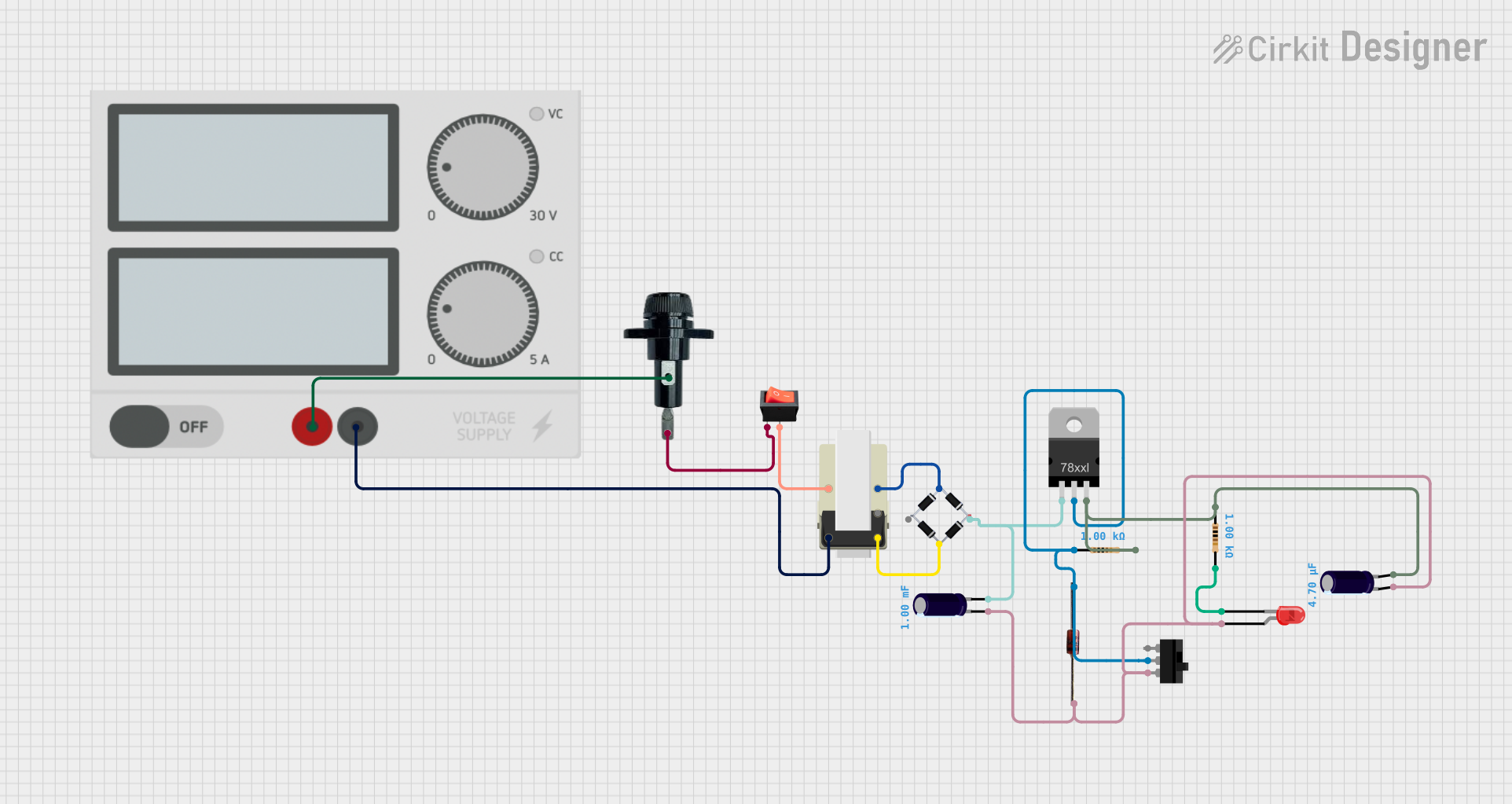 Open Project in Cirkit Designer
Explore Projects Built with FUSEs
Open Project in Cirkit DesignerOpen Project in Cirkit DesignerOpen Project in Cirkit DesignerOpen Project in Cirkit DesignerCommon Applications
- Consumer Electronics: Protecting devices like televisions, chargers, and power supplies.
- Automotive Systems: Safeguarding electrical systems in vehicles.
- Industrial Equipment: Ensuring the safety of machinery and control systems.
- Household Appliances: Preventing damage to refrigerators, washing machines, and other appliances.
Technical Specifications
The Chinadaier FB-1714 fuse is a reliable and compact component designed for a wide range of applications. Below are its key technical details:
Key Specifications
| Parameter | Value |
|---|---|
| Manufacturer | Chinadaier |
| Part ID | FB-1714 |
| Fuse Type | Fast-acting (quick blow) |
| Rated Current | 1A |
| Rated Voltage | 250V AC |
| Breaking Capacity | 35A at 250V AC |
| Body Material | Ceramic |
| Operating Temperature | -55°C to +125°C |
| Dimensions | 6.3mm x 32mm |
Pin Configuration and Description
The FB-1714 fuse does not have traditional pins but instead features two metallic end caps for connection. These end caps are designed for insertion into fuse holders or soldering onto circuit boards.
| Pin/Terminal | Description |
|---|---|
| End Cap 1 | Connects to the input side of the circuit |
| End Cap 2 | Connects to the output side of the circuit |
Usage Instructions
How to Use the FB-1714 Fuse in a Circuit
- Determine the Fuse Rating: Ensure the fuse's rated current and voltage match the requirements of your circuit. For example, the FB-1714 is rated for 1A and 250V AC.
- Select a Fuse Holder: Use a compatible fuse holder or clip that securely holds the FB-1714 in place.
- Insert the Fuse: Place the fuse into the holder, ensuring proper contact with both end caps.
- Connect to the Circuit: Install the fuse holder in series with the circuit's power line. This ensures the fuse will interrupt the current flow if it exceeds the rated value.
- Test the Circuit: Power on the circuit and verify that it operates correctly. If the fuse blows, check for overcurrent conditions before replacing it.
Important Considerations
- Do Not Exceed Ratings: Never use a fuse with a lower or higher current rating than specified for your circuit.
- Proper Mounting: Ensure the fuse is securely mounted to prevent loose connections.
- Replacement: Always replace a blown fuse with one of the same type and rating.
- Environmental Conditions: Avoid exposing the fuse to extreme temperatures or moisture, as this may affect its performance.
Example: Using the FB-1714 Fuse with an Arduino UNO
When connecting an Arduino UNO to external components, such as motors or LEDs, you can use the FB-1714 fuse to protect the circuit from overcurrent. Below is an example of how to integrate the fuse into a simple LED circuit:
Circuit Diagram
+5V (Arduino UNO) ---- [FB-1714 Fuse] ---- [LED + Resistor] ---- GND
Arduino Code
// Simple Arduino code to blink an LED
// Ensure the circuit includes the FB-1714 fuse for overcurrent protection

const int ledPin = 9; // Pin connected to the LED

void setup() {
  pinMode(ledPin, OUTPUT); // Set the LED pin as an output
}

void loop() {
  digitalWrite(ledPin, HIGH); // Turn the LED on
  delay(1000);               // Wait for 1 second
  digitalWrite(ledPin, LOW);  // Turn the LED off
  delay(1000);               // Wait for 1 second
}
Troubleshooting and FAQs
Common Issues
Fuse Blows Repeatedly
- Cause: Overcurrent in the circuit.
- Solution: Check the circuit for short circuits or components drawing excessive current. Replace the fuse with one of the same rating after resolving the issue.
Fuse Does Not Blow During Overcurrent
- Cause: Incorrect fuse rating or faulty fuse.
- Solution: Verify the fuse's rated current and voltage. Replace the fuse if it is defective.
Loose Connections
- Cause: Improper mounting of the fuse in the holder.
- Solution: Ensure the fuse is securely seated in the holder or soldered properly.
FAQs
Q: Can I use the FB-1714 fuse for DC circuits?
A: Yes, the FB-1714 can be used in DC circuits as long as the voltage and current ratings are not exceeded.
Q: How do I know if the fuse has blown?
A: A blown fuse typically has a visible break in the internal filament. You can also use a multimeter to check for continuity.
Q: Can I replace the FB-1714 with a higher-rated fuse?
A: No, using a higher-rated fuse may compromise the safety of your circuit and lead to damage.
Q: Is the FB-1714 fuse reusable?
A: No, the FB-1714 is a single-use fuse. Once it blows, it must be replaced.
By following this documentation, you can safely and effectively use the Chinadaier FB-1714 fuse in your electronic projects.