
How to Use Battery Holders: Examples, Pinouts, and Specs
 Design with Battery Holders in Cirkit Designer
Introduction
Battery holders are devices used to securely hold batteries in place within a circuit, ensuring proper electrical contact and easy replacement. They are designed to accommodate various battery sizes, such as AA, AAA, 9V, or coin cells, and are available in different configurations, including single-cell and multi-cell holders. Battery holders are essential for portable electronic devices, DIY projects, and prototyping, as they provide a reliable and reusable power source connection.
Explore Projects Built with Battery Holders
 Open Project in Cirkit Designer
 Open Project in Cirkit Designer
 Open Project in Cirkit Designer
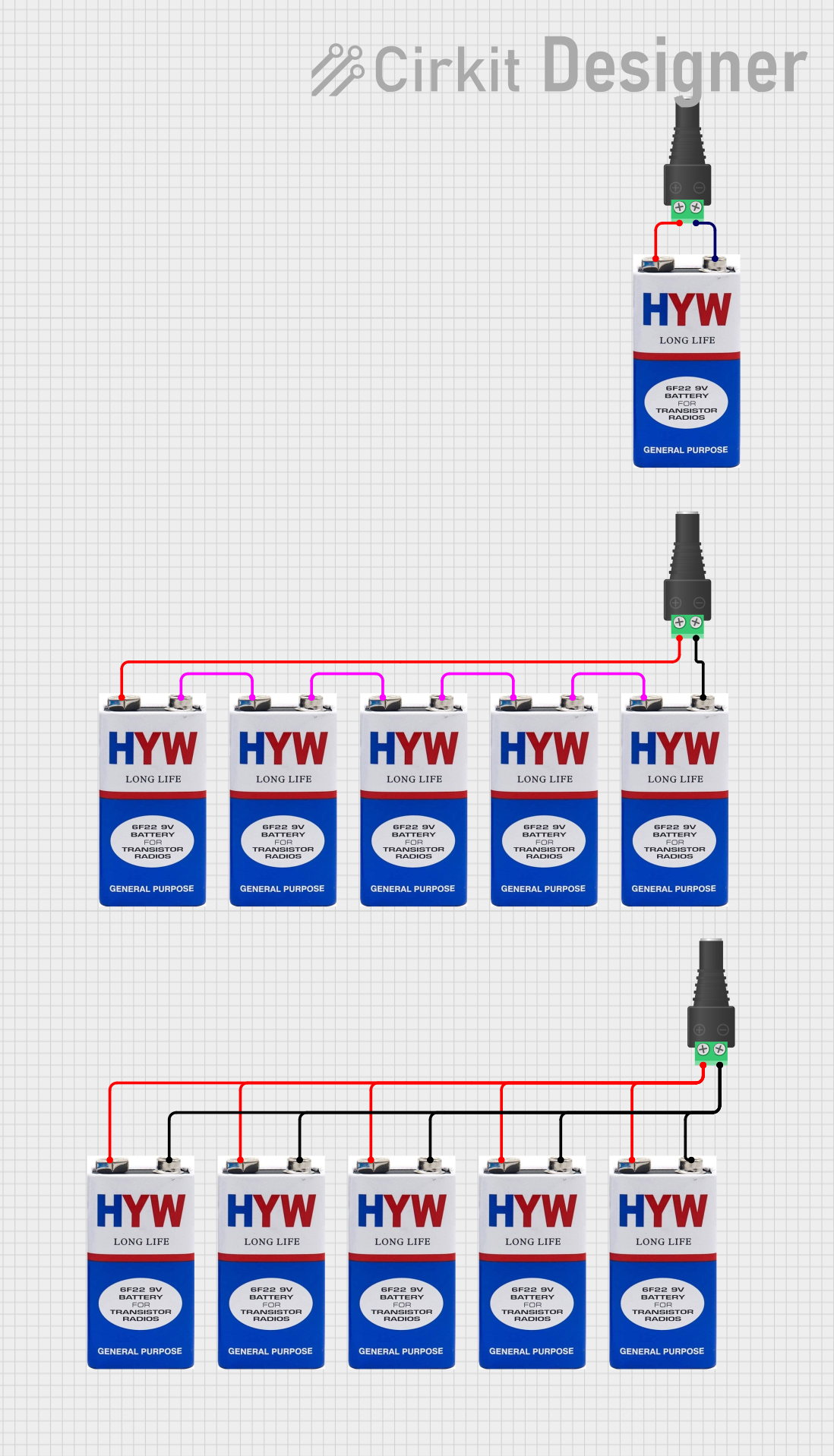 Open Project in Cirkit Designer
Explore Projects Built with Battery Holders
Open Project in Cirkit DesignerOpen Project in Cirkit DesignerOpen Project in Cirkit DesignerOpen Project in Cirkit DesignerCommon Applications and Use Cases
- Portable electronic devices (e.g., flashlights, remote controls)
- DIY electronics and prototyping
- Robotics and small motorized projects
- Educational kits and STEM projects
- Backup power systems
Technical Specifications
General Specifications
- Material: Plastic (ABS or polycarbonate) with metal contacts (nickel-plated or stainless steel)
- Battery Compatibility: Varies by model (e.g., AA, AAA, 9V, CR2032)
- Mounting Options: Panel mount, PCB mount, or free-standing
- Connection Type: Solder tabs, wire leads, or snap connectors
- Operating Temperature: Typically -20°C to 60°C
Example Pin Configuration and Descriptions
Below is an example of a 9V battery holder with wire leads:
| Pin/Lead | Description |
|---|---|
| Red Wire | Positive terminal (+) |
| Black Wire | Negative terminal (-) |
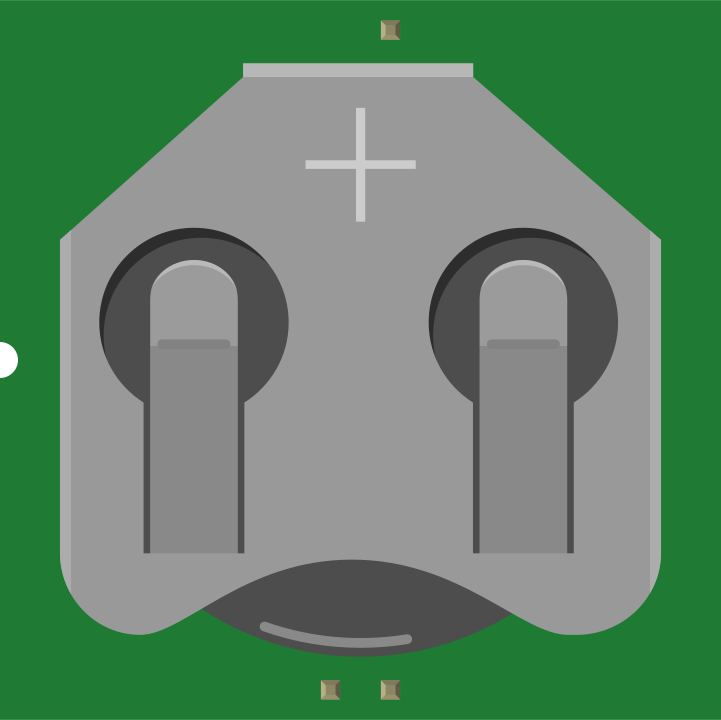
For a coin cell battery holder (e.g., CR2032), the configuration is as follows:
| Pin/Contact | Description |
|---|---|
| Top Contact | Positive terminal (+) |
| Bottom Contact | Negative terminal (-) |
Usage Instructions
How to Use the Component in a Circuit
- Select the Appropriate Holder: Choose a battery holder that matches the size and type of battery required for your circuit.
- Connect the Terminals:
- For holders with wire leads, solder the red wire to the positive power rail and the black wire to the ground rail.
- For PCB-mounted holders, ensure the holder is securely soldered to the PCB pads.
- Insert the Battery: Place the battery into the holder, ensuring the positive and negative terminals align with the holder's markings.
- Secure the Holder: If using a panel-mounted holder, fasten it to the enclosure using screws or adhesive.
Important Considerations and Best Practices
- Polarity: Always check the polarity of the battery before inserting it into the holder to avoid damage to the circuit.
- Current Rating: Ensure the holder's contacts can handle the current required by your circuit.
- Mounting: Secure the holder properly to prevent movement or disconnection during operation.
- Battery Replacement: Use holders that allow easy battery replacement for convenience in portable devices.
- Short Circuit Protection: Avoid shorting the terminals of the holder to prevent damage to the battery or circuit.
Example: Using a 9V Battery Holder with Arduino UNO
Below is an example of connecting a 9V battery holder to an Arduino UNO:
/* Example: Powering an Arduino UNO with a 9V battery holder
   Ensure the battery holder's red wire is connected to the VIN pin
   and the black wire is connected to the GND pin on the Arduino UNO.
*/

void setup() {
  // No specific setup required for power input
}

void loop() {
  // Example: Blink an LED connected to pin 13
  pinMode(13, OUTPUT); // Set pin 13 as an output
  digitalWrite(13, HIGH); // Turn the LED on
  delay(1000); // Wait for 1 second
  digitalWrite(13, LOW); // Turn the LED off
  delay(1000); // Wait for 1 second
}
Troubleshooting and FAQs
Common Issues Users Might Face
Battery Not Making Contact:
- Cause: Misalignment of the battery or dirty contacts.
- Solution: Ensure the battery is properly seated and clean the contacts with isopropyl alcohol.
Loose Holder:
- Cause: Improper mounting or wear over time.
- Solution: Secure the holder with screws, adhesive, or replace it if damaged.
Circuit Not Powering On:
- Cause: Incorrect polarity or disconnected wires.
- Solution: Verify the polarity and check all connections for continuity.
Overheating Contacts:
- Cause: Excessive current draw.
- Solution: Use a holder rated for higher current or reduce the circuit's power consumption.
FAQs
Q: Can I use rechargeable batteries with a battery holder?
- A: Yes, as long as the holder is compatible with the size and voltage of the rechargeable batteries.
Q: How do I prevent corrosion on the contacts?
- A: Store the holder in a dry environment and remove batteries when not in use for extended periods.
Q: Can I connect multiple battery holders in series or parallel?
- A: Yes, you can connect holders in series to increase voltage or in parallel to increase capacity. Ensure proper wiring and polarity.
By following this documentation, you can effectively use battery holders in your electronic projects and troubleshoot common issues with ease.