
How to Use STM32 Nucleo-144 boards: Examples, Pinouts, and Specs
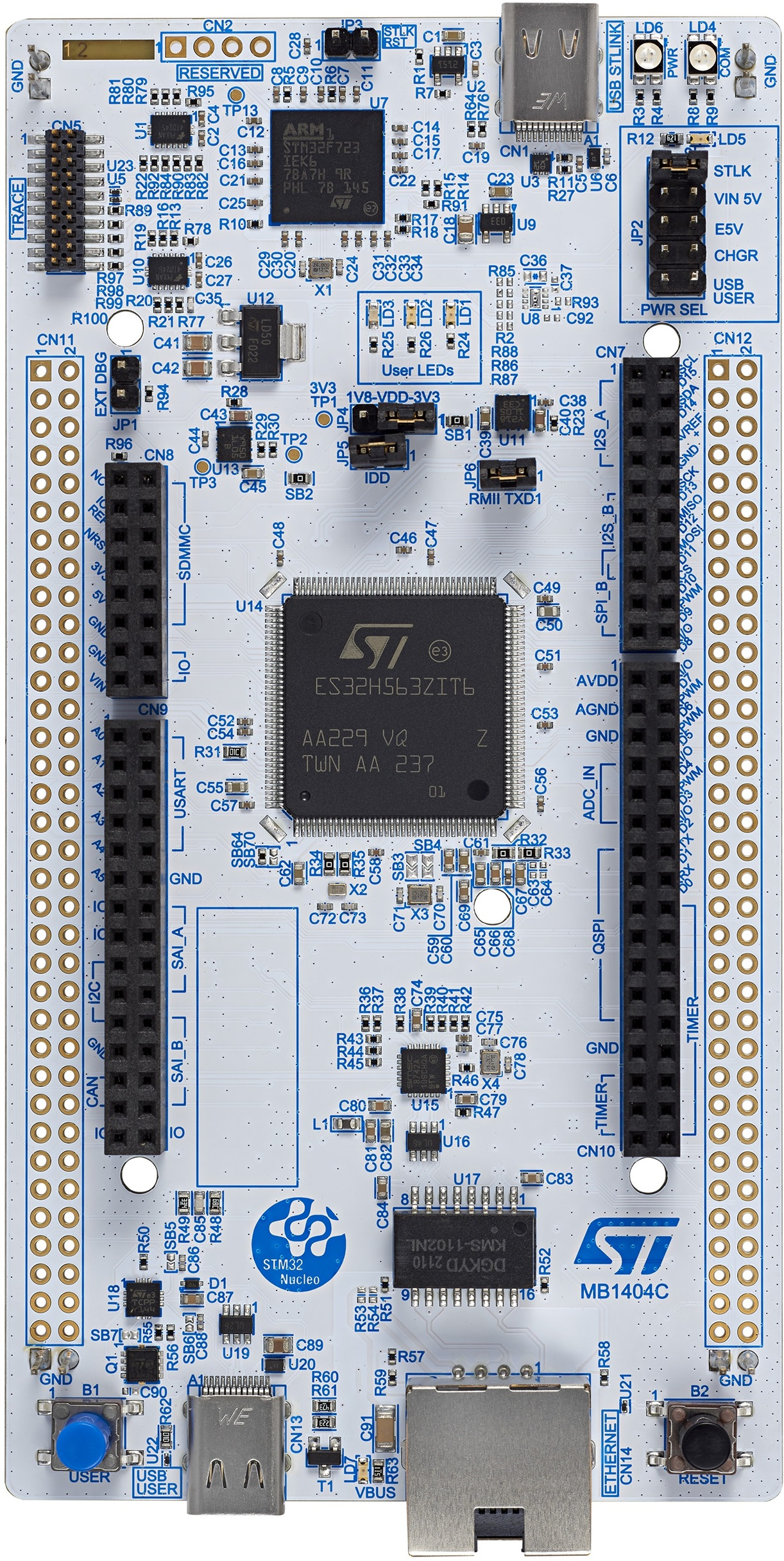
 Design with STM32 Nucleo-144 boards in Cirkit Designer
Introduction
The STM32 Nucleo-144 boards, manufactured by STMicroelectronics, are versatile development boards designed to simplify prototyping and application development using STM32 microcontrollers. The NUCLEO-H563ZI model features the STM32H563ZI microcontroller, which is based on the high-performance Arm® Cortex®-M33 core. These boards offer a wide range of connectivity options, a large number of GPIO pins, and compatibility with Arduino™, ST Zio, and Morpho expansion connectors.
Explore Projects Built with STM32 Nucleo-144 boards
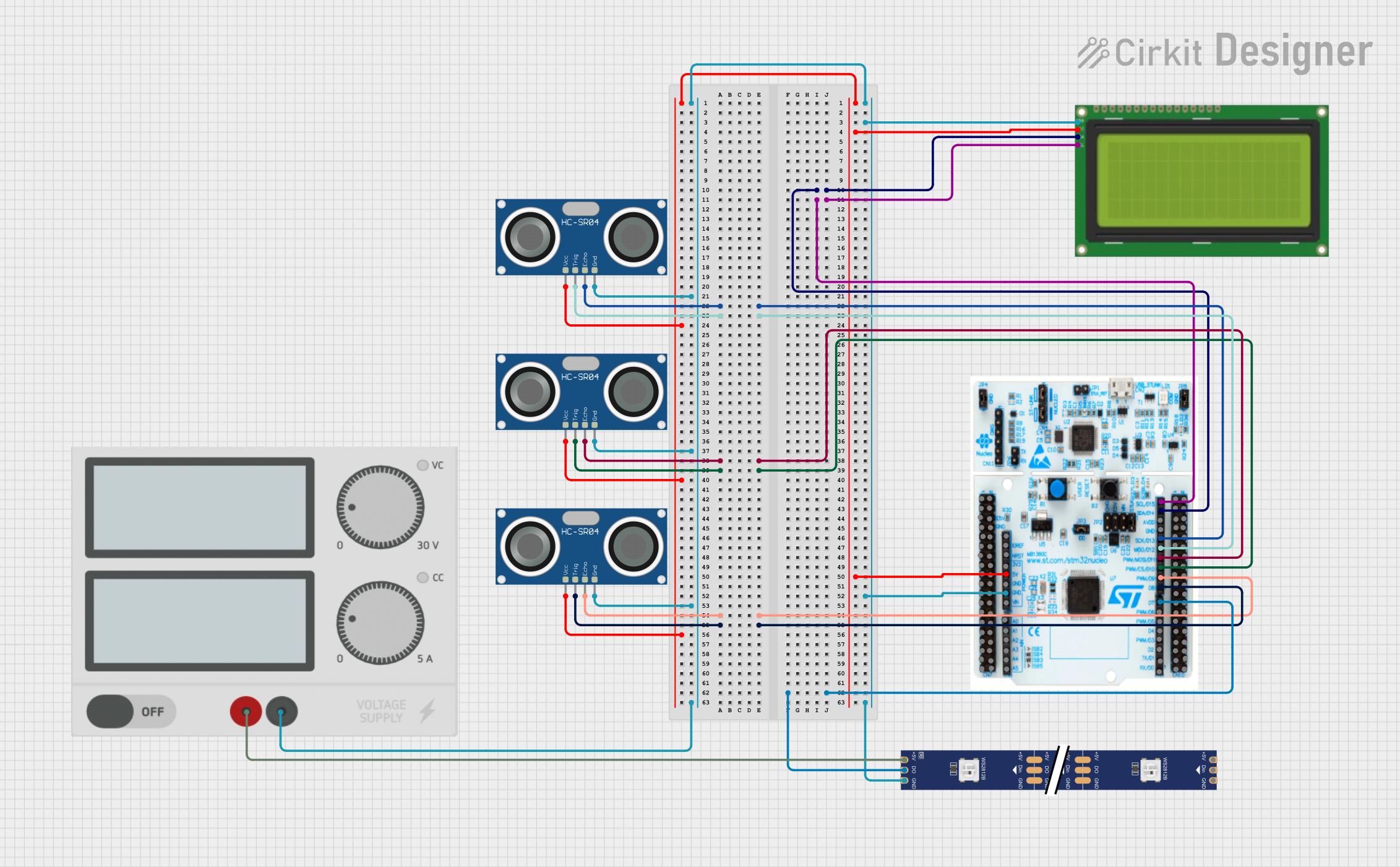 Open Project in Cirkit Designer
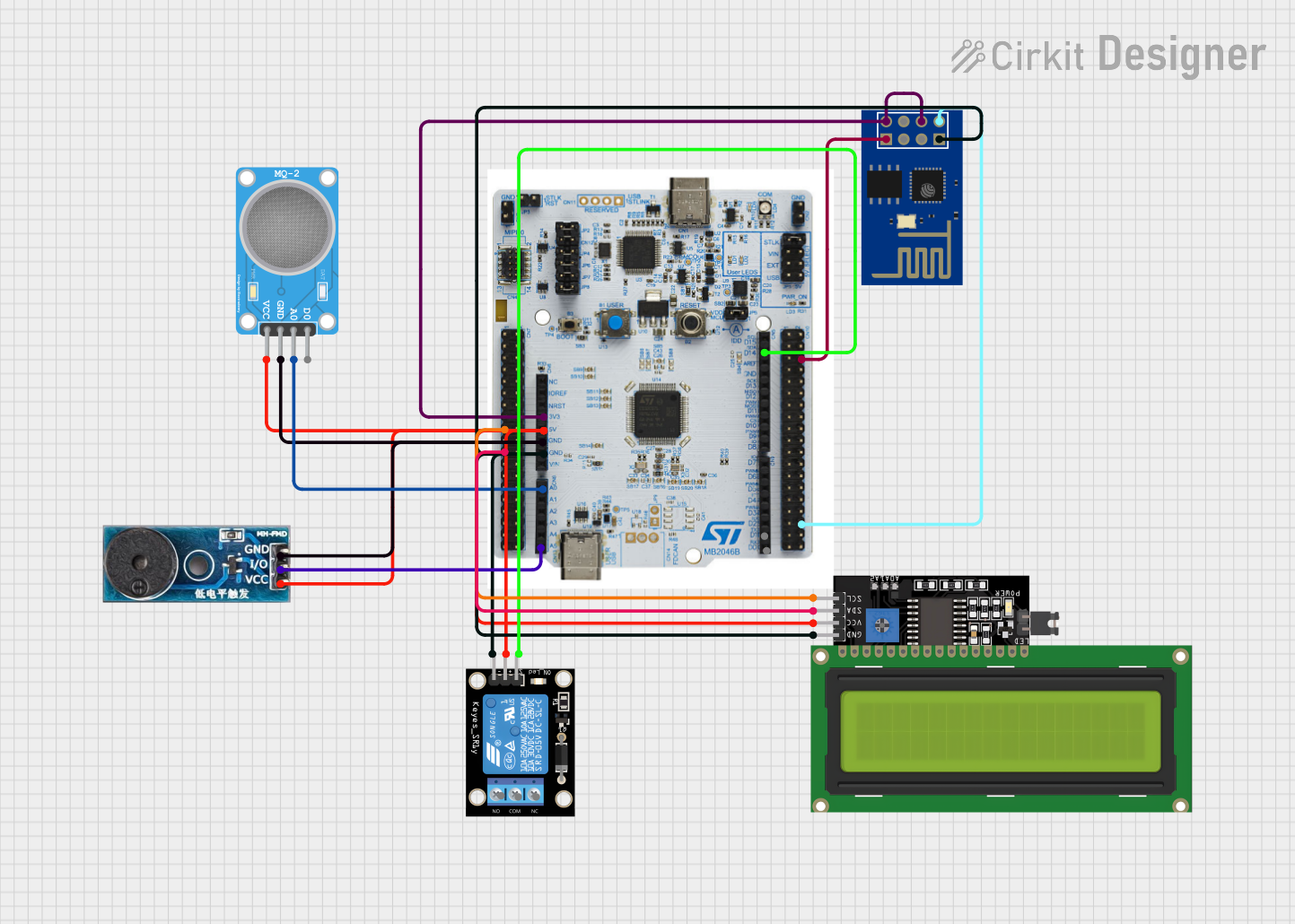 Open Project in Cirkit Designer
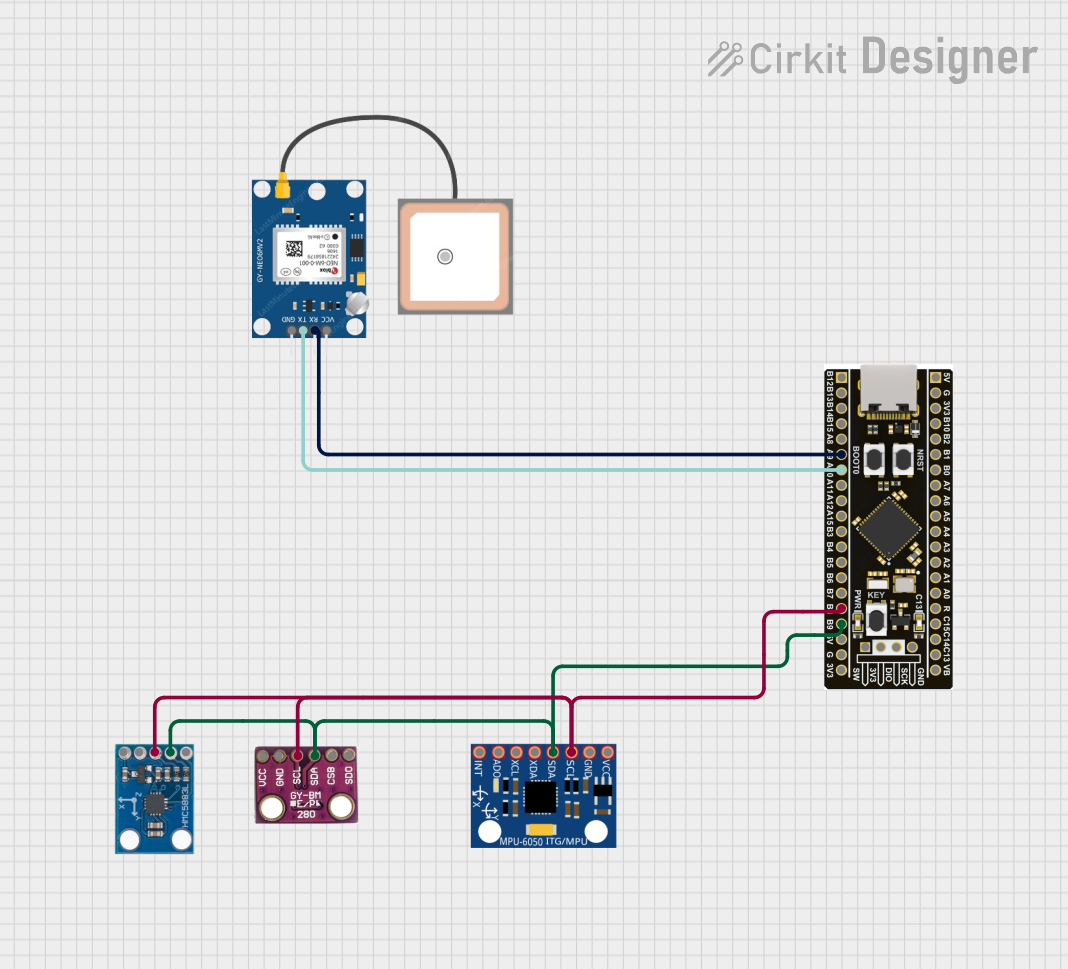 Open Project in Cirkit Designer
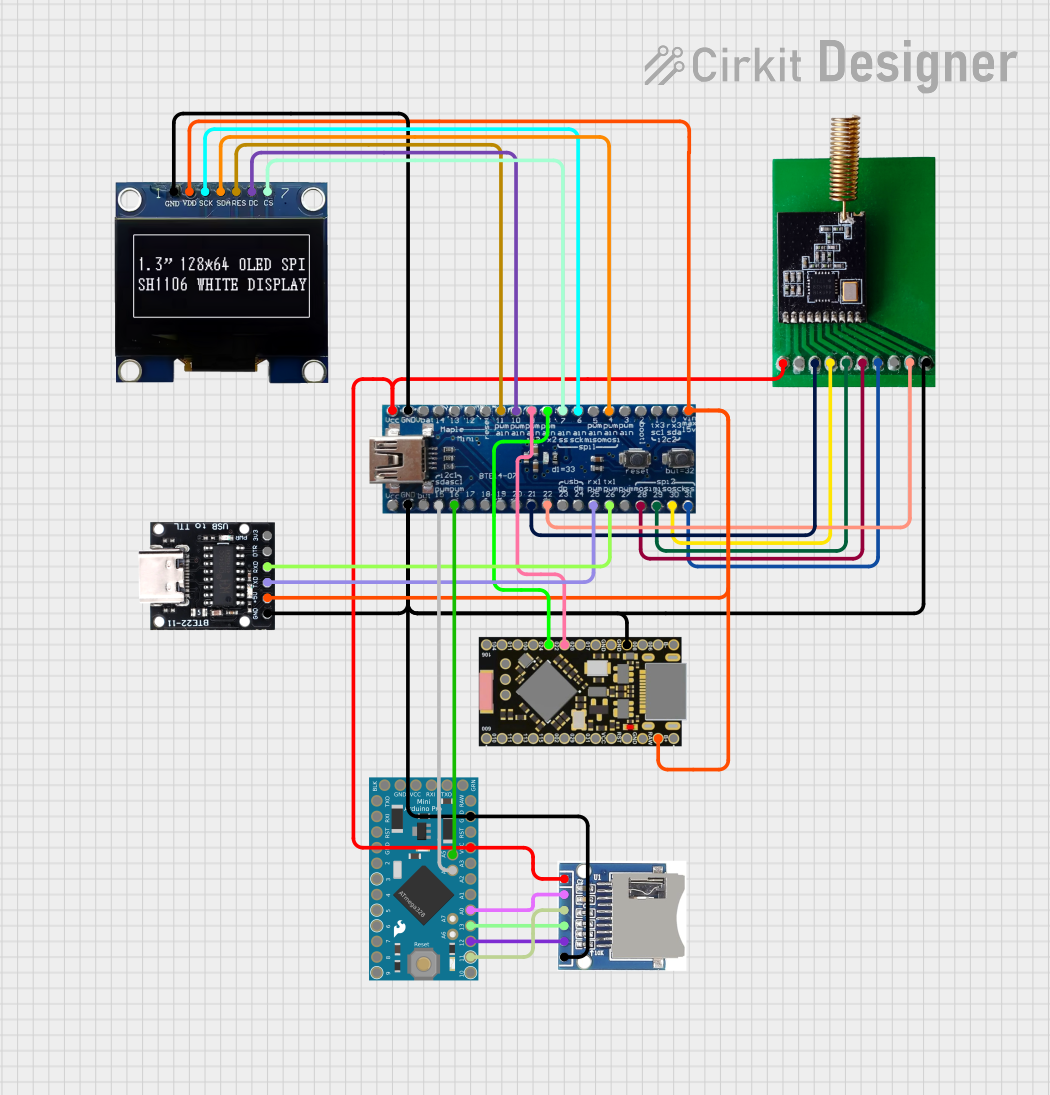 Open Project in Cirkit Designer
Explore Projects Built with STM32 Nucleo-144 boards
Open Project in Cirkit DesignerOpen Project in Cirkit DesignerOpen Project in Cirkit DesignerOpen Project in Cirkit DesignerCommon Applications and Use Cases
- Industrial control systems
- IoT (Internet of Things) devices
- Robotics and automation
- Signal processing and data acquisition
- Prototyping for consumer electronics
- Educational and research projects
Technical Specifications
Key Technical Details
- Microcontroller: STM32H563ZI (Arm® Cortex®-M33 core, 32-bit)
- Operating Voltage: 3.3V (core), 5V (I/O compatibility)
- Clock Speed: Up to 250 MHz
- Flash Memory: 2 MB
- SRAM: 640 KB
- GPIO Pins: 144 pins (extensive I/O capabilities)
- Connectivity:
- USB Type-C® (for power and communication)
- Ethernet (10/100 Mbps)
- CAN, UART, SPI, I2C, and more
- Expansion Connectors:
- Arduino™ Uno V3 compatibility
- ST Zio and Morpho connectors
- Debugging: Integrated ST-LINK/V3 debugger/programmer
- Power Supply: USB Type-C® or external power supply (7V–12V)
- Dimensions: 102 mm x 102 mm
Pin Configuration and Descriptions
The STM32 Nucleo-144 boards feature multiple connectors for GPIO and peripherals. Below is a summary of the key pin configurations:
Arduino™ Uno V3 Connector
| Pin Name | Functionality | Description |
|---|---|---|
| A0–A5 | Analog Inputs | 6 analog input pins |
| D0–D13 | Digital I/O | 14 digital I/O pins |
| 3.3V | Power Output | 3.3V power supply |
| 5V | Power Output | 5V power supply |
| GND | Ground | Common ground |
| VIN | Power Input | External power input (7V–12V) |
ST Zio Connector
| Pin Name | Functionality | Description |
|---|---|---|
| ZIO1–ZIO40 | GPIO, Analog, Power | Extended I/O and power connections |
Morpho Connector
| Pin Name | Functionality | Description |
|---|---|---|
| P1–P144 | GPIO, Power, Debug | Full access to STM32H563ZI pins |
Usage Instructions
How to Use the Component in a Circuit
Powering the Board:
- Connect the board to your computer using a USB Type-C® cable for power and communication.
- Alternatively, use an external power supply (7V–12V) via the VIN pin or dedicated power connector.
Programming the Board:
- Use the integrated ST-LINK/V3 debugger/programmer to upload firmware.
- Compatible with popular IDEs such as STM32CubeIDE, Keil MDK, and IAR Embedded Workbench.
Connecting Peripherals:
- Use the Arduino™, ST Zio, or Morpho connectors to interface with sensors, actuators, and other peripherals.
- Ensure proper voltage levels and pin configurations for connected devices.
Running the Application:
- After programming, reset the board using the reset button to execute the uploaded firmware.
Important Considerations and Best Practices
- Power Supply: Ensure the board is powered within the specified voltage range to avoid damage.
- Pin Protection: Avoid exceeding the maximum current ratings for GPIO pins (typically 25 mA per pin).
- Debugging: Use the ST-LINK/V3 interface for efficient debugging and programming.
- Firmware Updates: Regularly update the STM32Cube firmware package for the latest features and bug fixes.
Example Code for Arduino™ IDE
The STM32 Nucleo-144 boards can be programmed using the Arduino™ IDE. Below is an example of blinking an LED connected to pin D13:
// Example: Blink an LED on pin D13
// This code toggles the LED state every 500 milliseconds.

#define LED_PIN 13  // Define the LED pin (D13 on Arduino connector)

void setup() {
  pinMode(LED_PIN, OUTPUT);  // Set the LED pin as an output
}

void loop() {
  digitalWrite(LED_PIN, HIGH);  // Turn the LED on
  delay(500);                   // Wait for 500 milliseconds
  digitalWrite(LED_PIN, LOW);   // Turn the LED off
  delay(500);                   // Wait for 500 milliseconds
}
Troubleshooting and FAQs
Common Issues and Solutions
Board Not Detected by Computer:
- Ensure the USB Type-C® cable is properly connected.
- Verify that the ST-LINK/V3 drivers are installed on your computer.
Program Upload Fails:
- Check the power supply and ensure the board is powered on.
- Verify that the correct board and port are selected in your IDE.
Peripheral Not Responding:
- Double-check the pin connections and configurations.
- Ensure the peripheral is powered and compatible with the board's voltage levels.
LED Not Blinking in Example Code:
- Confirm that the LED is connected to pin D13.
- Verify that the uploaded code matches the example provided.
FAQs
Q: Can I use the STM32 Nucleo-144 boards with other IDEs?
- A: Yes, the boards are compatible with STM32CubeIDE, Keil MDK, IAR Embedded Workbench, and more.
Q: What is the maximum current output of the GPIO pins?
- A: Each GPIO pin can source or sink up to 25 mA.
Q: Can I power the board using a battery?
- A: Yes, you can use a battery with a voltage range of 7V–12V connected to the VIN pin.
Q: Is the board compatible with Arduino™ shields?
- A: Yes, the board supports Arduino™ Uno V3 shields via the Arduino™ connector.
This documentation provides a comprehensive guide to using the STM32 Nucleo-144 boards for your embedded development projects.