
How to Use SEN0602: Examples, Pinouts, and Specs
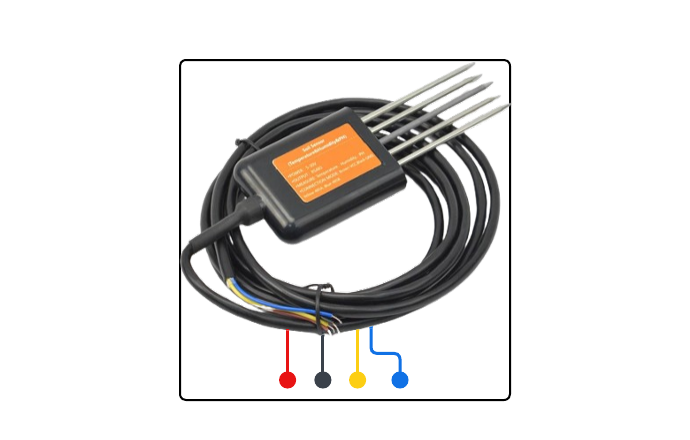
 Design with SEN0602 in Cirkit Designer
Introduction
The SEN0602 is a versatile environmental sensor designed to measure temperature, humidity, and atmospheric pressure with high accuracy. Its compact design and multi-sensing capabilities make it an ideal choice for a wide range of applications. The SEN0602 is commonly used in weather stations, HVAC systems, and IoT applications to monitor and control environmental conditions. Its digital interface ensures easy integration with microcontrollers and other electronic systems.
Explore Projects Built with SEN0602
 Open Project in Cirkit Designer
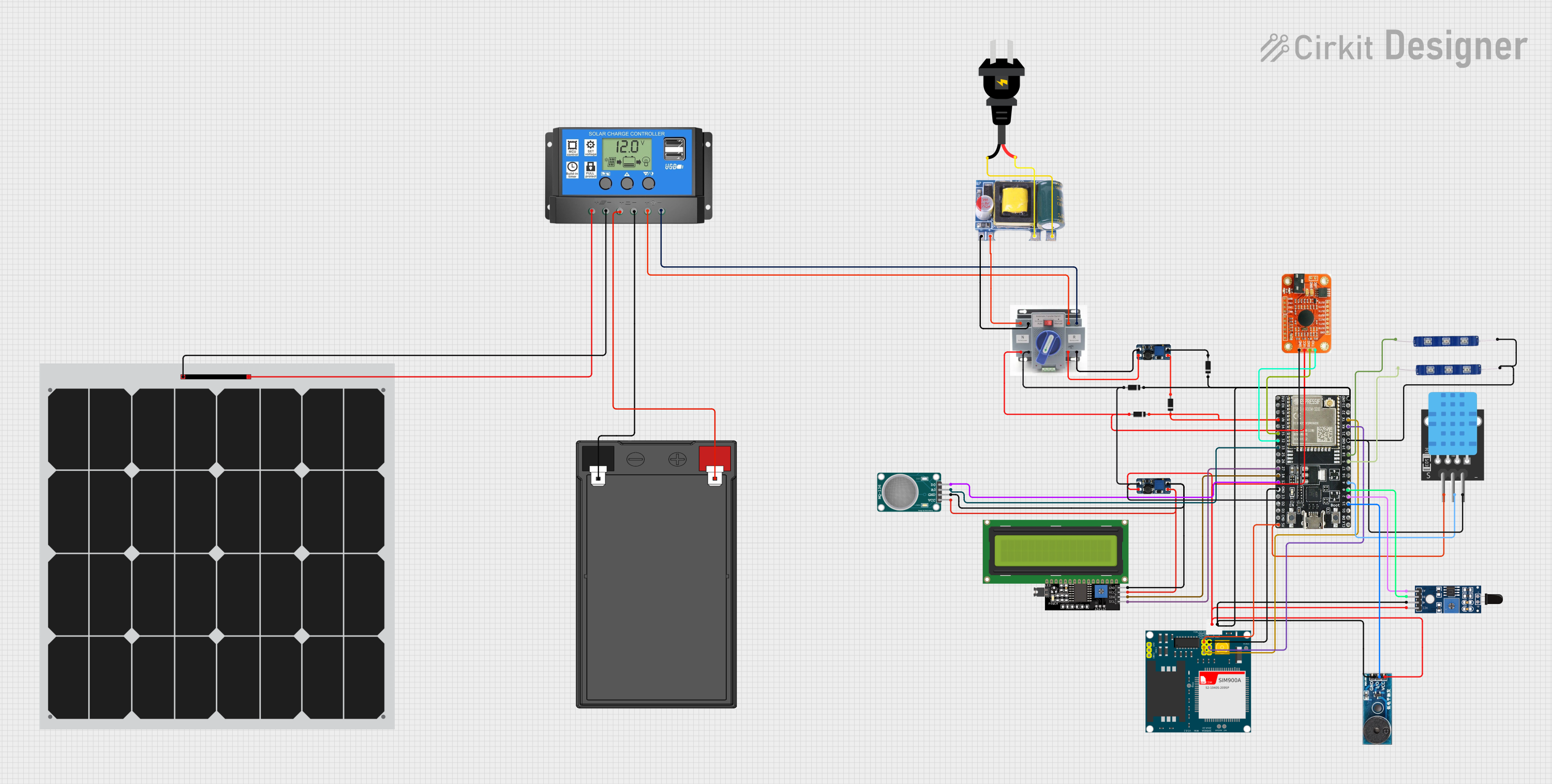 Open Project in Cirkit Designer
 Open Project in Cirkit Designer
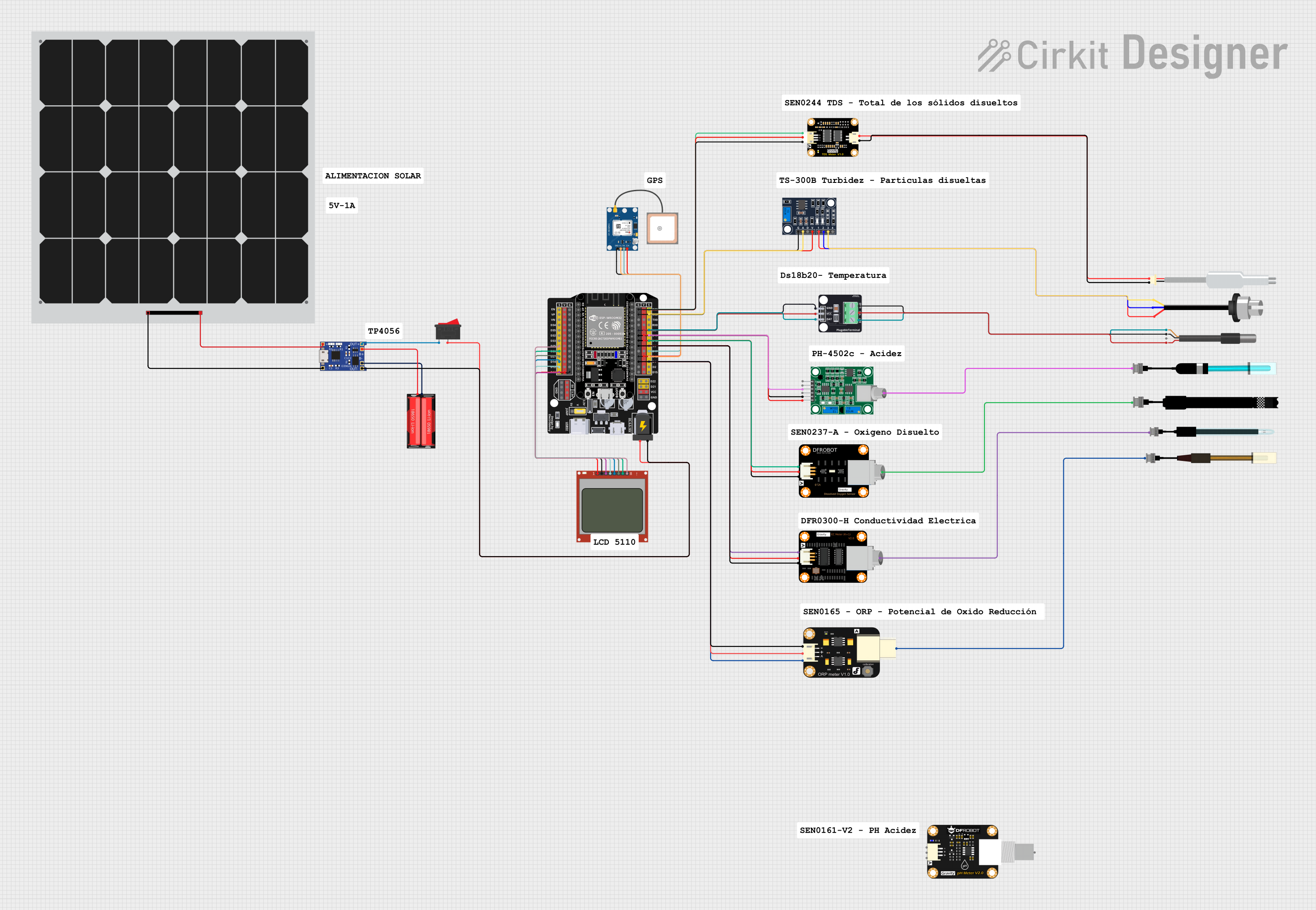 Open Project in Cirkit Designer
Explore Projects Built with SEN0602
Open Project in Cirkit DesignerOpen Project in Cirkit DesignerOpen Project in Cirkit DesignerOpen Project in Cirkit DesignerTechnical Specifications
The SEN0602 offers precise environmental measurements and operates efficiently in various conditions. Below are its key technical details:
General Specifications
| Parameter | Value |
|---|---|
| Supply Voltage | 3.3V to 5V |
| Operating Current | 2.5mA (typical) |
| Communication Protocol | I2C |
| Temperature Range | -40°C to 85°C |
| Humidity Range | 0% to 100% RH |
| Pressure Range | 300 hPa to 1100 hPa |
| Accuracy (Temperature) | ±0.5°C |
| Accuracy (Humidity) | ±2% RH |
| Accuracy (Pressure) | ±1 hPa |
| Dimensions | 15mm x 10mm x 5mm |
Pin Configuration
The SEN0602 has a 4-pin interface for easy connection to microcontrollers. The pinout is as follows:
| Pin Number | Pin Name | Description |
|---|---|---|
| 1 | VCC | Power supply input (3.3V to 5V) |
| 2 | GND | Ground |
| 3 | SDA | I2C data line |
| 4 | SCL | I2C clock line |
Usage Instructions
To use the SEN0602 in a circuit, follow these steps:
- Power the Sensor: Connect the VCC pin to a 3.3V or 5V power source and the GND pin to ground.
- Connect to I2C Bus: Connect the SDA and SCL pins to the corresponding I2C data and clock lines of your microcontroller. Use pull-up resistors (typically 4.7kΩ) on the SDA and SCL lines if not already present.
- Initialize Communication: Configure your microcontroller to communicate with the SEN0602 using the I2C protocol. The default I2C address of the sensor is
0x76(or0x77depending on the configuration). - Read Sensor Data: Use I2C commands to read temperature, humidity, and pressure data from the sensor registers.
Example Code for Arduino UNO
Below is an example of how to interface the SEN0602 with an Arduino UNO:
#include <Wire.h>

// Define the I2C address of the SEN0602 sensor
#define SEN0602_ADDRESS 0x76

void setup() {
  Wire.begin(); // Initialize I2C communication
  Serial.begin(9600); // Start serial communication for debugging

  // Check if the sensor is connected
  Wire.beginTransmission(SEN0602_ADDRESS);
  if (Wire.endTransmission() == 0) {
    Serial.println("SEN0602 detected!");
  } else {
    Serial.println("SEN0602 not detected. Check connections.");
    while (1); // Halt execution if sensor is not found
  }
}

void loop() {
  // Request temperature, humidity, and pressure data
  Wire.beginTransmission(SEN0602_ADDRESS);
  Wire.write(0xF7); // Command to read data (example register address)
  Wire.endTransmission();
  Wire.requestFrom(SEN0602_ADDRESS, 6); // Request 6 bytes of data

  if (Wire.available() == 6) {
    // Read raw data from the sensor
    uint8_t data[6];
    for (int i = 0; i < 6; i++) {
      data[i] = Wire.read();
    }

    // Process the raw data (example decoding, adjust as per datasheet)
    int temperature = (data[0] << 8) | data[1];
    int humidity = (data[2] << 8) | data[3];
    int pressure = (data[4] << 8) | data[5];

    // Print the processed data
    Serial.print("Temperature: ");
    Serial.print(temperature / 100.0); // Convert to °C
    Serial.println(" °C");

    Serial.print("Humidity: ");
    Serial.print(humidity / 1024.0); // Convert to %RH
    Serial.println(" %RH");

    Serial.print("Pressure: ");
    Serial.print(pressure / 100.0); // Convert to hPa
    Serial.println(" hPa");
  }

  delay(1000); // Wait 1 second before the next reading
}
Important Considerations
- Ensure the I2C pull-up resistors are properly connected to avoid communication issues.
- Avoid exposing the sensor to extreme environmental conditions beyond its specified range.
- Use proper decoupling capacitors near the VCC pin to stabilize the power supply.
Troubleshooting and FAQs
Common Issues
Sensor Not Detected on I2C Bus:
- Cause: Incorrect wiring or I2C address mismatch.
- Solution: Verify the connections and ensure the correct I2C address is used in the code.
Inaccurate Readings:
- Cause: Sensor exposed to condensation or contaminants.
- Solution: Ensure the sensor is clean and dry. Avoid placing it in environments with high condensation.
No Data Received:
- Cause: Faulty I2C communication.
- Solution: Check the pull-up resistors on the SDA and SCL lines. Ensure the microcontroller's I2C pins are configured correctly.
FAQs
Q1: Can the SEN0602 operate at 5V?
Yes, the SEN0602 supports a supply voltage range of 3.3V to 5V.
Q2: What is the default I2C address of the SEN0602?
The default I2C address is 0x76. Some variants may use 0x77, which can be configured via hardware or software.
Q3: How do I protect the sensor in outdoor applications?
Use a protective enclosure with proper ventilation to shield the sensor from direct exposure to rain, dust, and extreme temperatures.
Q4: Can I use the SEN0602 with other microcontrollers?
Yes, the SEN0602 is compatible with any microcontroller that supports I2C communication, such as ESP32, Raspberry Pi, and STM32.
By following this documentation, you can effectively integrate the SEN0602 into your projects and ensure reliable environmental monitoring.