
How to Use Z80 ACPU: Examples, Pinouts, and Specs

 Design with Z80 ACPU in Cirkit Designer
Introduction
The Z80 ACPU, manufactured by Zilog (Part ID: Z80C8400A6B), is a highly versatile 8-bit microprocessor that played a pivotal role in the development of early personal computers and embedded systems. Introduced in the late 1970s, it features a 16-bit address bus, enabling access to 64KB of memory, and a robust instruction set that supports a wide range of operations. Its efficient design and compatibility with various peripherals made it a popular choice for computing and control applications.
Explore Projects Built with Z80 ACPU
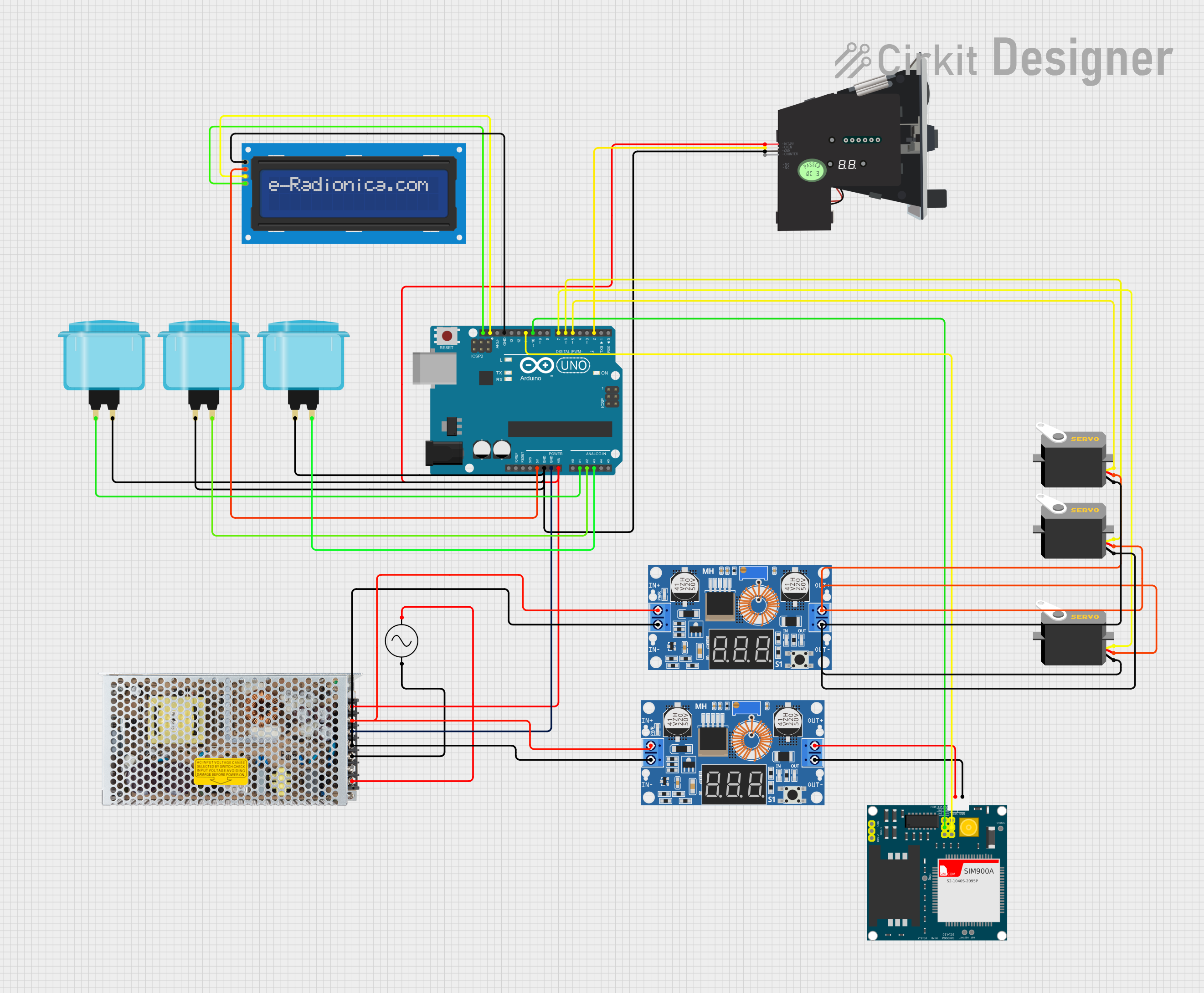 Open Project in Cirkit Designer
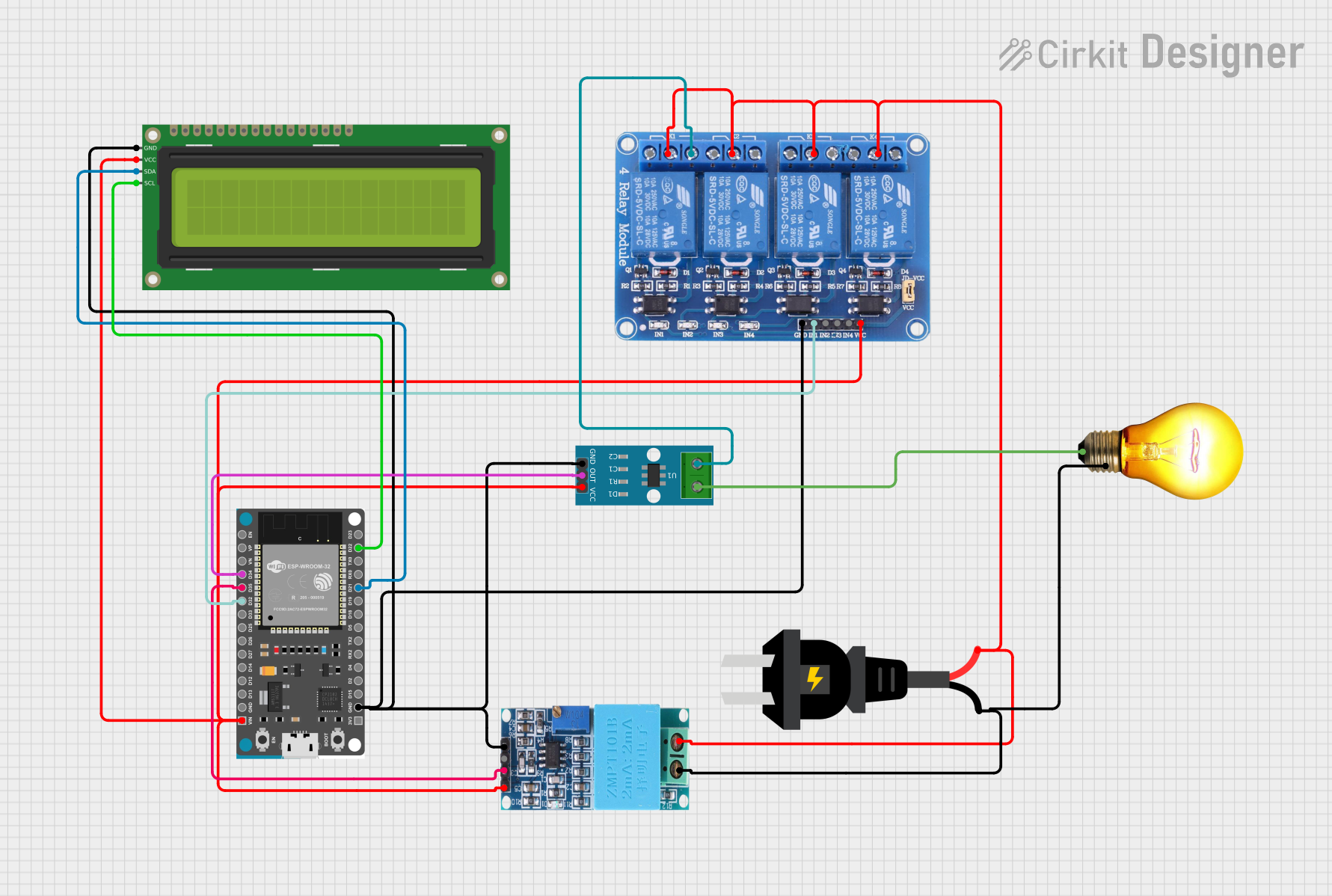 Open Project in Cirkit Designer
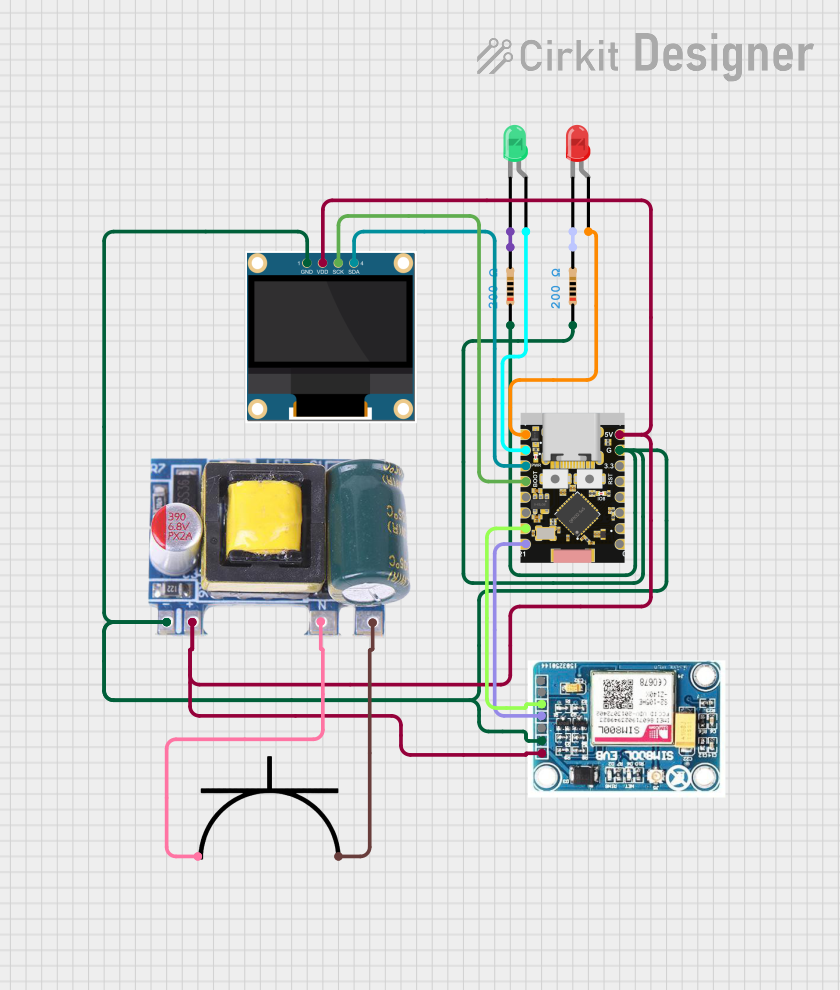 Open Project in Cirkit Designer
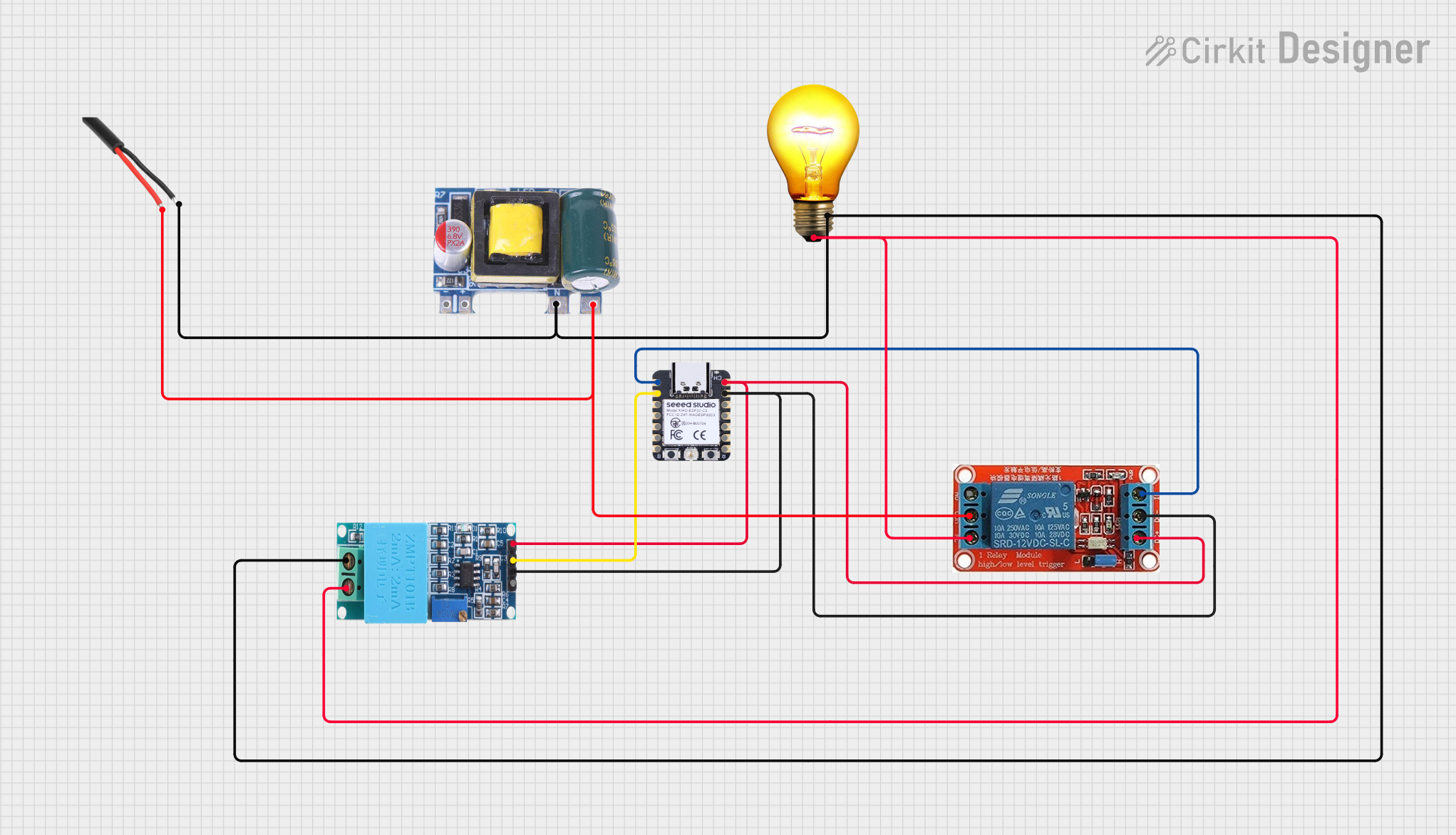 Open Project in Cirkit Designer
Explore Projects Built with Z80 ACPU
Open Project in Cirkit DesignerOpen Project in Cirkit DesignerOpen Project in Cirkit DesignerOpen Project in Cirkit DesignerCommon Applications and Use Cases
- Early personal computers (e.g., TRS-80, ZX Spectrum)
- Embedded systems in industrial and consumer electronics
- Educational platforms for learning microprocessor architecture
- Retrocomputing and hobbyist projects
- Control systems for robotics and automation
Technical Specifications
Key Technical Details
| Parameter | Specification |
|---|---|
| Architecture | 8-bit |
| Address Bus Width | 16-bit (64KB memory addressing) |
| Clock Speed | Up to 8 MHz |
| Instruction Set | Rich set of 158 instructions |
| Power Supply Voltage | 5V ± 10% |
| Power Consumption | 90 mW (typical at 4 MHz) |
| Operating Temperature | 0°C to 70°C |
| Package Type | 40-pin DIP or 44-pin PLCC |
Pin Configuration and Descriptions
The Z80 ACPU is typically available in a 40-pin Dual Inline Package (DIP). Below is the pin configuration and description:
| Pin No. | Pin Name | Type | Description |
|---|---|---|---|
| 1 | A15 | Output | Most significant address line (bit 15 of the address bus). |
| 2-8 | A14-A8 | Output | Address lines for memory and I/O addressing. |
| 9 | GND | Ground | Ground reference for the microprocessor. |
| 10-17 | A7-A0 | Output | Least significant address lines (bits 7-0 of the address bus). |
| 18 | CLK | Input | Clock input for synchronizing the processor. |
| 19 | D0 | Input/Output | Least significant data line (bit 0 of the data bus). |
| 20-27 | D1-D7 | Input/Output | Data lines for communication with memory and peripherals. |
| 28 | /MREQ | Output | Memory request signal, active low. |
| 29 | /IORQ | Output | I/O request signal, active low. |
| 30 | /RD | Output | Read signal, active low. |
| 31 | /WR | Output | Write signal, active low. |
| 32 | /RESET | Input | Resets the processor when active low. |
| 33 | /HALT | Output | Indicates the processor is in a halt state. |
| 34 | /WAIT | Input | Wait signal to synchronize slower peripherals. |
| 35 | /INT | Input | Interrupt request signal. |
| 36 | /NMI | Input | Non-maskable interrupt request signal. |
| 37 | /BUSREQ | Input | Bus request signal for DMA operations. |
| 38 | /BUSACK | Output | Bus acknowledge signal for DMA operations. |
| 39 | VCC | Power | +5V power supply input. |
| 40 | /M1 | Output | Indicates the first machine cycle of an instruction fetch. |
Usage Instructions
How to Use the Z80 ACPU in a Circuit
- Power Supply: Connect the VCC pin to a regulated 5V power supply and the GND pin to ground.
- Clock Signal: Provide a stable clock signal to the CLK pin. The clock frequency should not exceed the rated maximum (e.g., 8 MHz).
- Memory and I/O: Connect the address bus (A0-A15) and data bus (D0-D7) to memory and I/O devices. Use /MREQ and /IORQ signals to differentiate between memory and I/O operations.
- Control Signals: Use /RD and /WR signals to manage read and write operations. Ensure proper timing and synchronization with external devices.
- Interrupts: Connect /INT and /NMI pins to external interrupt sources if needed. Use the /RESET pin to initialize the processor during power-up or system reset.
- Bus Arbitration: For systems requiring DMA, use /BUSREQ and /BUSACK signals to manage bus access.
Important Considerations and Best Practices
- Decoupling Capacitors: Place decoupling capacitors (e.g., 0.1 µF) near the VCC and GND pins to reduce noise and stabilize the power supply.
- Clock Stability: Use a crystal oscillator or a stable clock source to ensure reliable operation.
- Pull-Up Resistors: Use pull-up resistors on control lines like /RESET, /INT, and /NMI to prevent floating inputs.
- Memory Mapping: Plan the memory map carefully to avoid conflicts between ROM, RAM, and I/O devices.
- Heat Management: Ensure adequate ventilation or heat dissipation if the processor operates near its maximum power consumption.
Example Code for Arduino UNO Integration
Although the Z80 ACPU is not directly compatible with Arduino, it can be interfaced using GPIO pins for basic control. Below is an example of how to toggle the /RESET pin using an Arduino UNO:
// Define the pin connected to the Z80 /RESET line
const int resetPin = 7;

void setup() {
  // Set the reset pin as an output
  pinMode(resetPin, OUTPUT);

  // Reset the Z80 processor
  digitalWrite(resetPin, LOW);  // Activate reset (active low)
  delay(100);                   // Hold reset for 100ms
  digitalWrite(resetPin, HIGH); // Release reset
}

void loop() {
  // Main loop can be used to monitor or control other Z80 signals
}
Troubleshooting and FAQs
Common Issues and Solutions
Processor Not Starting
- Cause: Missing or unstable clock signal.
- Solution: Verify the clock source and ensure it is within the specified frequency range.
No Response from Memory or I/O
- Cause: Incorrect wiring of address or data buses.
- Solution: Double-check all connections and ensure proper memory mapping.
Frequent Resets
- Cause: Noise on the /RESET line or unstable power supply.
- Solution: Add a pull-up resistor to the /RESET line and use decoupling capacitors on the power supply.
Interrupts Not Working
- Cause: Improper configuration of /INT or /NMI lines.
- Solution: Verify the interrupt source and ensure proper signal timing.
FAQs
Q: Can the Z80 ACPU be used with modern systems?
A: Yes, the Z80 can be used in retrocomputing projects or as a learning tool for microprocessor architecture. However, it requires additional components to interface with modern systems.
Q: What is the maximum clock speed of the Z80 ACPU?
A: The Z80 ACPU supports a maximum clock speed of 8 MHz, depending on the specific model.
Q: How much memory can the Z80 address?
A: The Z80 has a 16-bit address bus, allowing it to address up to 64KB of memory.
Q: Is the Z80 still in production?
A: Yes, Zilog continues to manufacture the Z80 for use in embedded systems and educational purposes.