
How to Use Adafruit Feather RP2040 USB Host: Examples, Pinouts, and Specs
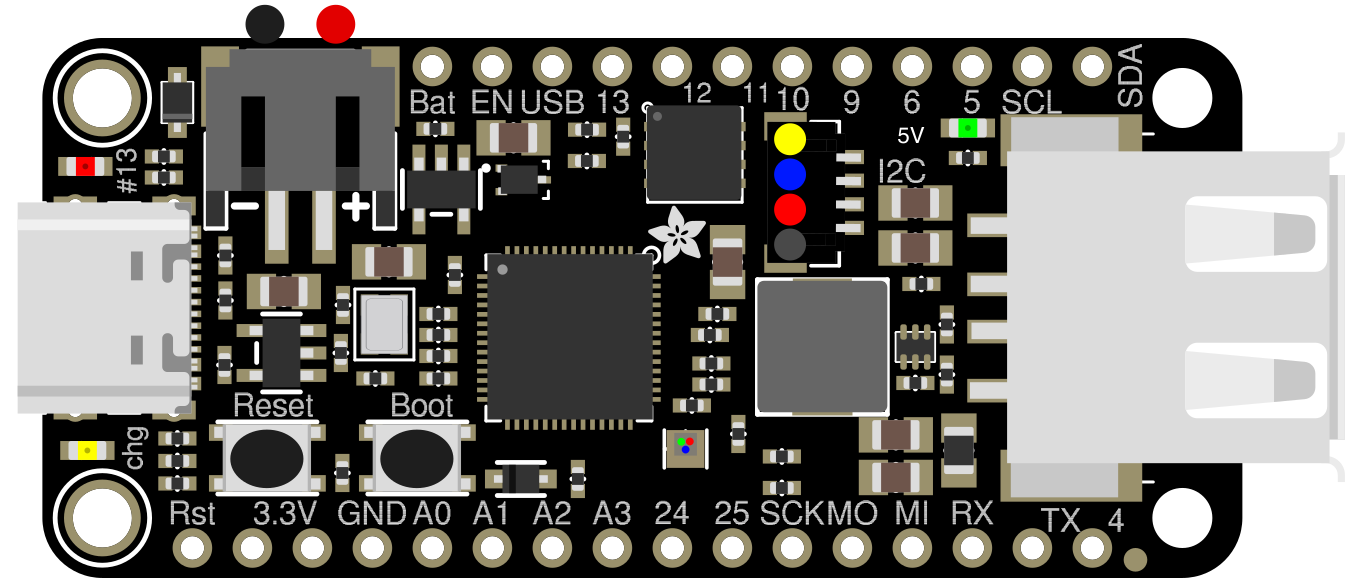
 Design with Adafruit Feather RP2040 USB Host in Cirkit Designer
Introduction
The Adafruit Feather RP2040 USB Host (Manufacturer Part ID: 5723) is a compact and versatile microcontroller board built around the powerful RP2040 chip. Designed with USB host capabilities, this board allows seamless interfacing with USB devices such as keyboards, mice, and storage devices. Its small form factor and robust feature set make it ideal for projects requiring USB device communication, IoT applications, and embedded systems development.
Explore Projects Built with Adafruit Feather RP2040 USB Host
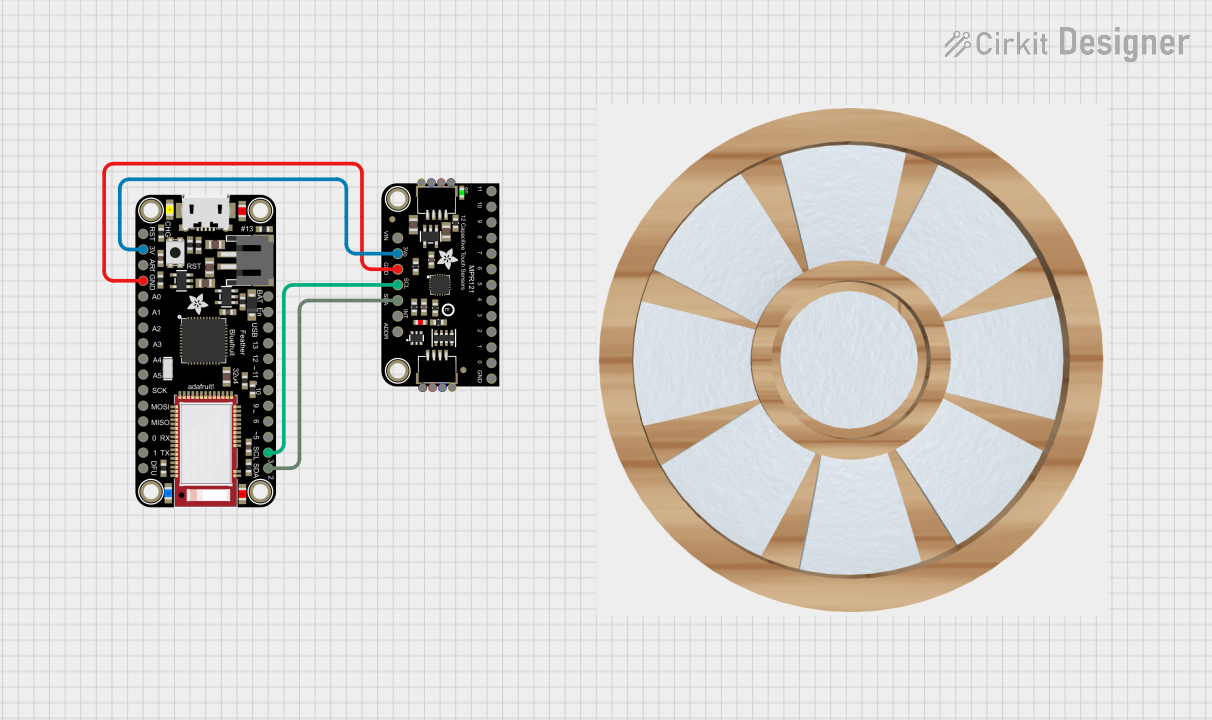 Open Project in Cirkit Designer
 Open Project in Cirkit Designer
 Open Project in Cirkit Designer
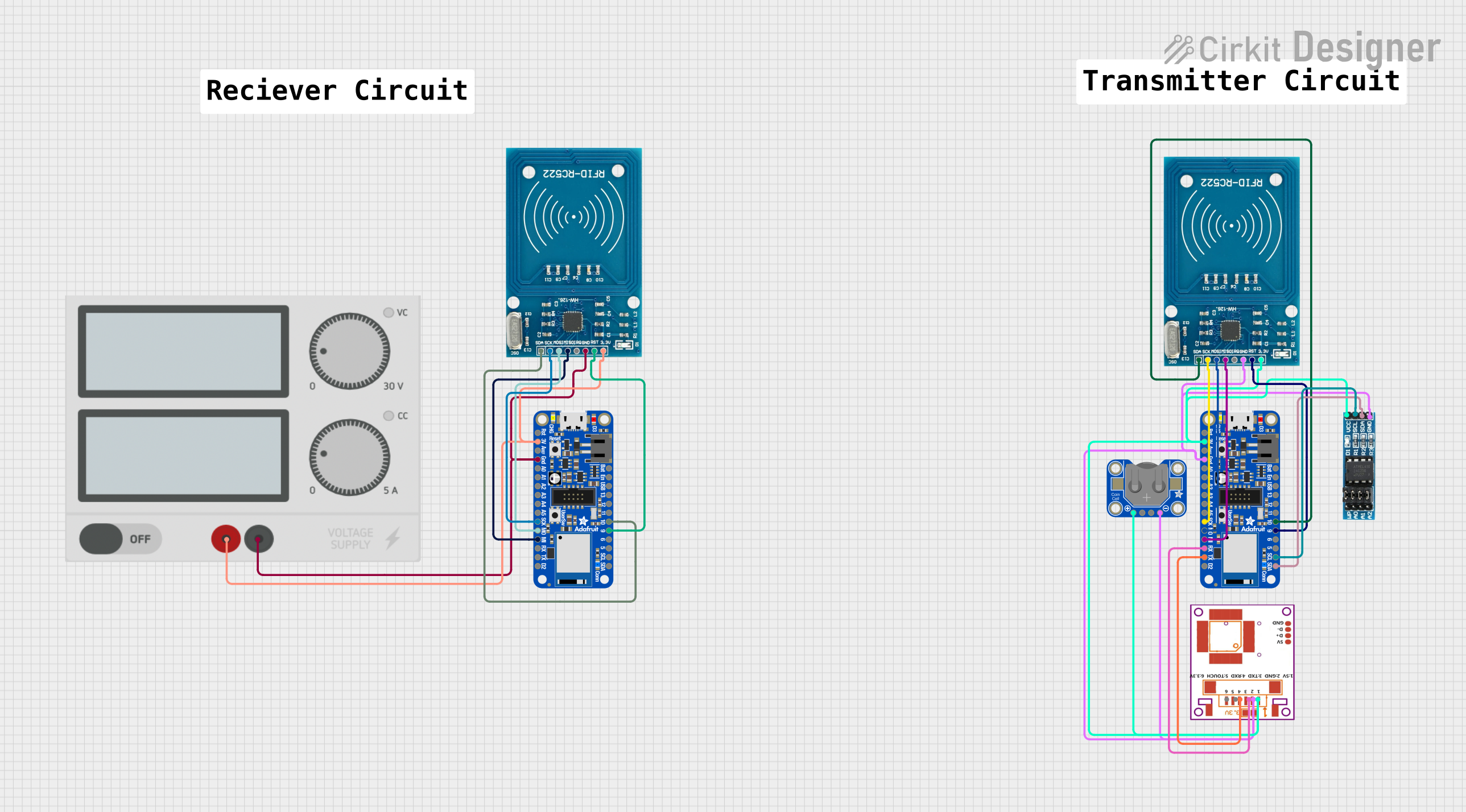 Open Project in Cirkit Designer
Explore Projects Built with Adafruit Feather RP2040 USB Host
Open Project in Cirkit DesignerOpen Project in Cirkit DesignerOpen Project in Cirkit DesignerOpen Project in Cirkit DesignerCommon Applications and Use Cases
- USB device interfacing (e.g., keyboards, mice, USB drives)
- IoT projects requiring USB host functionality
- Prototyping and development of USB-based systems
- Robotics and automation systems
- Data logging and storage applications
Technical Specifications
Key Technical Details
| Specification | Value |
|---|---|
| Microcontroller | RP2040 (Dual-core ARM Cortex-M0+) |
| Clock Speed | 133 MHz |
| Flash Memory | 8 MB (QSPI Flash) |
| RAM | 264 KB SRAM |
| USB Host Support | Yes |
| USB Connector | USB-C |
| GPIO Pins | 21 (including analog inputs) |
| Operating Voltage | 3.3V |
| Input Voltage Range | 3.3V to 6V |
| Power Supply Options | USB-C or LiPo battery |
| Dimensions | 51mm x 23mm x 8mm |
Pin Configuration and Descriptions
The Adafruit Feather RP2040 USB Host features a standard Feather pinout. Below is the pin configuration:
| Pin Name | Description |
|---|---|
| USB | USB-C connector for power, programming, and USB host functionality |
| BAT | LiPo battery input (3.7V nominal) |
| 3V3 | 3.3V regulated output |
| GND | Ground |
| A0–A5 | Analog input pins (also usable as digital GPIO) |
| D0–D13 | Digital GPIO pins (some with PWM capability) |
| SCL/SDA | I2C communication pins |
| RX/TX | UART communication pins |
| SCK/MOSI/MISO | SPI communication pins |
| EN | Enable pin to turn the board on/off |
| RST | Reset pin |
Usage Instructions
How to Use the Component in a Circuit
Powering the Board:
- Connect the board to a USB-C power source or use a 3.7V LiPo battery via the BAT pin.
- Ensure the input voltage does not exceed the specified range (3.3V to 6V).
Connecting USB Devices:
- Use the USB-C connector to attach USB devices such as keyboards, mice, or storage devices.
- Ensure the connected USB device is compatible with the board's USB host capabilities.
Programming the Board:
- The board can be programmed using CircuitPython, MicroPython, or C/C++ via the Arduino IDE.
- Connect the board to your computer via USB-C and upload your code.
Interfacing with Peripherals:
- Use the GPIO pins for digital and analog input/output.
- Utilize the I2C, SPI, or UART pins for communication with external sensors or modules.
Important Considerations and Best Practices
- Voltage Levels: Ensure all connected peripherals operate at 3.3V logic levels to avoid damage.
- USB Device Power: The USB host functionality can power low-current USB devices. For high-current devices, use an external power source.
- Firmware Updates: Keep the board's firmware updated to ensure compatibility with the latest USB devices.
- Heat Management: Avoid prolonged operation at high loads to prevent overheating.
Example Code for Arduino UNO Integration
Below is an example of using the Adafruit Feather RP2040 USB Host to read input from a USB keyboard:
#include <Adafruit_TinyUSB.h>

// Initialize USB host object
Adafruit_USBD_Host USBHost;

// Keyboard object
Adafruit_USBH_HIDKeyboard keyboard(&USBHost);

void setup() {
  Serial.begin(115200);
  while (!Serial) delay(10); // Wait for Serial Monitor to open

  // Start USB host
  if (!USBHost.begin()) {
    Serial.println("Failed to start USB host!");
    while (1);
  }
  Serial.println("USB host started. Connect a keyboard.");
}

void loop() {
  // Check if a keyboard is connected
  if (keyboard.connected()) {
    uint8_t keycode;
    if (keyboard.available()) {
      keycode = keyboard.read(); // Read key press
      Serial.print("Key pressed: ");
      Serial.println((char)keycode); // Print key as character
    }
  }
}
Notes:
- Install the Adafruit TinyUSB Library in the Arduino IDE before running the code.
- Ensure the USB keyboard is connected to the Feather RP2040 USB Host.
Troubleshooting and FAQs
Common Issues and Solutions
USB Device Not Recognized:
- Ensure the USB device is compatible with the board's USB host capabilities.
- Check the power requirements of the USB device. Use an external power source if needed.
Board Not Detected by Computer:
- Verify the USB-C cable is data-capable (not just a charging cable).
- Double-check the board's connection and ensure it is powered on.
Code Upload Fails:
- Ensure the correct board and port are selected in the Arduino IDE.
- Put the board into bootloader mode by pressing the reset button twice.
Overheating:
- Avoid drawing excessive current from the GPIO pins or USB host port.
- Use proper ventilation or heat sinks if operating under high loads.
FAQs
Q: Can I use this board with CircuitPython?
A: Yes, the Adafruit Feather RP2040 USB Host is fully compatible with CircuitPython. You can download the latest CircuitPython firmware from the Adafruit website.
Q: What is the maximum current output for USB devices?
A: The USB host port can supply up to 500mA. For devices requiring more current, use an external powered USB hub.
Q: Can I connect multiple USB devices?
A: Yes, but you will need a USB hub. Ensure the hub is powered if the devices require significant current.
Q: Does the board support USB OTG?
A: No, the board is designed specifically for USB host functionality, not OTG.
Q: How do I reset the board?
A: Press the reset button once to restart the board or twice to enter bootloader mode.