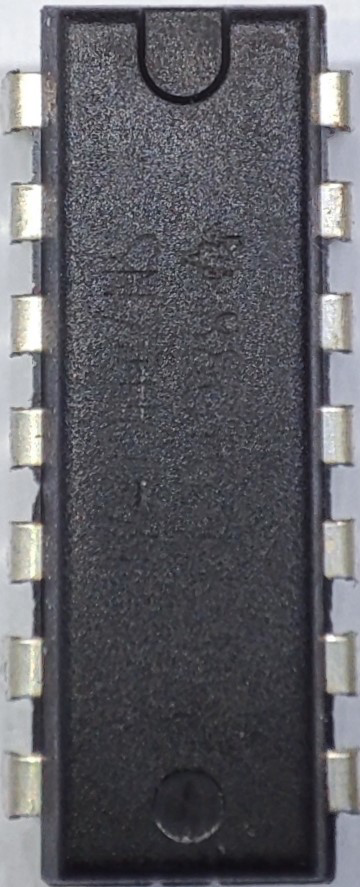
The SN74HC00_FIAX is a quad 2-input NAND gate integrated circuit (IC) from the 74HC00 series, renowned for its high-speed CMOS logic. This versatile component is designed to perform NAND logic operations and is widely used in various digital circuits. Its ability to operate over a wide voltage range makes it suitable for numerous applications, including:
Digital logic circuits
Signal processing
Data manipulation
Control systems
Timing and sequencing circuits
Explore Projects Built with SN74HC00_FIAX
Use Cirkit Designer to design, explore, and prototype these projects online. Some projects support real-time simulation. Click "Open Project" to start designing instantly!
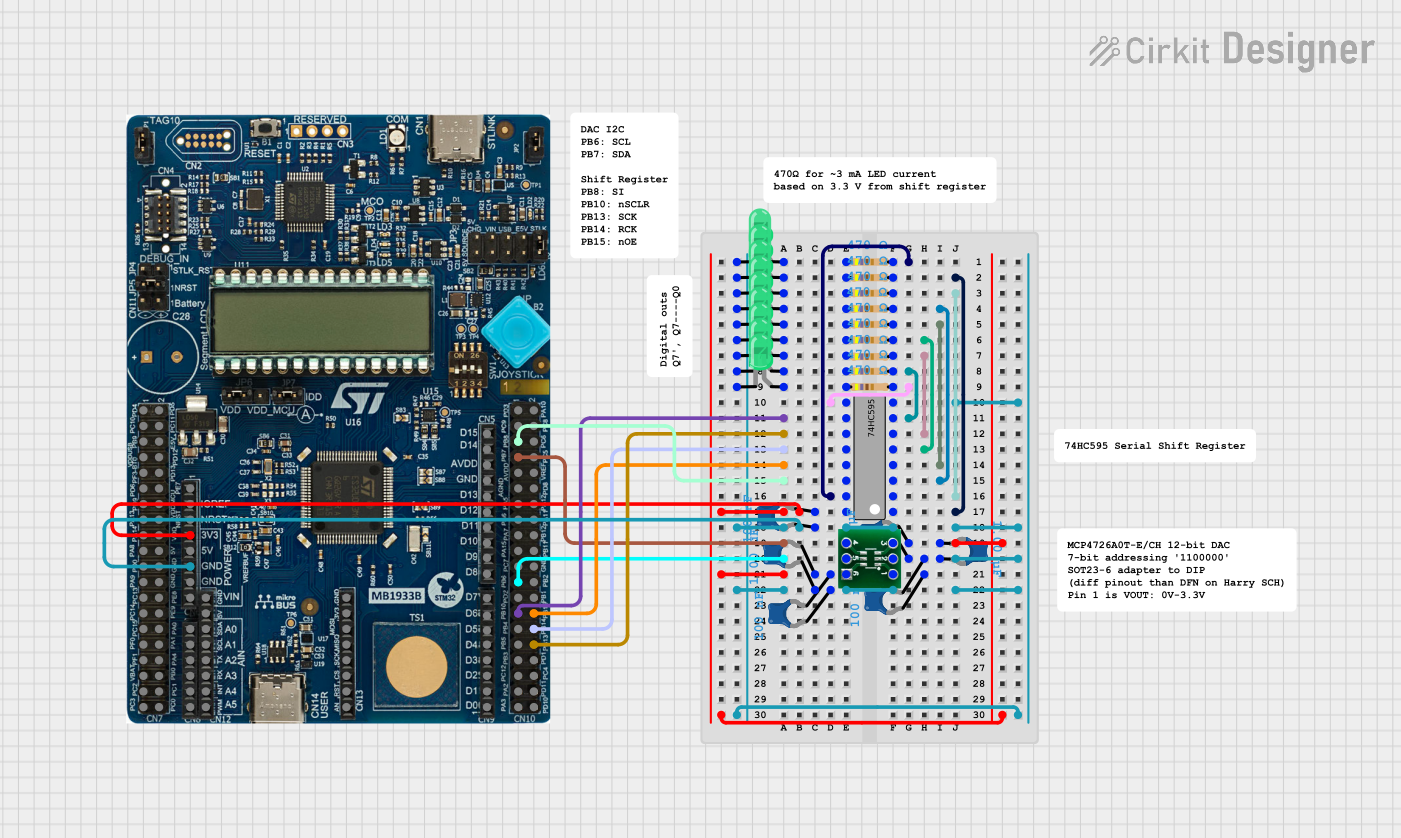
This circuit uses a 74HC595 shift register to control multiple LEDs via a common ground configuration, with a microcontroller providing serial data input. It includes decoupling capacitors for stability and a 12-Bit DAC, potentially for analog signal generation or reference voltage application.
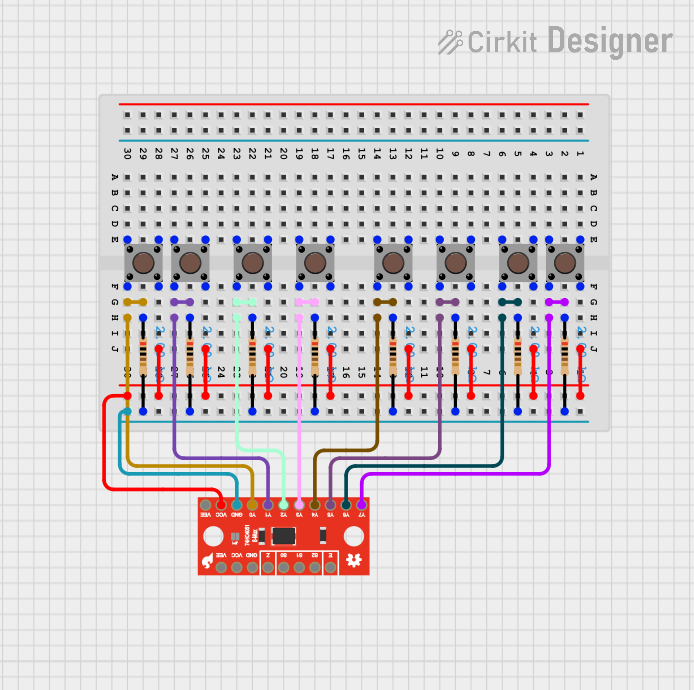
This circuit uses a SparkFun 74HC4051 8-Channel Multiplexer to read the states of eight pushbuttons. Each pushbutton is connected to a corresponding input channel on the multiplexer through a 2k Ohm resistor, allowing the multiplexer to sequentially read the button states and output them to a single data line.
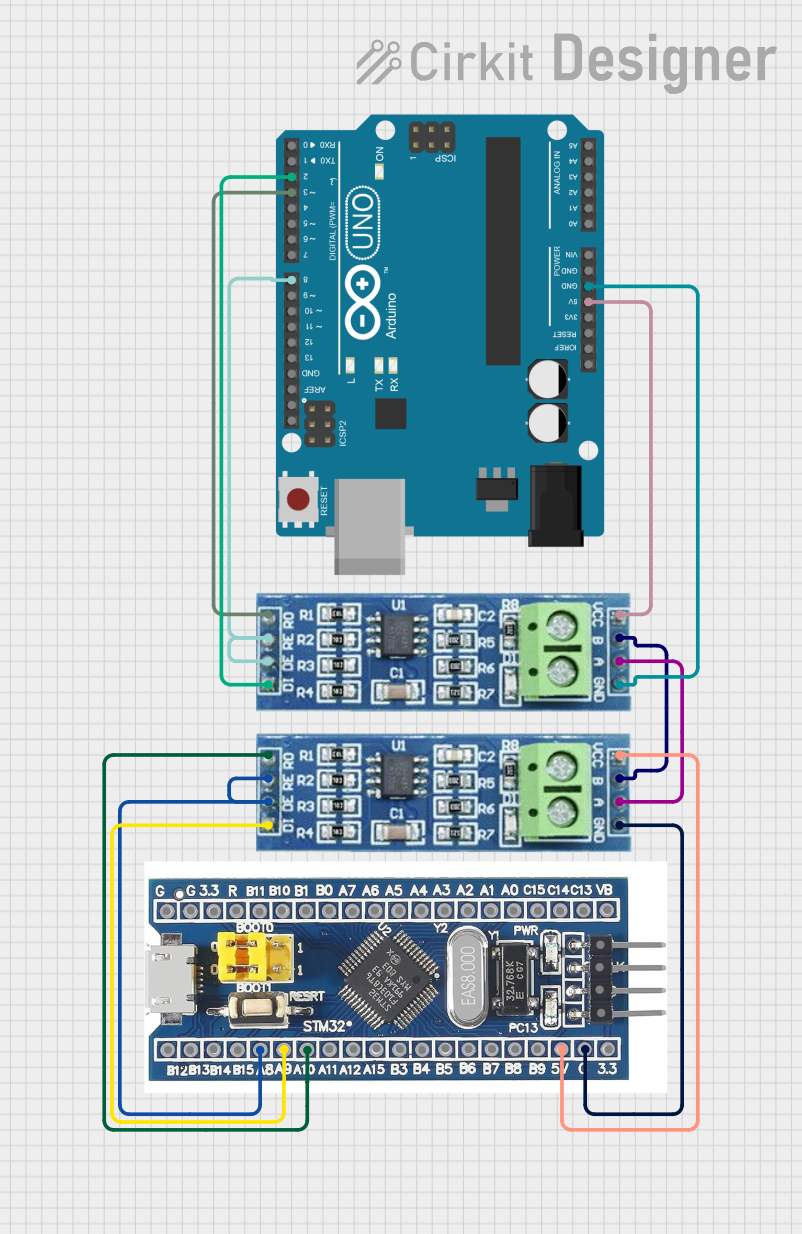
This circuit consists of two microcontrollers, an STM32F103C8T6 and an Arduino UNO, each interfaced with separate RS485 transceiver modules for serial communication. The STM32F103C8T6 controls the RE (Receiver Enable) and DE (Driver Enable) pins of one RS485 module to manage its operation, and communicates via the A9 and A10 pins for DI (Data Input) and RO (Receiver Output), respectively. The Arduino UNO is similarly connected to another RS485 module, with digital pins D2 and D3 interfacing with DI and RO, and D8 controlling both RE and DE. The RS485 modules are connected to each other through their A and B differential communication lines, enabling serial data exchange between the two microcontrollers over a robust and long-distance capable RS485 network.
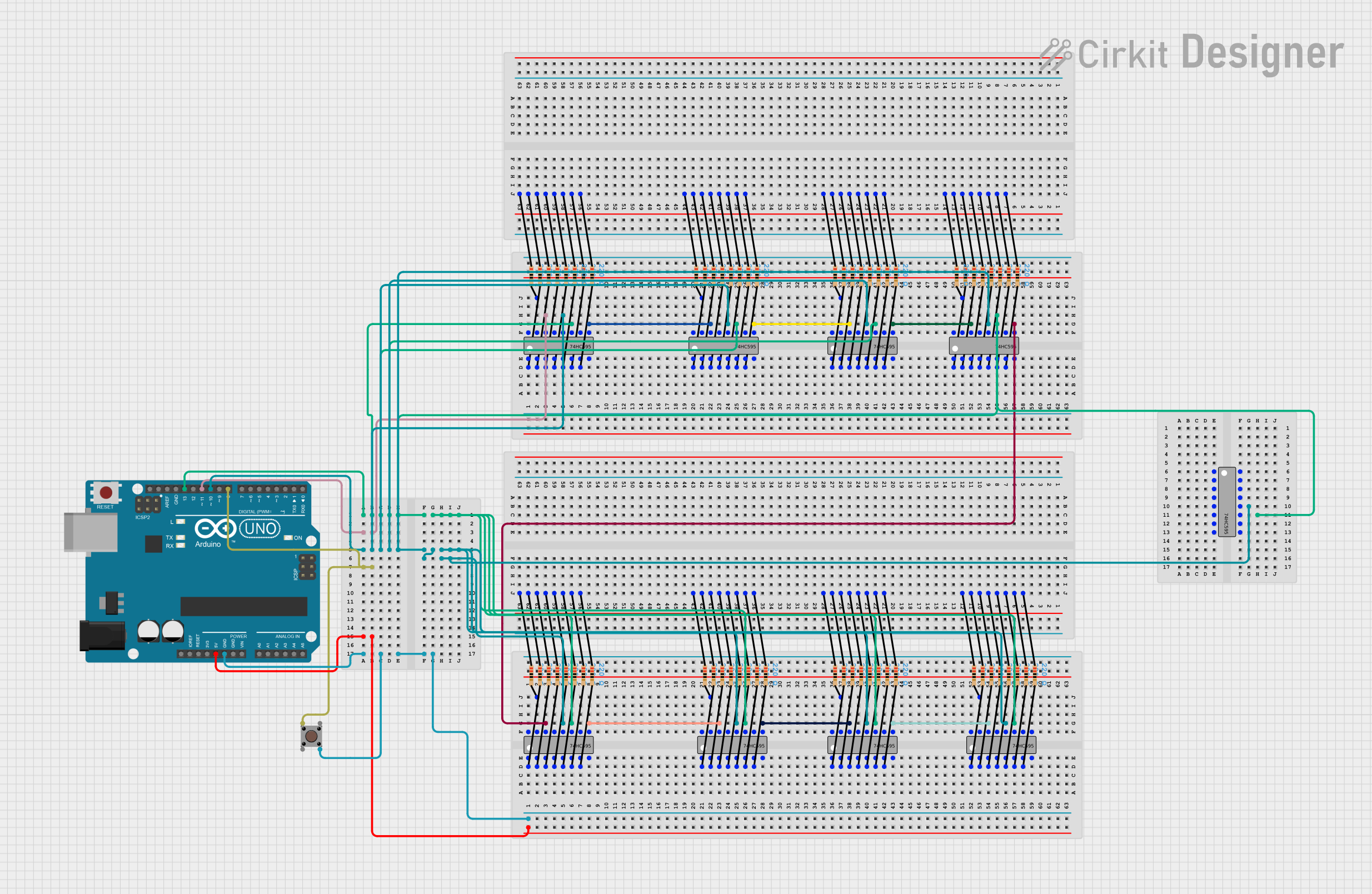
This circuit consists of multiple 74HC595 shift registers daisy-chained together, controlled by an Arduino UNO. The shift registers are used to expand the number of digital outputs from the Arduino, allowing for control of multiple outputs with only a few pins. The circuit likely drives an array of LEDs or similar devices, as indicated by the series resistors connected to the outputs of the shift registers.
Power Supply: Connect the Vcc pin (Pin 14) to a positive voltage supply (2V to 6V) and the GND pin (Pin 7) to the ground of the circuit.
Inputs: Connect the input pins (1A, 1B, 2A, 2B, 3A, 3B, 4A, 4B) to the desired logic signals.
Outputs: The output pins (1Y, 2Y, 3Y, 4Y) will provide the NAND logic result of the corresponding input pairs.
Important Considerations and Best Practices
Ensure that the supply voltage (Vcc) is within the specified range (2V to 6V).
Avoid exceeding the maximum input and output current ratings to prevent damage.
Use decoupling capacitors (e.g., 0.1µF) near the Vcc pin to filter out noise and stabilize the power supply.
Keep the input signals within the specified voltage range to ensure proper logic operation.
Example Circuit with Arduino UNO
Here is an example of how to use the SN74HC00_FIAX with an Arduino UNO to perform a simple NAND gate operation:
// Define input and output pins
const int inputA = 2;
const int inputB = 3;
const int outputY = 4;

void setup() {
  // Initialize input pins
  pinMode(inputA, INPUT);
  pinMode(inputB, INPUT);

  // Initialize output pin
  pinMode(outputY, OUTPUT);
}

void loop() {
  // Read input values
  int valA = digitalRead(inputA);
  int valB = digitalRead(inputB);

  // Perform NAND operation
  int resultY = !(valA && valB);

  // Output the result
  digitalWrite(outputY, resultY);

  // Small delay for stability
  delay(10);
}
Troubleshooting and FAQs
Common Issues Users Might Face
No Output Signal:
Solution: Check the power supply connections (Vcc and GND). Ensure that the input signals are within the specified voltage range.
Incorrect Logic Output:
Solution: Verify the input connections and ensure that the input signals are correctly applied. Check for any loose or faulty connections.
Overheating:
Solution: Ensure that the current through the IC does not exceed the maximum ratings. Use appropriate heat dissipation methods if necessary.
FAQs
Q1: Can the SN74HC00_FIAX be used with a 3.3V power supply?
A1: Yes, the SN74HC00_FIAX can operate with a supply voltage range of 2V to 6V, making it compatible with a 3.3V power supply.
Q2: What is the maximum propagation delay of the SN74HC00_FIAX?
A2: The typical propagation delay is 8ns, but it can vary depending on the operating conditions.
Q3: How many NAND gates are included in the SN74HC00_FIAX?
A3: The SN74HC00_FIAX contains four independent 2-input NAND gates.
Q4: Can I use the SN74HC00_FIAX for high-speed applications?
A4: Yes, the SN74HC00_FIAX is designed for high-speed CMOS logic operations, making it suitable for high-speed applications.
By following this documentation, users can effectively integrate the SN74HC00_FIAX into their digital circuits and troubleshoot common issues. Whether you are a beginner or an experienced user, this guide provides the necessary information to utilize this versatile NAND gate IC.

 Open Project in Cirkit Designer