
How to Use Zmct103c: Examples, Pinouts, and Specs
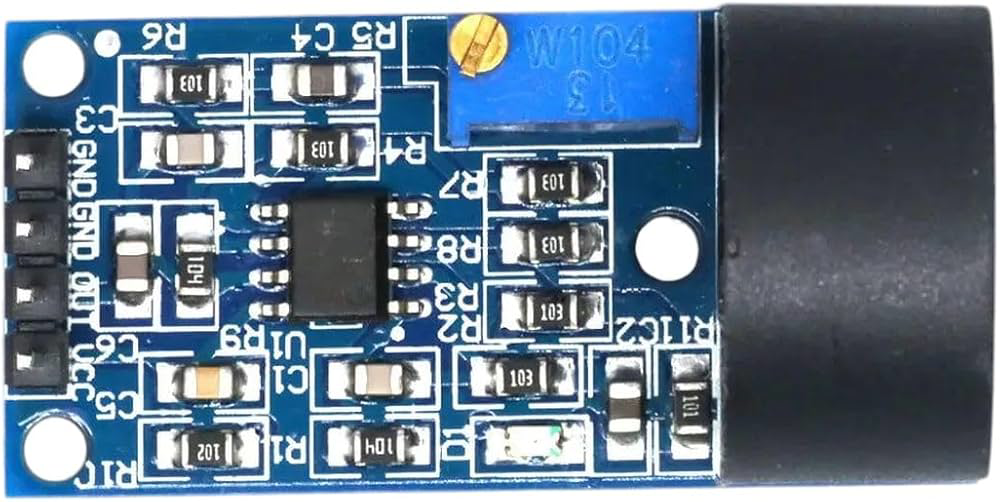
 Design with Zmct103c in Cirkit Designer
Introduction
The ZMCT103C is a high-precision current sensor designed to measure both AC and DC currents using a Hall effect sensing element. It provides an isolated output voltage that is proportional to the current flowing through the conductor, ensuring safe and accurate current measurement. This component is widely used in power monitoring, energy metering, and control systems due to its reliability and precision.
Explore Projects Built with Zmct103c
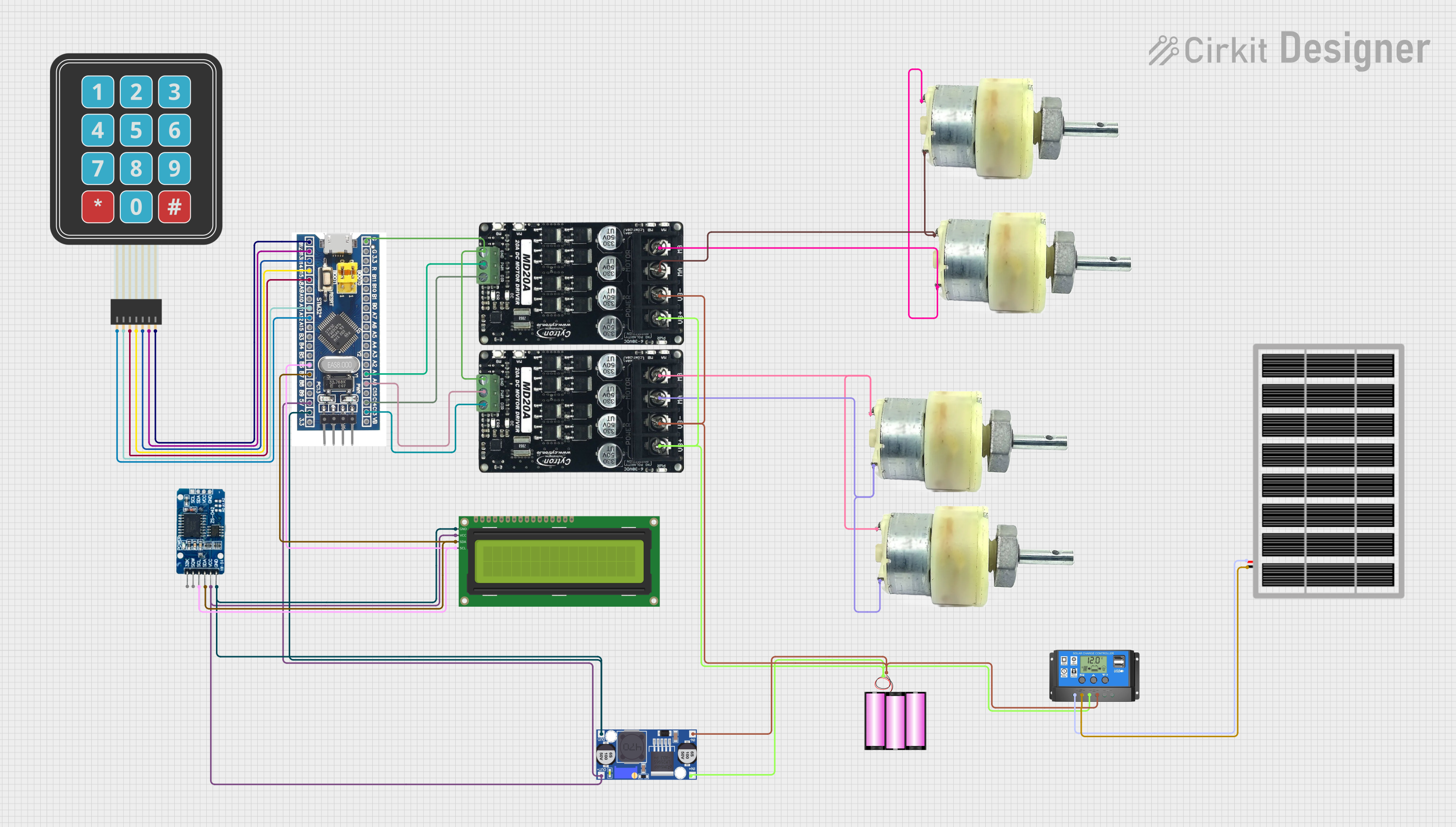 Open Project in Cirkit Designer
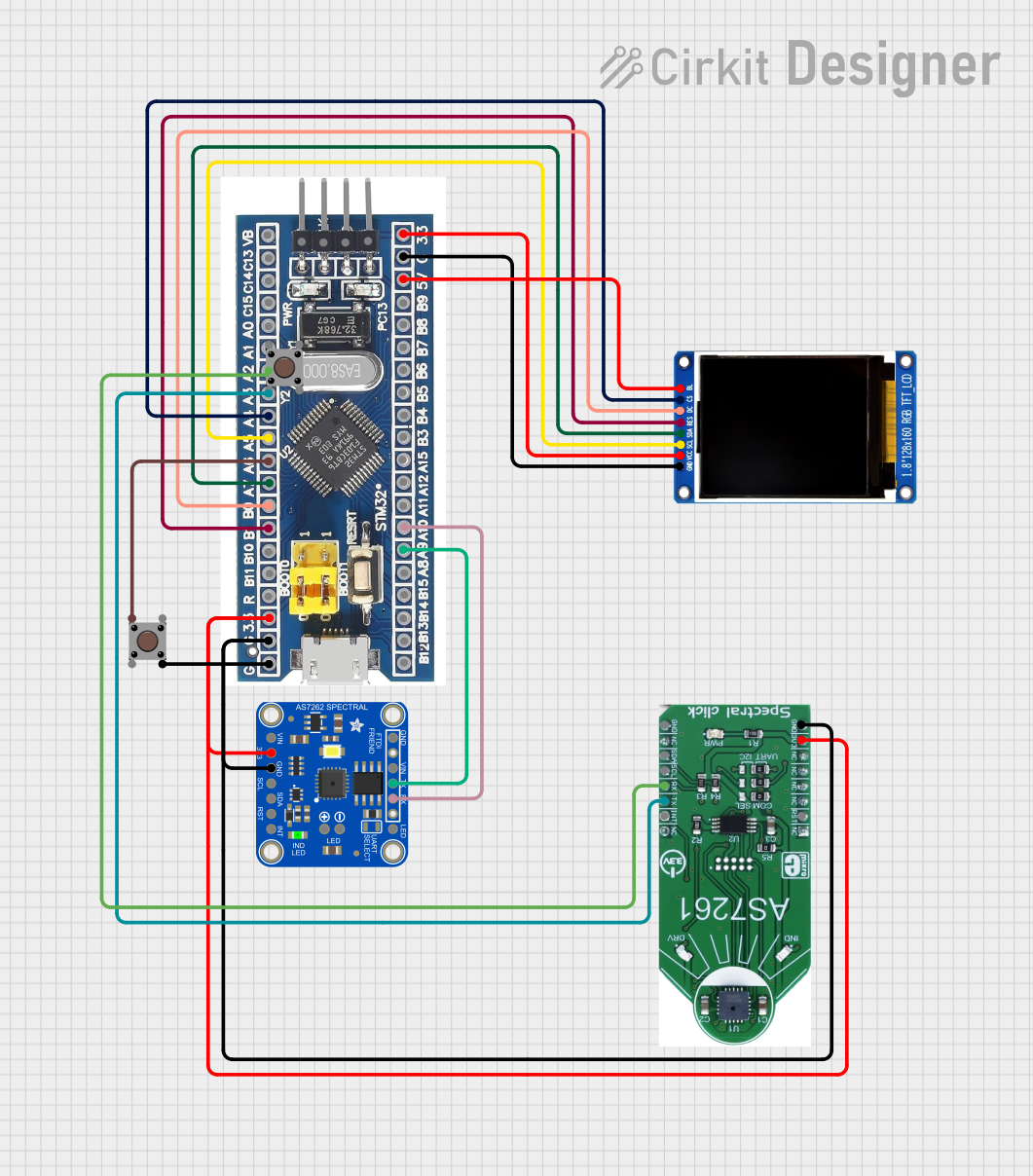 Open Project in Cirkit Designer
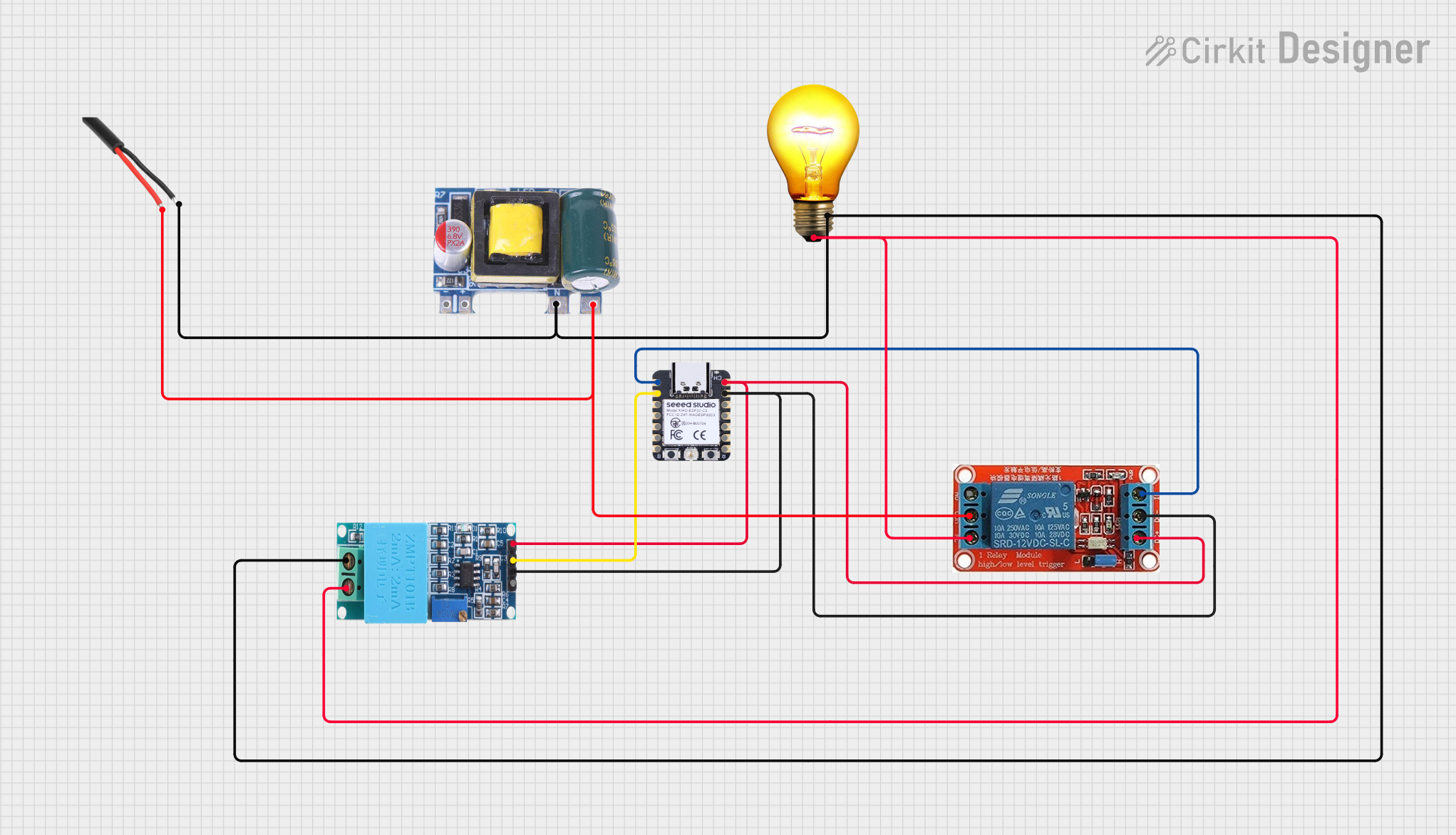 Open Project in Cirkit Designer
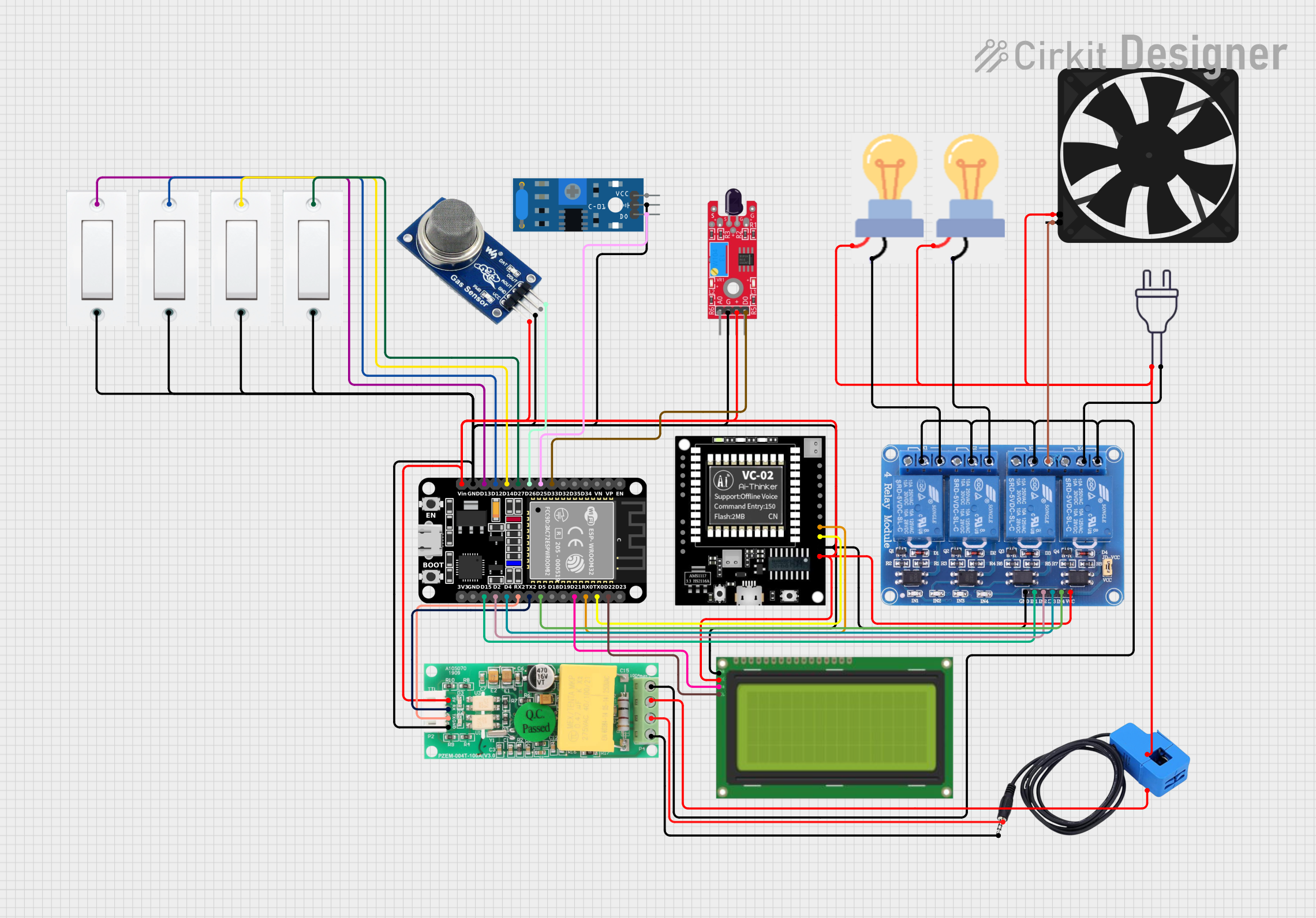 Open Project in Cirkit Designer
Explore Projects Built with Zmct103c
Open Project in Cirkit DesignerOpen Project in Cirkit DesignerOpen Project in Cirkit DesignerOpen Project in Cirkit DesignerCommon Applications:
- Power monitoring in industrial and residential systems
- Energy metering for smart grids
- Overcurrent protection in electrical circuits
- Current measurement in motor control systems
- Battery management systems (BMS)
Technical Specifications
The ZMCT103C is designed to deliver high accuracy and isolation for current sensing applications. Below are its key technical details:
Key Specifications:
| Parameter | Value |
|---|---|
| Measurement Range | 0–5A (typical) |
| Output Voltage Range | 0–5V (proportional to current) |
| Supply Voltage | 5V DC |
| Accuracy | ±0.5% |
| Isolation Voltage | 2kV |
| Operating Temperature | -25°C to +70°C |
| Frequency Range | 50Hz–1kHz |
Pin Configuration:
The ZMCT103C typically comes with three pins for easy integration into circuits. Below is the pinout description:
| Pin Number | Pin Name | Description |
|---|---|---|
| 1 | VCC | Power supply input (5V DC) |
| 2 | OUT | Analog output voltage proportional to current |
| 3 | GND | Ground connection |
Usage Instructions
The ZMCT103C is straightforward to use in a circuit. Follow the steps below to integrate it into your design:
Circuit Connection:
- Power Supply: Connect the
VCCpin to a stable 5V DC power source and theGNDpin to the ground. - Current Measurement: Pass the conductor carrying the current to be measured through the sensor's core.
- Output Signal: Connect the
OUTpin to an analog input pin of a microcontroller or an ADC (Analog-to-Digital Converter) to read the output voltage.
Important Considerations:
- Ensure the current flowing through the conductor does not exceed the sensor's maximum range (5A).
- Use proper isolation techniques to prevent electrical noise from affecting the sensor's accuracy.
- Place the sensor away from strong magnetic fields to avoid interference.
- For best results, calibrate the sensor in your specific application to account for any environmental factors.
Example: Using ZMCT103C with Arduino UNO
Below is an example of how to connect and read data from the ZMCT103C using an Arduino UNO:
Circuit Diagram:
- Connect
VCCto the Arduino's 5V pin. - Connect
GNDto the Arduino's GND pin. - Connect
OUTto an analog input pin (e.g., A0) on the Arduino.
Arduino Code:
// ZMCT103C Current Sensor Example with Arduino UNO
// Reads the analog output from the sensor and calculates the current.

const int sensorPin = A0; // Analog pin connected to ZMCT103C OUT pin
float voltage = 0.0;      // Variable to store sensor output voltage
float current = 0.0;      // Variable to store calculated current

void setup() {
  Serial.begin(9600); // Initialize serial communication
}

void loop() {
  // Read the analog value from the sensor
  int sensorValue = analogRead(sensorPin);

  // Convert the analog value to voltage (assuming 5V reference)
  voltage = sensorValue * (5.0 / 1023.0);

  // Convert voltage to current (calibration factor may vary)
  // Example: Assuming 1V = 1A for simplicity
  current = voltage;

  // Print the results to the Serial Monitor
  Serial.print("Voltage: ");
  Serial.print(voltage);
  Serial.print(" V, Current: ");
  Serial.print(current);
  Serial.println(" A");

  delay(1000); // Wait for 1 second before the next reading
}
Notes:
- The calibration factor (e.g., 1V = 1A) depends on the specific configuration of the ZMCT103C. Adjust it based on your application.
- Use a low-pass filter if the output signal is noisy.
Troubleshooting and FAQs
Common Issues:
No Output Voltage:
- Ensure the sensor is powered correctly (check
VCCandGNDconnections). - Verify that the conductor is passing through the sensor's core.
- Ensure the sensor is powered correctly (check
Inaccurate Readings:
- Check for electrical noise or interference from nearby components.
- Calibrate the sensor to match your specific application.
Output Voltage Exceeds Expected Range:
- Ensure the current flowing through the conductor does not exceed the sensor's maximum range.
- Verify that the sensor is not exposed to strong external magnetic fields.
FAQs:
Q1: Can the ZMCT103C measure DC currents?
Yes, the ZMCT103C can measure both AC and DC currents accurately.
Q2: What is the maximum current the ZMCT103C can measure?
The typical measurement range is 0–5A. For higher currents, consider using a different sensor or a current divider.
Q3: How do I improve the accuracy of the sensor?
Calibrate the sensor in your specific application and minimize electrical noise by using proper shielding and grounding techniques.
Q4: Can I use the ZMCT103C with a 3.3V microcontroller?
The ZMCT103C requires a 5V power supply for optimal performance. However, you can use a voltage divider or level shifter to interface its output with a 3.3V microcontroller.
By following this documentation, you can effectively integrate the ZMCT103C into your projects for precise current measurement.