
How to Use PWM: Examples, Pinouts, and Specs
 Design with PWM in Cirkit Designer
Introduction
Pulse Width Modulation (PWM) is a technique used to control the amount of power delivered to an electrical load by varying the width of the pulses in a pulse train. By adjusting the duty cycle (the percentage of time the signal is "on" versus "off"), PWM enables precise control over power delivery without significant energy loss.
PWM is widely used in applications such as:
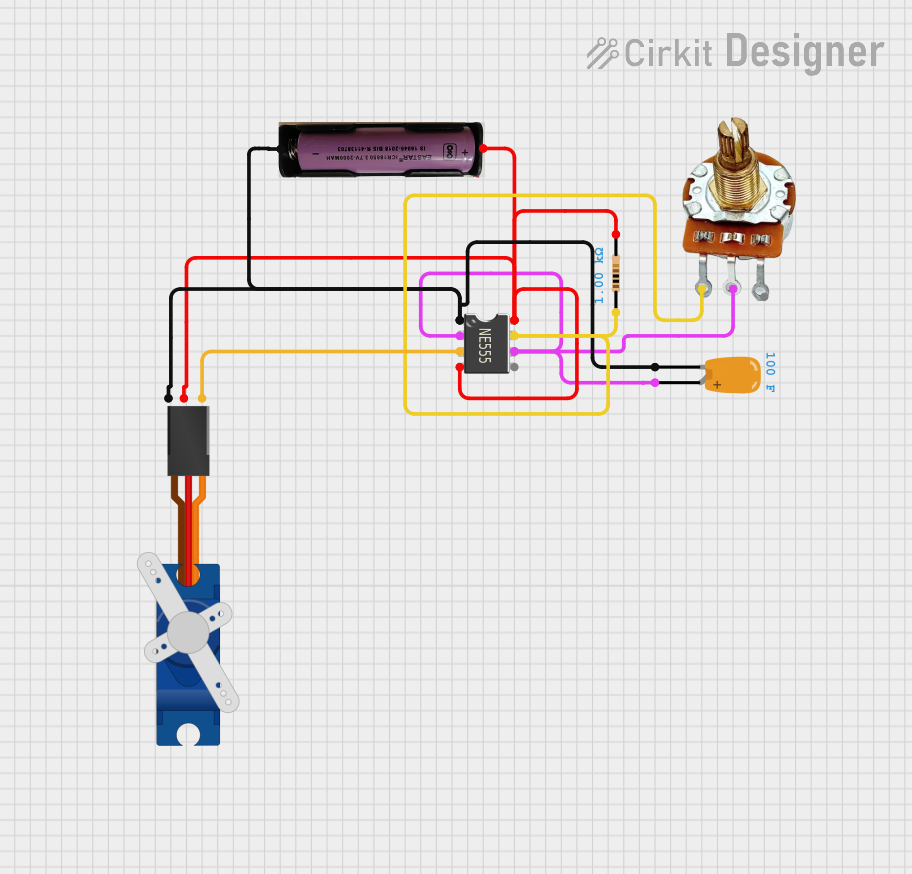
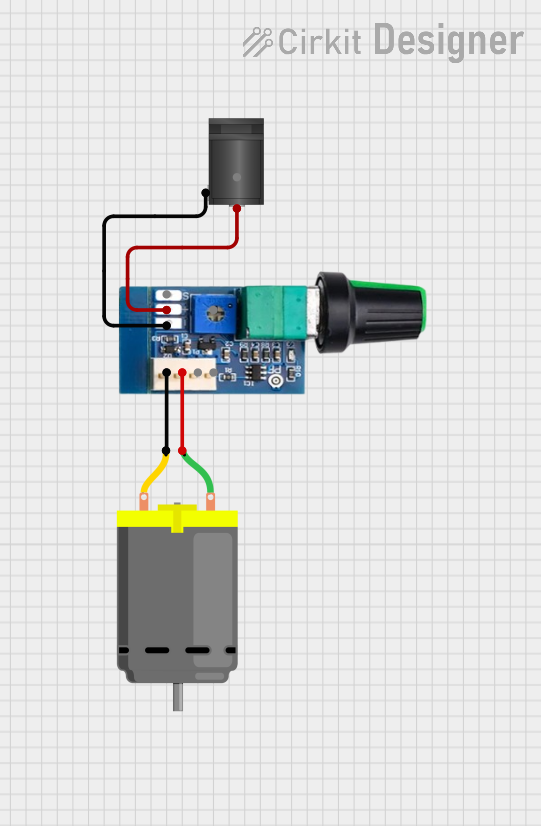
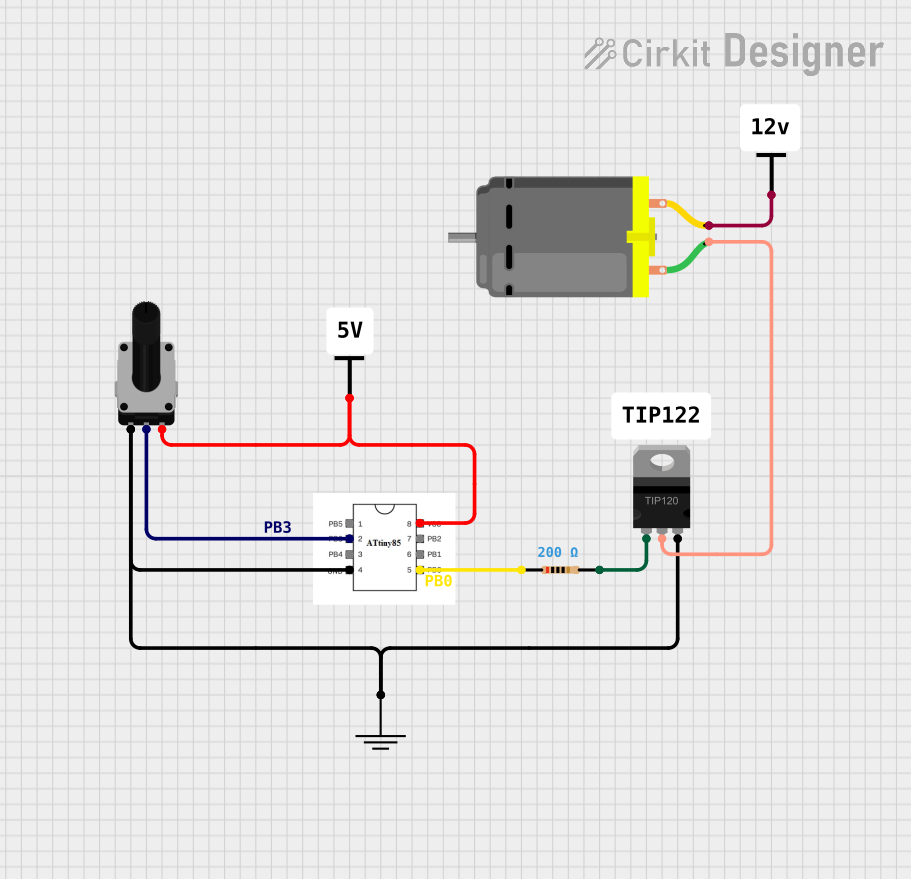
- Motor speed control (e.g., DC motors, servo motors)
- LED brightness control (dimming)
- Signal modulation for communication systems
- Power regulation in switching power supplies
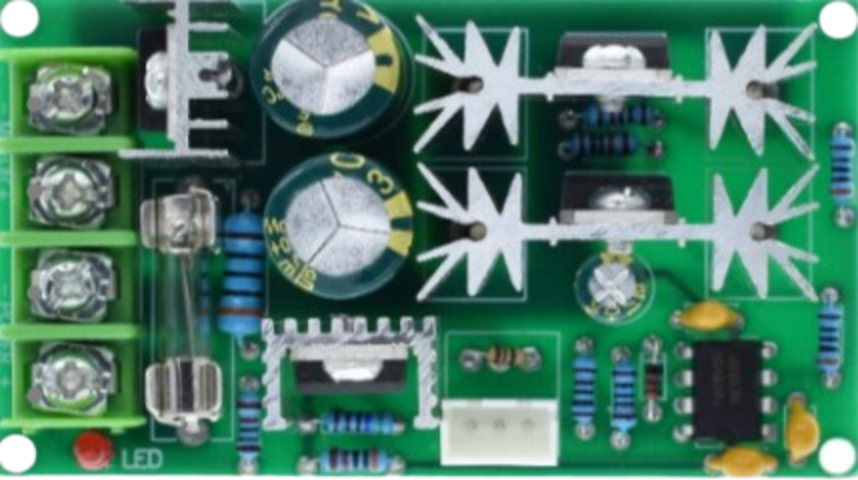
PWM is not a physical component but rather a method implemented in microcontrollers, integrated circuits, or dedicated PWM controllers.
Explore Projects Built with PWM
 Open Project in Cirkit Designer
 Open Project in Cirkit Designer
 Open Project in Cirkit Designer
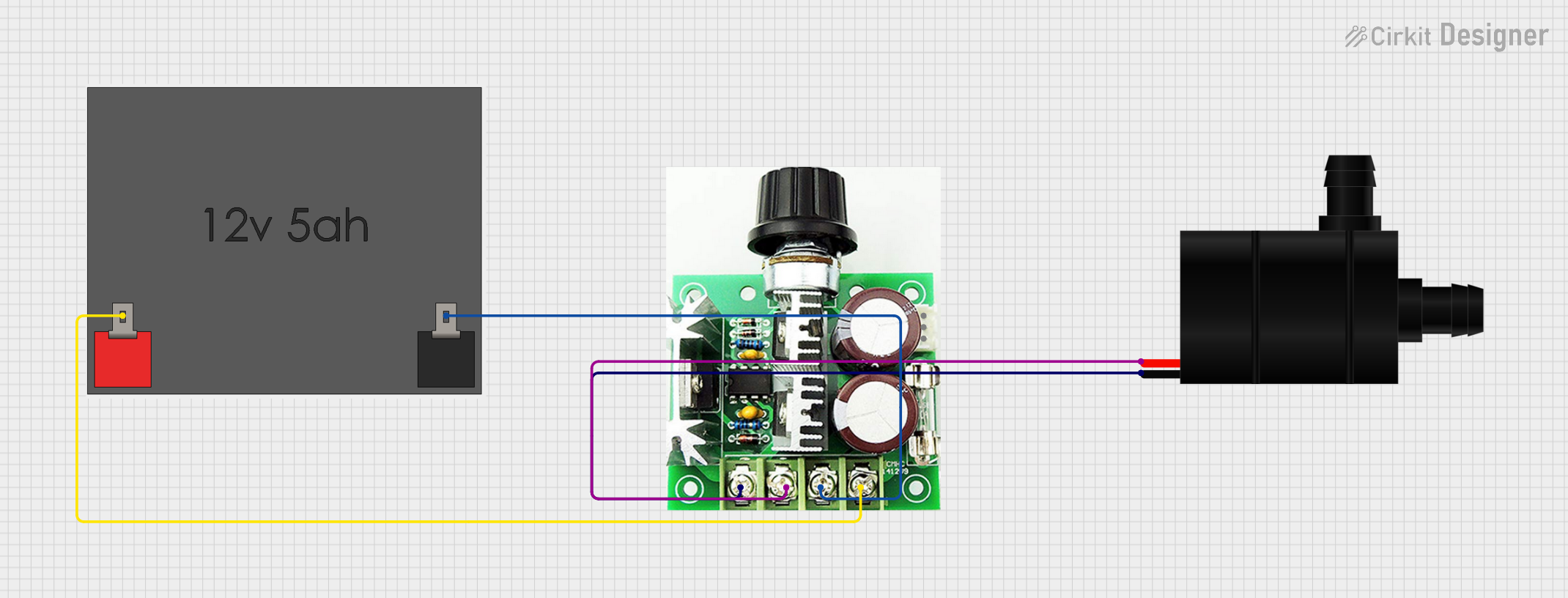 Open Project in Cirkit Designer
Explore Projects Built with PWM
Open Project in Cirkit DesignerOpen Project in Cirkit DesignerOpen Project in Cirkit DesignerOpen Project in Cirkit DesignerTechnical Specifications
PWM signals are characterized by the following parameters:
- Frequency: The number of pulse cycles per second, measured in Hertz (Hz).
- Duty Cycle: The percentage of time the signal remains "high" (on) during one cycle.
- Voltage Levels: The high and low voltage levels of the signal, typically 0V (low) and 3.3V or 5V (high) for microcontrollers.
Example Pin Configuration for PWM Output on an Arduino UNO
The Arduino UNO has several pins capable of generating PWM signals using the analogWrite() function. These pins are marked with a ~ symbol on the board.
| Pin Number | PWM Capable | Description |
|---|---|---|
| 3 | Yes | General-purpose PWM output |
| 5 | Yes | General-purpose PWM output |
| 6 | Yes | General-purpose PWM output |
| 9 | Yes | General-purpose PWM output |
| 10 | Yes | General-purpose PWM output |
| 11 | Yes | General-purpose PWM output |
Usage Instructions
How to Use PWM in a Circuit
- Connect the Load: Connect the device you want to control (e.g., motor, LED) to the PWM output pin of your microcontroller or PWM controller.
- Set the Frequency: Choose an appropriate frequency for your application. For example:
- 500 Hz to 1 kHz for motor control
- 1 kHz to 10 kHz for LED dimming
- Adjust the Duty Cycle: Modify the duty cycle to control the power delivered to the load. A higher duty cycle increases power, while a lower duty cycle decreases it.
Example: Using PWM with an Arduino UNO
Below is an example of controlling the brightness of an LED using PWM on an Arduino UNO.
// Define the PWM pin connected to the LED
const int pwmPin = 9; // Pin 9 supports PWM output

void setup() {
  pinMode(pwmPin, OUTPUT); // Set the pin as an output
}

void loop() {
  // Gradually increase brightness
  for (int dutyCycle = 0; dutyCycle <= 255; dutyCycle++) {
    analogWrite(pwmPin, dutyCycle); // Set PWM duty cycle (0-255)
    delay(10); // Wait 10ms for smooth transition
  }

  // Gradually decrease brightness
  for (int dutyCycle = 255; dutyCycle >= 0; dutyCycle--) {
    analogWrite(pwmPin, dutyCycle); // Set PWM duty cycle (0-255)
    delay(10); // Wait 10ms for smooth transition
  }
}
Important Considerations
- Frequency Selection: Ensure the PWM frequency is suitable for your application. For example, low frequencies may cause flickering in LEDs.
- Load Compatibility: Verify that the load (e.g., motor, LED) is compatible with the PWM signal's voltage and current levels.
- Filtering: For some applications, you may need to smooth the PWM signal using a low-pass filter to create a steady DC voltage.
Troubleshooting and FAQs
Common Issues
Flickering LEDs:
- Cause: PWM frequency is too low.
- Solution: Increase the PWM frequency to at least 1 kHz.
Motor Noise or Vibration:
- Cause: Inappropriate PWM frequency for the motor.
- Solution: Experiment with different frequencies (e.g., 500 Hz to 20 kHz) to find the optimal value.
Overheating Components:
- Cause: Excessive current draw or insufficient cooling.
- Solution: Ensure the load does not exceed the current rating of the PWM output pin. Use a heat sink or cooling fan if necessary.
No Output Signal:
- Cause: Incorrect pin configuration or damaged hardware.
- Solution: Verify the pin configuration and ensure the microcontroller is functioning properly.
FAQs
Q: Can I use PWM to control an AC motor?
A: PWM is typically used for DC motors. For AC motors, you may need a specialized motor driver or inverter circuit.
Q: What is the maximum frequency I can use with PWM?
A: The maximum frequency depends on the microcontroller or PWM controller. For example, the Arduino UNO can generate PWM signals up to approximately 62.5 kHz.
Q: How do I smooth a PWM signal into a steady DC voltage?
A: Use a low-pass RC filter (resistor-capacitor network) to filter out the high-frequency components of the PWM signal.
By following this documentation, you can effectively implement PWM in your projects for precise power control and modulation.