
How to Use ROCKBLOCK: Examples, Pinouts, and Specs
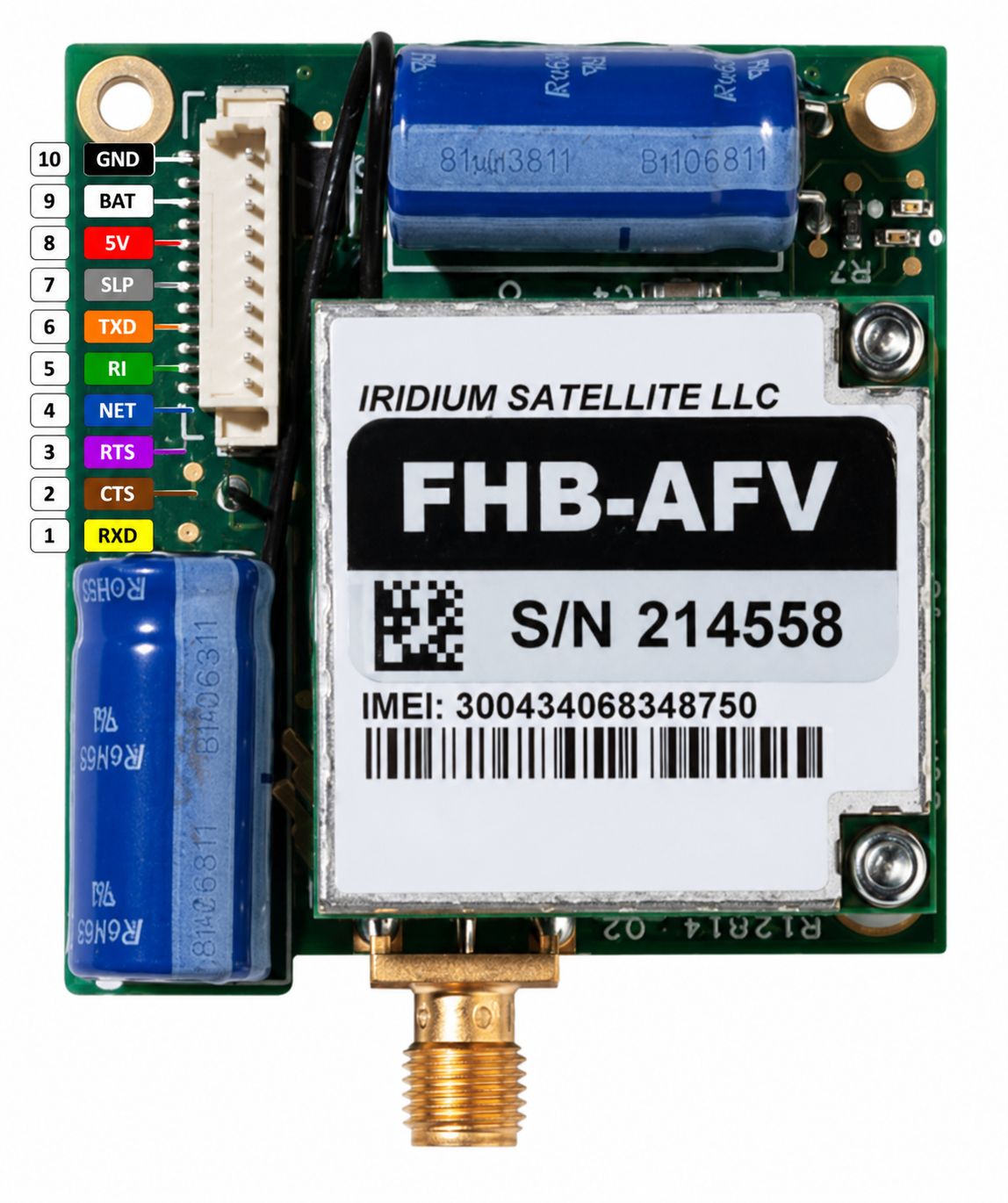
 Design with ROCKBLOCK in Cirkit Designer
Introduction
The ROCKBLOCK, manufactured by Adafruit, is a compact satellite communication device designed for low-power, two-way messaging and data transfer. It operates via the Iridium satellite network, enabling communication from virtually any location on Earth. This makes it an ideal solution for remote IoT applications, outdoor adventures, and emergency communication systems.
Explore Projects Built with ROCKBLOCK
 Open Project in Cirkit Designer
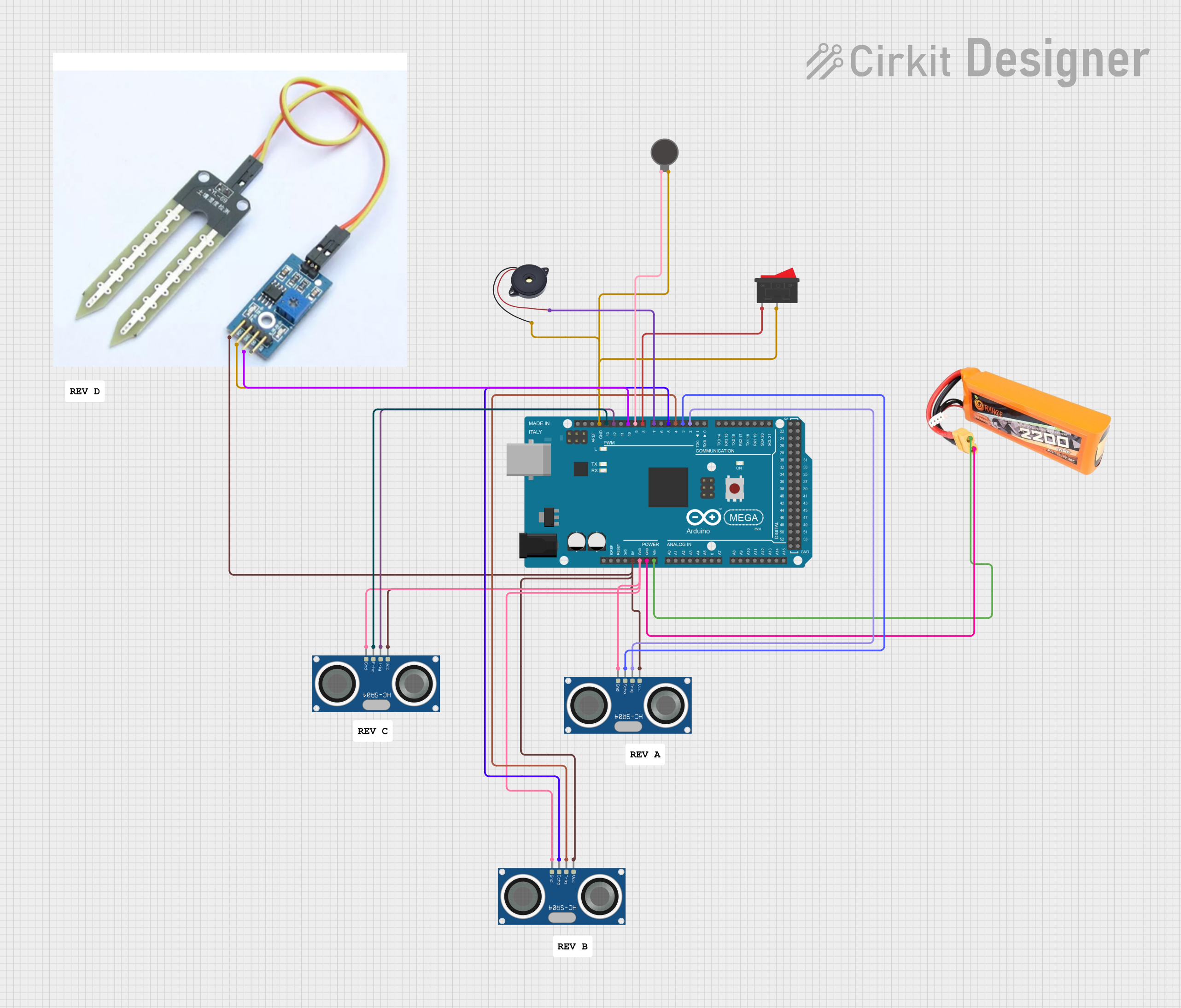 Open Project in Cirkit Designer
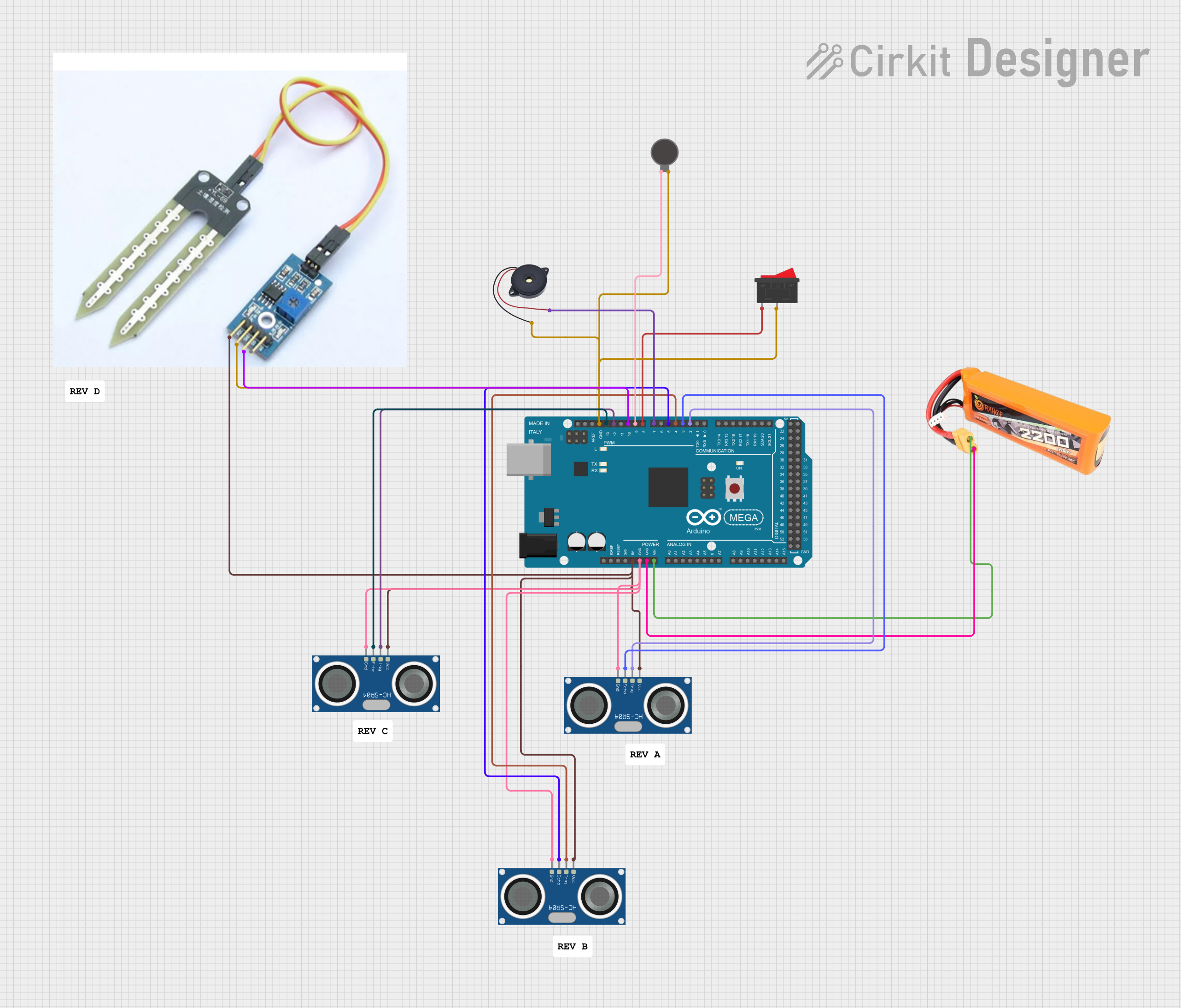 Open Project in Cirkit Designer
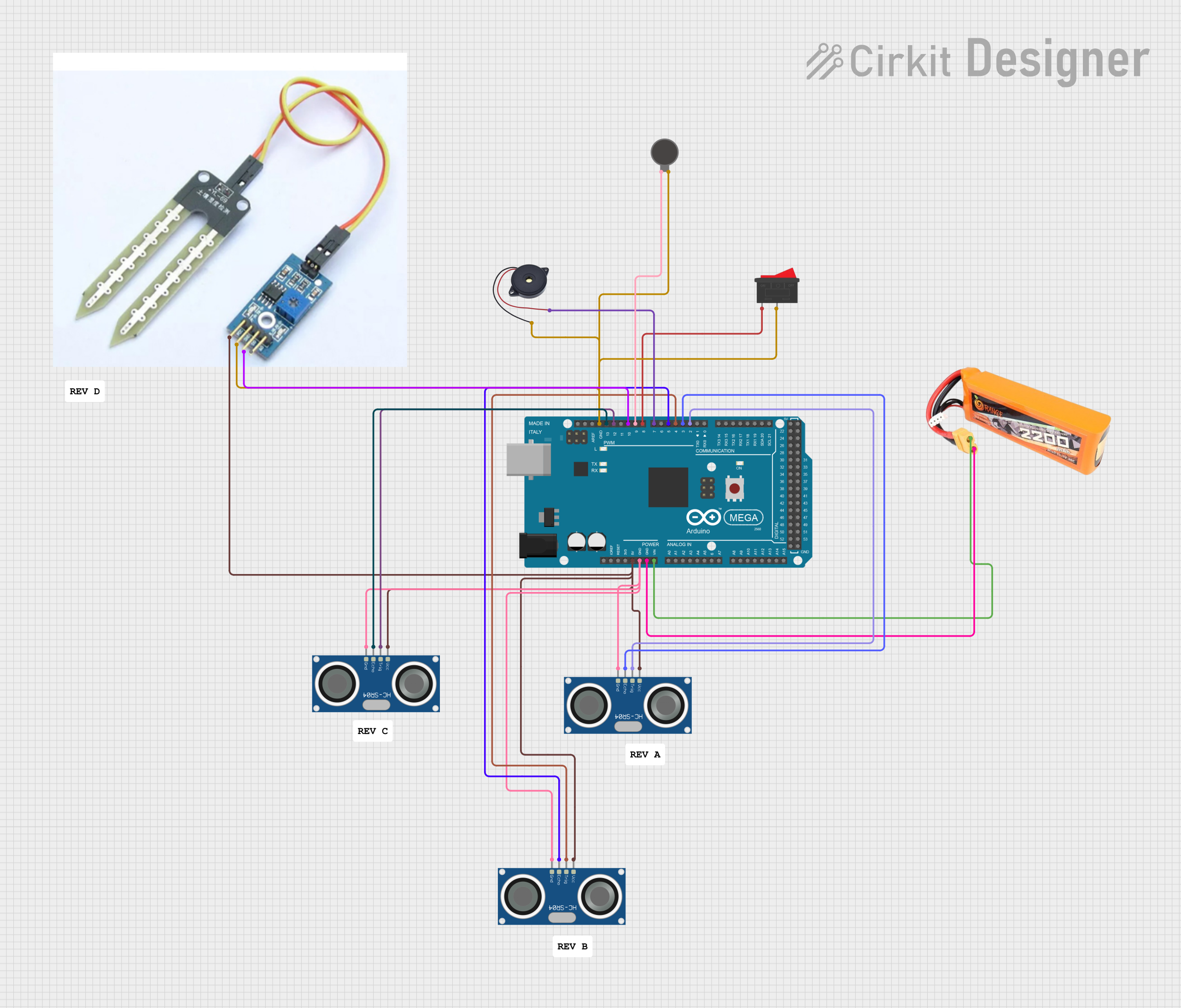 Open Project in Cirkit Designer
Explore Projects Built with ROCKBLOCK
Open Project in Cirkit DesignerOpen Project in Cirkit DesignerOpen Project in Cirkit DesignerOpen Project in Cirkit DesignerCommon Applications
- Remote IoT sensor data transmission
- Emergency communication in remote areas
- Maritime and aviation tracking
- Environmental monitoring
- Outdoor expeditions and adventure tracking
Technical Specifications
The ROCKBLOCK is designed to be robust and versatile, with the following key specifications:
| Specification | Details |
|---|---|
| Manufacturer | Adafruit |
| Communication Network | Iridium Satellite Network |
| Input Voltage | 3.7V to 5.5V |
| Power Consumption | 45mA (idle), up to 1.5A (during transmission bursts) |
| Data Rate | 2.4 kbps |
| Operating Temperature | -40°C to +85°C |
| Dimensions | 45mm x 45mm x 15mm |
| Weight | 30g |
| Interface | UART (3.3V logic level) |
Pin Configuration
The ROCKBLOCK features a simple pinout for easy integration into your projects. Below is the pin configuration:
| Pin | Name | Description |
|---|---|---|
| 1 | VIN | Power input (3.7V to 5.5V) |
| 2 | GND | Ground connection |
| 3 | TX | UART Transmit (data sent from ROCKBLOCK to host microcontroller) |
| 4 | RX | UART Receive (data sent from host microcontroller to ROCKBLOCK) |
| 5 | RST | Reset pin (active low) |
| 6 | NET | Network status indicator (high when connected to the Iridium network) |
Usage Instructions
How to Use the ROCKBLOCK in a Circuit
- Power Supply: Connect the VIN pin to a stable power source between 3.7V and 5.5V. Ensure the power supply can handle peak currents of up to 1.5A during transmission bursts.
- UART Communication: Connect the TX and RX pins to the UART pins of your microcontroller. Ensure the microcontroller operates at 3.3V logic levels or use a level shifter if necessary.
- Antenna: Attach the included Iridium antenna to the ROCKBLOCK. Ensure the antenna has a clear view of the sky for optimal satellite communication.
- Reset: Optionally, connect the RST pin to a GPIO pin on your microcontroller for manual or software-controlled resets.
- Network Status: Use the NET pin to monitor the connection status. A high signal indicates a successful connection to the Iridium network.
Important Considerations
- Clear Sky View: The ROCKBLOCK requires a clear line of sight to the sky for reliable satellite communication. Avoid obstructions such as buildings, trees, or heavy cloud cover.
- Power Supply: Ensure your power source can handle the high current demands during transmission bursts.
- Data Limits: The ROCKBLOCK is designed for small data packets. Avoid sending large amounts of data to minimize costs and transmission time.
Example Code for Arduino UNO
Below is an example of how to interface the ROCKBLOCK with an Arduino UNO for sending a simple message:
#include <SoftwareSerial.h>

// Define RX and TX pins for SoftwareSerial
SoftwareSerial rockblockSerial(10, 11); // RX = pin 10, TX = pin 11

void setup() {
  // Initialize serial communication
  Serial.begin(9600); // For debugging
  rockblockSerial.begin(19200); // ROCKBLOCK default baud rate

  Serial.println("Initializing ROCKBLOCK...");

  // Send a test message
  sendMessage("Hello, ROCKBLOCK!");
}

void loop() {
  // Continuously check for incoming messages
  if (rockblockSerial.available()) {
    String incomingMessage = rockblockSerial.readString();
    Serial.println("Received: " + incomingMessage);
  }
}

void sendMessage(String message) {
  Serial.println("Sending message: " + message);

  // Send the message to the ROCKBLOCK
  rockblockSerial.println("AT+SBDWT=" + message); // Write message to buffer
  delay(1000); // Wait for the command to process

  rockblockSerial.println("AT+SBDIX"); // Initiate message transmission
  delay(5000); // Wait for transmission to complete

  Serial.println("Message sent!");
}
Notes:
- Replace
10and11inSoftwareSerialwith the appropriate pins if using different connections. - Ensure the ROCKBLOCK is powered and has a clear view of the sky before running the code.
Troubleshooting and FAQs
Common Issues
No Network Connection:
- Ensure the antenna has a clear view of the sky.
- Check the NET pin to confirm network status.
- Verify the power supply is stable and sufficient.
High Power Consumption:
- Use a power source capable of handling peak currents of 1.5A.
- Avoid long transmission sessions to conserve power.
No Response from ROCKBLOCK:
- Check UART connections and ensure correct TX/RX pin mapping.
- Verify the baud rate is set to 19200 in your code.
- Reset the ROCKBLOCK using the RST pin.
FAQs
Q: Can the ROCKBLOCK be used indoors?
A: The ROCKBLOCK requires a clear line of sight to the sky for reliable communication. Indoor use is not recommended unless near a window with minimal obstructions.
Q: What is the maximum message size?
A: The ROCKBLOCK supports messages up to 340 bytes for outgoing messages and 270 bytes for incoming messages.
Q: Can I use the ROCKBLOCK with a 5V microcontroller?
A: Yes, but you must use a level shifter to convert the 5V logic levels to 3.3V for the ROCKBLOCK's UART interface.
Q: How do I check if my message was sent successfully?
A: Use the AT+SBDIX command to initiate transmission and check the response code for success or failure.
By following this documentation, you can effectively integrate the ROCKBLOCK into your projects for reliable satellite communication.