
How to Use ATS DC: Examples, Pinouts, and Specs
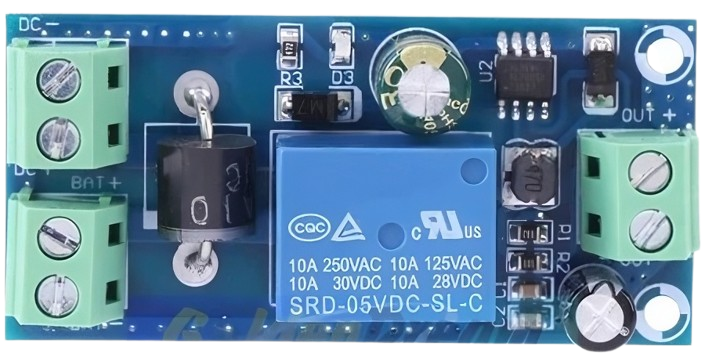
 Design with ATS DC in Cirkit Designer
Introduction
The ATS DC (Automatic Transfer Switch for Direct Current) is a critical component designed to ensure uninterrupted power supply by automatically switching between multiple DC power sources. It is commonly used in systems where reliability is paramount, such as renewable energy setups, telecommunications, data centers, and industrial automation. The ATS DC monitors the availability and quality of power from the primary source and seamlessly switches to a backup source when necessary, minimizing downtime and protecting connected equipment.
Explore Projects Built with ATS DC
 Open Project in Cirkit Designer
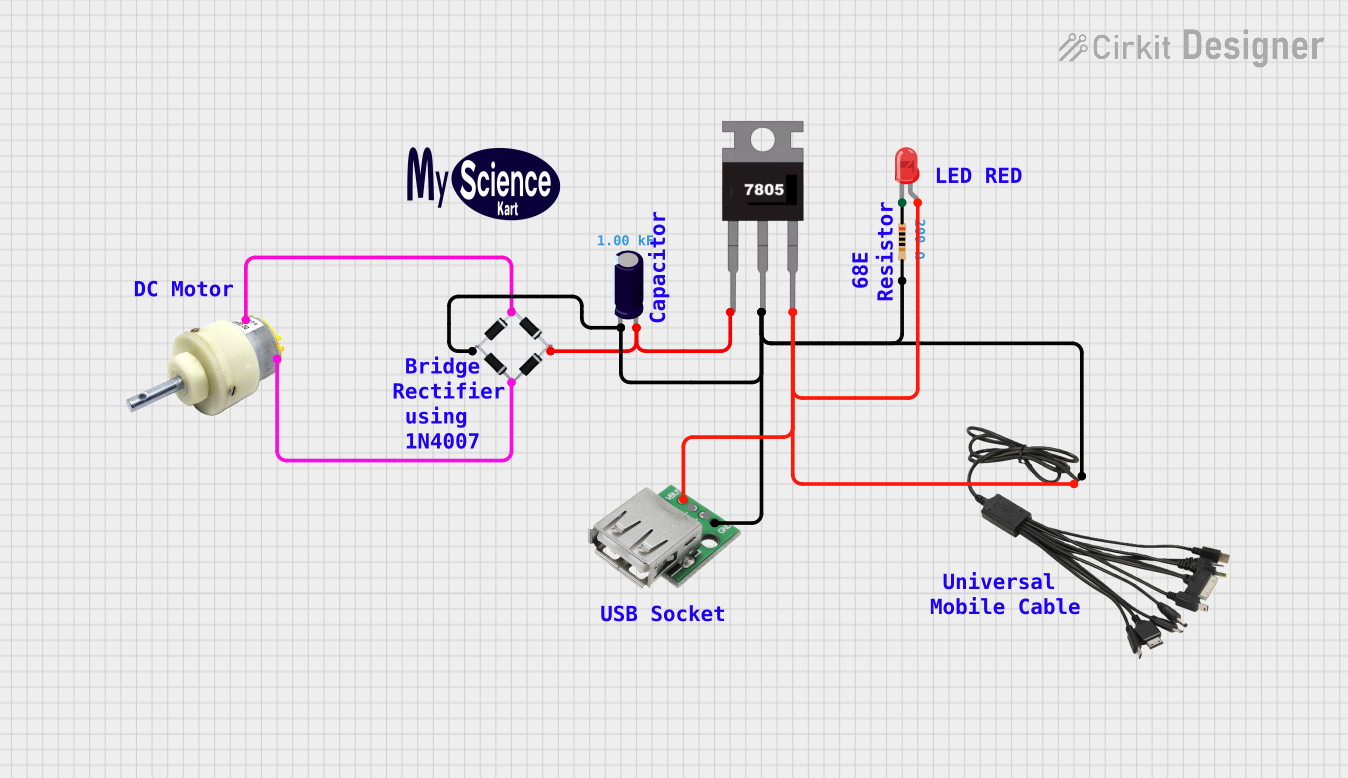 Open Project in Cirkit Designer
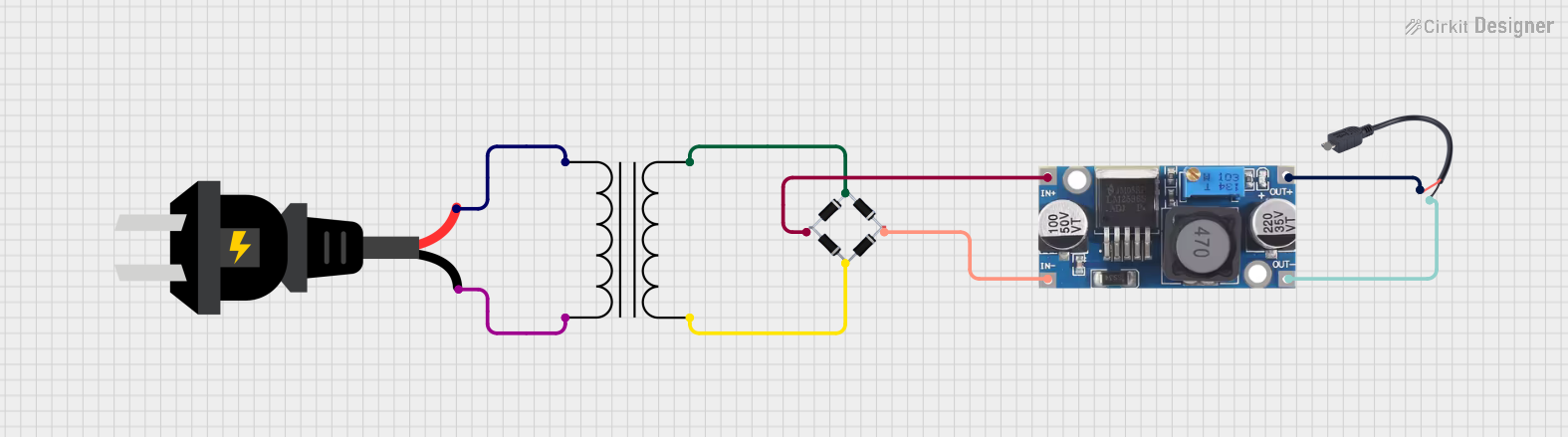 Open Project in Cirkit Designer
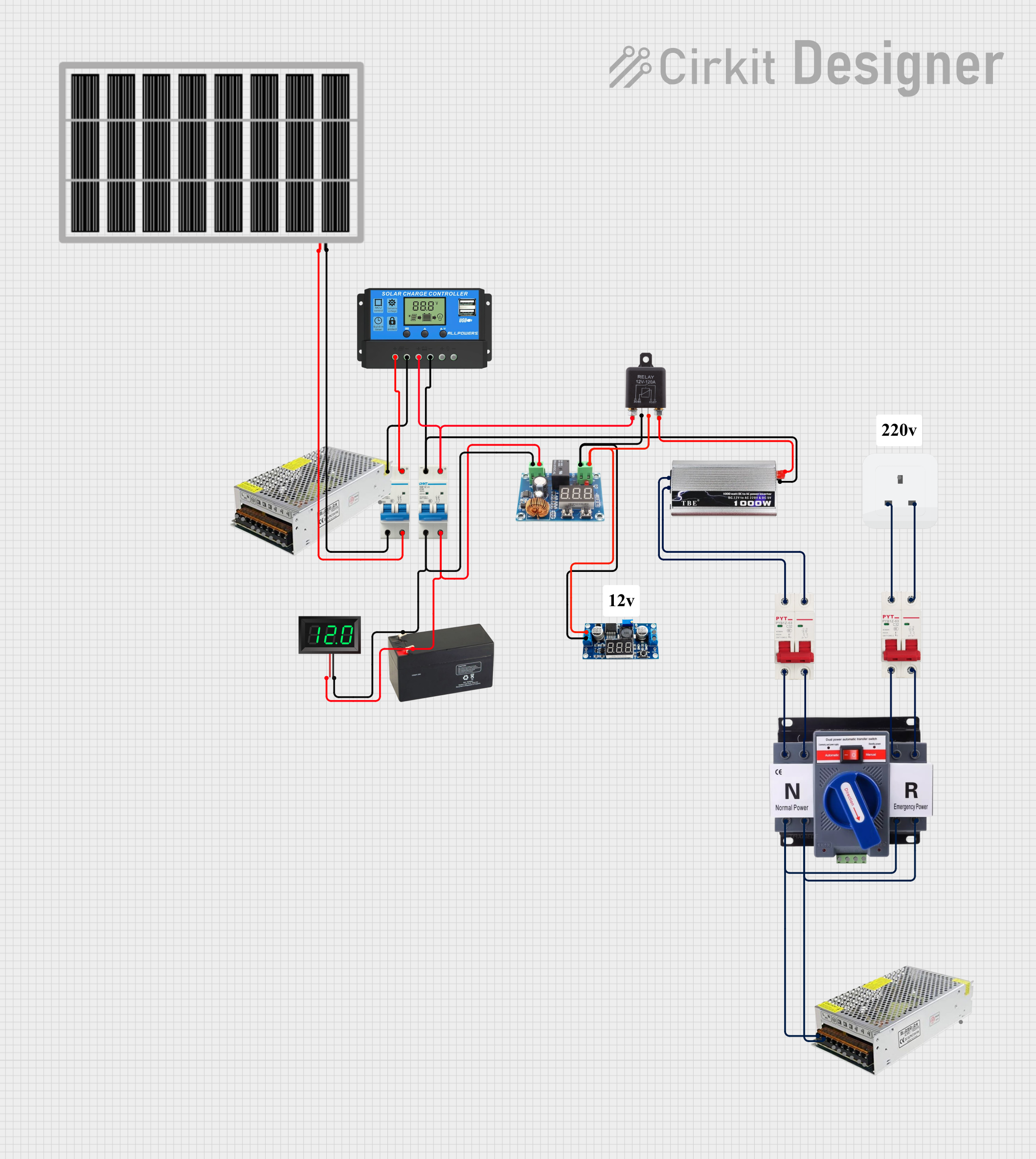 Open Project in Cirkit Designer
Explore Projects Built with ATS DC
Open Project in Cirkit DesignerOpen Project in Cirkit DesignerOpen Project in Cirkit DesignerOpen Project in Cirkit DesignerCommon Applications and Use Cases
- Solar power systems with battery backups
- Telecommunications equipment requiring redundant power sources
- Data centers and server rooms
- Industrial automation systems
- Emergency lighting and critical infrastructure
Technical Specifications
Key Technical Details
| Parameter | Value |
|---|---|
| Operating Voltage Range | 12V DC to 48V DC |
| Maximum Current Rating | 50A |
| Switching Time | < 10ms |
| Power Source Inputs | 2 (Primary and Backup) |
| Output Channels | 1 |
| Control Method | Automatic |
| Operating Temperature | -20°C to 60°C |
| Dimensions | 120mm x 80mm x 40mm |
| Weight | 300g |
Pin Configuration and Descriptions
| Pin Name | Description |
|---|---|
| IN1+ | Positive terminal for the primary DC power source |
| IN1- | Negative terminal for the primary DC power source |
| IN2+ | Positive terminal for the backup DC power source |
| IN2- | Negative terminal for the backup DC power source |
| OUT+ | Positive terminal for the output load |
| OUT- | Negative terminal for the output load |
| GND | Ground connection for the ATS DC circuit |
| STATUS | Status output pin (provides a signal indicating the active power source) |
Usage Instructions
How to Use the ATS DC in a Circuit
- Connect Power Sources:
- Connect the primary DC power source to the
IN1+andIN1-terminals. - Connect the backup DC power source to the
IN2+andIN2-terminals.
- Connect the primary DC power source to the
- Connect the Load:
- Attach the load (e.g., a DC motor, LED array, or other DC-powered devices) to the
OUT+andOUT-terminals.
- Attach the load (e.g., a DC motor, LED array, or other DC-powered devices) to the
- Grounding:
- Ensure the
GNDpin is connected to the common ground of the system.
- Ensure the
- Monitor Status:
- Optionally, connect the
STATUSpin to a microcontroller or indicator circuit to monitor which power source is active.
- Optionally, connect the
- Power On:
- Turn on the primary and backup power sources. The ATS DC will automatically select the primary source if it is available and switch to the backup source in case of failure.
Important Considerations and Best Practices
- Voltage Compatibility: Ensure that the input voltage of both power sources is within the operating range of the ATS DC.
- Current Rating: Do not exceed the maximum current rating of 50A to avoid damage to the switch.
- Switching Time: The ATS DC is designed for fast switching (<10ms), but sensitive equipment may require additional capacitors or batteries to handle brief interruptions.
- Heat Dissipation: Install the ATS DC in a well-ventilated area to prevent overheating during high-current operation.
- Polarity: Double-check the polarity of all connections to avoid damage to the ATS DC or connected devices.
Example: Using ATS DC with an Arduino UNO
The STATUS pin can be connected to an Arduino UNO to monitor the active power source. Below is an example code snippet:
// ATS DC Status Monitoring with Arduino UNO
const int statusPin = 2; // Connect the STATUS pin of ATS DC to digital pin 2
void setup() {
  pinMode(statusPin, INPUT); // Set the STATUS pin as input
  Serial.begin(9600);        // Initialize serial communication
}

void loop() {
  int status = digitalRead(statusPin); // Read the STATUS pin
  if (status == HIGH) {
    // If HIGH, primary power source is active
    Serial.println("Primary power source is active.");
  } else {
    // If LOW, backup power source is active
    Serial.println("Backup power source is active.");
  }
  delay(1000); // Wait for 1 second before checking again
}
Troubleshooting and FAQs
Common Issues and Solutions
| Issue | Possible Cause | Solution |
|---|---|---|
| ATS DC does not switch to backup | Backup power source is not connected | Verify the connection and voltage of the backup power source. |
| Load does not receive power | Incorrect wiring or polarity | Double-check all connections and ensure correct polarity. |
| Overheating during operation | Exceeding current rating | Reduce the load current or use a higher-rated ATS DC. |
| STATUS pin not providing signal | Faulty connection or damaged pin | Check the wiring and ensure the STATUS pin is properly connected. |
FAQs
Can the ATS DC handle AC power sources?
No, the ATS DC is specifically designed for direct current (DC) applications. Using it with AC power sources may damage the component.What happens if both power sources fail?
If both the primary and backup power sources are unavailable, the ATS DC will not provide power to the load.Can I use the ATS DC with a solar panel and battery?
Yes, the ATS DC is ideal for such applications. Connect the solar panel as the primary source and the battery as the backup source.Is the ATS DC suitable for outdoor use?
The ATS DC is not weatherproof. If used outdoors, it must be housed in a weather-resistant enclosure.
By following this documentation, users can effectively integrate the ATS DC into their systems and ensure reliable power management.