Cirkit Designer LogoCirkit DesignerYour all-in-one circuit design IDE Launch Cirkit Designer App

How to Use TMC5160: Examples, Pinouts, and Specs

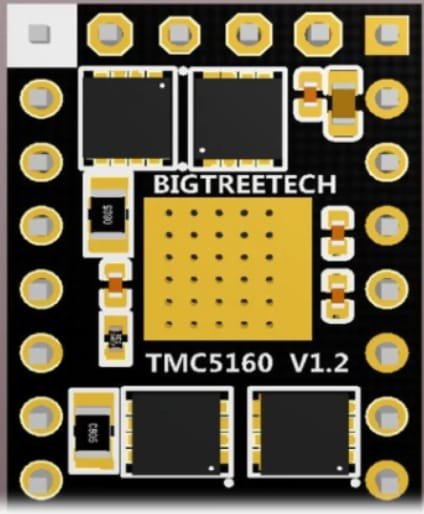
Image of TMC5160Design with TMC5160 in Cirkit Designer

Introduction

The TMC5160, manufactured by Yklhsocneg (Part ID: 500353763), is a high-performance stepper motor driver designed for precise and efficient control of stepper motors. It integrates advanced features such as microstepping, integrated current sensing, and a wide range of programmable settings, making it ideal for applications requiring smooth motion and high precision.

Explore Projects Built with TMC5160

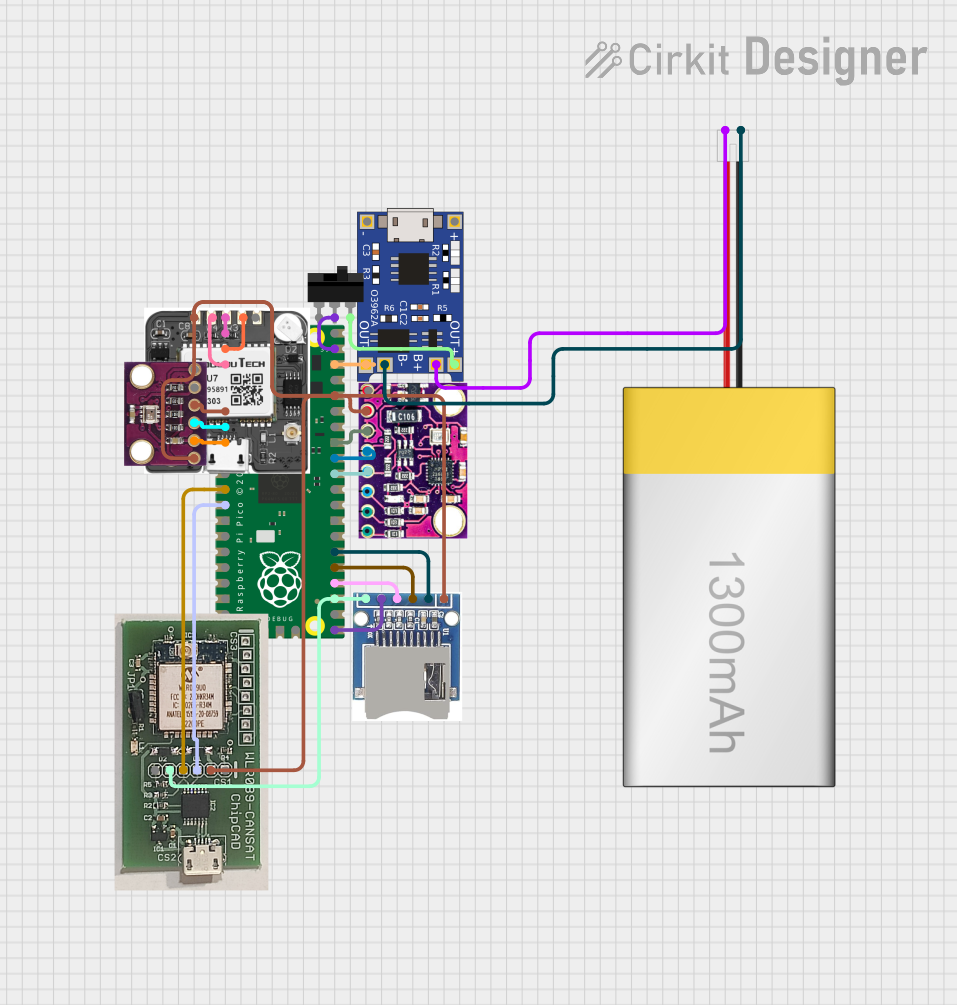
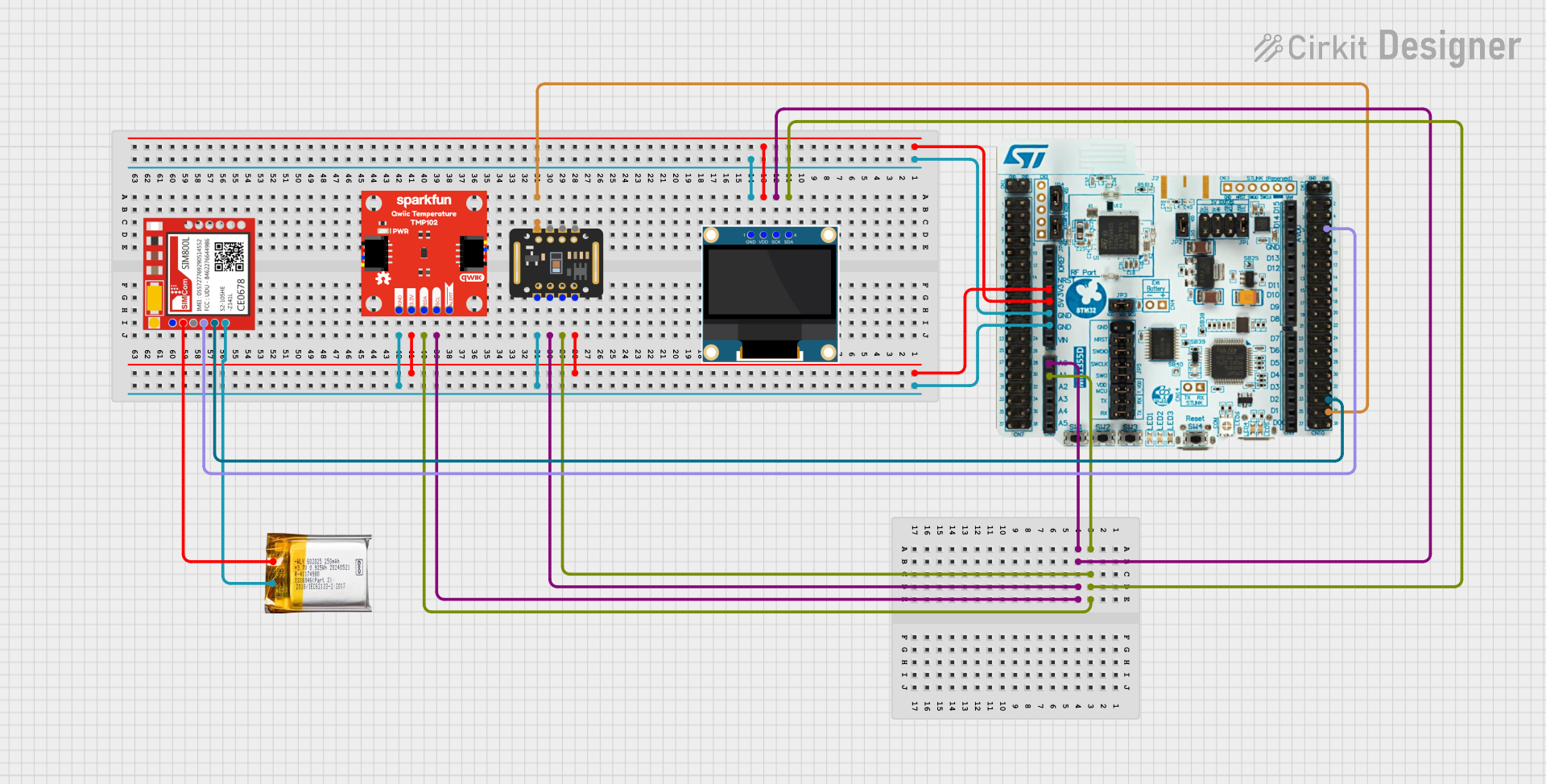
Use Cirkit Designer to design, explore, and prototype these projects online. Some projects support real-time simulation. Click "Open Project" to start designing instantly!
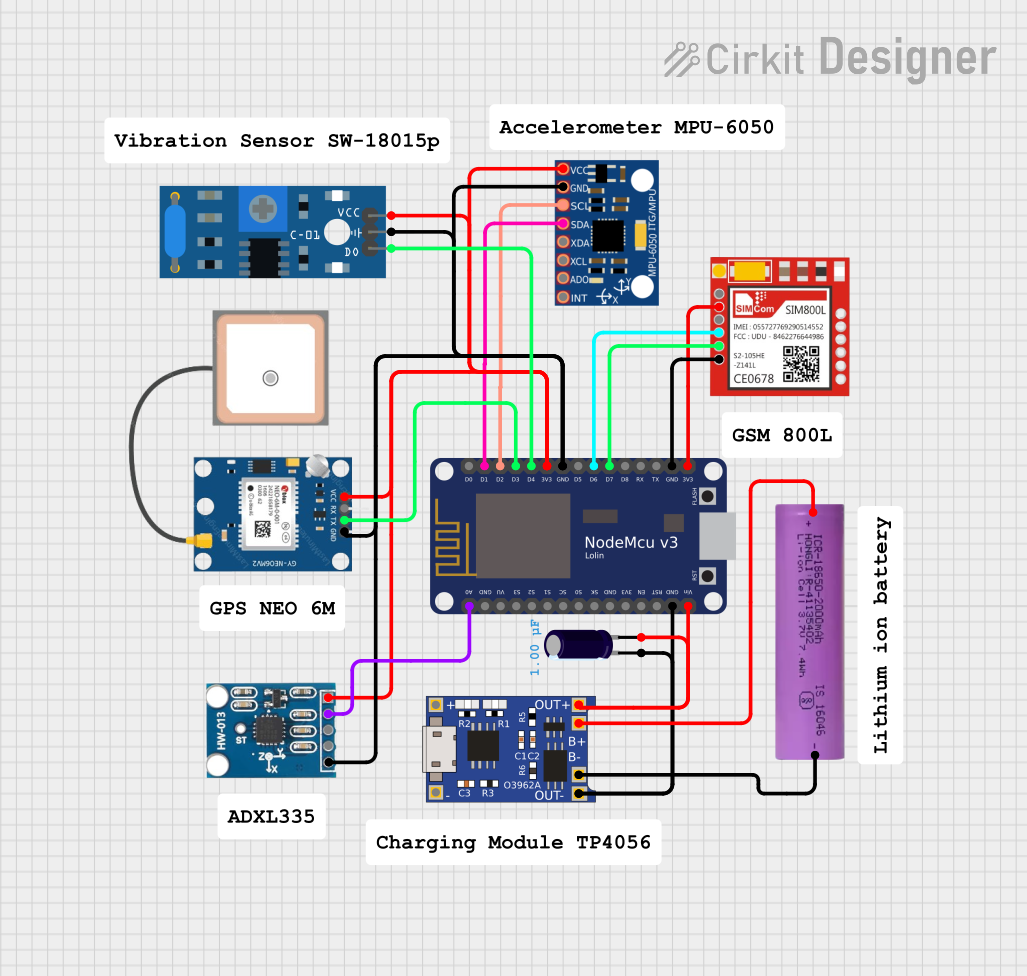
Image of Arduino Mega 2560 Based Security System with Fingerprint Authentication and SMS Alerts: A project utilizing TMC5160 in a practical application
Arduino Mega 2560 Based Security System with Fingerprint Authentication and SMS Alerts

This circuit features an Arduino Mega 2560 microcontroller interfaced with a SIM800L GSM module, two fingerprint scanners, an I2C LCD display, an IR sensor, and a piezo buzzer. Power management is handled by a PowerBoost 1000 Basic Pad USB, a TP4056 charging module, and a Li-ion 18650 battery, with an option to use a Mini AC-DC 110V-230V to 5V 700mA module for direct power supply. The primary functionality appears to be a security system with GSM communication capabilities, biometric access control, and visual/audible feedback.

Open Project in Cirkit Designer
Common Applications and Use Cases

Technical Specifications

The TMC5160 is a versatile and powerful stepper motor driver. Below are its key technical details:

Key Technical Details

Parameter Value
Supply Voltage (VM) 8V to 60V
Logic Voltage (VIO) 3.3V or 5V
Maximum Motor Current Up to 20A peak (with proper cooling)
Microstepping Resolution Up to 256 microsteps per full step
Communication Interface SPI
Integrated Features Current sensing, stall detection, and more
Operating Temperature -40°C to +125°C

Pin Configuration and Descriptions

The TMC5160 comes in a 48-pin QFN package. Below is a summary of its pin configuration:

Pin Number Pin Name Description
1 VM Motor power supply input (8V to 60V)
2 GND Ground
3 VIO Logic voltage input (3.3V or 5V)
4 SPI_MOSI SPI data input
5 SPI_MISO SPI data output
6 SPI_SCK SPI clock input
7 SPI_CS SPI chip select
8 ENN Enable input (active low)
9 STEP Step pulse input
10 DIR Direction control input
11 DIAG0 Diagnostic output 0
12 DIAG1 Diagnostic output 1
13-48 Various Motor outputs, configuration pins, etc.

Refer to the manufacturer's datasheet for a complete pinout and detailed descriptions.

Usage Instructions

The TMC5160 is designed for easy integration into stepper motor control systems. Below are the steps and best practices for using this component:

How to Use the TMC5160 in a Circuit

  1. Power Supply: Connect the motor power supply (VM) to the VM pin. Ensure the voltage is within the 8V to 60V range.
  2. Logic Voltage: Provide a 3.3V or 5V logic voltage to the VIO pin.
  3. SPI Communication: Connect the SPI interface (MOSI, MISO, SCK, CS) to your microcontroller for configuration and control.
  4. Motor Connections: Connect the stepper motor coils to the appropriate motor output pins.
  5. Control Signals: Use the STEP and DIR pins to control the motor's movement and direction.
  6. Cooling: If operating at high currents, ensure proper cooling (e.g., heatsinks or fans) to prevent overheating.

Important Considerations and Best Practices

Example Code for Arduino UNO

Below is an example of how to interface the TMC5160 with an Arduino UNO using SPI:

#include <SPI.h>

// Define SPI pins for Arduino UNO
#define CS_PIN 10  // Chip Select pin
#define STEP_PIN 9 // Step pin
#define DIR_PIN 8  // Direction pin

void setup() {
  // Initialize SPI communication
  SPI.begin();
  pinMode(CS_PIN, OUTPUT);
  pinMode(STEP_PIN, OUTPUT);
  pinMode(DIR_PIN, OUTPUT);

  // Set initial states
  digitalWrite(CS_PIN, HIGH); // Deselect TMC5160
  digitalWrite(STEP_PIN, LOW);
  digitalWrite(DIR_PIN, LOW);

  // Configure TMC5160 via SPI
  configureTMC5160();
}

void loop() {
  // Example: Rotate motor in one direction
  digitalWrite(DIR_PIN, HIGH); // Set direction
  for (int i = 0; i < 200; i++) { // 200 steps
    digitalWrite(STEP_PIN, HIGH);
    delayMicroseconds(500); // Adjust for speed
    digitalWrite(STEP_PIN, LOW);
    delayMicroseconds(500);
  }
}

void configureTMC5160() {
  digitalWrite(CS_PIN, LOW); // Select TMC5160
  SPI.transfer(0x80); // Example: Write to a register (address 0x00)
  SPI.transfer(0x00); // Example: Data to write
  digitalWrite(CS_PIN, HIGH); // Deselect TMC5160
}

Troubleshooting and FAQs

Common Issues and Solutions

  1. Motor Not Moving

    • Cause: Incorrect wiring or insufficient power supply.
    • Solution: Verify all connections and ensure the power supply meets the voltage and current requirements.
  2. Overheating

    • Cause: High current settings or inadequate cooling.
    • Solution: Reduce the current limit via SPI and improve cooling with heatsinks or fans.
  3. No SPI Communication

    • Cause: Incorrect SPI wiring or configuration.
    • Solution: Check the SPI connections and ensure the microcontroller's SPI settings match the TMC5160's requirements.
  4. Stall Detection Not Working

    • Cause: Incorrect configuration or motor parameters.
    • Solution: Verify the stall detection settings and ensure the motor parameters are correctly configured.

FAQs

Q: Can the TMC5160 drive a unipolar stepper motor?
A: No, the TMC5160 is designed for bipolar stepper motors.

Q: What is the maximum microstepping resolution?
A: The TMC5160 supports up to 256 microsteps per full step.

Q: How do I set the current limit?
A: The current limit can be configured via the SPI interface by writing to the appropriate register.

Q: Is the TMC5160 compatible with 5V logic?
A: Yes, the TMC5160 supports both 3.3V and 5V logic levels.

For additional support, refer to the manufacturer's datasheet or contact Yklhsocneg.