
How to Use ESP32 Wroom 32E: Examples, Pinouts, and Specs
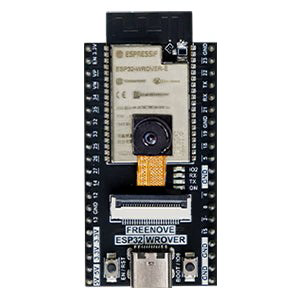
 Design with ESP32 Wroom 32E in Cirkit Designer
Introduction
The ESP32 Wroom 32E, manufactured by Freenove, is a powerful microcontroller module designed for Internet of Things (IoT) applications. It features integrated Wi-Fi and Bluetooth capabilities, dual-core processing, and a wide range of GPIO pins, making it a versatile choice for developers and hobbyists alike. Its compact design and robust performance make it suitable for projects ranging from home automation to industrial IoT systems.
Explore Projects Built with ESP32 Wroom 32E
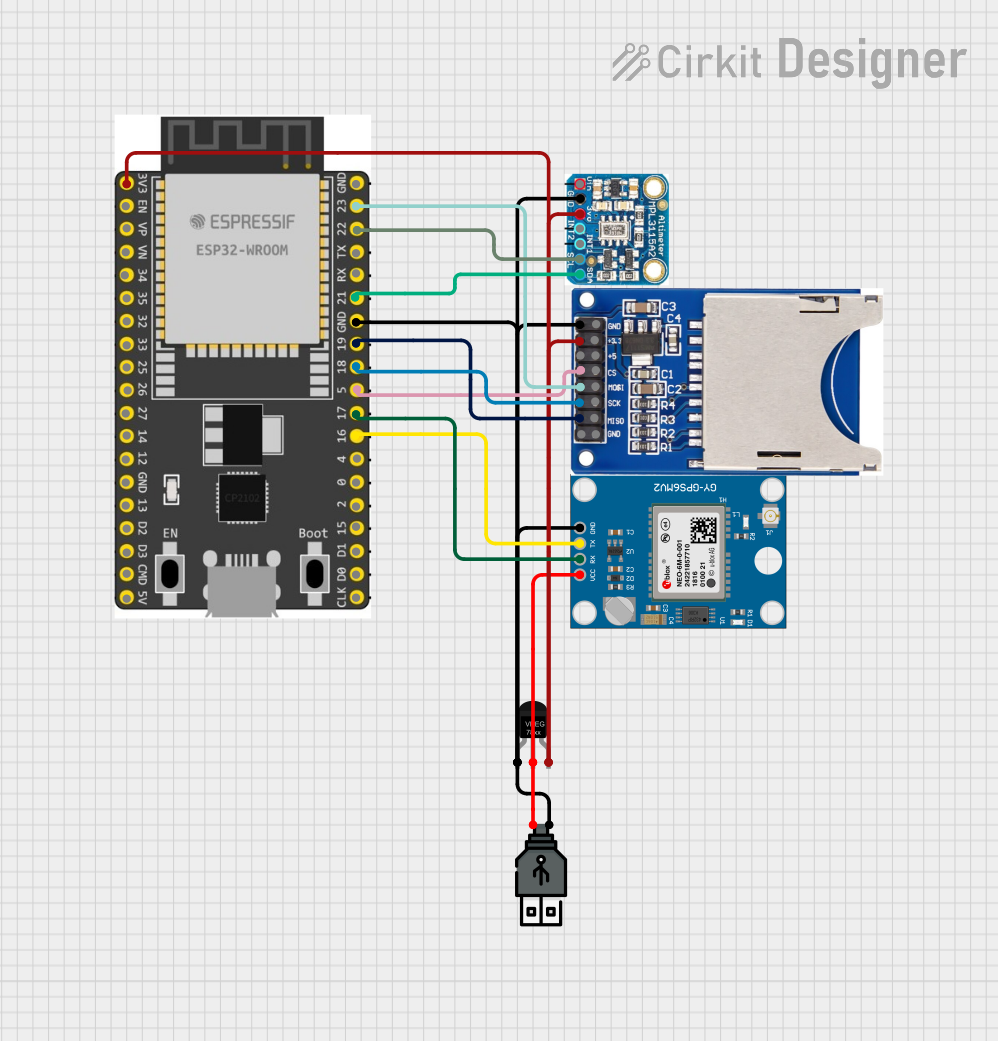 Open Project in Cirkit Designer
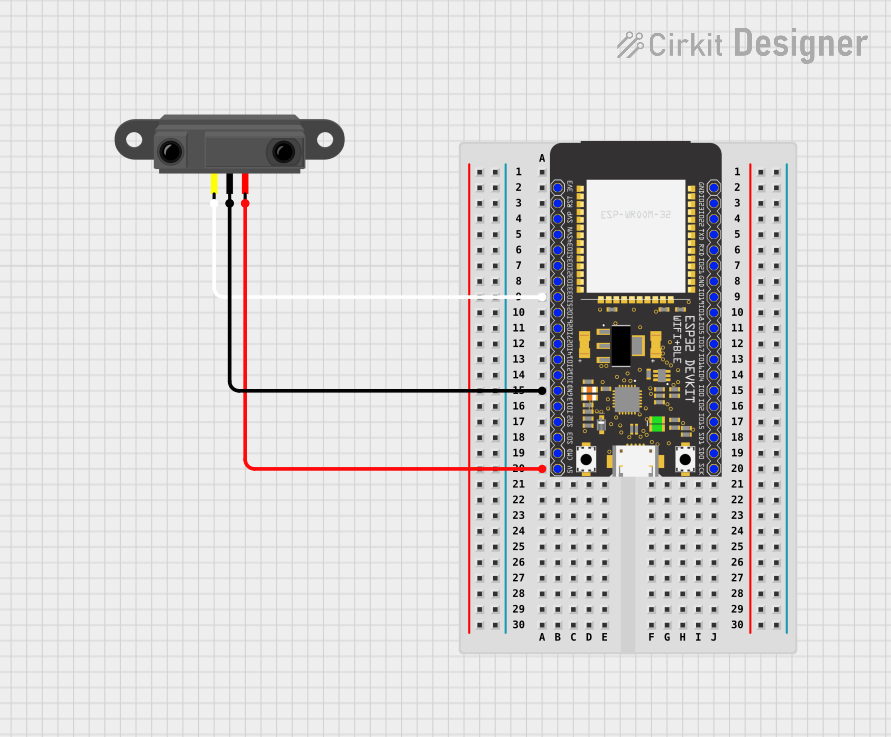 Open Project in Cirkit Designer
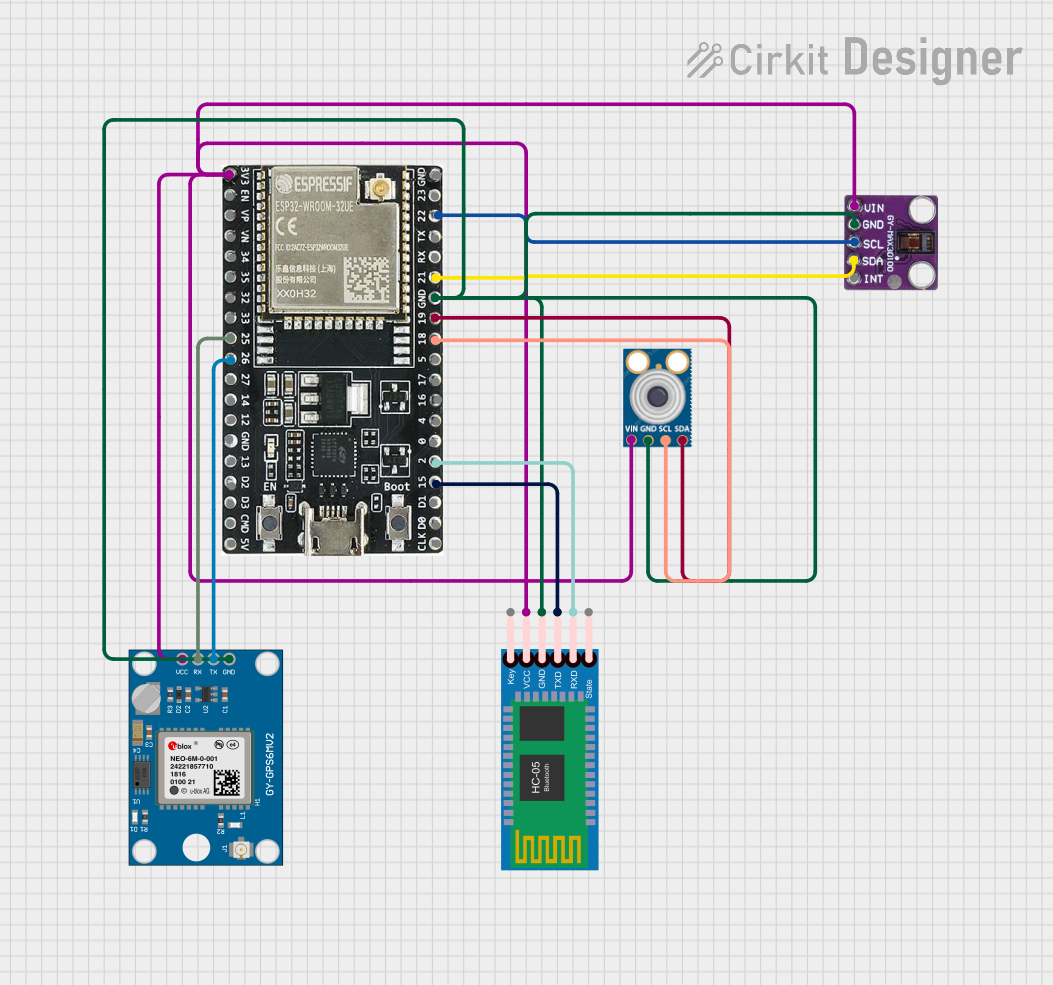 Open Project in Cirkit Designer
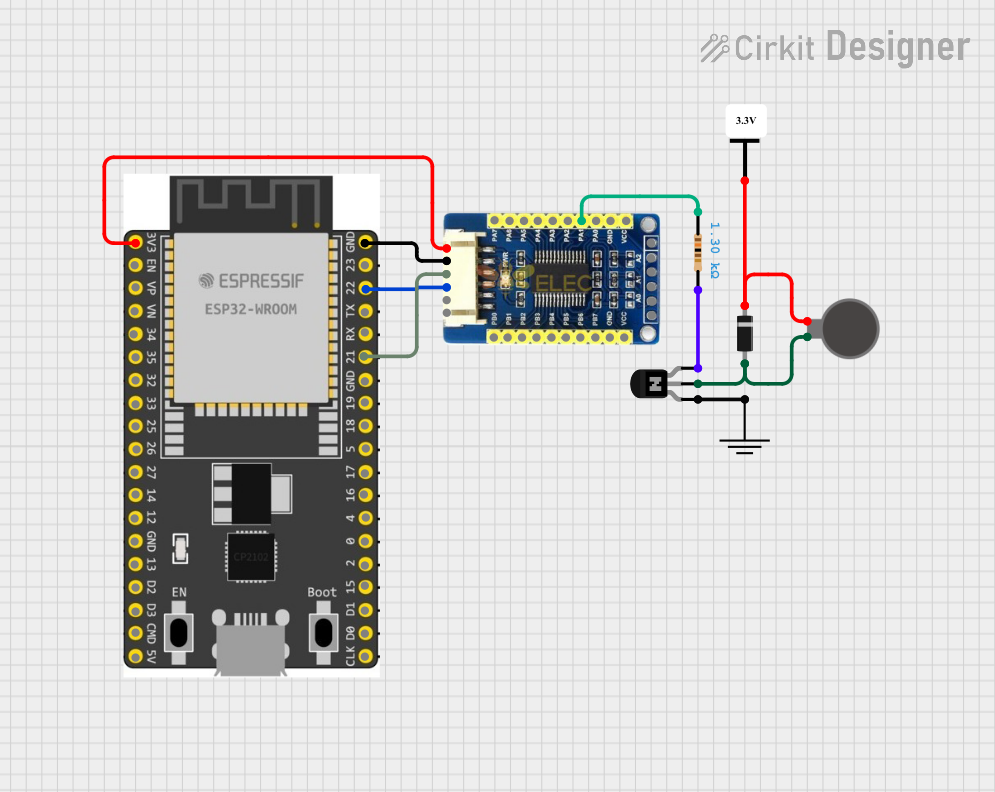 Open Project in Cirkit Designer
Explore Projects Built with ESP32 Wroom 32E
Open Project in Cirkit DesignerOpen Project in Cirkit DesignerOpen Project in Cirkit DesignerOpen Project in Cirkit DesignerCommon Applications and Use Cases
- IoT devices and smart home systems
- Wireless sensor networks
- Robotics and automation
- Wearable technology
- Data logging and remote monitoring
- Prototyping and educational projects
Technical Specifications
The ESP32 Wroom 32E is packed with features that make it a standout microcontroller for a variety of applications. Below are its key technical specifications:
General Specifications
| Parameter | Value |
|---|---|
| Microcontroller | ESP32 Dual-Core Xtensa LX6 |
| Clock Speed | Up to 240 MHz |
| Flash Memory | 4 MB |
| SRAM | 520 KB |
| Wireless Connectivity | Wi-Fi 802.11 b/g/n, Bluetooth v4.2 BR/EDR |
| Operating Voltage | 3.3V |
| Input Voltage Range | 3.0V - 3.6V |
| GPIO Pins | 34 |
| ADC Channels | 18 (12-bit resolution) |
| DAC Channels | 2 |
| Communication Interfaces | UART, SPI, I2C, I2S, CAN, PWM |
| Operating Temperature | -40°C to +85°C |
Pin Configuration and Descriptions
The ESP32 Wroom 32E has a total of 38 pins. Below is a summary of the pin configuration:
| Pin Number | Pin Name | Functionality |
|---|---|---|
| 1 | EN | Enable pin (active high) |
| 2 | IO0 | GPIO0, used for boot mode selection |
| 3 | IO1 (TX0) | GPIO1, UART0 TX |
| 4 | IO3 (RX0) | GPIO3, UART0 RX |
| 5 | IO4 | GPIO4, PWM, ADC |
| 6 | IO5 | GPIO5, PWM, ADC |
| 7 | IO12 | GPIO12, ADC, Touch Sensor |
| 8 | IO13 | GPIO13, ADC, Touch Sensor |
| 9 | IO14 | GPIO14, PWM, ADC |
| 10 | IO15 | GPIO15, PWM, ADC |
| ... | ... | ... |
| 38 | GND | Ground |
Note: For a complete pinout diagram, refer to the official datasheet provided by Freenove.
Usage Instructions
How to Use the ESP32 Wroom 32E in a Circuit
- Powering the Module: The ESP32 Wroom 32E operates at 3.3V. Ensure that your power supply provides a stable voltage within the range of 3.0V to 3.6V.
- Connecting GPIO Pins: Use the GPIO pins for interfacing with sensors, actuators, and other peripherals. Be mindful of the pin's voltage and current limits.
- Programming the Module: The ESP32 can be programmed using the Arduino IDE or the ESP-IDF (Espressif IoT Development Framework). Install the necessary drivers and libraries before uploading code.
Example: Blinking an LED with Arduino UNO
Below is an example of how to blink an LED connected to GPIO2 of the ESP32 Wroom 32E using the Arduino IDE:
// Include the necessary library for ESP32
#include <Arduino.h>

// Define the GPIO pin for the LED
#define LED_PIN 2

void setup() {
  // Set the LED pin as an output
  pinMode(LED_PIN, OUTPUT);
}

void loop() {
  // Turn the LED on
  digitalWrite(LED_PIN, HIGH);
  delay(1000); // Wait for 1 second

  // Turn the LED off
  digitalWrite(LED_PIN, LOW);
  delay(1000); // Wait for 1 second
}
Important Considerations and Best Practices
- Voltage Levels: Ensure all connected peripherals operate at 3.3V logic levels to avoid damaging the module.
- Boot Mode: GPIO0 is used for boot mode selection. Pull it low during startup to enter programming mode.
- Wi-Fi and Bluetooth: Avoid placing the module near metal objects or enclosures that may interfere with wireless signals.
- Heat Management: The ESP32 can get warm during operation. Ensure adequate ventilation if used in enclosed spaces.
Troubleshooting and FAQs
Common Issues and Solutions
The ESP32 does not respond to uploaded code.
- Ensure that GPIO0 is pulled low during programming.
- Verify that the correct COM port and board type are selected in the Arduino IDE.
Wi-Fi connection is unstable.
- Check the signal strength of your Wi-Fi network.
- Avoid interference from other wireless devices operating on the same frequency.
The module overheats during operation.
- Ensure that the input voltage does not exceed 3.6V.
- Use a heat sink or improve ventilation if necessary.
GPIO pins are not functioning as expected.
- Verify the pin configuration in your code.
- Check for conflicting pin assignments or incorrect wiring.
FAQs
Q: Can the ESP32 Wroom 32E be powered via USB?
A: No, the module itself does not have a USB interface. However, you can use a development board with an integrated USB-to-serial converter.
Q: What is the maximum range of the Wi-Fi module?
A: The Wi-Fi range depends on environmental factors but typically extends up to 100 meters in open spaces.
Q: Can I use the ESP32 Wroom 32E with a 5V power supply?
A: No, the module operates at 3.3V. Use a voltage regulator to step down 5V to 3.3V if necessary.
Q: How do I reset the module?
A: Pull the EN pin low momentarily to reset the module.
By following this documentation, you can effectively integrate the ESP32 Wroom 32E into your projects and troubleshoot common issues with ease.