
How to Use Rasberry Pi5: Examples, Pinouts, and Specs
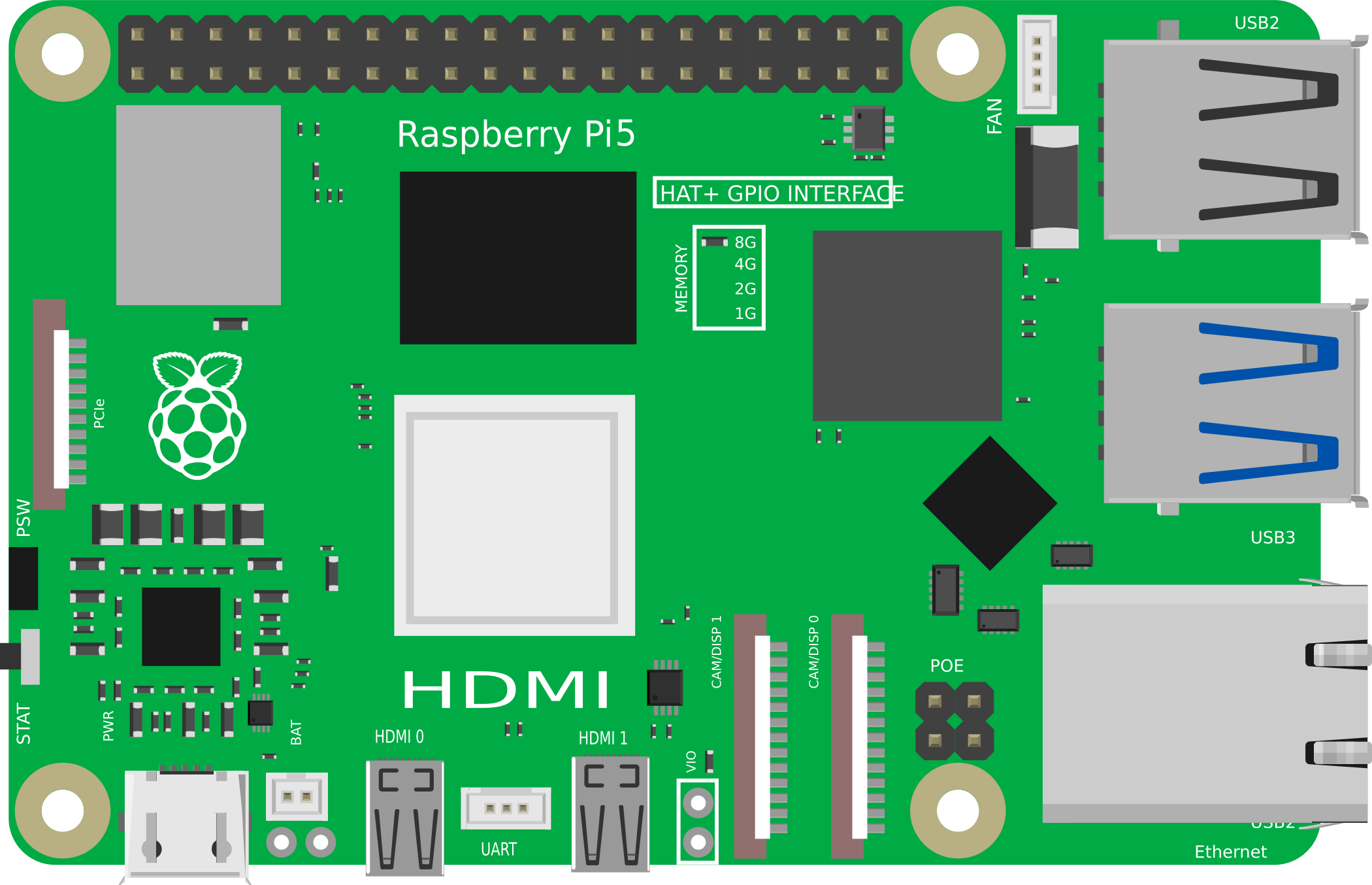
 Design with Rasberry Pi5 in Cirkit Designer
Introduction
The Raspberry Pi 5 is a compact, affordable single-board computer designed for a wide range of applications. It supports various programming languages, making it an ideal choice for hobbyists, educators, and professionals alike. With its powerful processing capabilities and versatile GPIO pins, the Raspberry Pi 5 is perfect for projects in electronics, robotics, IoT, and more.
Common applications include:
- Home automation systems
- Robotics and AI projects
- Media centers and streaming devices
- IoT (Internet of Things) applications
- Educational tools for learning programming and electronics
Explore Projects Built with Rasberry Pi5
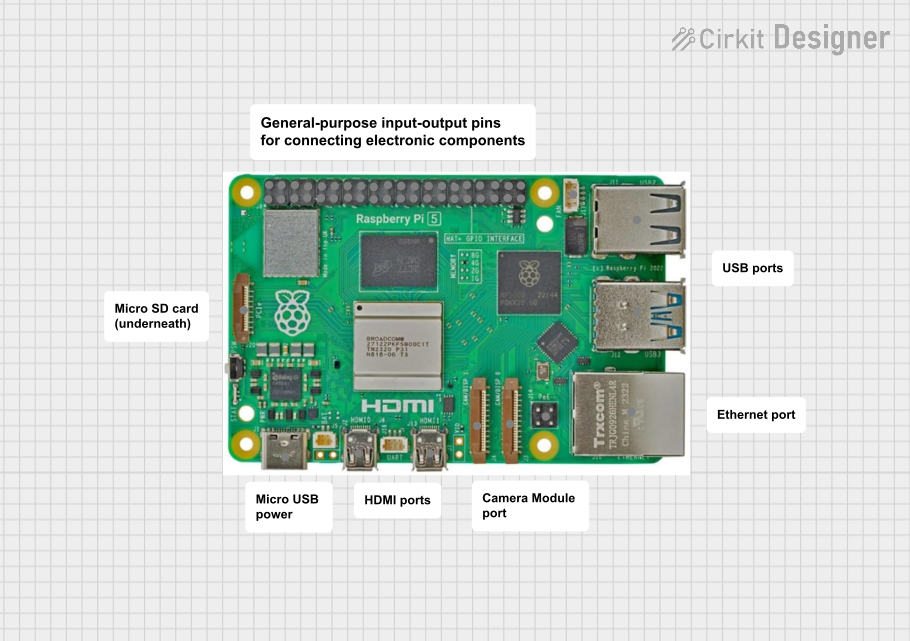 Open Project in Cirkit Designer
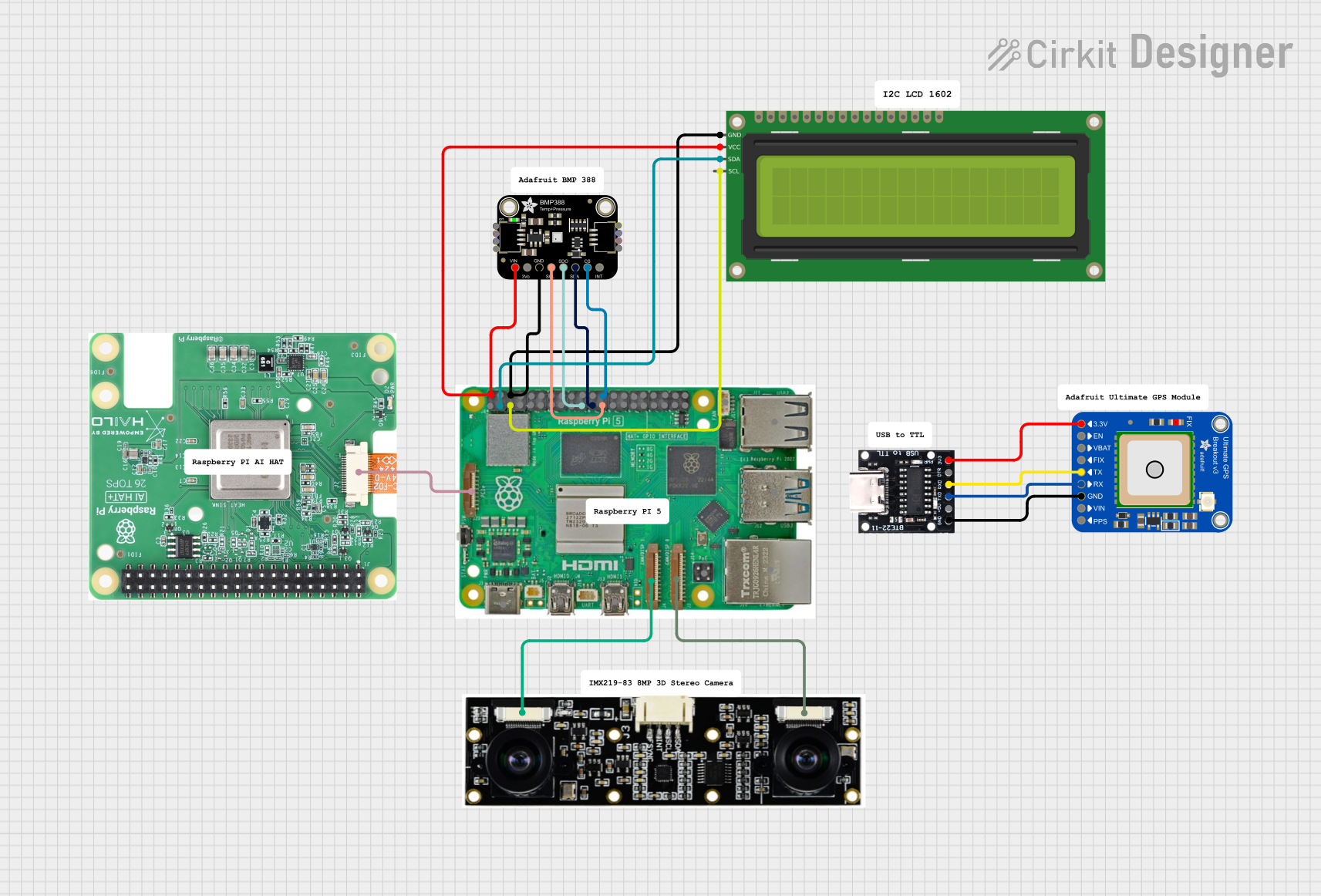 Open Project in Cirkit Designer
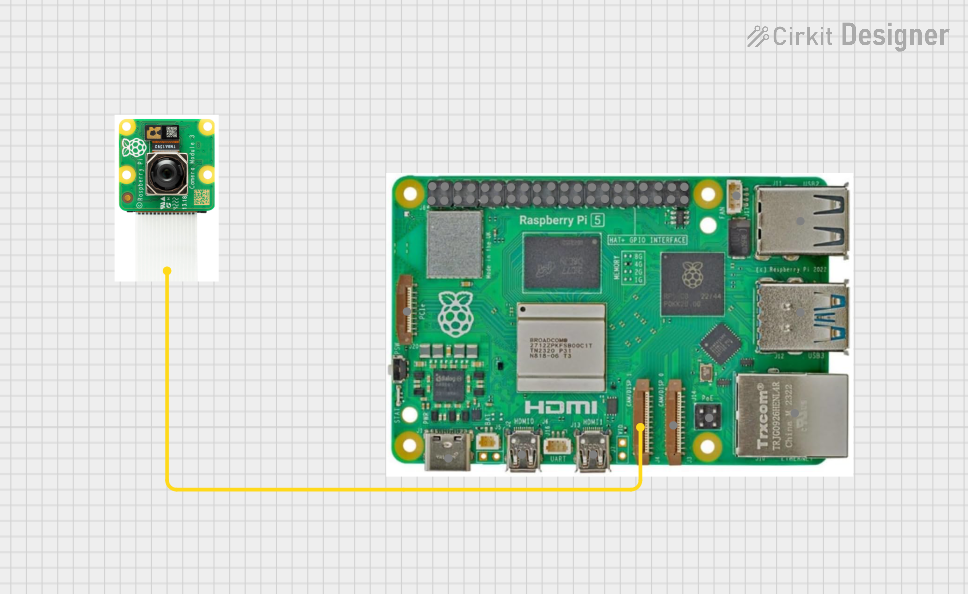 Open Project in Cirkit Designer
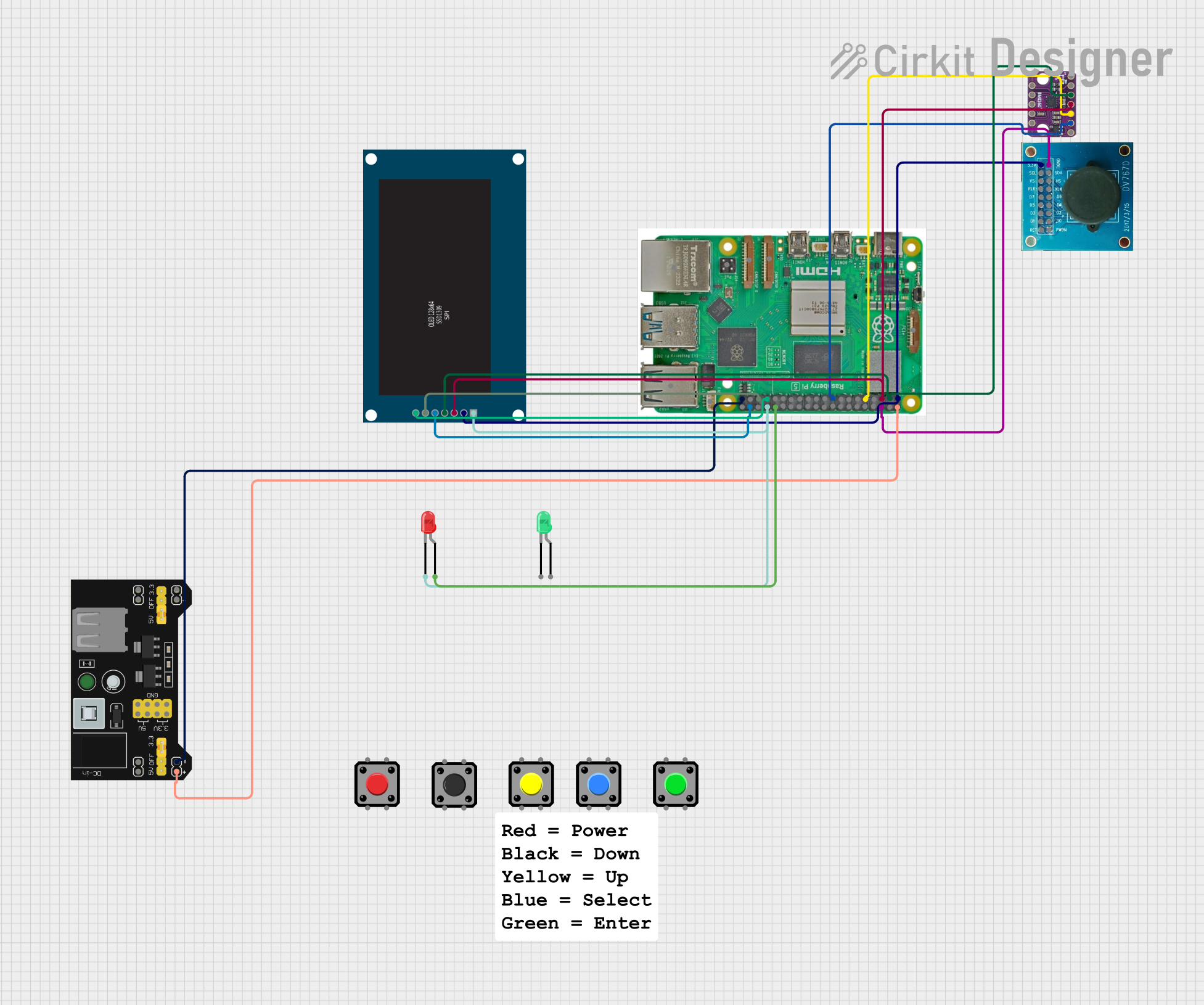 Open Project in Cirkit Designer
Explore Projects Built with Rasberry Pi5
Open Project in Cirkit DesignerOpen Project in Cirkit DesignerOpen Project in Cirkit DesignerOpen Project in Cirkit DesignerTechnical Specifications
The Raspberry Pi 5 offers significant improvements over its predecessors, providing enhanced performance and connectivity options. Below are the key technical details:
General Specifications
| Feature | Specification |
|---|---|
| Processor | Quad-core ARM Cortex-A76 @ 2.4 GHz |
| GPU | VideoCore VII |
| RAM | 4GB or 8GB LPDDR4X |
| Storage | MicroSD card slot, USB 3.0 boot |
| Connectivity | Gigabit Ethernet, Wi-Fi 6, Bluetooth 5.2 |
| USB Ports | 2x USB 3.0, 2x USB 2.0 |
| GPIO Pins | 40-pin header |
| Display Output | 2x micro-HDMI (4K@60Hz) |
| Power Supply | USB-C (5V/5A recommended) |
| Dimensions | 85.6mm x 56.5mm x 17mm |
GPIO Pin Configuration
The Raspberry Pi 5 features a 40-pin GPIO header for interfacing with external components. Below is the pinout:
| Pin Number | Pin Name | Function |
|---|---|---|
| 1 | 3.3V Power | Power supply (3.3V) |
| 2 | 5V Power | Power supply (5V) |
| 3 | GPIO2 (SDA1) | I2C Data |
| 4 | 5V Power | Power supply (5V) |
| 5 | GPIO3 (SCL1) | I2C Clock |
| 6 | Ground | Ground |
| 7 | GPIO4 | General-purpose I/O |
| 8 | GPIO14 (TXD) | UART Transmit |
| 9 | Ground | Ground |
| 10 | GPIO15 (RXD) | UART Receive |
| ... | ... | ... |
| 39 | Ground | Ground |
| 40 | GPIO21 | General-purpose I/O |
For the full GPIO pinout, refer to the official Raspberry Pi documentation.
Usage Instructions
Setting Up the Raspberry Pi 5
- Prepare the MicroSD Card:
- Download the Raspberry Pi OS from the official website.
- Use a tool like Raspberry Pi Imager to flash the OS onto the MicroSD card.
- Connect Peripherals:
- Attach a keyboard, mouse, and monitor via USB and HDMI ports.
- Insert the MicroSD card into the slot.
- Power Up:
- Connect a 5V/5A USB-C power supply to the Raspberry Pi 5.
- The device will boot into the Raspberry Pi OS.
Using GPIO Pins
The GPIO pins can be used to interface with sensors, LEDs, motors, and other components. Below is an example of controlling an LED using Python:
Import the GPIO library
import RPi.GPIO as GPIO import time
Set up GPIO mode
GPIO.setmode(GPIO.BCM) # Use Broadcom pin numbering GPIO.setwarnings(False)
Define the GPIO pin for the LED
LED_PIN = 18
Set up the LED pin as an output
GPIO.setup(LED_PIN, GPIO.OUT)
Blink the LED
try: while True: GPIO.output(LED_PIN, GPIO.HIGH) # Turn LED on time.sleep(1) # Wait for 1 second GPIO.output(LED_PIN, GPIO.LOW) # Turn LED off time.sleep(1) # Wait for 1 second except KeyboardInterrupt: # Clean up GPIO settings on exit GPIO.cleanup()
Best Practices
- Always use a high-quality power supply to ensure stable operation.
- Avoid connecting components directly to GPIO pins without proper resistors or protection circuits.
- Use a heatsink or fan for cooling during intensive tasks to prevent overheating.
Troubleshooting and FAQs
Common Issues
The Raspberry Pi does not boot:
- Ensure the MicroSD card is properly inserted and contains a valid OS image.
- Check the power supply for sufficient voltage and current.
Wi-Fi connectivity issues:
- Verify the Wi-Fi credentials are correct.
- Ensure the Raspberry Pi is within range of the router.
Overheating:
- Use a heatsink or fan for better thermal management.
- Avoid running resource-intensive tasks for extended periods without cooling.
GPIO pins not working:
- Double-check the pin configuration and connections.
- Ensure the GPIO library is installed and correctly configured.
FAQs
Q: Can I power the Raspberry Pi 5 via GPIO pins?
A: Yes, you can power the Raspberry Pi 5 using the 5V and GND pins on the GPIO header, but this is not recommended as it bypasses the onboard power management.
Q: What operating systems are supported?
A: The Raspberry Pi 5 supports Raspberry Pi OS, Ubuntu, and other Linux-based distributions. Some third-party OS options are also available.
Q: Can I connect multiple displays?
A: Yes, the Raspberry Pi 5 supports dual displays via its two micro-HDMI ports, each capable of 4K@60Hz output.
Q: How do I update the Raspberry Pi OS?
A: Run the following commands in the terminal:
sudo apt update
sudo apt full-upgrade
By following this documentation, you can effectively set up and use the Raspberry Pi 5 for a variety of projects.