
How to Use lc metal sensor: Examples, Pinouts, and Specs
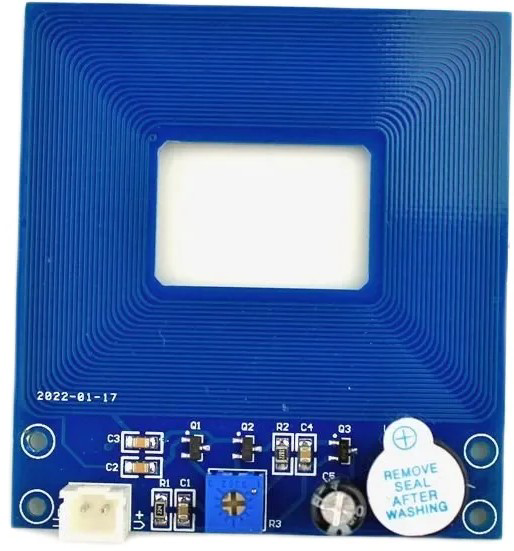
 Design with lc metal sensor in Cirkit Designer
Introduction
The LC Metal Sensor is a device designed to detect the presence of metal objects using inductive sensing technology. It operates by generating an electromagnetic field and detecting changes caused by nearby conductive materials. This sensor is widely used in industrial automation, security systems, metal detection devices, and robotics. Its ability to detect metal without physical contact makes it a reliable and durable solution for various applications.
Common applications include:
- Security systems for detecting concealed metal objects.
- Industrial automation for identifying metal components on conveyor belts.
- Robotics for proximity sensing and object detection.
- DIY projects and educational purposes.
Explore Projects Built with lc metal sensor
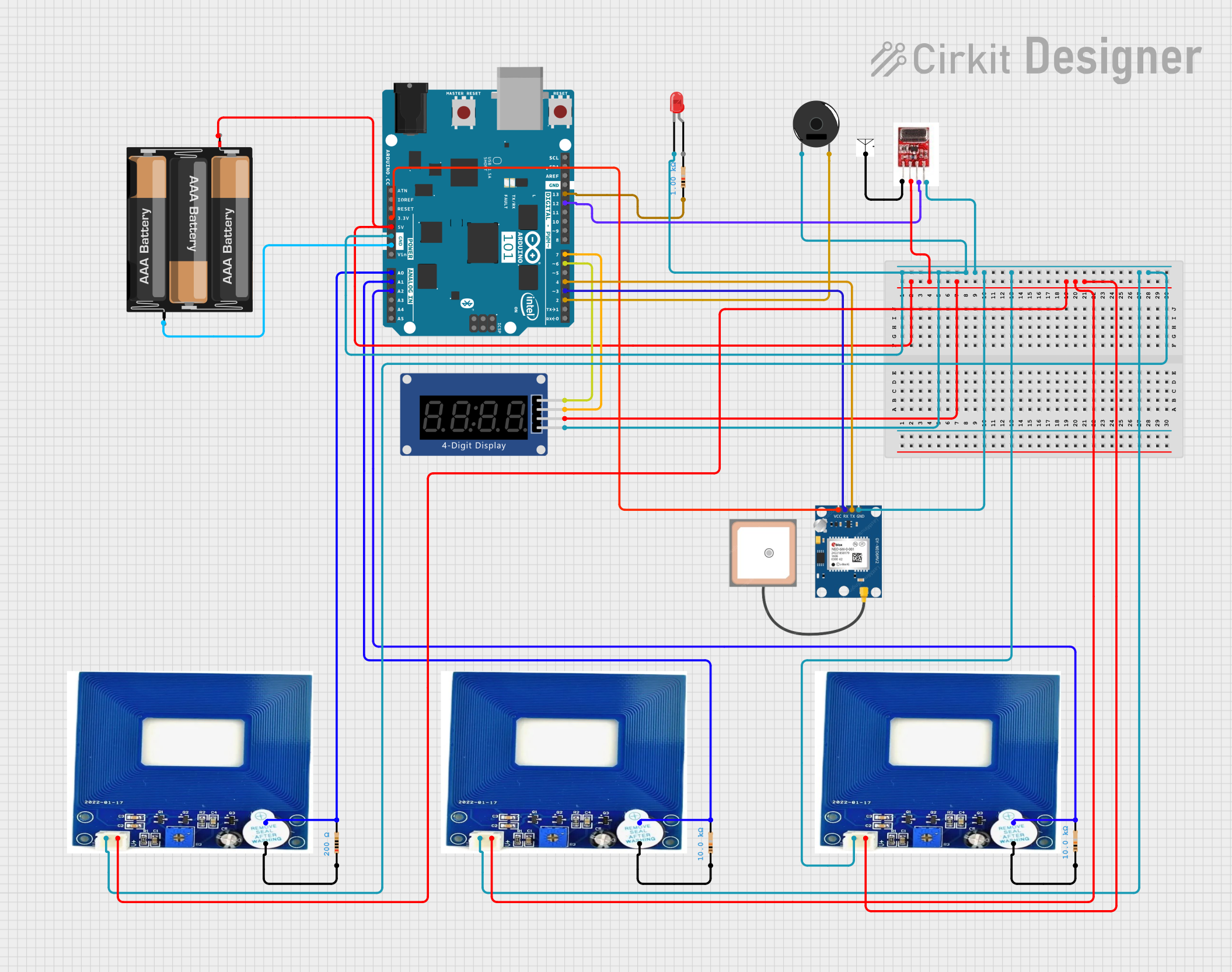 Open Project in Cirkit Designer
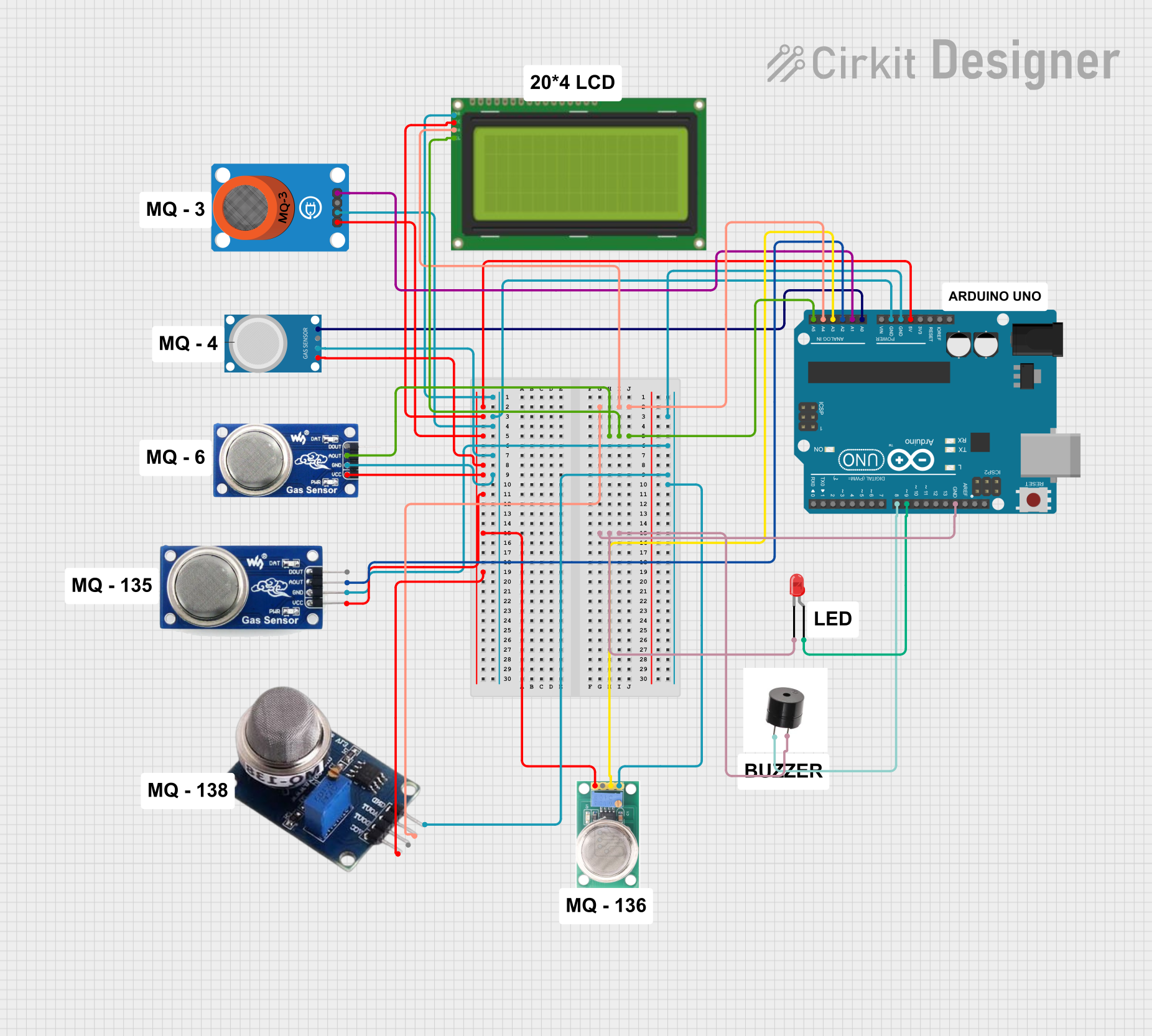 Open Project in Cirkit Designer
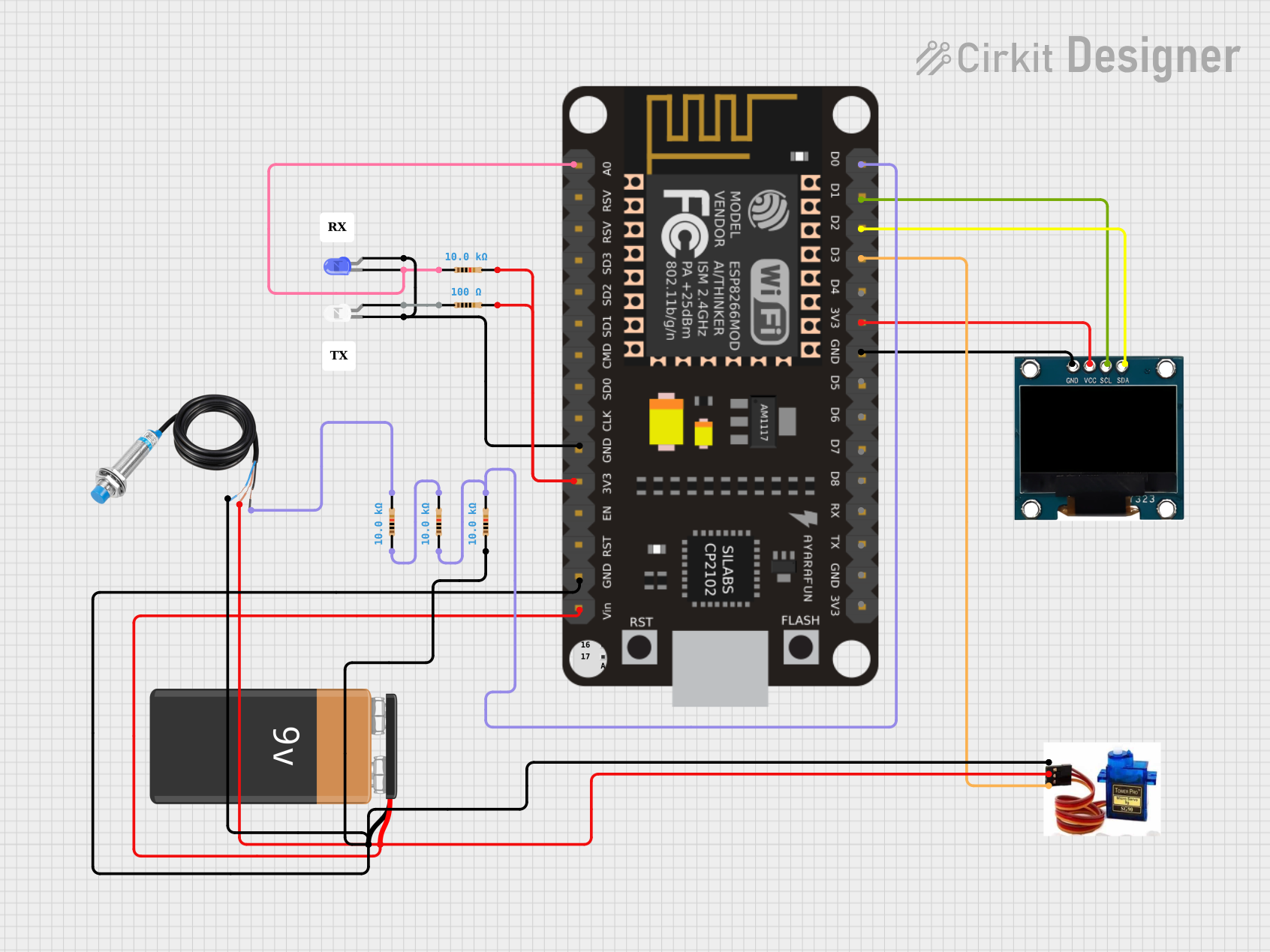 Open Project in Cirkit Designer
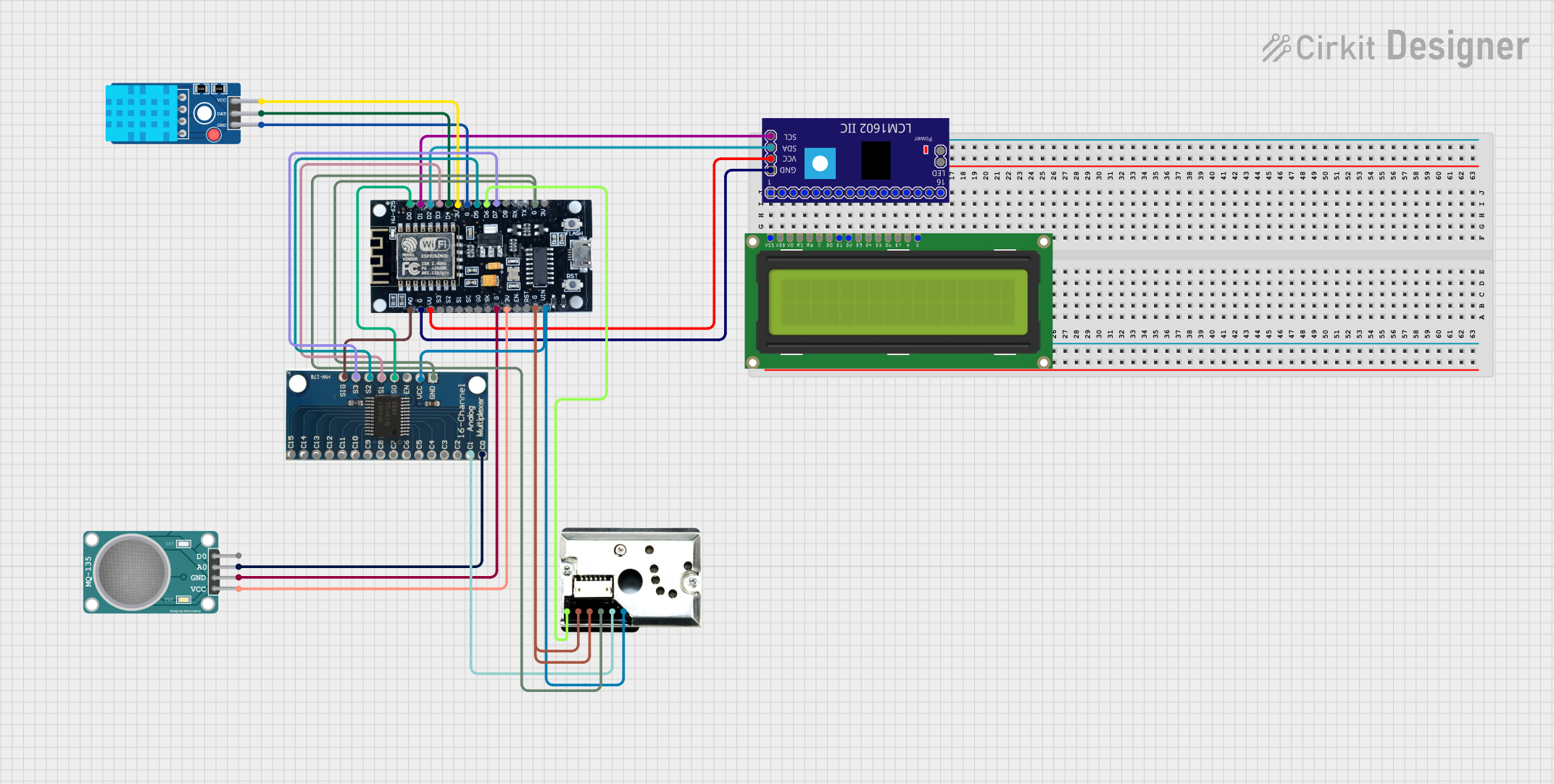 Open Project in Cirkit Designer
Explore Projects Built with lc metal sensor
Open Project in Cirkit DesignerOpen Project in Cirkit DesignerOpen Project in Cirkit DesignerOpen Project in Cirkit DesignerTechnical Specifications
The LC Metal Sensor is designed for ease of use and compatibility with a wide range of systems. Below are its key technical details:
General Specifications
| Parameter | Value |
|---|---|
| Operating Voltage | 5V DC |
| Operating Current | ≤ 15mA |
| Detection Range | 1-5 cm (depending on metal size) |
| Output Type | Digital (High/Low) |
| Operating Frequency | 100 kHz - 500 kHz |
| Operating Temperature | -10°C to 50°C |
| Dimensions | 30mm x 15mm x 10mm |
Pin Configuration
The LC Metal Sensor typically has a 3-pin interface. The pinout is as follows:
| Pin Number | Name | Description |
|---|---|---|
| 1 | VCC | Power supply input (5V DC) |
| 2 | GND | Ground connection |
| 3 | OUT | Digital output signal (High when metal detected) |
Usage Instructions
How to Use the LC Metal Sensor in a Circuit
- Power the Sensor: Connect the
VCCpin to a 5V DC power source and theGNDpin to the ground of your circuit. - Connect the Output: Attach the
OUTpin to a digital input pin of your microcontroller or other logic-level device. - Place the Sensor: Position the sensor near the area where metal detection is required. Ensure the detection range (1-5 cm) is appropriate for your application.
- Read the Output: Monitor the
OUTpin. It outputs a HIGH signal (5V) when metal is detected and LOW (0V) otherwise.
Important Considerations and Best Practices
- Avoid Interference: Keep the sensor away from strong electromagnetic fields or other metal objects that could cause false detections.
- Stable Power Supply: Use a stable 5V power source to ensure reliable operation.
- Mounting: Secure the sensor firmly to prevent movement, which could affect detection accuracy.
- Testing: Test the sensor with different metal objects to understand its detection range and sensitivity.
Example: Connecting to an Arduino UNO
Below is an example of how to connect and use the LC Metal Sensor with an Arduino UNO:
Circuit Connections
- Connect the
VCCpin of the sensor to the 5V pin on the Arduino. - Connect the
GNDpin of the sensor to the GND pin on the Arduino. - Connect the
OUTpin of the sensor to digital pin 2 on the Arduino.
Arduino Code
// LC Metal Sensor Example Code
// This code reads the output of the LC Metal Sensor and prints the status
// to the Serial Monitor. The sensor outputs HIGH when metal is detected.

const int sensorPin = 2; // Pin connected to the OUT pin of the sensor
int sensorState = 0;     // Variable to store the sensor state

void setup() {
  pinMode(sensorPin, INPUT); // Set the sensor pin as input
  Serial.begin(9600);        // Initialize serial communication
}

void loop() {
  sensorState = digitalRead(sensorPin); // Read the sensor output

  if (sensorState == HIGH) {
    Serial.println("Metal detected!"); // Print message if metal is detected
  } else {
    Serial.println("No metal detected."); // Print message if no metal is detected
  }

  delay(500); // Wait for 500ms before reading again
}
Troubleshooting and FAQs
Common Issues and Solutions
Sensor Not Detecting Metal:
- Ensure the sensor is powered correctly (5V DC).
- Verify that the metal object is within the detection range (1-5 cm).
- Check for loose or incorrect wiring connections.
False Detections:
- Avoid placing the sensor near other metal objects or strong electromagnetic fields.
- Ensure the sensor is mounted securely to prevent vibrations.
Output Signal Not Changing:
- Confirm that the
OUTpin is properly connected to the microcontroller or logic circuit. - Test the sensor with a multimeter to verify the output voltage.
- Confirm that the
FAQs
Q: Can the LC Metal Sensor detect non-metallic objects?
A: No, the sensor is designed specifically to detect conductive materials such as metals.
Q: What types of metals can the sensor detect?
A: The sensor can detect most conductive metals, including iron, steel, aluminum, and copper.
Q: Can I use the sensor with a 3.3V microcontroller?
A: The sensor requires a 5V power supply for proper operation. However, you can use a level shifter to interface the output with a 3.3V microcontroller.
Q: How can I increase the detection range?
A: The detection range is fixed by the sensor's design. For larger ranges, consider using a different sensor model with extended capabilities.
By following this documentation, you can effectively integrate the LC Metal Sensor into your projects and troubleshoot common issues with ease.