
How to Use Grove Base Shield (Seeed) : Examples, Pinouts, and Specs
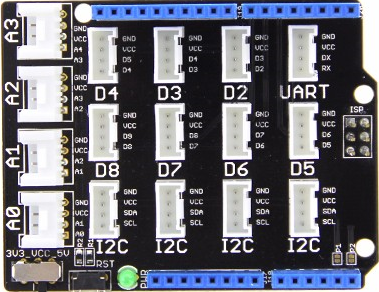
 Design with Grove Base Shield (Seeed) in Cirkit Designer
Introduction
The Grove Base Shield by Seeed Studio is a versatile expansion board designed for Arduino boards, such as the Arduino UNO. It simplifies the process of connecting Grove modules, which are plug-and-play sensors, actuators, and other components. The shield eliminates the need for soldering or complex wiring, making it an ideal choice for rapid prototyping and educational projects.
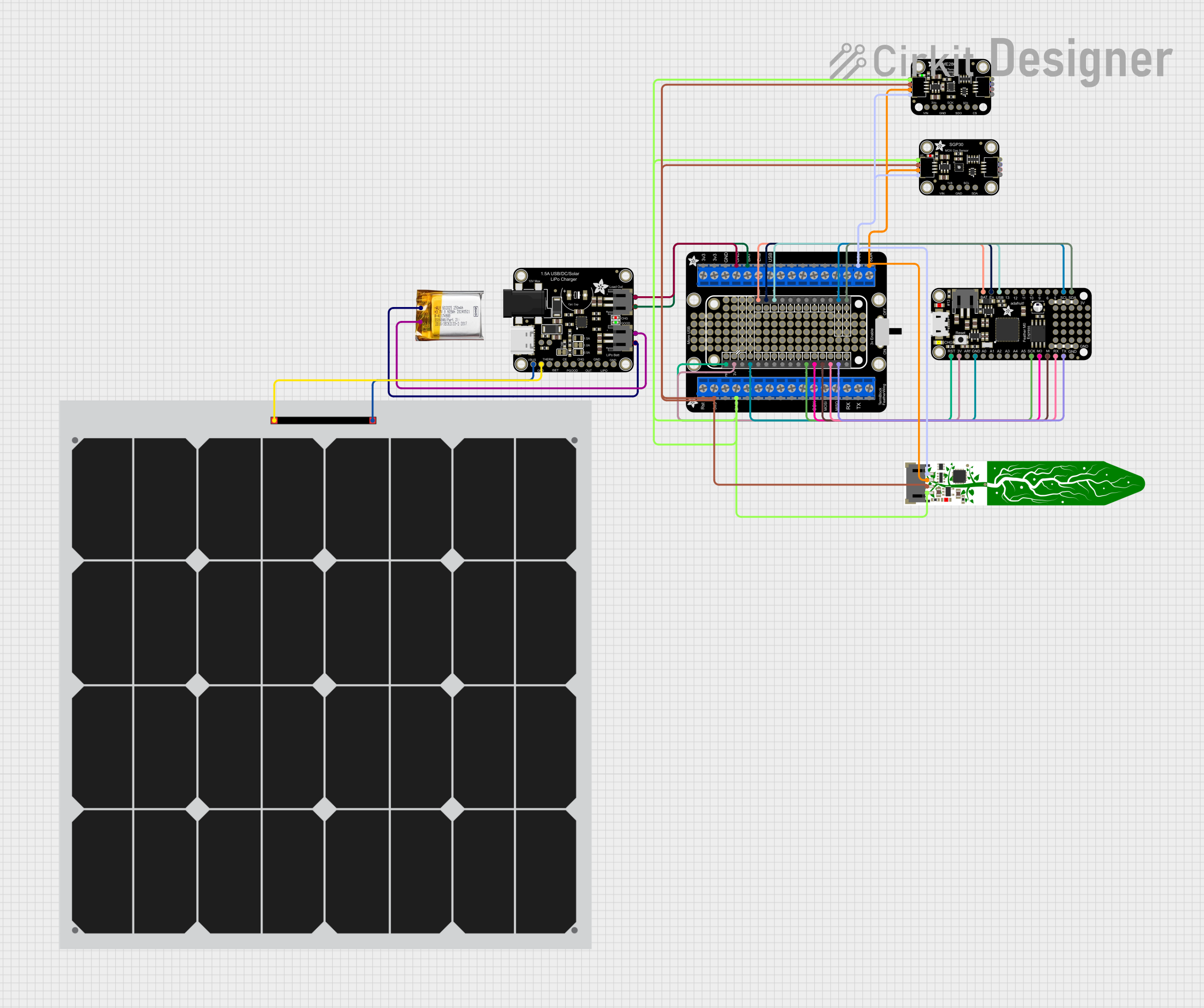
Explore Projects Built with Grove Base Shield (Seeed)
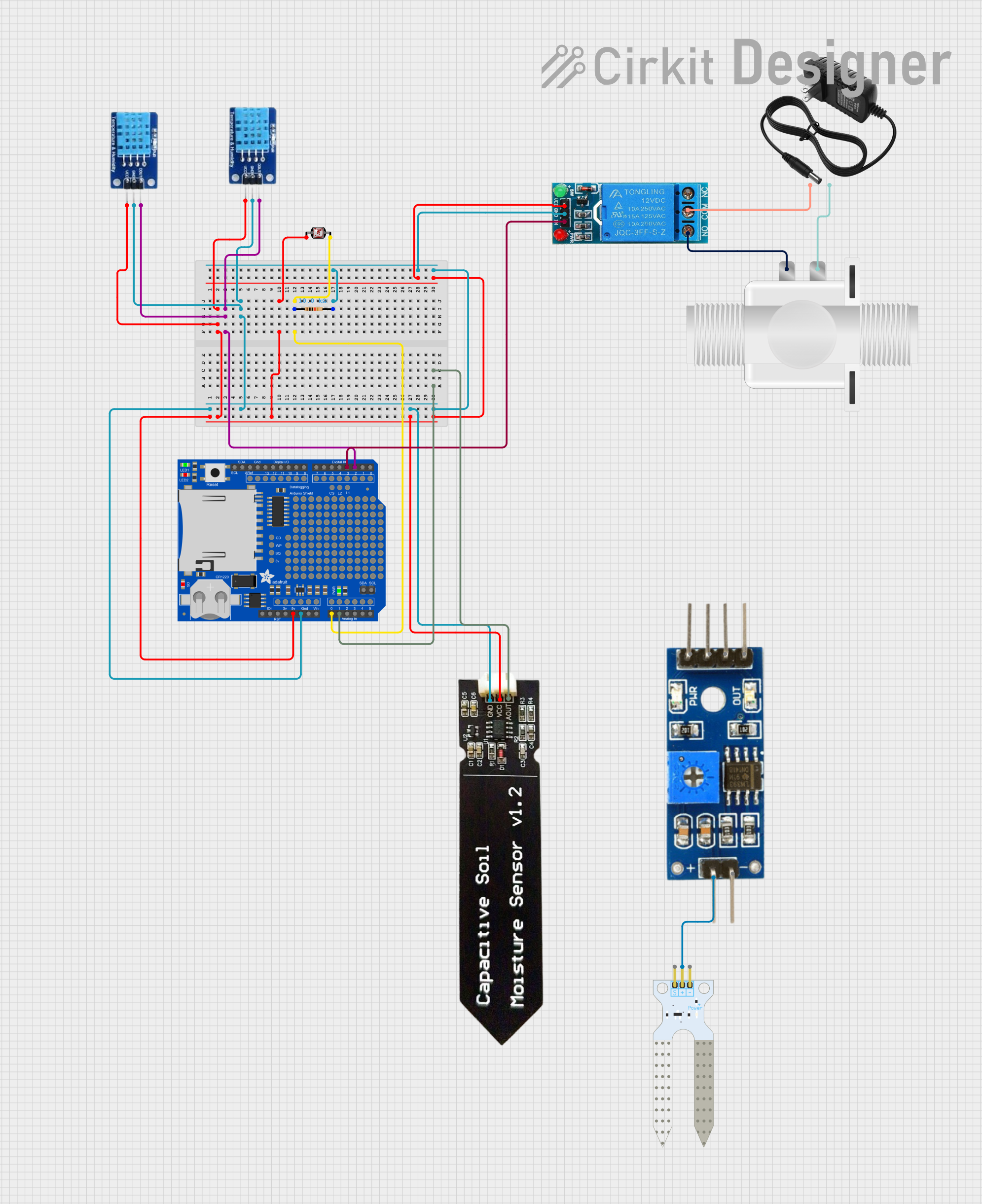 Open Project in Cirkit Designer
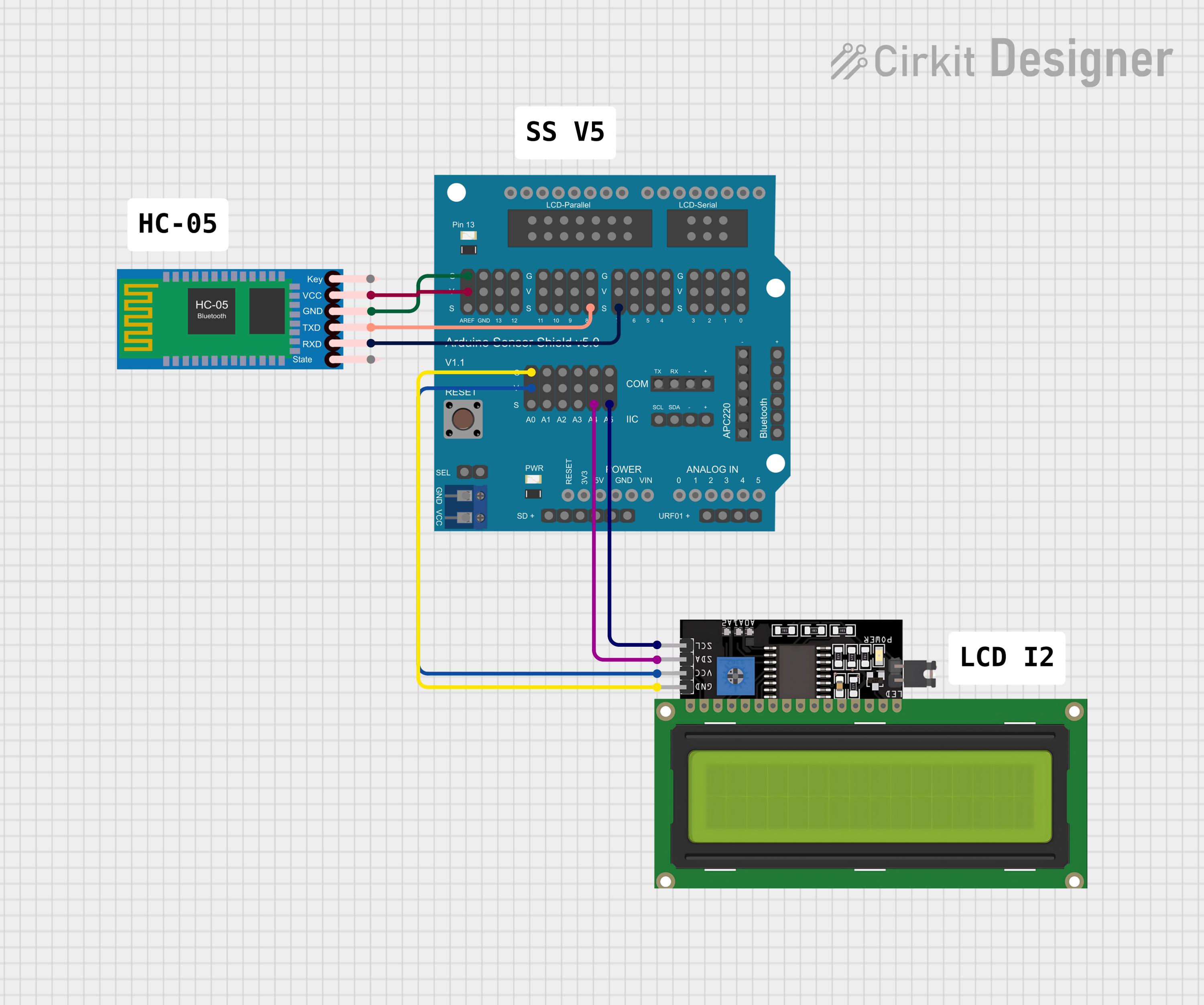 Open Project in Cirkit Designer
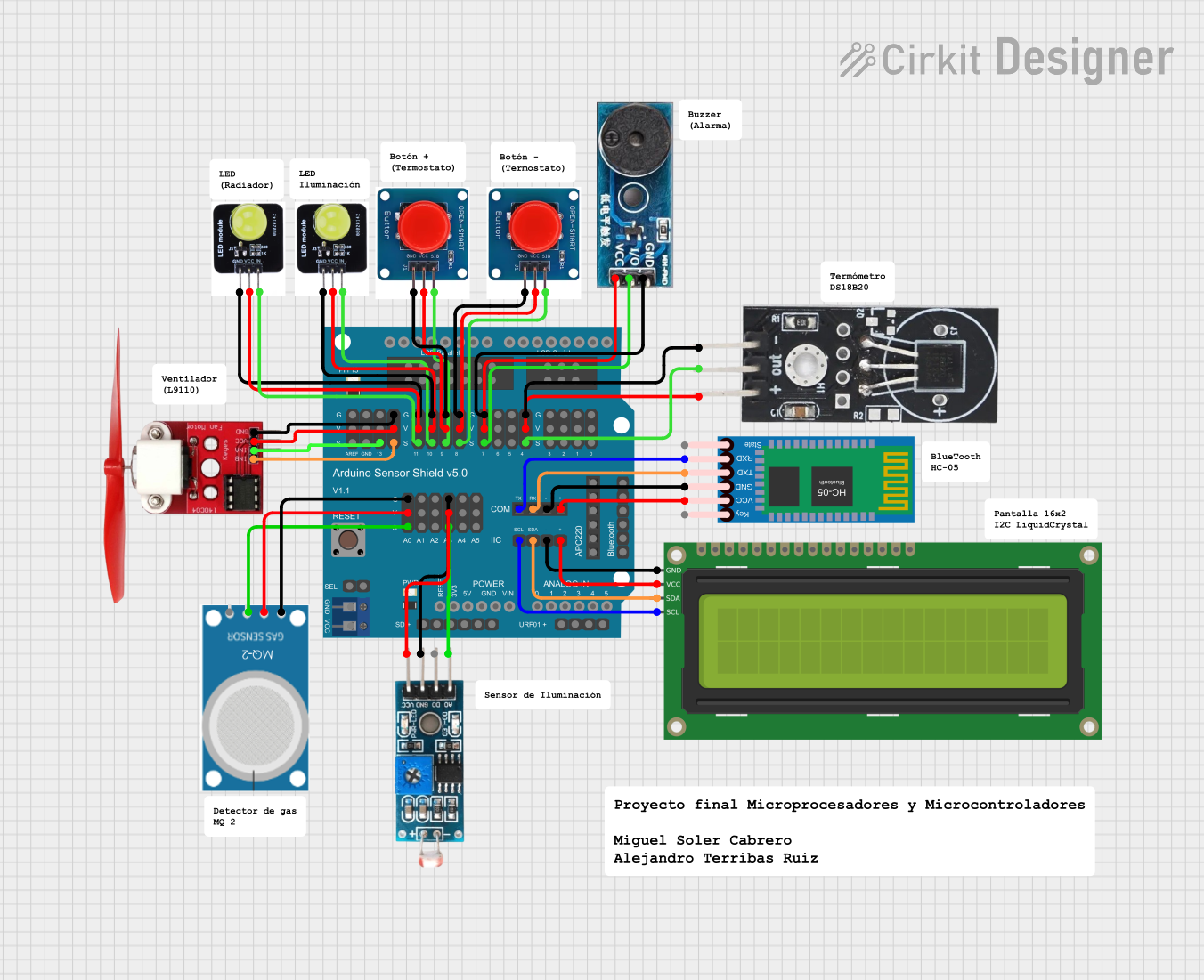 Open Project in Cirkit Designer
 Open Project in Cirkit Designer
Explore Projects Built with Grove Base Shield (Seeed)
Open Project in Cirkit DesignerOpen Project in Cirkit DesignerOpen Project in Cirkit DesignerOpen Project in Cirkit DesignerCommon Applications and Use Cases
- Rapid prototyping with Grove modules
- Educational projects for beginners and students
- IoT (Internet of Things) applications
- Robotics and automation systems
- Environmental monitoring using multiple sensors
Technical Specifications
The Grove Base Shield is designed to be compatible with most Arduino boards and provides a seamless interface for Grove modules. Below are the key technical details:
General Specifications
| Parameter | Value |
|---|---|
| Compatible Boards | Arduino UNO, Mega, Leonardo, etc. |
| Operating Voltage | 3.3V / 5V (selectable via jumper) |
| Communication Protocols | Digital, Analog, I2C, UART |
| Grove Ports | 16 (Digital, Analog, I2C, UART) |
| Dimensions | 68.6mm x 53.4mm |
Pin Configuration and Descriptions
The Grove Base Shield provides multiple Grove connectors, each mapped to specific Arduino pins. Below is the pin configuration:
Digital Ports
| Grove Port | Arduino Pin | Description |
|---|---|---|
| D2 | D2 | Digital I/O |
| D3 | D3 | Digital I/O with PWM support |
| D4 | D4 | Digital I/O |
| D5 | D5 | Digital I/O with PWM support |
| D6 | D6 | Digital I/O with PWM support |
| D7 | D7 | Digital I/O |
| D8 | D8 | Digital I/O |
Analog Ports
| Grove Port | Arduino Pin | Description |
|---|---|---|
| A0 | A0 | Analog input |
| A1 | A1 | Analog input |
| A2 | A2 | Analog input |
| A3 | A3 | Analog input |
| A4 | A4 | Analog input / I2C SDA |
| A5 | A5 | Analog input / I2C SCL |
I2C and UART Ports
| Grove Port | Arduino Pin | Description |
|---|---|---|
| I2C | A4 (SDA), A5 (SCL) | I2C communication |
| UART | D0 (RX), D1 (TX) | UART communication |
Usage Instructions
How to Use the Grove Base Shield in a Circuit
- Attach the Shield to an Arduino Board: Align the pins of the Grove Base Shield with the headers on your Arduino board and press gently to secure it.
- Select Voltage: Use the voltage selection jumper to choose between 3.3V and 5V, depending on the requirements of your Grove modules.
- Connect Grove Modules: Plug Grove modules into the appropriate ports (Digital, Analog, I2C, or UART) based on their functionality.
- Upload Code: Write and upload the Arduino sketch to interact with the connected modules.
Important Considerations and Best Practices
- Voltage Selection: Ensure the voltage jumper is set correctly to avoid damaging the Grove modules.
- Avoid Pin Conflicts: Check the pin mapping to ensure no conflicts between connected modules.
- Power Supply: If using multiple modules, ensure the Arduino board can supply sufficient power. Use an external power source if needed.
- Library Support: Many Grove modules have dedicated libraries. Install the required libraries in the Arduino IDE for seamless integration.
Example Code: Reading Data from a Grove Light Sensor
Below is an example of how to use the Grove Base Shield with a Grove Light Sensor connected to port A0:
// Include the necessary library for the Grove Light Sensor
// (No additional library is required for basic analog reading)

const int lightSensorPin = A0; // Define the pin connected to the light sensor

void setup() {
  Serial.begin(9600); // Initialize serial communication at 9600 baud
  pinMode(lightSensorPin, INPUT); // Set the light sensor pin as input
}

void loop() {
  int sensorValue = analogRead(lightSensorPin); // Read the analog value
  Serial.print("Light Sensor Value: "); // Print a label for the value
  Serial.println(sensorValue); // Print the sensor value to the Serial Monitor
  delay(500); // Wait for 500ms before the next reading
}
Troubleshooting and FAQs
Common Issues and Solutions
Grove Module Not Working
- Cause: Incorrect voltage selection.
- Solution: Verify the voltage jumper is set to match the module's requirements.
Arduino Not Recognizing the Shield
- Cause: Improper connection between the shield and Arduino.
- Solution: Ensure the shield is firmly attached to the Arduino headers.
Pin Conflict
- Cause: Multiple modules using the same Arduino pin.
- Solution: Check the pin mapping and reassign modules to avoid conflicts.
I2C Module Not Responding
- Cause: Incorrect wiring or address conflict.
- Solution: Verify the I2C connections and ensure no address conflicts between modules.
FAQs
Q: Can I use the Grove Base Shield with non-Grove modules?
A: Yes, you can connect non-Grove modules to the Arduino pins directly, but you will need to handle the wiring manually.
Q: Is the Grove Base Shield compatible with Raspberry Pi?
A: No, the Grove Base Shield is specifically designed for Arduino boards. However, Seeed Studio offers Grove Pi shields for Raspberry Pi.
Q: How many Grove modules can I connect simultaneously?
A: The shield provides 16 ports, but the actual number of modules depends on the power supply and pin availability.
Q: Can I use both 3.3V and 5V modules at the same time?
A: No, the voltage jumper sets a single voltage level for all ports. Use modules compatible with the selected voltage.