Introduction
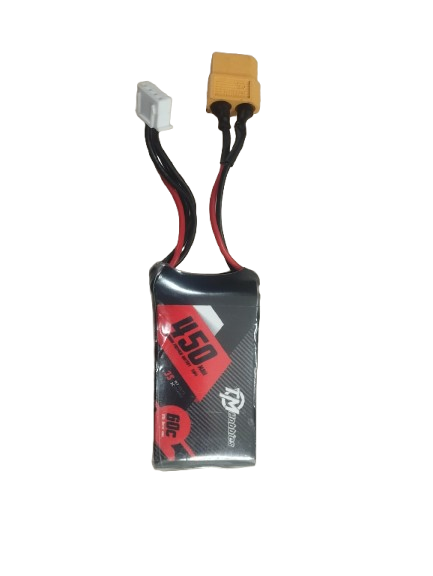
The Battery 8.8V NiCad is a rechargeable nickel-cadmium battery with a nominal voltage of 8.8 volts. Known for its durability and ability to deliver high discharge rates, this battery is widely used in portable electronic devices, power tools, and other applications requiring reliable and consistent power. Its robust design allows it to perform well under demanding conditions, making it a popular choice for both consumer and industrial use.
Common Applications
- Power tools (e.g., drills, saws, and screwdrivers)
- Portable electronic devices
- Emergency lighting systems
- Remote-controlled vehicles
- Backup power supplies
Technical Specifications
Below are the key technical details and pin configuration for the Battery 8.8V NiCad:
Key Technical Details
Pin Configuration and Descriptions
The Battery 8.8V NiCad typically has two terminals: Positive (+) and Negative (-). These terminals are used for both charging and discharging.
Usage Instructions
How to Use the Battery in a Circuit
Connecting the Battery:
- Identify the positive (+) and negative (-) terminals of the battery.
- Connect the positive terminal to the positive rail of your circuit and the negative terminal to the ground (GND) rail.
- Ensure proper polarity to avoid damage to the battery or circuit components.
Charging the Battery:
- Use a NiCad-compatible charger with a charging voltage of 10.0–10.8V.
- Set the charging current to 0.1C (slow charge) or up to 1C (fast charge), depending on your application.
- Monitor the battery temperature during charging to prevent overheating.
Discharging the Battery:
- Ensure the load does not exceed the maximum discharge rate of 10C.
- Avoid deep discharges below 1.0V per cell to prolong battery life.
Important Considerations and Best Practices
- Avoid Overcharging: Overcharging can lead to overheating and reduced battery life. Use a charger with automatic cutoff or timer functionality.
- Prevent Deep Discharge: Discharging the battery below its safe voltage level can cause irreversible damage.
- Storage: Store the battery in a cool, dry place at a 40–60% charge level to minimize self-discharge and capacity loss.
- Recycling: NiCad batteries contain cadmium, a toxic heavy metal. Dispose of or recycle the battery according to local regulations.
Example: Using the Battery with an Arduino UNO
The Battery 8.8V NiCad can be used to power an Arduino UNO. Below is an example of connecting the battery to the Arduino:
- Connect the positive terminal of the battery to the VIN pin on the Arduino UNO.
- Connect the negative terminal of the battery to the GND pin on the Arduino UNO.
Sample Code for Monitoring Battery Voltage
You can use the Arduino UNO to monitor the battery voltage using an analog input pin. Here's an example:
// Define the analog pin connected to the voltage divider
const int voltagePin = A0;

// Define the reference voltage and voltage divider ratio
const float referenceVoltage = 5.0; // Arduino's reference voltage
const float voltageDividerRatio = 2.0; // Adjust based on your resistor values

void setup() {
  Serial.begin(9600); // Initialize serial communication
}

void loop() {
  int sensorValue = analogRead(voltagePin); // Read the analog input
  float batteryVoltage = (sensorValue / 1023.0) * referenceVoltage * voltageDividerRatio;

  // Print the battery voltage to the Serial Monitor
  Serial.print("Battery Voltage: ");
  Serial.print(batteryVoltage);
  Serial.println(" V");

  delay(1000); // Wait for 1 second before the next reading
}
Note: Use a voltage divider circuit to step down the battery voltage to a safe level for the Arduino's analog input (0–5V).
Troubleshooting and FAQs
Common Issues and Solutions
Battery Not Charging:
- Cause: Charger not compatible or faulty.
- Solution: Use a NiCad-compatible charger and check the connections.
Battery Overheating During Use:
- Cause: Excessive discharge rate or faulty load.
- Solution: Ensure the load does not exceed the maximum discharge rate (10C).
Short Battery Life:
- Cause: Frequent deep discharges or overcharging.
- Solution: Avoid deep discharges and use a charger with automatic cutoff.
Battery Self-Discharges Quickly:
- Cause: High self-discharge rate of NiCad batteries.
- Solution: Store the battery in a cool, dry place and recharge before use.
FAQs
Q1: Can I use this battery with devices designed for Li-ion batteries?
A1: No, NiCad and Li-ion batteries have different voltage ranges and charging requirements. Always use the battery type specified by the device manufacturer.
Q2: How do I know when the battery is fully charged?
A2: Most NiCad chargers have an indicator light or automatic cutoff feature. Alternatively, monitor the charging voltage (10.0–10.8V) and stop charging when it reaches the upper limit.
Q3: Can I connect multiple 8.8V NiCad batteries in series or parallel?
A3: Yes, you can connect batteries in series to increase voltage or in parallel to increase capacity. Ensure all batteries are of the same type and charge level before connecting.
Q4: How do I dispose of a NiCad battery?
A4: NiCad batteries must be recycled due to their cadmium content. Check with local recycling centers or battery disposal programs for proper handling.

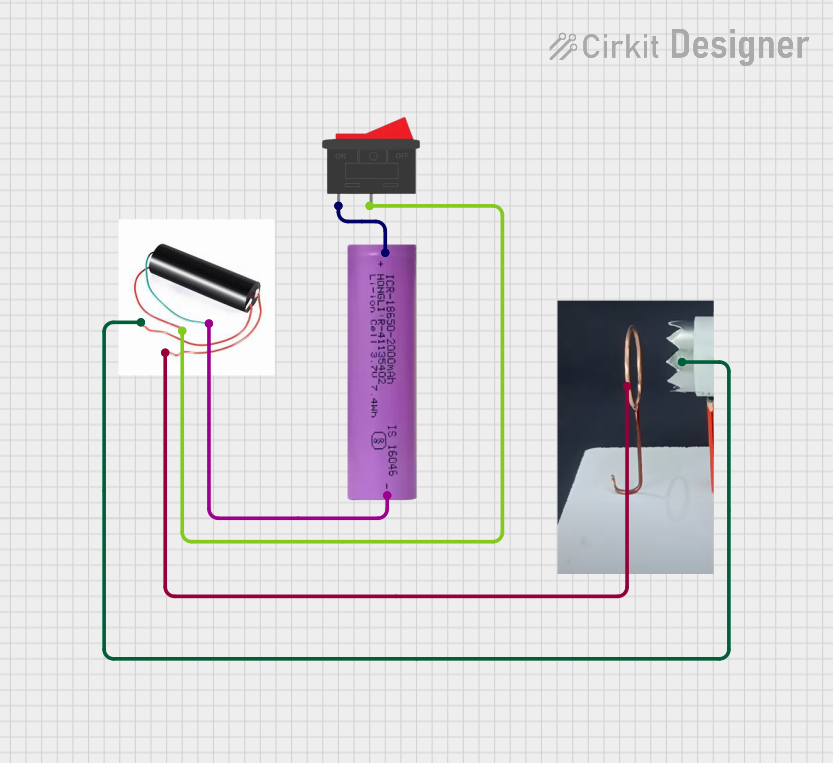
 Open Project in Cirkit Designer