
How to Use Digital Panel Meter, Voltage, DMS-20PC: Examples, Pinouts, and Specs
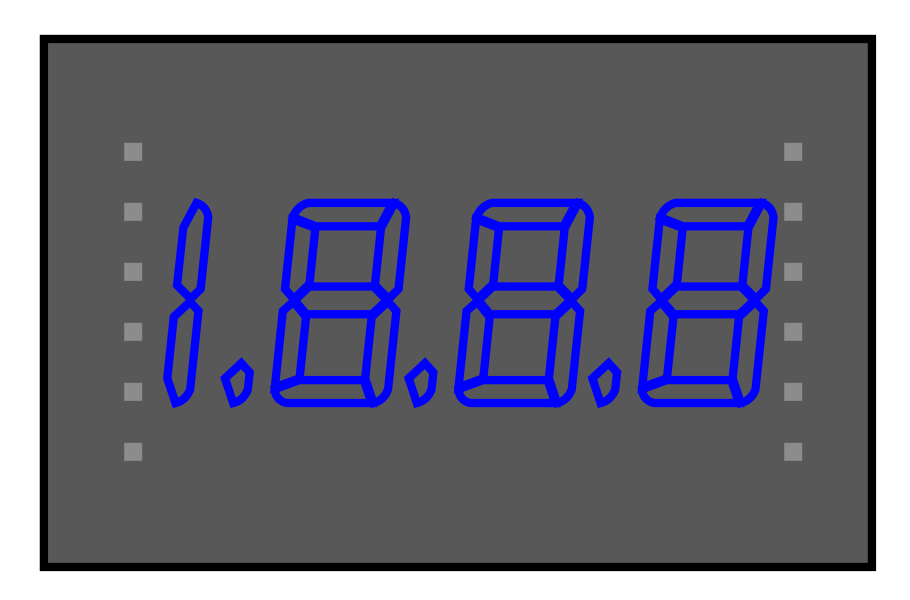
 Design with Digital Panel Meter, Voltage, DMS-20PC in Cirkit Designer
Introduction
The DMS-20PC Series is a family of self-contained, digital panel meters manufactured by Murata Power Solutions. These compact, easy-to-use meters are designed to measure and display DC or AC voltages with high accuracy. Featuring a bright LED display, the DMS-20PC series is ideal for applications requiring clear and reliable voltage monitoring.
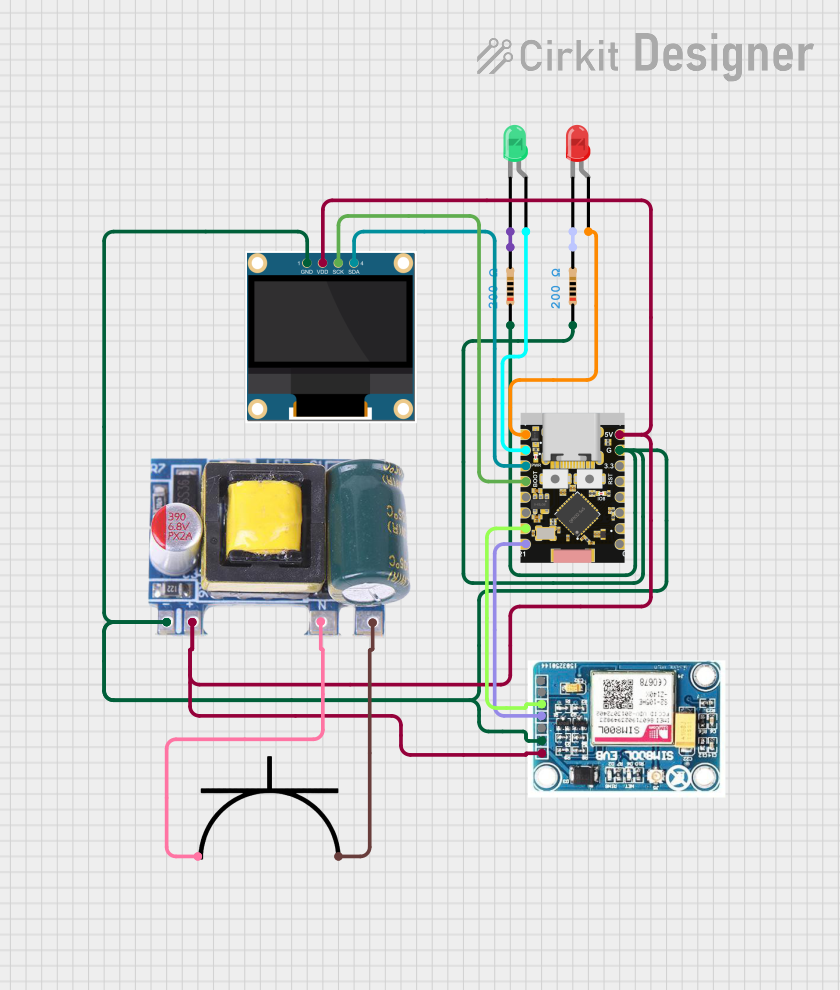
Explore Projects Built with Digital Panel Meter, Voltage, DMS-20PC
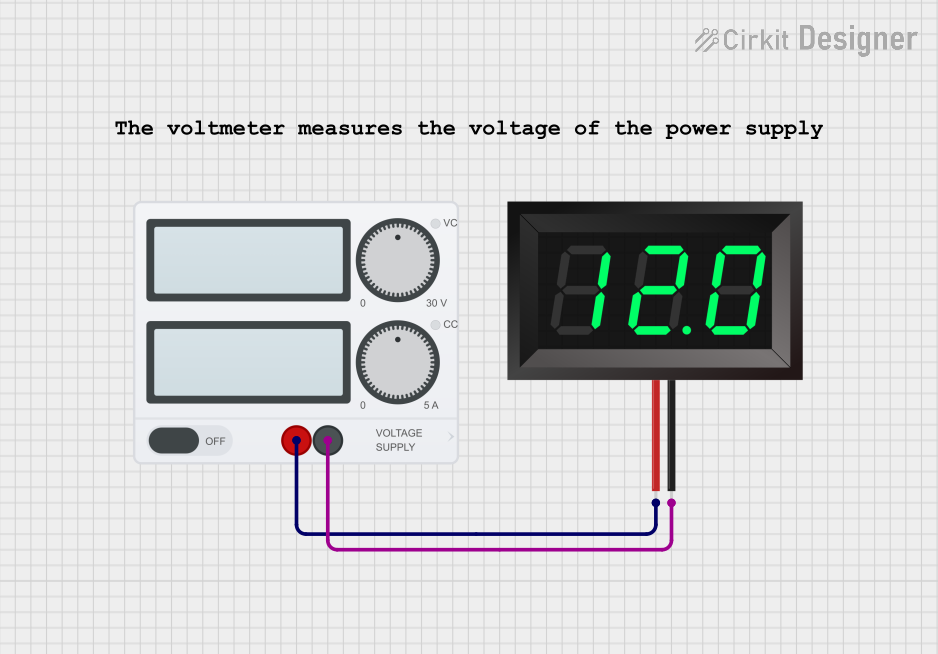 Open Project in Cirkit Designer
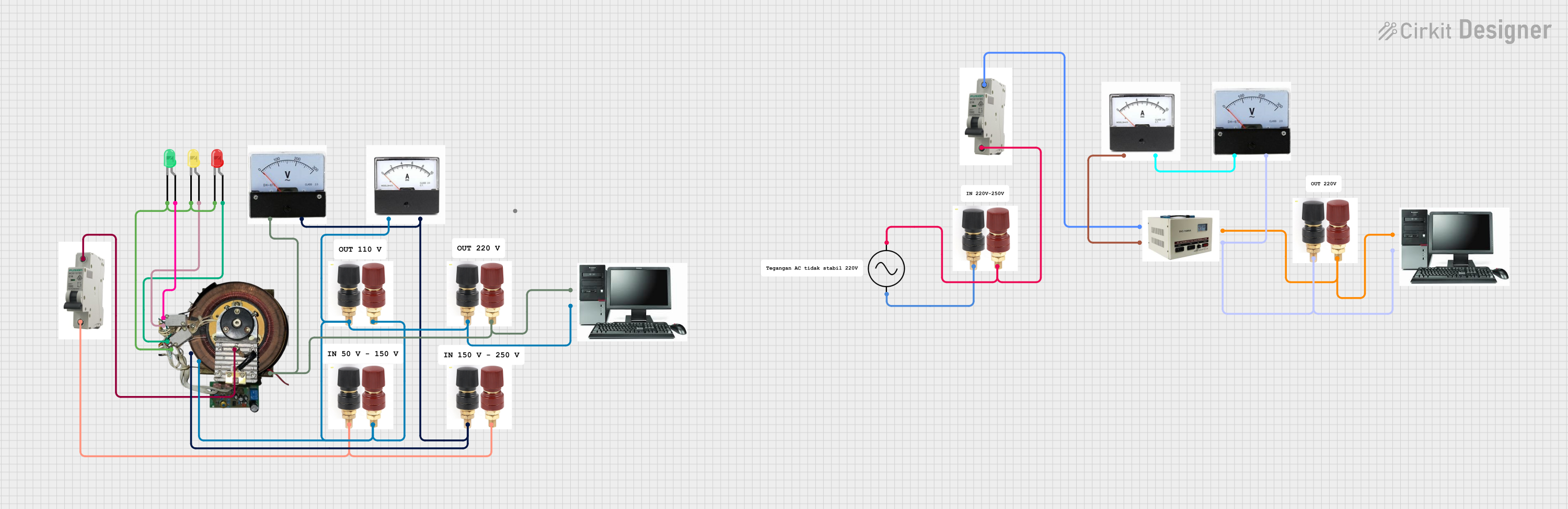 Open Project in Cirkit Designer
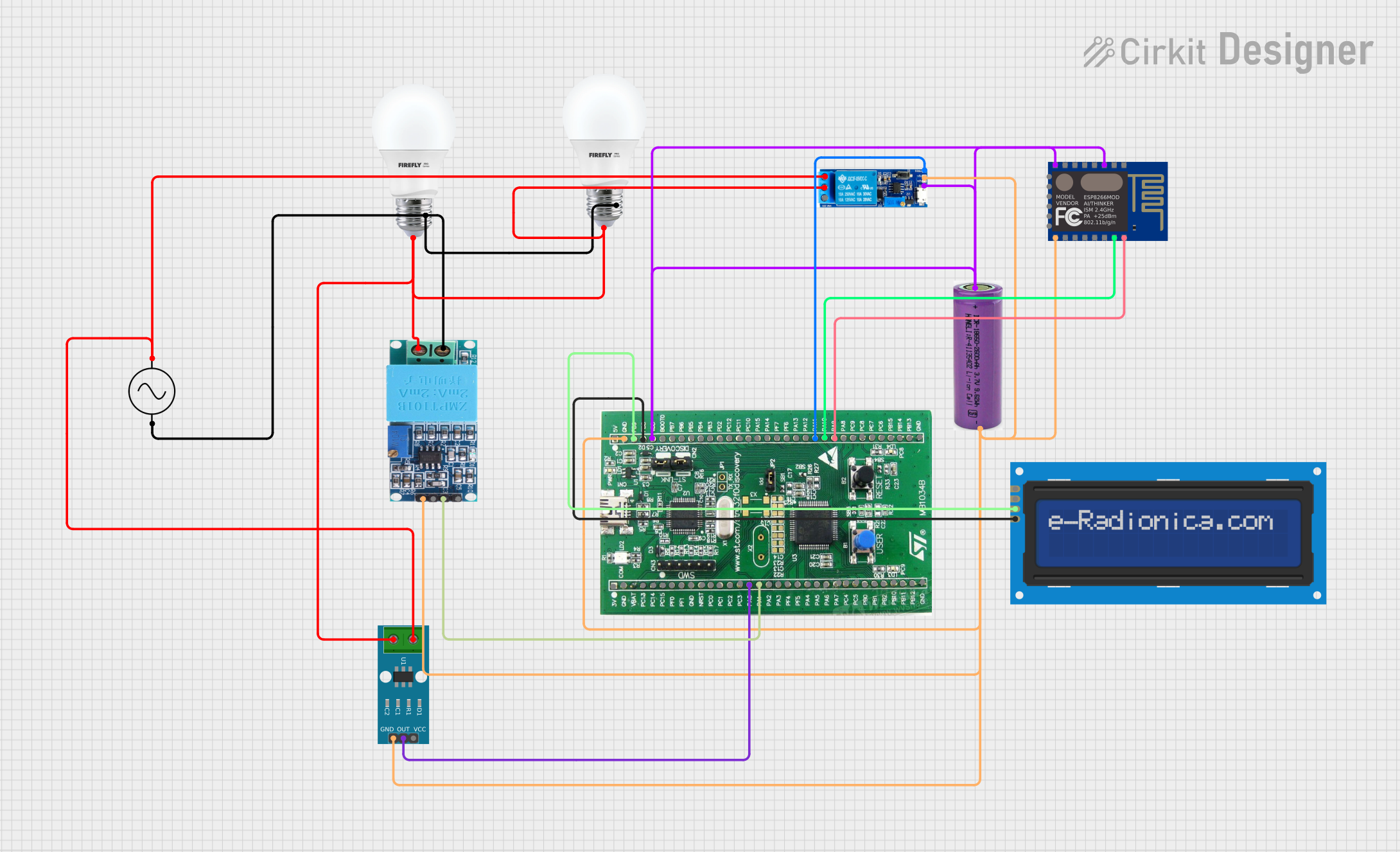 Open Project in Cirkit Designer
 Open Project in Cirkit Designer
Explore Projects Built with Digital Panel Meter, Voltage, DMS-20PC
Open Project in Cirkit DesignerOpen Project in Cirkit DesignerOpen Project in Cirkit DesignerOpen Project in Cirkit DesignerCommon Applications
- Power supply voltage monitoring
- Battery voltage measurement
- Industrial equipment and control panels
- Laboratory instrumentation
- Renewable energy systems (e.g., solar or wind power)
Technical Specifications
Key Technical Details
| Parameter | Value |
|---|---|
| Manufacturer | Murata Power Solutions |
| Series | DMS-20PC |
| Input Voltage Range | 0 to 200V DC (model-dependent) |
| Display Type | 3-digit LED (red, green, or blue options) |
| Display Height | 0.37 inches (9.4 mm) |
| Accuracy | ±0.1% of full scale |
| Operating Temperature Range | -25°C to +60°C |
| Power Supply Voltage | 5V DC or 24V DC (model-dependent) |
| Power Consumption | Typically 15mA |
| Dimensions | 1.38" x 0.88" x 1.0" (35mm x 22mm x 25mm) |
| Mounting Style | Panel mount |
Pin Configuration and Descriptions
The DMS-20PC series typically has a 3-pin or 4-pin configuration, depending on the model. Below is the pinout for a standard 3-pin DC voltage model:
| Pin Number | Name | Description |
|---|---|---|
| 1 | +V Input | Positive voltage input to be measured |
| 2 | -V Input | Negative voltage input (ground reference) |
| 3 | Power Supply | Positive power supply input (e.g., +5V DC) |
For AC voltage models, additional pins may be present for neutral and live connections.
Usage Instructions
How to Use the Component in a Circuit
Power Supply Connection:
- Connect the power supply to the designated power input pin (e.g., Pin 3 for +5V DC).
- Ensure the power supply voltage matches the meter's requirements (e.g., 5V or 24V DC).
Voltage Measurement:
- For DC voltage models, connect the positive voltage to be measured to the
+V Inputpin (Pin 1) and the ground reference to the-V Inputpin (Pin 2). - For AC voltage models, connect the live and neutral wires to the appropriate input pins.
- For DC voltage models, connect the positive voltage to be measured to the
Mounting:
- Secure the DMS-20PC meter into a panel cutout using the provided mounting hardware.
- Ensure the display is visible and accessible for easy reading.
Power On:
- Once all connections are secure, power on the meter. The LED display will show the measured voltage in real-time.
Important Considerations and Best Practices
- Input Voltage Range: Ensure the input voltage does not exceed the specified range for the model in use. Overvoltage can damage the meter.
- Polarity: For DC models, observe correct polarity when connecting the voltage input and power supply.
- Isolation: If measuring high voltages, use appropriate isolation techniques to protect the meter and the user.
- Environmental Conditions: Operate the meter within the specified temperature range (-25°C to +60°C) to ensure accuracy and longevity.
Arduino UNO Example Code
The DMS-20PC is a standalone device and does not require a microcontroller for operation. However, it can be used alongside an Arduino UNO for additional functionality, such as logging or triggering actions based on voltage levels. Below is an example of how to read a voltage using an Arduino and display it on the serial monitor:
// Example code to read voltage using Arduino UNO and display it on Serial Monitor
// Assumes the DMS-20PC is used for visual monitoring, while Arduino reads voltage

const int analogPin = A0;  // Analog pin connected to the voltage divider
const float referenceVoltage = 5.0;  // Arduino reference voltage (5V)
const float voltageDividerRatio = 10.0;  // Adjust based on your resistor values

void setup() {
  Serial.begin(9600);  // Initialize serial communication at 9600 baud
}

void loop() {
  int sensorValue = analogRead(analogPin);  // Read the analog input
  float voltage = (sensorValue / 1023.0) * referenceVoltage * voltageDividerRatio;

  // Print the measured voltage to the Serial Monitor
  Serial.print("Measured Voltage: ");
  Serial.print(voltage);
  Serial.println(" V");

  delay(1000);  // Wait for 1 second before the next reading
}
Note: Use a voltage divider circuit to scale down the input voltage if it exceeds the Arduino's input range (0-5V).
Troubleshooting and FAQs
Common Issues and Solutions
No Display on Power-Up:
- Cause: Incorrect power supply connection or insufficient voltage.
- Solution: Verify the power supply voltage and polarity. Ensure the connections are secure.
Inaccurate Voltage Readings:
- Cause: Input voltage exceeds the meter's range or poor connections.
- Solution: Check the input voltage and ensure it is within the specified range. Inspect all connections for stability.
Flickering Display:
- Cause: Unstable power supply or electrical noise.
- Solution: Use a regulated power supply and add decoupling capacitors if necessary.
Overload Indication:
- Cause: Input voltage exceeds the maximum measurable range.
- Solution: Reduce the input voltage to within the meter's range.
FAQs
Q1: Can the DMS-20PC measure AC and DC voltages?
A1: Yes, but specific models are designed for either AC or DC voltage measurement. Ensure you select the correct model for your application.
Q2: What happens if I reverse the polarity on a DC model?
A2: Reversing polarity may damage the meter. Always double-check connections before powering on.
Q3: Can I use the DMS-20PC outdoors?
A3: The DMS-20PC is not weatherproof. Use it in a controlled indoor environment or within a protective enclosure.
Q4: How do I clean the display?
A4: Use a soft, dry cloth to clean the display. Avoid using solvents or abrasive materials.
By following this documentation, users can effectively integrate the DMS-20PC digital panel meter into their projects and troubleshoot common issues with ease.