
How to Use Mini AC-DC 110V-230V to 5V 2000mA Module: Examples, Pinouts, and Specs
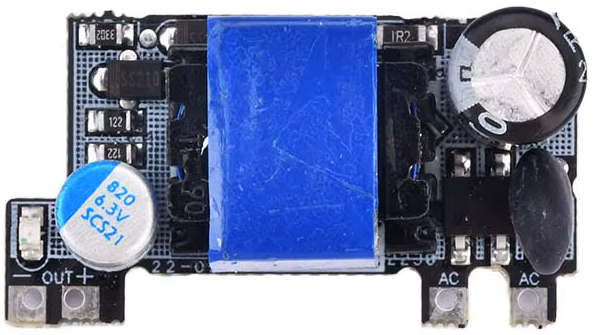
 Design with Mini AC-DC 110V-230V to 5V 2000mA Module in Cirkit Designer
Introduction
The Mini AC-DC 110V-230V to 5V 2000mA Module is a compact and efficient power supply module designed to convert high AC voltage (110V-230V) into a stable 5V DC output. With a maximum current output of 2000mA, this module is ideal for powering low-voltage electronic devices, microcontrollers, IoT devices, and other small circuits. Its small size and high efficiency make it a popular choice for embedded systems and DIY electronics projects.
Explore Projects Built with Mini AC-DC 110V-230V to 5V 2000mA Module
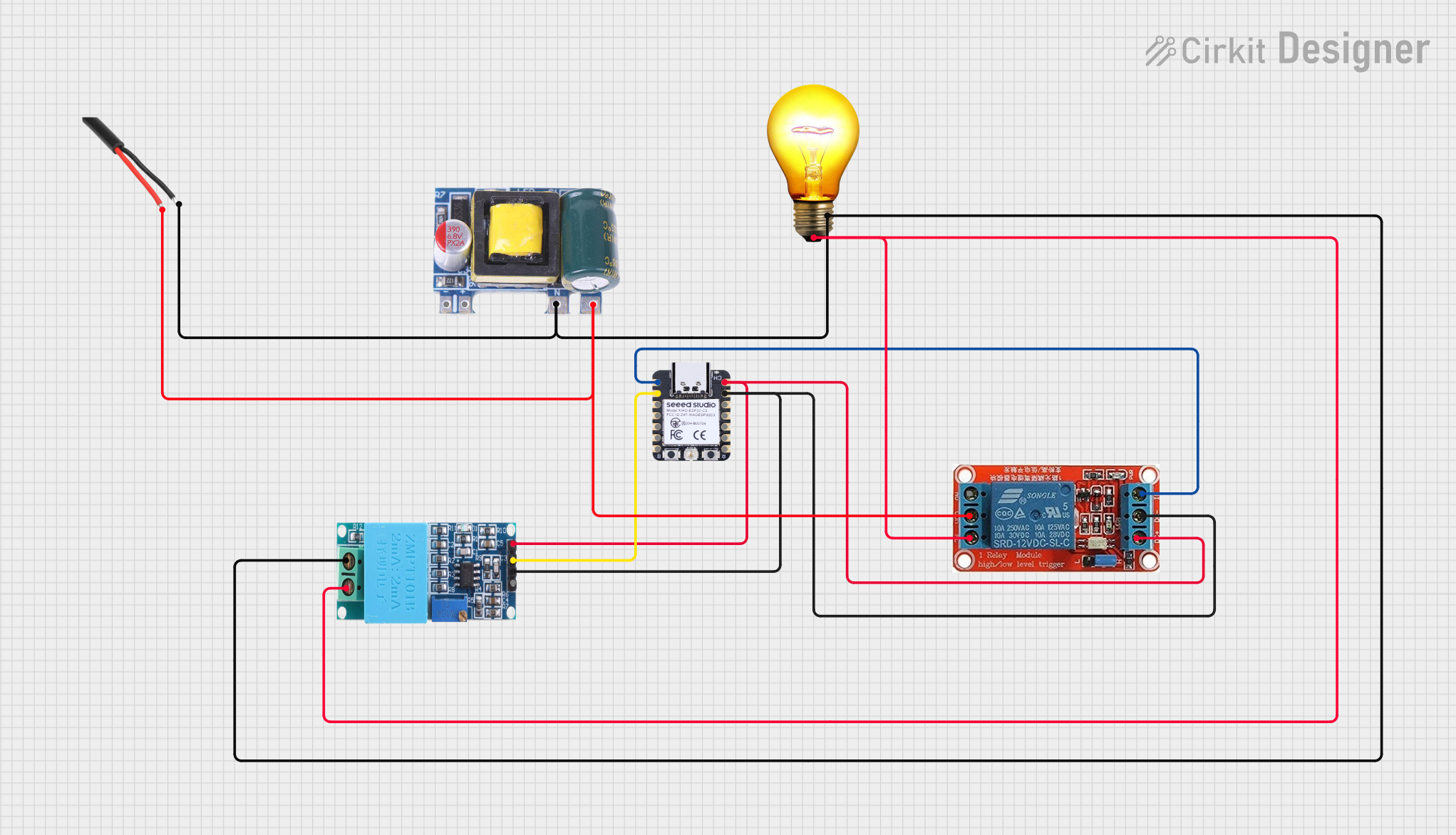 Open Project in Cirkit Designer
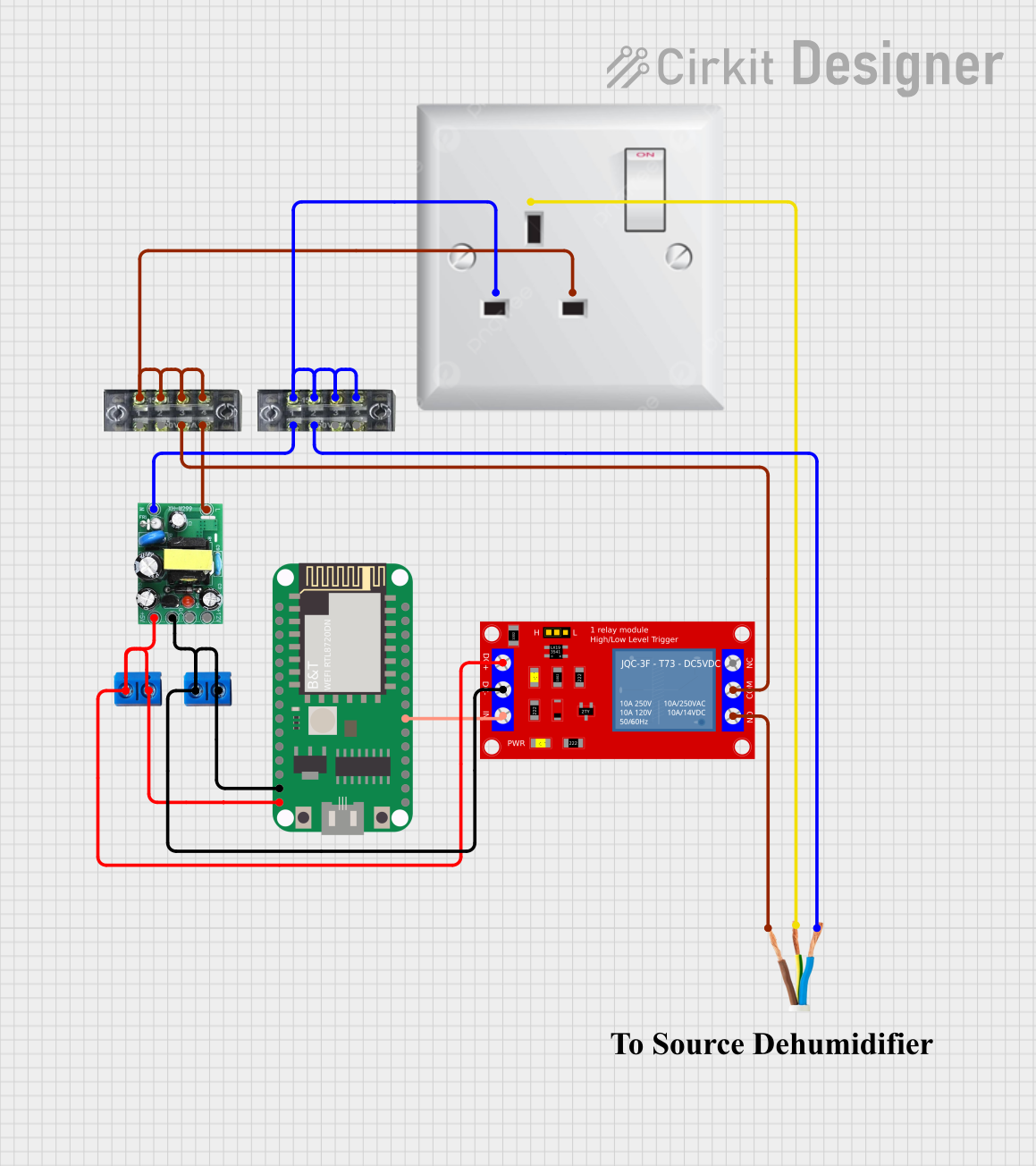 Open Project in Cirkit Designer
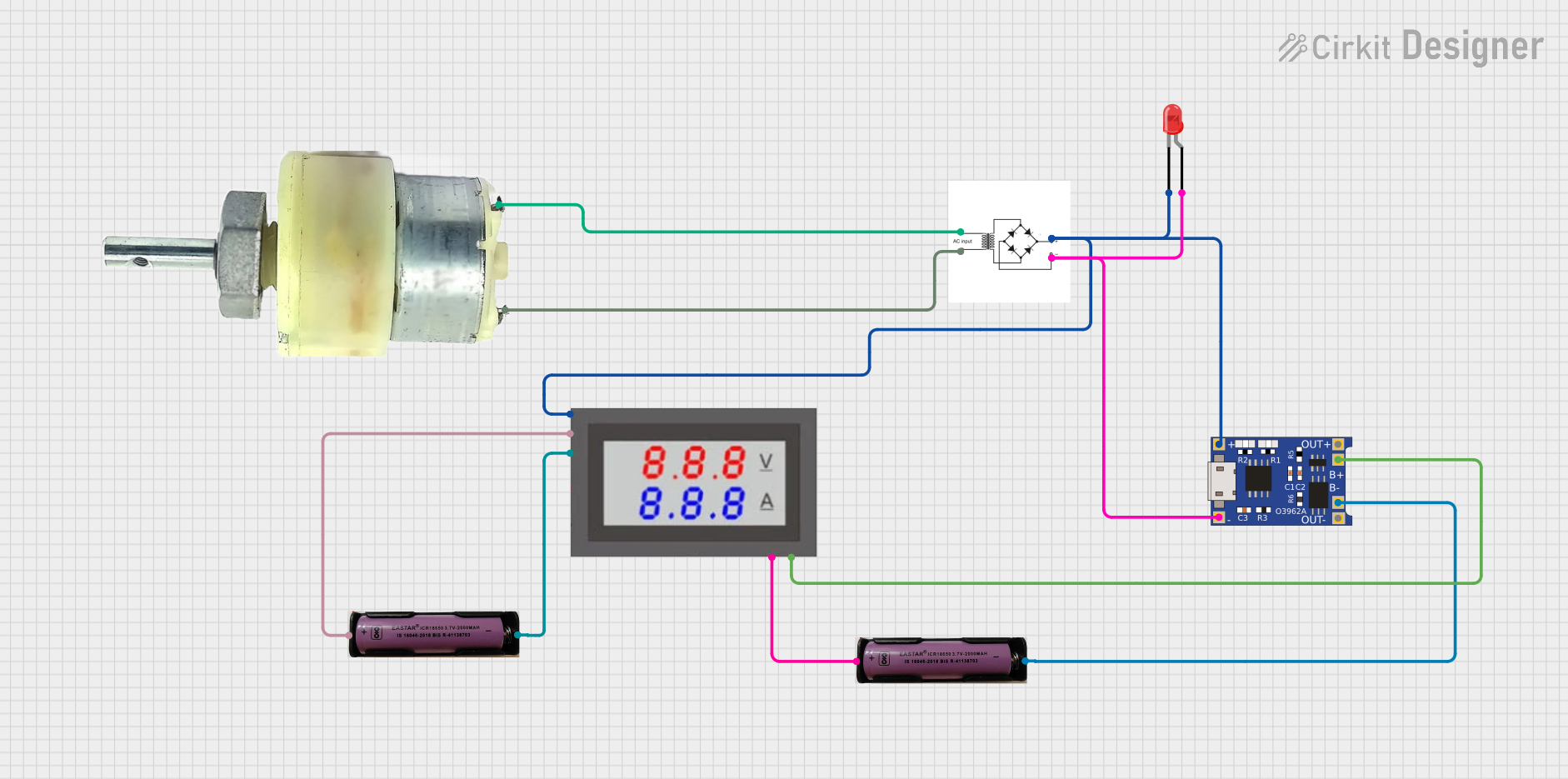 Open Project in Cirkit Designer
 Open Project in Cirkit Designer
Explore Projects Built with Mini AC-DC 110V-230V to 5V 2000mA Module
Open Project in Cirkit DesignerOpen Project in Cirkit DesignerOpen Project in Cirkit DesignerOpen Project in Cirkit DesignerCommon Applications and Use Cases
- Powering microcontrollers such as Arduino, ESP8266, or Raspberry Pi Pico.
- Supplying power to IoT devices and sensors.
- Replacing bulky power adapters in compact electronic designs.
- Providing a stable 5V DC output for LED strips, relays, or small motors.
- Used in home automation systems and smart devices.
Technical Specifications
Key Technical Details
| Parameter | Value |
|---|---|
| Input Voltage Range | 110V AC to 230V AC |
| Output Voltage | 5V DC |
| Maximum Output Current | 2000mA (2A) |
| Power Output | 10W |
| Efficiency | ≥ 80% |
| Operating Temperature | -25°C to +70°C |
| Dimensions | Compact (varies by model) |
| Isolation Voltage | 3000V AC |
| Protection Features | Overload, short circuit, and over-temperature protection |
Pin Configuration and Descriptions
| Pin Name | Description |
|---|---|
| AC IN (L) | Live wire input for AC voltage (110V-230V). |
| AC IN (N) | Neutral wire input for AC voltage (110V-230V). |
| DC OUT (+) | Positive terminal for 5V DC output. |
| DC OUT (-) | Negative terminal (ground) for 5V DC output. |
Usage Instructions
How to Use the Module in a Circuit
- Safety First: Ensure the module is disconnected from any power source before wiring. Handle the module carefully, as it deals with high AC voltages.
- Connect the AC Input:
- Connect the
AC IN (L)pin to the live wire of the AC power source. - Connect the
AC IN (N)pin to the neutral wire of the AC power source. - Use proper insulation and secure connections to avoid electrical hazards.
- Connect the
- Connect the DC Output:
- Connect the
DC OUT (+)pin to the positive terminal of your load or circuit. - Connect the
DC OUT (-)pin to the ground terminal of your load or circuit.
- Connect the
- Power On: Once all connections are secure, supply AC power to the module. The module will convert the AC input to a stable 5V DC output.
Important Considerations and Best Practices
- Isolation: Ensure proper isolation between the AC and DC sides to prevent electrical shocks.
- Heat Dissipation: If the module is used near its maximum current rating (2A), ensure adequate ventilation or heat dissipation to prevent overheating.
- Load Compatibility: Verify that the connected load does not exceed the module's maximum output current (2000mA).
- Testing: Use a multimeter to confirm the output voltage (5V DC) before connecting sensitive devices.
- Mounting: Secure the module in a non-conductive enclosure to protect it from dust, moisture, and accidental contact.
Example: Using the Module with an Arduino UNO
The Mini AC-DC module can be used to power an Arduino UNO directly via its 5V pin. Below is an example of how to connect the module and a simple Arduino sketch to blink an LED.
Wiring Diagram
- Connect the
DC OUT (+)pin of the module to the 5V pin of the Arduino UNO. - Connect the
DC OUT (-)pin of the module to the GND pin of the Arduino UNO. - Connect an LED to pin 13 of the Arduino UNO with a 220-ohm resistor in series.
Arduino Code
// Simple LED Blink Example
// This code blinks an LED connected to pin 13 of the Arduino UNO.

void setup() {
  pinMode(13, OUTPUT); // Set pin 13 as an output pin
}

void loop() {
  digitalWrite(13, HIGH); // Turn the LED on
  delay(1000);            // Wait for 1 second
  digitalWrite(13, LOW);  // Turn the LED off
  delay(1000);            // Wait for 1 second
}
Troubleshooting and FAQs
Common Issues and Solutions
| Issue | Possible Cause | Solution |
|---|---|---|
| No output voltage | Incorrect wiring of AC input | Double-check the AC IN (L) and AC IN (N) connections. |
| Output voltage is unstable | Overloading the module | Ensure the connected load does not exceed 2000mA. |
| Module overheating | Insufficient ventilation or high load | Reduce the load or improve heat dissipation. |
| Arduino or device not powering on | Loose connections or faulty wiring | Verify all connections and ensure proper contact. |
FAQs
Can this module power a Raspberry Pi?
- No, the Raspberry Pi typically requires more than 2A of current, especially with peripherals connected. Use a higher-rated power supply for Raspberry Pi devices.
Is the module safe to use in open circuits?
- No, the module should be enclosed in a non-conductive case to prevent accidental contact with high-voltage components.
Can I use this module outdoors?
- The module is not weatherproof. Use it only in dry, indoor environments or within a weatherproof enclosure.
What happens if the input voltage exceeds 230V AC?
- The module may fail or become damaged. Ensure the input voltage stays within the specified range (110V-230V AC).
By following these guidelines and precautions, you can safely and effectively use the Mini AC-DC 110V-230V to 5V 2000mA Module in your projects.