
How to Use SHIELD-MDD10 10Amp 7V-30V DC Motor Driver: Examples, Pinouts, and Specs
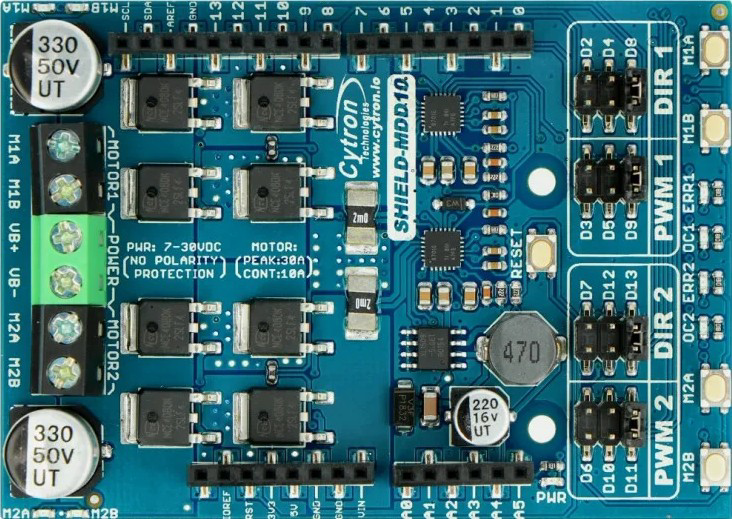
 Design with SHIELD-MDD10 10Amp 7V-30V DC Motor Driver in Cirkit Designer
Introduction
The SHIELD-MDD10 by Cytron Technologies is a high-performance motor driver shield designed to control DC motors with a current rating of up to 10 Amps and a voltage range of 7V to 30V. This shield is compatible with Arduino and other microcontroller platforms, making it an excellent choice for robotics, automation, and other motor control applications. It supports both speed and direction control, enabling precise motor operation.
Explore Projects Built with SHIELD-MDD10 10Amp 7V-30V DC Motor Driver
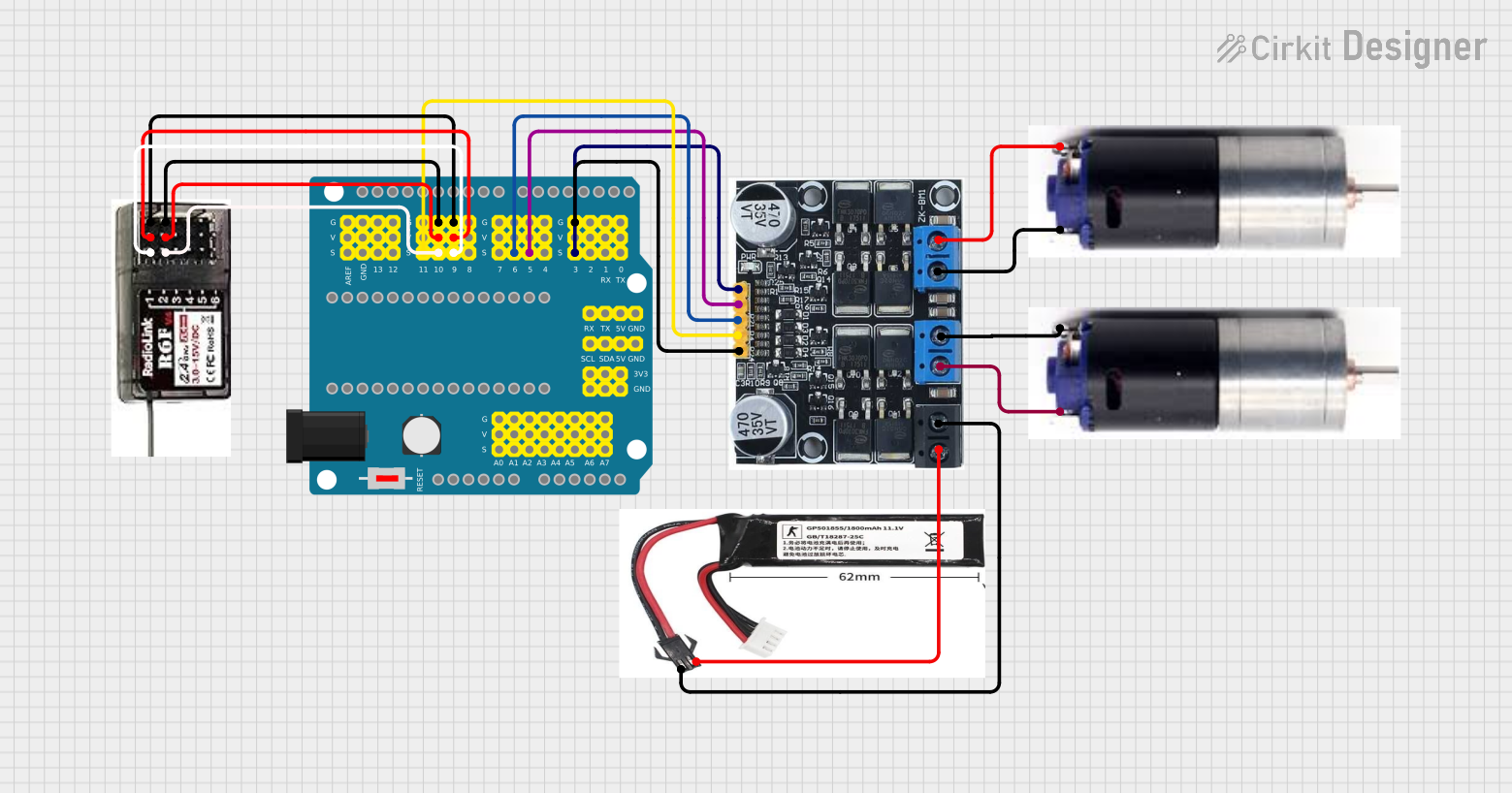 Open Project in Cirkit Designer
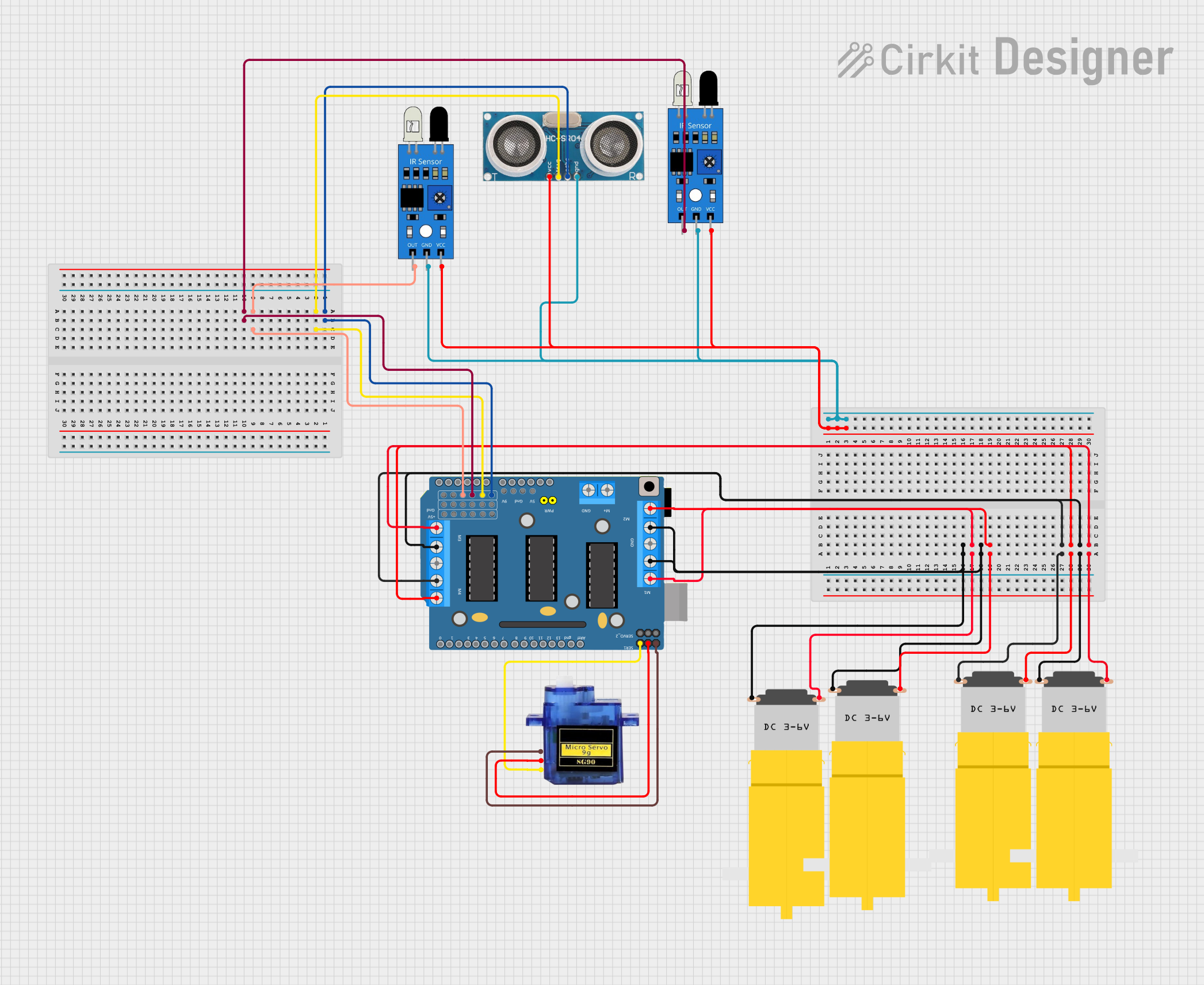 Open Project in Cirkit Designer
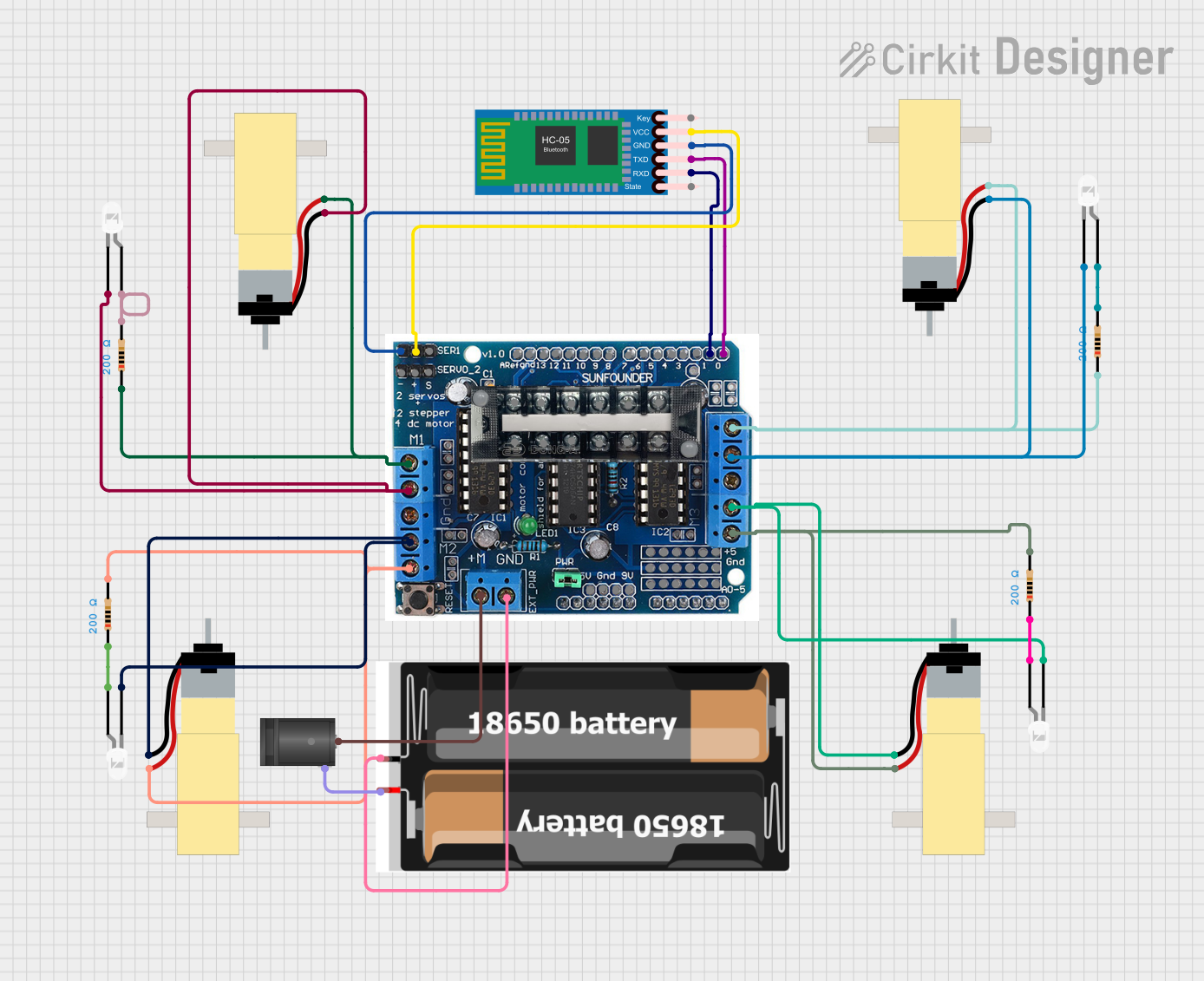 Open Project in Cirkit Designer
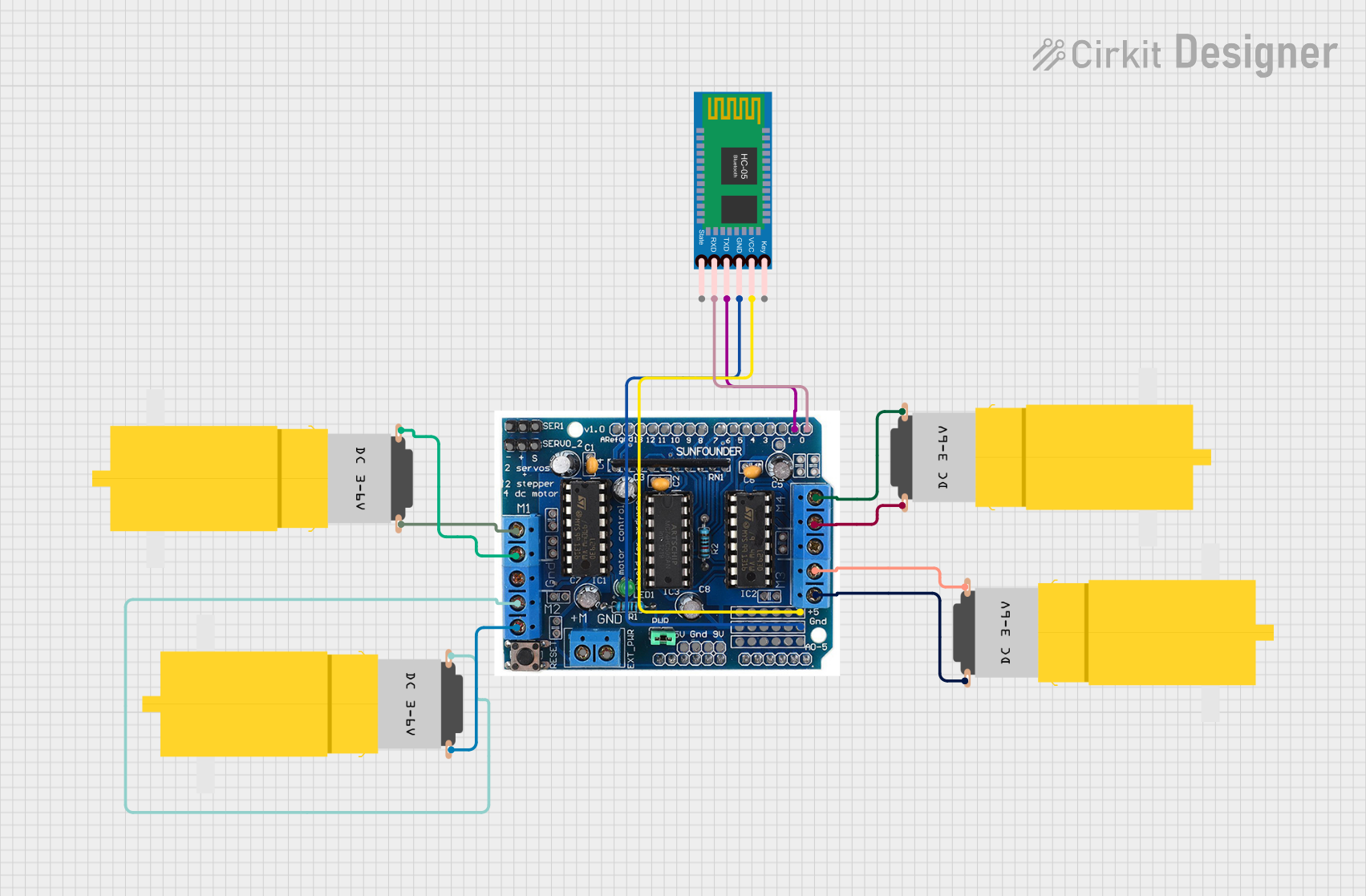 Open Project in Cirkit Designer
Explore Projects Built with SHIELD-MDD10 10Amp 7V-30V DC Motor Driver
Open Project in Cirkit DesignerOpen Project in Cirkit DesignerOpen Project in Cirkit DesignerOpen Project in Cirkit DesignerCommon Applications
- Robotics and automation systems
- Electric vehicles and carts
- Conveyor belts and industrial machinery
- DIY motorized projects
- Remote-controlled vehicles
Technical Specifications
The SHIELD-MDD10 is designed to provide robust and efficient motor control. Below are its key technical details:
General Specifications
| Parameter | Value |
|---|---|
| Manufacturer | Cytron Technologies |
| Part ID | SHIELD-MDD10 |
| Motor Voltage Range | 7V to 30V |
| Continuous Current | 10A per channel |
| Peak Current | 30A per channel (for 10 seconds) |
| Control Interface | PWM and DIR pins |
| Logic Voltage | 3.3V or 5V (Arduino compatible) |
| Dimensions | 68mm x 62mm x 18mm |
| Weight | 50g |
Pin Configuration
The SHIELD-MDD10 has a straightforward pin layout for easy integration with microcontrollers. Below is the pin configuration:
| Pin Name | Description |
|---|---|
| VIN | Motor power supply input (7V to 30V) |
| GND | Ground connection |
| M1A, M1B | Motor 1 output terminals |
| M2A, M2B | Motor 2 output terminals |
| PWM1 | PWM input for Motor 1 (controls speed) |
| DIR1 | Direction control input for Motor 1 |
| PWM2 | PWM input for Motor 2 (controls speed) |
| DIR2 | Direction control input for Motor 2 |
| EN | Enable pin (active HIGH to enable the shield) |
| 5V | Logic voltage input (can be connected to Arduino 5V pin) |
Usage Instructions
The SHIELD-MDD10 is designed for ease of use, especially with Arduino boards. Follow the steps below to integrate and use the shield in your project:
Step 1: Hardware Setup
- Connect the Shield to Arduino: Mount the SHIELD-MDD10 directly onto the Arduino UNO or compatible board.
- Power the Shield: Connect a DC power supply (7V to 30V) to the VIN and GND terminals.
- Connect Motors: Attach the DC motors to the M1A/M1B and M2A/M2B terminals.
- Enable the Shield: Ensure the EN pin is set HIGH (can be connected to Arduino's 5V pin).
Step 2: Software Setup
To control the motors, use the PWM and DIR pins. Below is an example Arduino sketch to control two motors:
// Example code to control two DC motors using SHIELD-MDD10
// Ensure the shield is properly connected to the Arduino UNO

// Define motor control pins
#define PWM1 3  // PWM pin for Motor 1
#define DIR1 4  // Direction pin for Motor 1
#define PWM2 5  // PWM pin for Motor 2
#define DIR2 6  // Direction pin for Motor 2

void setup() {
  // Set motor control pins as outputs
  pinMode(PWM1, OUTPUT);
  pinMode(DIR1, OUTPUT);
  pinMode(PWM2, OUTPUT);
  pinMode(DIR2, OUTPUT);
}

void loop() {
  // Example: Rotate Motor 1 forward at 50% speed
  digitalWrite(DIR1, HIGH);  // Set direction forward
  analogWrite(PWM1, 128);   // Set speed (128 = 50% duty cycle)

  // Example: Rotate Motor 2 backward at 75% speed
  digitalWrite(DIR2, LOW);  // Set direction backward
  analogWrite(PWM2, 192);  // Set speed (192 = 75% duty cycle)

  delay(5000);  // Run motors for 5 seconds

  // Stop both motors
  analogWrite(PWM1, 0);
  analogWrite(PWM2, 0);

  delay(2000);  // Wait for 2 seconds before repeating
}
Important Considerations
- Ensure the motor voltage and current ratings are within the shield's specifications.
- Use a power supply capable of providing sufficient current for the motors.
- Avoid reversing motor connections while the shield is powered to prevent damage.
- Use proper heat dissipation methods if operating at high currents for extended periods.
Troubleshooting and FAQs
Common Issues and Solutions
Motors not running:
- Verify that the EN pin is set HIGH.
- Check the power supply voltage and connections.
- Ensure the PWM and DIR pins are correctly configured in the code.
Motor speed is inconsistent:
- Ensure the PWM signal is stable and within the correct frequency range.
- Check for loose motor connections.
Shield overheating:
- Ensure the current draw does not exceed 10A per channel continuously.
- Use a cooling fan or heatsink if operating at high currents.
Arduino not responding:
- Ensure the shield is properly seated on the Arduino.
- Check for short circuits or incorrect wiring.
FAQs
Q: Can I use the SHIELD-MDD10 with a 3.3V logic microcontroller?
A: Yes, the shield is compatible with both 3.3V and 5V logic levels.
Q: What type of motors can I control with this shield?
A: The SHIELD-MDD10 is designed for brushed DC motors with a voltage range of 7V to 30V.
Q: Can I control the speed and direction of two motors independently?
A: Yes, the shield provides independent PWM and DIR pins for each motor.
Q: Is it possible to use this shield with a Raspberry Pi?
A: Yes, but you will need to connect the control pins manually and ensure proper logic level shifting if required.
By following this documentation, you can effectively integrate and use the SHIELD-MDD10 in your motor control projects.