
How to Use MEC-10 sensor: Examples, Pinouts, and Specs
 Design with MEC-10 sensor in Cirkit Designer
Introduction
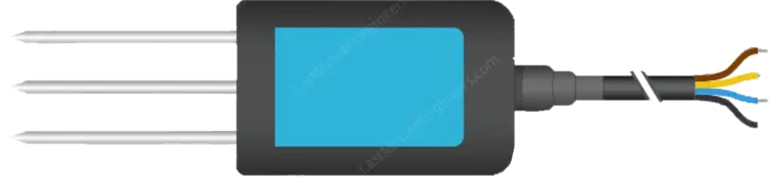
The MEC-10 sensor is a versatile environmental sensor designed to measure multiple parameters, including temperature, humidity, and air quality. Its compact design and high accuracy make it an ideal choice for a wide range of applications. The sensor is commonly used in smart home systems, industrial monitoring, and IoT (Internet of Things) devices to provide real-time data for optimizing environmental conditions and ensuring safety.
Explore Projects Built with MEC-10 sensor
 Open Project in Cirkit Designer
 Open Project in Cirkit Designer
 Open Project in Cirkit Designer
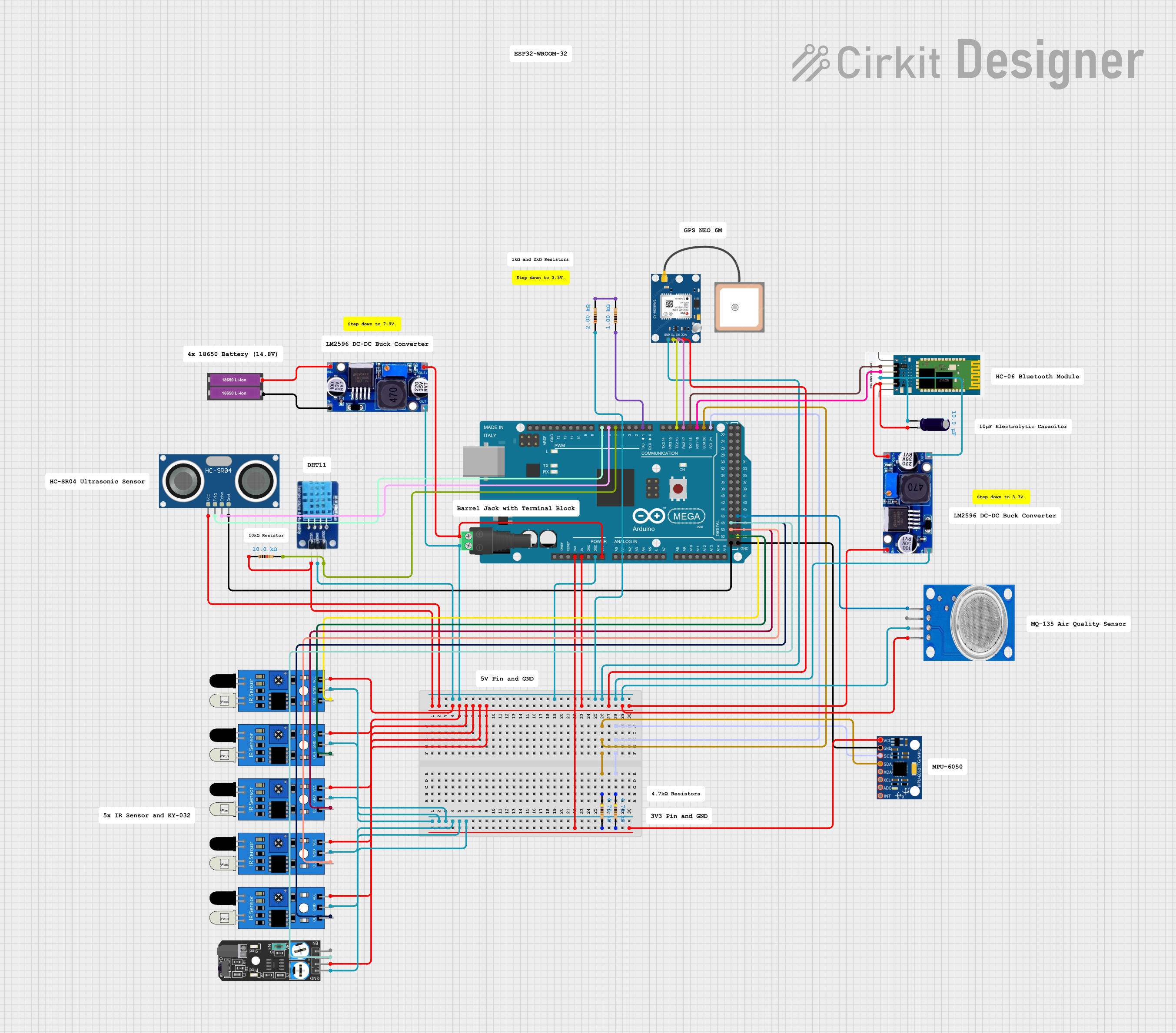 Open Project in Cirkit Designer
Explore Projects Built with MEC-10 sensor
Open Project in Cirkit DesignerOpen Project in Cirkit DesignerOpen Project in Cirkit DesignerOpen Project in Cirkit DesignerCommon Applications
- Smart thermostats and HVAC systems
- Air quality monitoring in homes and offices
- Industrial environmental monitoring
- IoT-based weather stations
- Agricultural monitoring systems
Technical Specifications
The MEC-10 sensor is designed to operate efficiently in various environments. Below are its key technical details:
General Specifications
| Parameter | Value |
|---|---|
| Operating Voltage | 3.3V to 5V |
| Operating Current | 10 mA (typical) |
| Temperature Range | -40°C to 85°C |
| Humidity Range | 0% to 100% RH (non-condensing) |
| Air Quality Detection | PM2.5, PM10, VOCs |
| Communication Protocol | I2C, UART |
| Dimensions | 25mm x 15mm x 5mm |
Pin Configuration
The MEC-10 sensor has a 6-pin interface for easy integration into circuits. Below is the pinout description:
| Pin Number | Pin Name | Description |
|---|---|---|
| 1 | VCC | Power supply input (3.3V to 5V) |
| 2 | GND | Ground |
| 3 | SDA | I2C data line |
| 4 | SCL | I2C clock line |
| 5 | TX | UART transmit line (optional) |
| 6 | RX | UART receive line (optional) |
Usage Instructions
The MEC-10 sensor is straightforward to use in a circuit. It supports both I2C and UART communication protocols, making it compatible with a wide range of microcontrollers, including the Arduino UNO.
Steps to Use the MEC-10 Sensor
- Power the Sensor: Connect the VCC pin to a 3.3V or 5V power source and the GND pin to ground.
- Choose Communication Protocol:
- For I2C: Connect the SDA and SCL pins to the corresponding I2C pins on your microcontroller.
- For UART: Connect the TX and RX pins to the UART pins on your microcontroller.
- Install Required Libraries: If using an Arduino, install any necessary libraries for I2C or UART communication.
- Write Code: Use the provided code example below to read data from the sensor.
- Monitor Data: Use a serial monitor or data logger to view the sensor readings.
Example Code for Arduino UNO (I2C Communication)
#include <Wire.h> // Include the Wire library for I2C communication

#define MEC10_I2C_ADDRESS 0x40 // Replace with the actual I2C address of the sensor

void setup() {
  Serial.begin(9600); // Initialize serial communication at 9600 baud
  Wire.begin();       // Initialize I2C communication
  Serial.println("MEC-10 Sensor Initialization...");
}

void loop() {
  Wire.beginTransmission(MEC10_I2C_ADDRESS); // Start communication with the sensor
  Wire.write(0x00); // Send a command to request data (replace with actual command)
  Wire.endTransmission();

  delay(100); // Wait for the sensor to process the request

  Wire.requestFrom(MEC10_I2C_ADDRESS, 6); // Request 6 bytes of data from the sensor
  if (Wire.available() == 6) {
    int temperature = Wire.read() << 8 | Wire.read(); // Read temperature data
    int humidity = Wire.read() << 8 | Wire.read();    // Read humidity data
    int airQuality = Wire.read() << 8 | Wire.read();  // Read air quality data

    // Print the sensor readings to the serial monitor
    Serial.print("Temperature: ");
    Serial.print(temperature / 100.0); // Convert to °C
    Serial.println(" °C");

    Serial.print("Humidity: ");
    Serial.print(humidity / 100.0); // Convert to %RH
    Serial.println(" %RH");

    Serial.print("Air Quality: ");
    Serial.println(airQuality); // Air quality index or raw value
  } else {
    Serial.println("Error: No data received from MEC-10 sensor.");
  }

  delay(1000); // Wait 1 second before the next reading
}
Important Considerations
- Ensure the sensor is not exposed to water or condensation, as it may damage the internal components.
- Use pull-up resistors (typically 4.7kΩ) on the SDA and SCL lines for I2C communication.
- Avoid placing the sensor near heat sources or strong electromagnetic fields, as they may affect accuracy.
- Calibrate the sensor if required, based on the application and environment.
Troubleshooting and FAQs
Common Issues and Solutions
No Data Received from the Sensor:
- Check the wiring and ensure all connections are secure.
- Verify the I2C address of the sensor and update the code if necessary.
- Ensure the microcontroller and sensor are using the same communication protocol.
Inaccurate Readings:
- Ensure the sensor is not exposed to extreme conditions outside its operating range.
- Allow the sensor to stabilize for a few minutes after powering it on.
- Perform calibration if the readings consistently deviate from expected values.
Sensor Not Detected on I2C Bus:
- Use an I2C scanner sketch to confirm the sensor's address.
- Check for proper pull-up resistors on the SDA and SCL lines.
FAQs
Q: Can the MEC-10 sensor be used outdoors?
A: The sensor can be used outdoors if it is housed in a protective enclosure to prevent exposure to water and dust.
Q: What is the typical lifespan of the MEC-10 sensor?
A: The sensor is designed for long-term use and can operate reliably for several years under normal conditions.
Q: Can I use the MEC-10 sensor with a 3.3V microcontroller?
A: Yes, the sensor supports both 3.3V and 5V power supplies, making it compatible with a wide range of microcontrollers.
Q: Does the sensor require calibration?
A: The sensor is factory-calibrated, but additional calibration may be needed for specific applications or environments.