
How to Use SIM800L GPRS GSM Module Core Board Quad-band TTL Serial Port with the antenna: Examples, Pinouts, and Specs
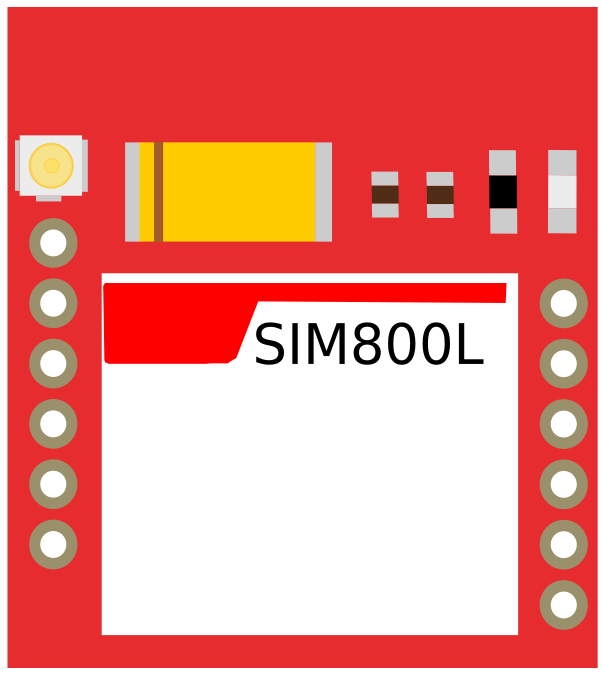
 Design with SIM800L GPRS GSM Module Core Board Quad-band TTL Serial Port with the antenna in Cirkit Designer
Introduction
The SIM800L is a compact and cost-effective quad-band GSM/GPRS module designed for communication over cellular networks. It supports TTL serial communication, making it easy to interface with microcontrollers and other devices. This module is widely used in IoT applications for sending and receiving SMS, making voice calls, and connecting to the internet via GPRS. The included antenna ensures reliable signal reception, even in areas with weaker network coverage.
Explore Projects Built with SIM800L GPRS GSM Module Core Board Quad-band TTL Serial Port with the antenna
 Open Project in Cirkit Designer
 Open Project in Cirkit Designer
 Open Project in Cirkit Designer
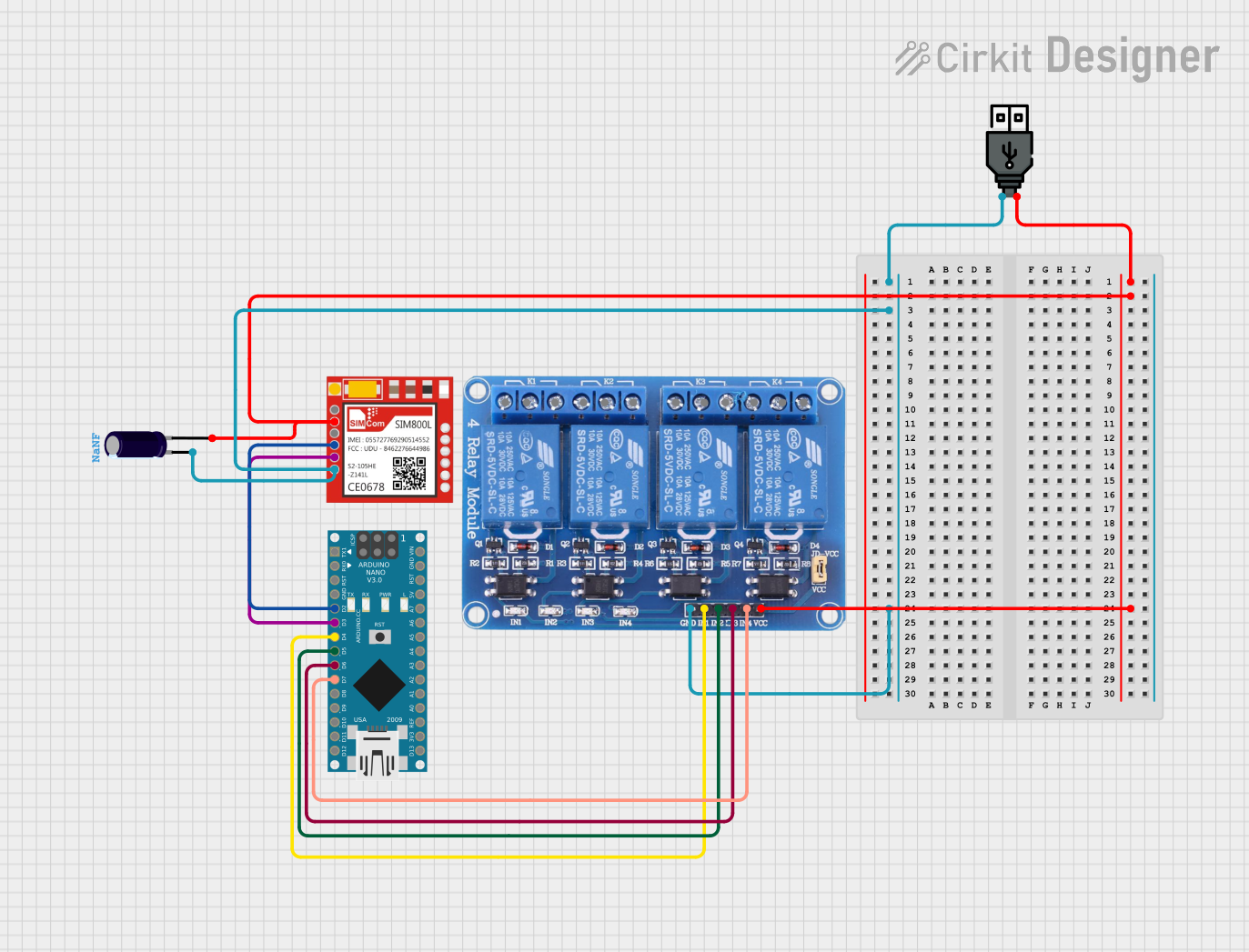 Open Project in Cirkit Designer
Explore Projects Built with SIM800L GPRS GSM Module Core Board Quad-band TTL Serial Port with the antenna
Open Project in Cirkit DesignerOpen Project in Cirkit DesignerOpen Project in Cirkit DesignerOpen Project in Cirkit DesignerCommon Applications
- IoT devices for remote monitoring and control
- Home automation systems
- GPS tracking and vehicle monitoring
- SMS-based alert systems
- Voice call-enabled embedded systems
- Internet connectivity for microcontroller-based projects
Technical Specifications
Key Technical Details
| Parameter | Specification |
|---|---|
| Operating Voltage | 3.7V to 4.2V |
| Recommended Voltage | 4.0V |
| Operating Current | 20mA (idle), ~200mA (average during TX) |
| Peak Current | ~2A |
| Communication Interface | TTL Serial (UART) |
| Frequency Bands | GSM850, EGSM900, DCS1800, PCS1900 |
| GPRS Connectivity | Class 12 |
| Baud Rate | 1200 to 115200 bps (default: 9600 bps) |
| Dimensions | 25mm x 23mm x 3mm |
Pin Configuration and Descriptions
| Pin Name | Pin Number | Description |
|---|---|---|
| VCC | 1 | Power input (3.7V to 4.2V). Use a stable power source to avoid resets. |
| GND | 2 | Ground connection. |
| TXD | 3 | Transmit data (UART output). Connect to RX pin of the microcontroller. |
| RXD | 4 | Receive data (UART input). Connect to TX pin of the microcontroller. |
| RST | 5 | Reset pin. Active low. Pull low for at least 100ms to reset the module. |
| NET | - | Network status LED (blinks to indicate network activity). |
Usage Instructions
How to Use the SIM800L in a Circuit
Power Supply:
- The SIM800L requires a stable power supply of 3.7V to 4.2V. A LiPo battery or a DC-DC buck converter is recommended.
- Ensure the power source can supply at least 2A of current during transmission peaks.
Connections:
- Connect the
VCCpin to the power source and theGNDpin to ground. - Connect the
TXDpin of the SIM800L to theRXpin of your microcontroller. - Connect the
RXDpin of the SIM800L to theTXpin of your microcontroller. - Optionally, connect the
RSTpin to a GPIO pin of your microcontroller for manual resets.
- Connect the
Antenna:
- Attach the provided antenna to the module for better signal reception.
Serial Communication:
- Use a UART interface to communicate with the module. The default baud rate is 9600 bps.
AT Commands:
- The SIM800L is controlled using AT commands. For example:
AT- Test communication with the module.AT+CSQ- Check signal quality.AT+CMGF=1- Set SMS mode to text.AT+CMGS="+1234567890"- Send an SMS to the specified number.
- The SIM800L is controlled using AT commands. For example:
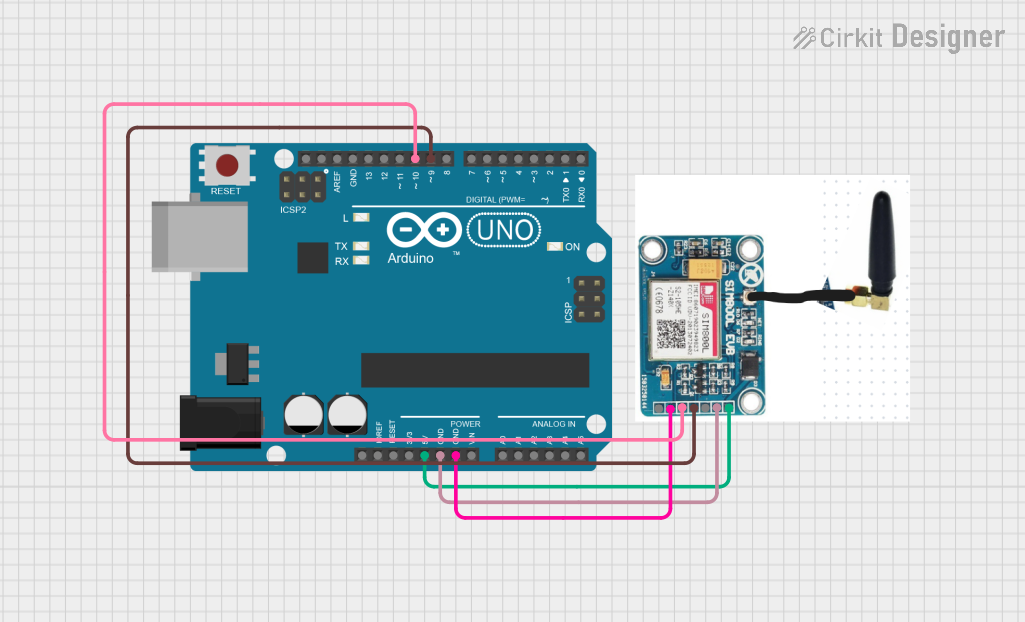
Example: Using SIM800L with Arduino UNO
Below is an example code to send an SMS using the SIM800L module:
#include <SoftwareSerial.h>

// Define RX and TX pins for SoftwareSerial
SoftwareSerial SIM800L(10, 11); // RX = Pin 10, TX = Pin 11

void setup() {
  // Initialize serial communication
  Serial.begin(9600); // For debugging
  SIM800L.begin(9600); // For SIM800L communication

  // Wait for the module to initialize
  delay(1000);
  Serial.println("Initializing SIM800L...");

  // Test communication with the module
  SIM800L.println("AT");
  delay(1000);
  if (SIM800L.available()) {
    Serial.println("Module is ready!");
  } else {
    Serial.println("No response from module.");
  }

  // Set SMS mode to text
  SIM800L.println("AT+CMGF=1"); // Set SMS mode to text
  delay(1000);

  // Send an SMS
  SIM800L.println("AT+CMGS=\"+1234567890\""); // Replace with recipient's number
  delay(1000);
  SIM800L.println("Hello from SIM800L!"); // SMS content
  delay(1000);
  SIM800L.write(26); // Send Ctrl+Z to indicate end of message
  delay(5000);

  Serial.println("SMS sent!");
}

void loop() {
  // Nothing to do here
}
Important Considerations
- Power Supply: Ensure a stable power source to prevent the module from resetting during transmission.
- Antenna Placement: Place the antenna away from other components to avoid interference.
- Signal Strength: Use the
AT+CSQcommand to check signal quality. A value of 10 or higher is recommended. - Baud Rate: Match the baud rate of the module with your microcontroller.
Troubleshooting and FAQs
Common Issues and Solutions
Module Keeps Resetting:
- Ensure the power supply can provide at least 2A of current.
- Use capacitors (e.g., 1000µF) near the module to stabilize the voltage.
No Response to AT Commands:
- Check the TX and RX connections. Ensure they are not swapped.
- Verify the baud rate of the module and the microcontroller.
Poor Signal Reception:
- Ensure the antenna is securely connected.
- Move the module to an area with better network coverage.
Cannot Send SMS:
- Verify the SIM card is active and has sufficient balance.
- Ensure the SIM card is properly inserted into the module.
FAQs
Q: Can I power the SIM800L directly from the Arduino 5V pin?
A: No, the SIM800L requires 3.7V to 4.2V. Use a step-down converter or a LiPo battery.
Q: How do I check if the module is connected to the network?
A: Use the AT+CREG? command. A response of +CREG: 0,1 indicates the module is registered on the network.
Q: What is the default baud rate of the SIM800L?
A: The default baud rate is 9600 bps.
Q: Can the SIM800L be used for internet connectivity?
A: Yes, the module supports GPRS for internet connectivity. Use AT commands like AT+CIPSTART to establish a connection.
This concludes the documentation for the SIM800L module.