
How to Use SparkFun PowerCell LiPo Charger/Booster: Examples, Pinouts, and Specs

 Design with SparkFun PowerCell LiPo Charger/Booster in Cirkit Designer
Introduction
The SparkFun PowerCell LiPo Charger/Booster (Manufacturer Part ID: PRT-11231) is a compact and versatile lithium polymer (LiPo) battery charger and booster module. Designed by SparkFun Electronics, this component allows users to charge a single-cell LiPo battery and simultaneously boost its output to a regulated 5V, making it ideal for powering 5V devices in portable applications.
With built-in protection features and high efficiency, the PowerCell is perfect for projects requiring a reliable power source, such as wearables, IoT devices, and small robotics.
Explore Projects Built with SparkFun PowerCell LiPo Charger/Booster
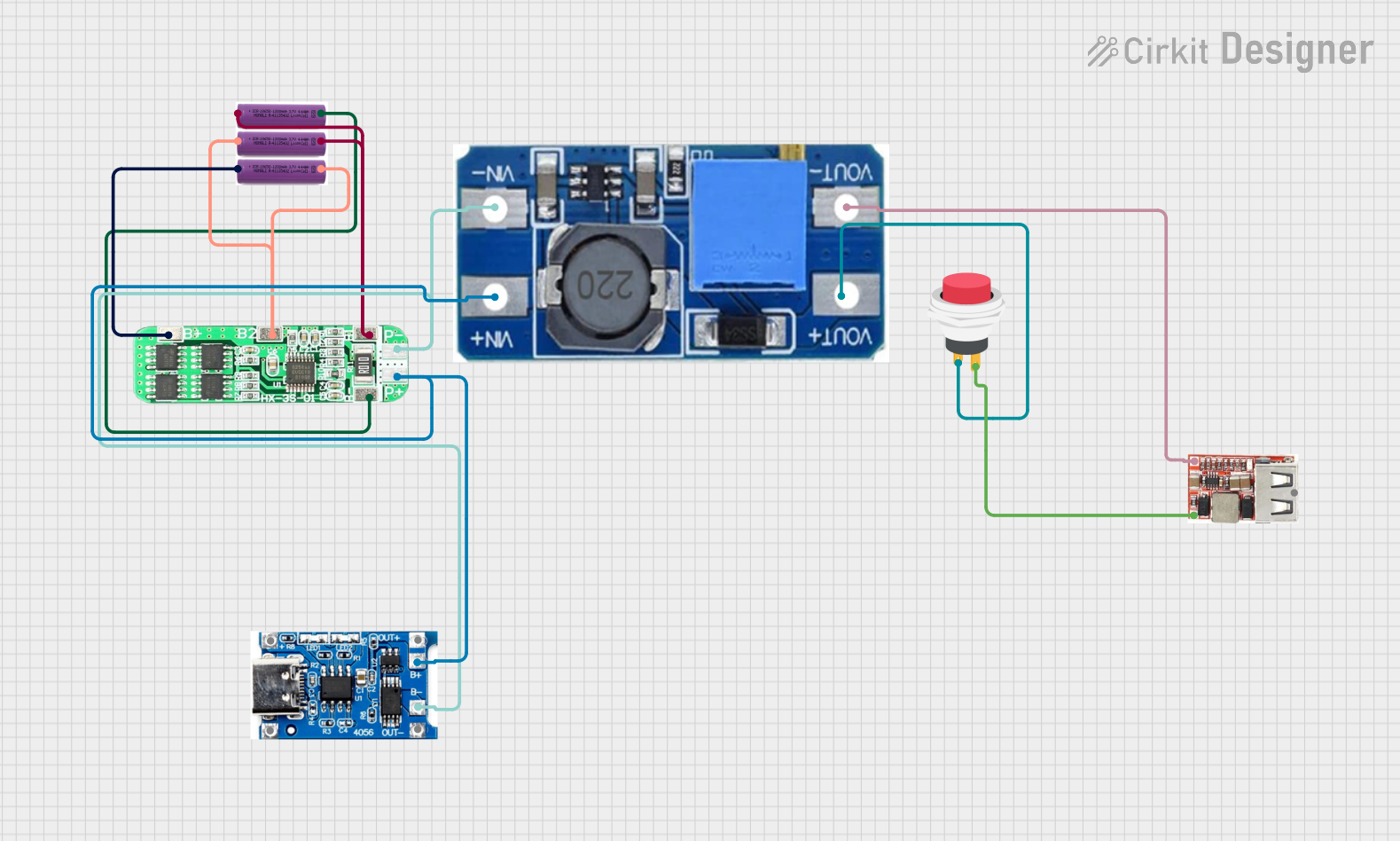 Open Project in Cirkit Designer
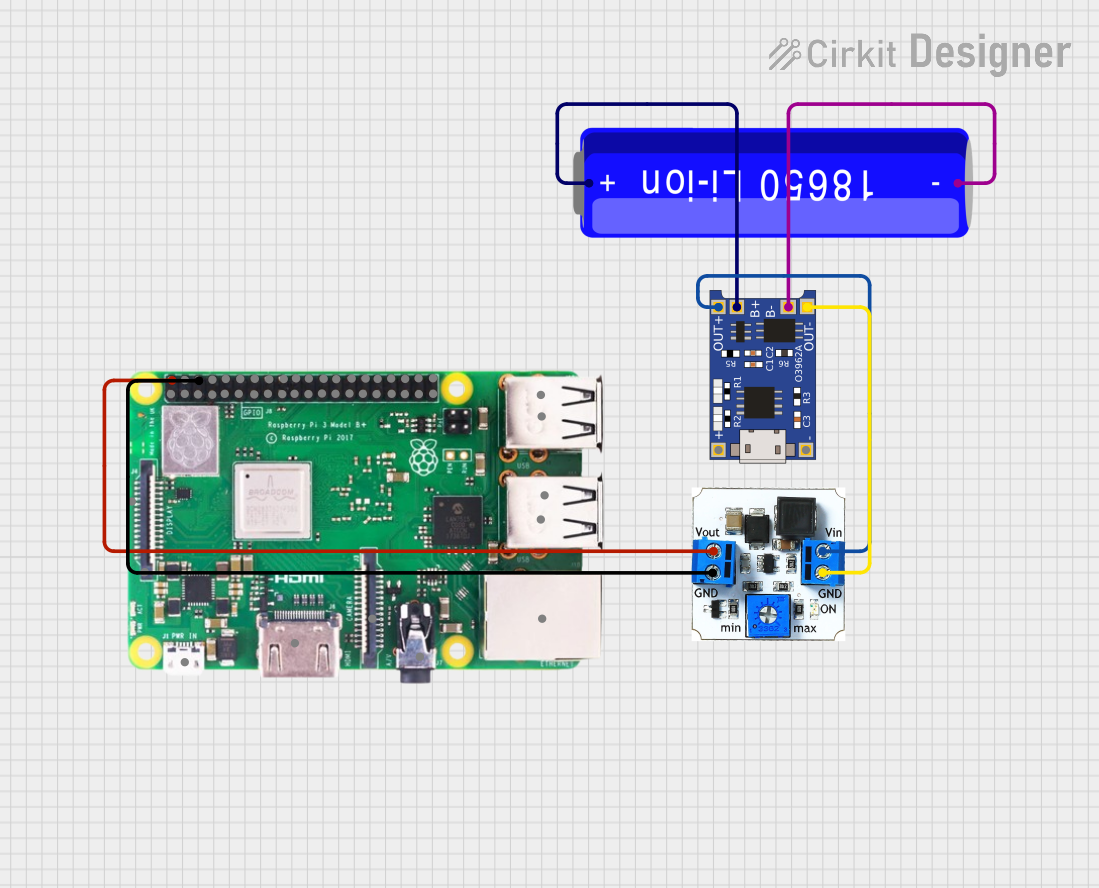 Open Project in Cirkit Designer
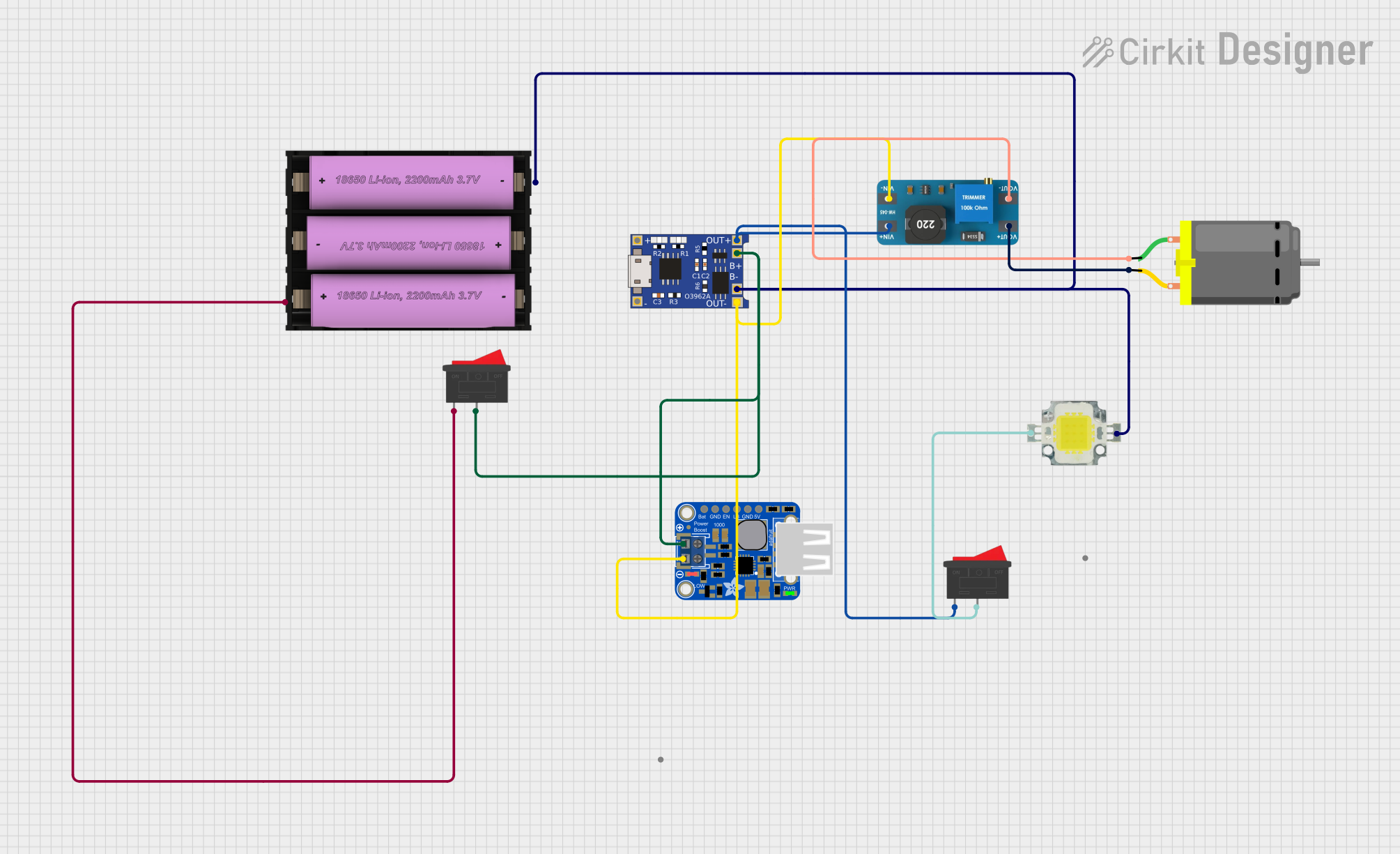 Open Project in Cirkit Designer
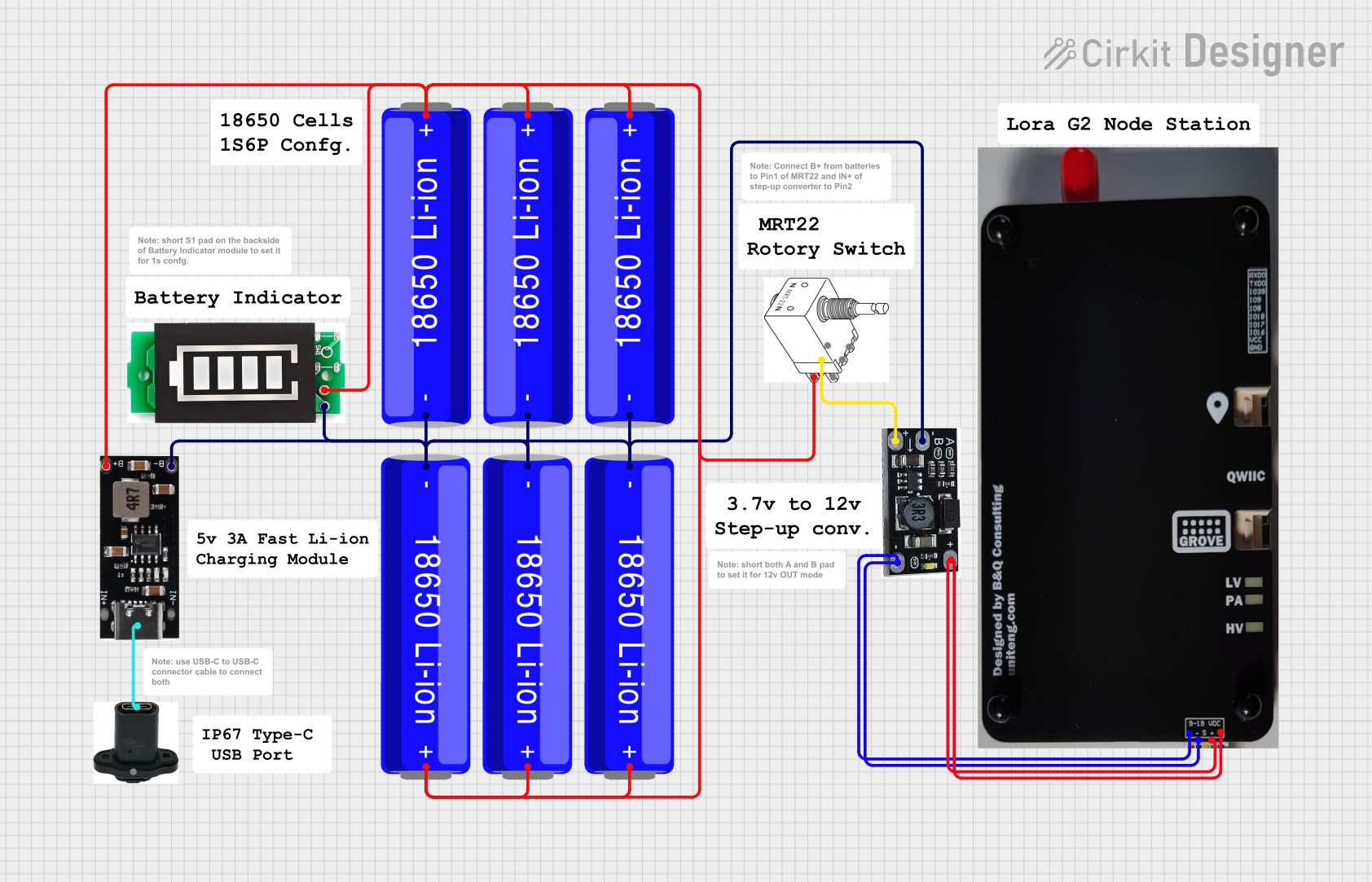 Open Project in Cirkit Designer
Explore Projects Built with SparkFun PowerCell LiPo Charger/Booster
Open Project in Cirkit DesignerOpen Project in Cirkit DesignerOpen Project in Cirkit DesignerOpen Project in Cirkit DesignerCommon Applications
- Portable electronics powered by LiPo batteries
- Wearable devices
- Internet of Things (IoT) projects
- Robotics and small motorized systems
- Prototyping battery-powered circuits
Technical Specifications
Key Technical Details
| Parameter | Specification |
|---|---|
| Input Voltage (Charging) | 4.5V to 6.5V (via micro-USB or pins) |
| Output Voltage (Boost) | 5V (regulated) |
| Output Current (Boost) | Up to 500mA |
| Battery Compatibility | Single-cell LiPo (3.7V nominal) |
| Charging Current | 500mA (fixed) |
| Efficiency (Boost Circuit) | Up to 90% |
| Protection Features | Overcharge, over-discharge, and short-circuit protection |
| Dimensions | 1.0" x 0.6" (25.4mm x 15.2mm) |
Pin Configuration and Descriptions
The SparkFun PowerCell module has several pins and connectors for input, output, and battery connections. Below is the pinout:
| Pin/Connector | Description |
|---|---|
| BAT | Connects to the positive terminal of the LiPo battery. |
| GND | Ground connection for the battery and circuit. |
| 5V | Regulated 5V output for powering external devices. |
| CHG | Charging status pin (active low when charging). |
| EN | Enable pin for the boost converter (pull high to enable, low to disable). |
| USB | Micro-USB connector for charging the LiPo battery. |
Usage Instructions
How to Use the Component in a Circuit
Connect the LiPo Battery:
- Attach the positive terminal of the LiPo battery to the BAT pin.
- Connect the negative terminal of the battery to the GND pin.
Power the Module:
- Use a micro-USB cable to connect the USB port to a 5V power source (e.g., a USB wall adapter or computer). This will charge the LiPo battery.
Enable the Boost Converter:
- Pull the EN pin high to enable the 5V boost output. If left low, the boost converter will be disabled.
Connect the Load:
- Attach your 5V device to the 5V and GND pins. Ensure the load does not exceed 500mA.
Monitor Charging Status:
- Use the CHG pin to monitor the charging status. This pin is active low, meaning it will be pulled low when the battery is charging and high when charging is complete.
Important Considerations and Best Practices
- Battery Selection: Only use single-cell LiPo batteries with a nominal voltage of 3.7V. Using incompatible batteries may damage the module.
- Current Limitation: Ensure the connected load does not exceed the 500mA output current limit to avoid overheating or damage.
- Heat Dissipation: The module may become warm during operation, especially when charging or boosting. Ensure adequate ventilation.
- Short-Circuit Protection: While the module includes short-circuit protection, avoid intentional shorting of the output or battery terminals.
- Arduino Compatibility: The regulated 5V output can be used to power an Arduino UNO or similar microcontroller boards.
Example: Powering an Arduino UNO
To power an Arduino UNO using the PowerCell module:
- Connect a fully charged LiPo battery to the BAT and GND pins.
- Enable the boost converter by pulling the EN pin high.
- Connect the 5V pin of the PowerCell to the 5V pin of the Arduino UNO.
- Connect the GND pin of the PowerCell to the GND pin of the Arduino UNO.
Here is an example Arduino sketch to monitor the charging status:
// Define the CHG pin connected to the PowerCell module
const int chgPin = 2; // Connect CHG pin to Arduino digital pin 2

void setup() {
  pinMode(chgPin, INPUT); // Set CHG pin as input
  Serial.begin(9600);     // Initialize serial communication
}

void loop() {
  int chargingStatus = digitalRead(chgPin); // Read the CHG pin state

  if (chargingStatus == LOW) {
    // CHG pin is LOW, battery is charging
    Serial.println("Battery is charging...");
  } else {
    // CHG pin is HIGH, charging is complete or no power source
    Serial.println("Battery is fully charged or not charging.");
  }

  delay(1000); // Wait for 1 second before checking again
}
Troubleshooting and FAQs
Common Issues and Solutions
| Issue | Possible Cause | Solution |
|---|---|---|
| Module does not output 5V | Boost converter is disabled | Ensure the EN pin is pulled high. |
| Battery does not charge | No input power or faulty battery | Check the USB connection and ensure the battery is properly connected. |
| Module overheats during operation | Excessive load or poor ventilation | Reduce the load to below 500mA and ensure proper airflow around the module. |
| CHG pin always reads LOW | Battery is not fully charged | Allow more time for the battery to charge. |
| CHG pin always reads HIGH | No input power or charging complete | Verify the USB power source and battery connection. |
FAQs
Can I use this module with a 3.3V device?
- No, the PowerCell outputs a regulated 5V. You will need a separate voltage regulator to step down to 3.3V.
What happens if I connect a load exceeding 500mA?
- The module may overheat or shut down to protect itself. Always ensure the load stays within the specified limit.
Can I charge the battery and power a device simultaneously?
- Yes, the PowerCell supports simultaneous charging and boosting, but the total current draw should not exceed the input power capability.
Is the module compatible with other battery chemistries?
- No, the PowerCell is specifically designed for single-cell LiPo batteries. Using other chemistries may damage the module.
This concludes the documentation for the SparkFun PowerCell LiPo Charger/Booster. For additional support, visit the SparkFun Electronics website.