
How to Use HW-290: Examples, Pinouts, and Specs
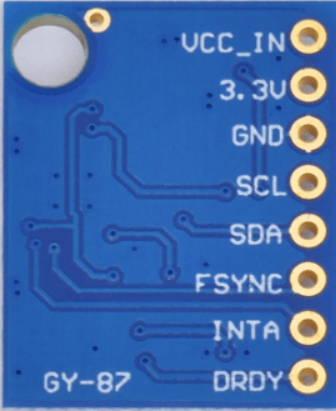
 Design with HW-290 in Cirkit Designer
Introduction
The HW-290 is a high-performance electronic component designed for a wide range of applications, including signal processing and power management. It features advanced circuitry that ensures improved efficiency, reliability, and versatility in various electronic systems. Its compact design and robust performance make it a popular choice for both hobbyists and professionals.
Explore Projects Built with HW-290
 Open Project in Cirkit Designer
 Open Project in Cirkit Designer
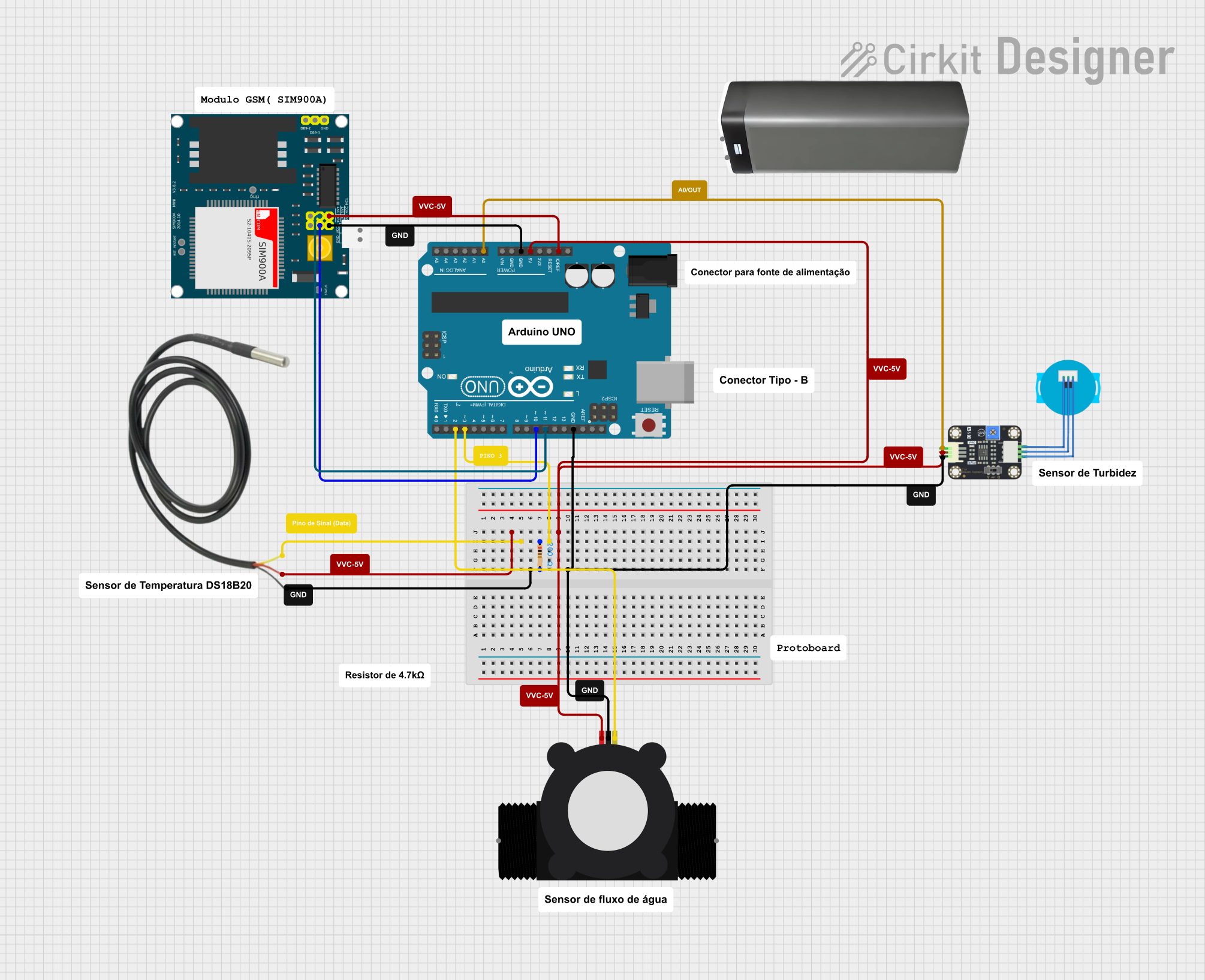 Open Project in Cirkit Designer
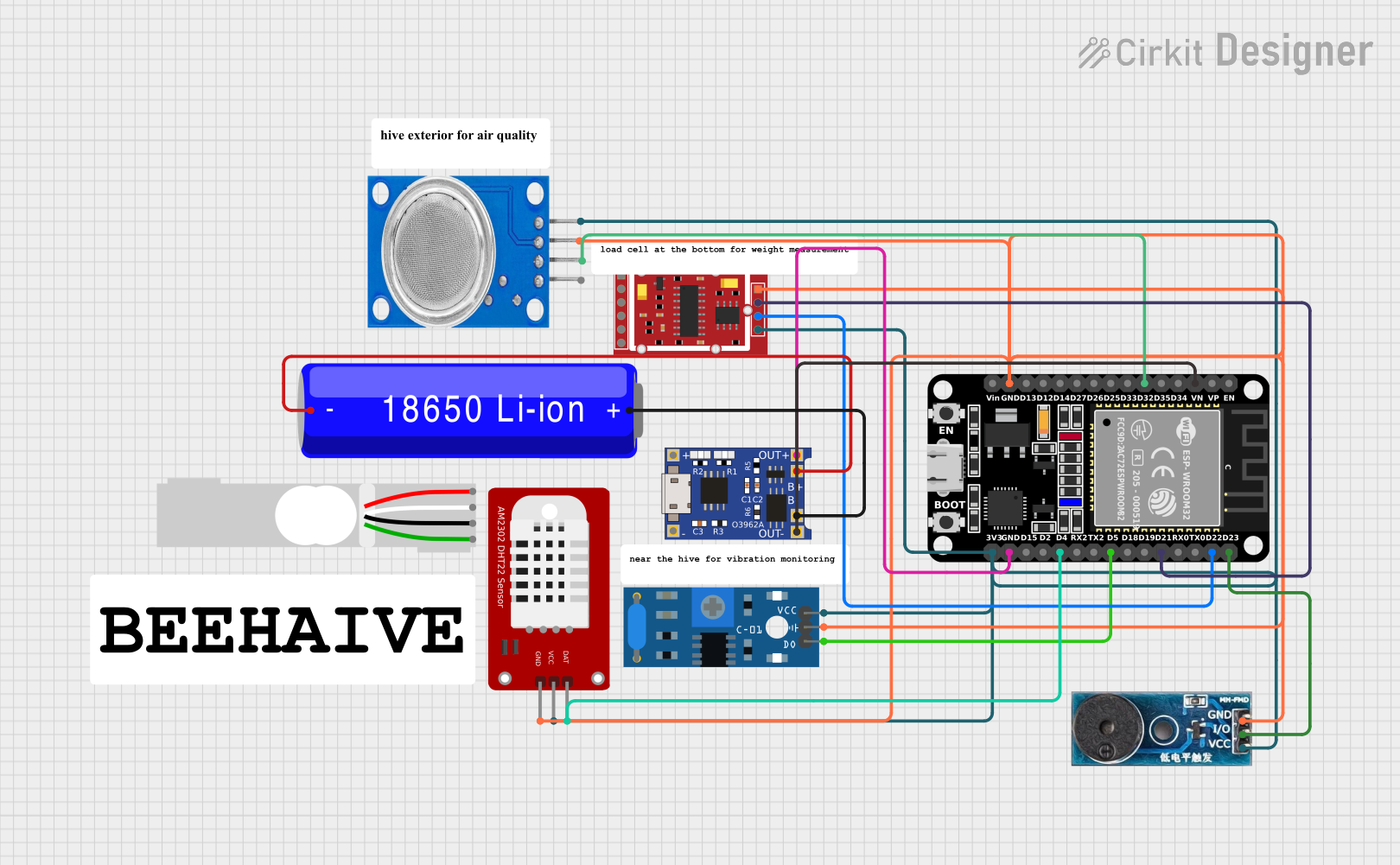 Open Project in Cirkit Designer
Explore Projects Built with HW-290
Open Project in Cirkit DesignerOpen Project in Cirkit DesignerOpen Project in Cirkit DesignerOpen Project in Cirkit DesignerCommon Applications and Use Cases
- Signal amplification and processing in audio systems
- Power regulation in embedded systems
- Voltage conversion in power management circuits
- General-purpose use in prototyping and development boards
Technical Specifications
Key Technical Details
- Operating Voltage: 3.3V to 5V DC
- Maximum Current: 1A
- Power Dissipation: 500mW (max)
- Operating Temperature Range: -40°C to 85°C
- Dimensions: 25mm x 15mm x 5mm
- Weight: 3g
- Interface: Analog and digital signal compatibility
Pin Configuration and Descriptions
The HW-290 has a 6-pin configuration. Below is the pinout and description:
| Pin Number | Pin Name | Description |
|---|---|---|
| 1 | VCC | Power supply input (3.3V to 5V DC) |
| 2 | GND | Ground connection |
| 3 | IN+ | Positive input for signal processing |
| 4 | IN- | Negative input for signal processing |
| 5 | OUT | Output signal or regulated voltage |
| 6 | EN | Enable pin (active HIGH) |
Usage Instructions
How to Use the HW-290 in a Circuit
- Power Supply: Connect the VCC pin to a stable DC power source (3.3V to 5V) and the GND pin to the ground of your circuit.
- Signal Input: Feed the input signal to the IN+ and IN- pins. Ensure the signal voltage does not exceed the operating voltage range.
- Output: The processed or regulated signal will be available at the OUT pin. Connect this pin to the desired load or circuit.
- Enable Functionality: Use the EN pin to enable or disable the component. Pull the EN pin HIGH to activate the HW-290.
Important Considerations and Best Practices
- Power Supply Stability: Use a decoupling capacitor (e.g., 10µF) between VCC and GND to ensure stable operation.
- Signal Integrity: For high-frequency signals, use shielded cables or PCB traces to minimize noise.
- Thermal Management: If operating near the maximum power dissipation, consider adding a heatsink or improving ventilation.
- Enable Pin: If the EN pin is not used, connect it to VCC to keep the component enabled.
Example: Using HW-290 with Arduino UNO
The HW-290 can be easily interfaced with an Arduino UNO for signal processing. Below is an example code to read an input signal and process it using the HW-290:
// Example: Using HW-290 with Arduino UNO
// This code reads an analog signal from the HW-290 and outputs the processed signal.

const int hw290InputPin = A0;  // Connect HW-290 OUT pin to Arduino A0
const int hw290EnablePin = 7; // Connect HW-290 EN pin to Arduino digital pin 7

void setup() {
  pinMode(hw290EnablePin, OUTPUT); // Set EN pin as output
  digitalWrite(hw290EnablePin, HIGH); // Enable the HW-290
  Serial.begin(9600); // Initialize serial communication
}

void loop() {
  int signalValue = analogRead(hw290InputPin); // Read the processed signal
  Serial.print("Processed Signal Value: ");
  Serial.println(signalValue); // Print the signal value to the Serial Monitor
  delay(500); // Wait for 500ms before the next reading
}
Troubleshooting and FAQs
Common Issues and Solutions
No Output Signal:
- Ensure the EN pin is pulled HIGH to enable the HW-290.
- Verify that the input signal is within the specified voltage range.
Overheating:
- Check if the power dissipation exceeds 500mW. Reduce the load or improve cooling.
- Ensure proper connections and avoid short circuits.
Signal Distortion:
- Use appropriate filtering components (e.g., capacitors) to reduce noise.
- Verify that the input signal is not exceeding the component's specifications.
Component Not Powering On:
- Confirm that the VCC and GND connections are secure.
- Check the power supply voltage and ensure it is within the 3.3V to 5V range.
FAQs
Q1: Can the HW-290 handle AC signals?
A1: Yes, the HW-290 can process AC signals, but ensure the input signal amplitude is within the specified voltage range.
Q2: Is the HW-290 compatible with 3.3V microcontrollers?
A2: Yes, the HW-290 operates at 3.3V and is fully compatible with 3.3V logic levels.
Q3: What is the maximum load the HW-290 can drive?
A3: The HW-290 can handle a maximum current of 1A. Ensure the load does not exceed this limit.
Q4: Can I leave the EN pin floating?
A4: No, the EN pin should be connected to either VCC (to enable) or GND (to disable). Leaving it floating may cause unpredictable behavior.