
How to Use Ecran periscope: Examples, Pinouts, and Specs
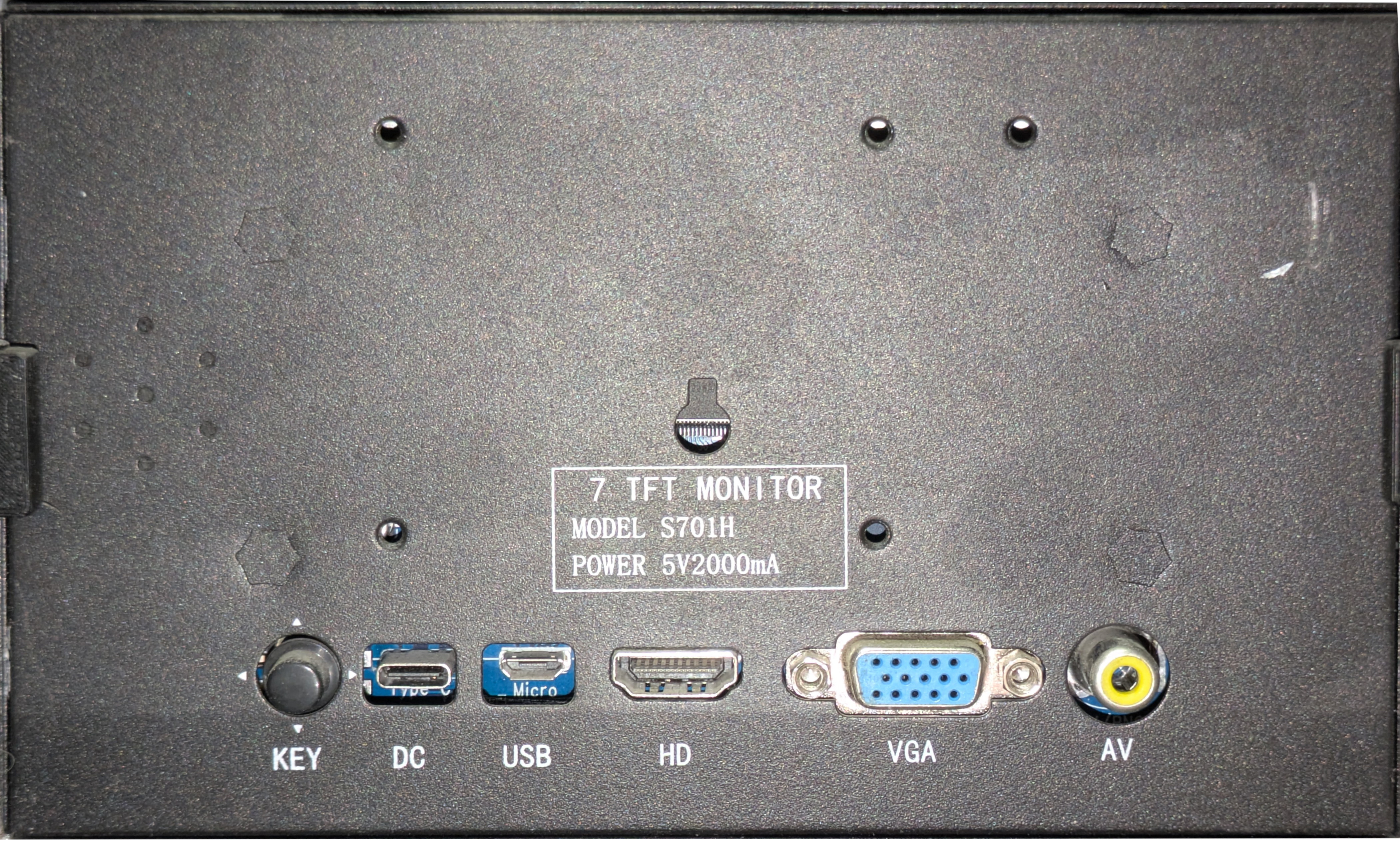
 Design with Ecran periscope in Cirkit Designer
Introduction
The Ecran Periscope is a specialized optical component designed to enable users to view objects that are outside their direct line of sight. By utilizing mirrors or prisms to redirect light, this component is commonly integrated into optical devices such as submarines, surveillance systems, and scientific instruments. Its ability to provide a clear and accurate view of obscured objects makes it an essential tool in various fields, including defense, research, and engineering.
Explore Projects Built with Ecran periscope
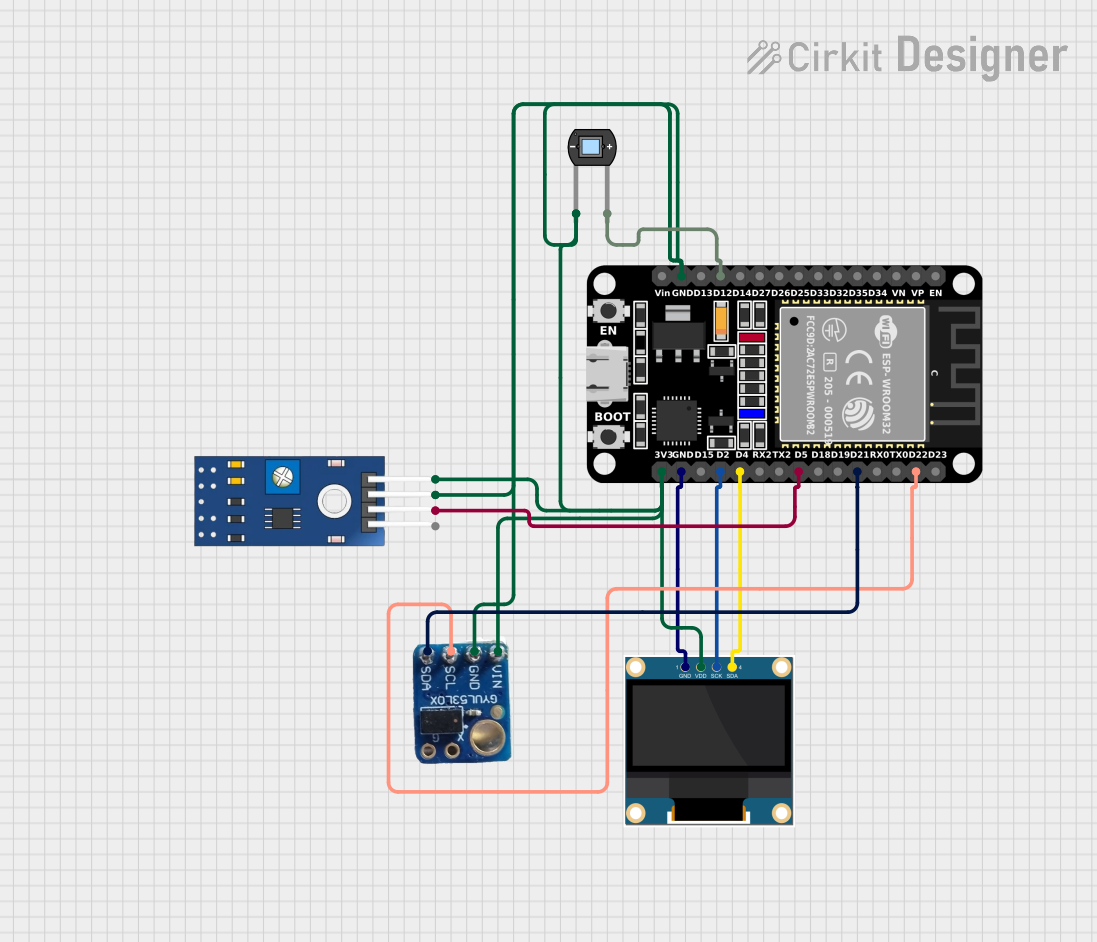 Open Project in Cirkit Designer
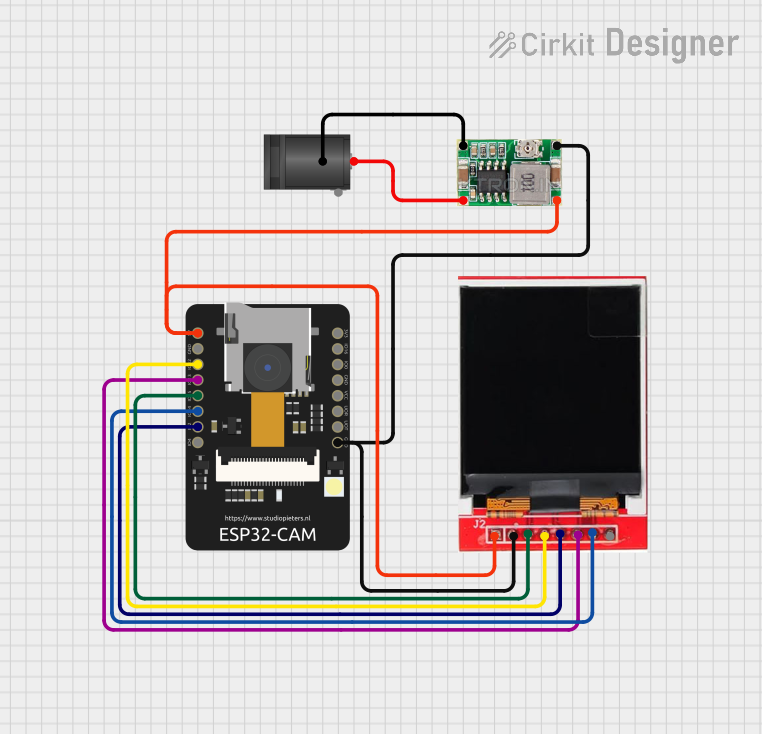 Open Project in Cirkit Designer
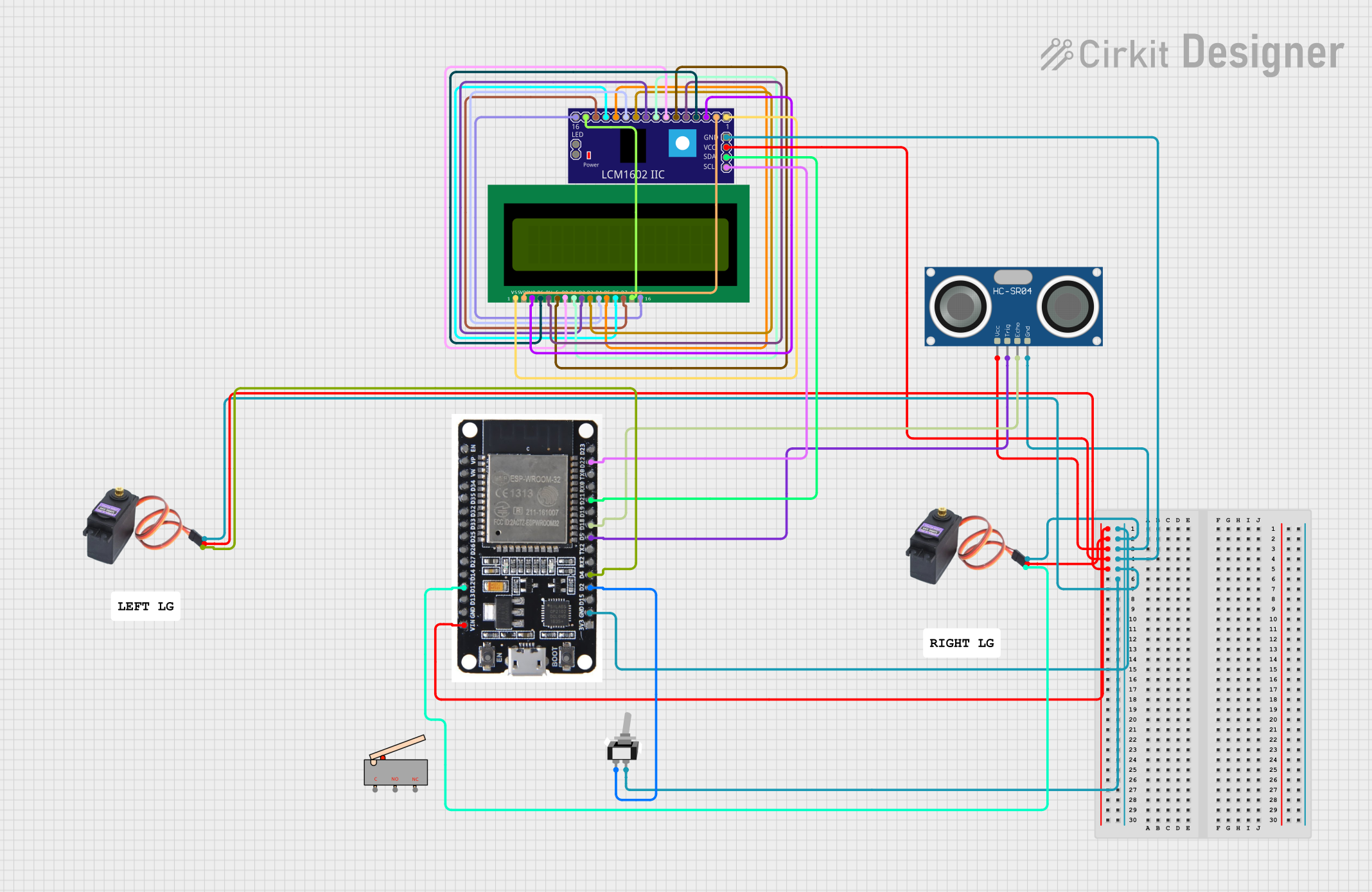 Open Project in Cirkit Designer
 Open Project in Cirkit Designer
Explore Projects Built with Ecran periscope
Open Project in Cirkit DesignerOpen Project in Cirkit DesignerOpen Project in Cirkit DesignerOpen Project in Cirkit DesignerCommon Applications and Use Cases
- Submarine periscopes for underwater navigation and observation.
- Surveillance systems for discreet monitoring.
- Optical instruments in laboratories for precise alignment and inspection.
- Industrial machinery for viewing hard-to-reach areas.
Technical Specifications
The Ecran Periscope is primarily an optical component, but it may include electronic elements such as sensors or displays in advanced models. Below are the general specifications:
Key Technical Details
| Parameter | Specification |
|---|---|
| Optical Magnification | 1x to 10x (varies by model) |
| Field of View | 30° to 60° |
| Light Transmission | ≥ 90% |
| Material | Optical-grade glass or plastic |
| Coating | Anti-reflective, scratch-resistant |
| Dimensions | Varies (customizable) |
| Operating Temperature | -20°C to 70°C |
| Weight | 100g to 500g |
Pin Configuration and Descriptions
For advanced Ecran Periscope models with electronic components, the pin configuration may include connections for power, data, and control. Below is an example configuration for a model with an integrated display and light sensor:
| Pin Number | Pin Name | Description |
|---|---|---|
| 1 | VCC | Power supply input (3.3V or 5V) |
| 2 | GND | Ground connection |
| 3 | SDA | I2C data line for communication |
| 4 | SCL | I2C clock line for communication |
| 5 | LIGHT_OUT | Analog output for light intensity measurement |
| 6 | DISP_CTRL | Digital input for display control (on/off) |
Usage Instructions
How to Use the Component in a Circuit
- Power Supply: Connect the VCC pin to a 3.3V or 5V power source and the GND pin to ground.
- Communication: If the model includes an I2C interface, connect the SDA and SCL pins to the corresponding pins on your microcontroller (e.g., Arduino UNO).
- Light Sensor: Use the LIGHT_OUT pin to read analog light intensity values.
- Display Control: Use a digital pin on your microcontroller to toggle the DISP_CTRL pin for turning the display on or off.
Important Considerations and Best Practices
- Ensure the optical surfaces are clean and free from dust or fingerprints to maintain image clarity.
- Avoid exposing the component to extreme temperatures or humidity, as this may damage the optical coatings.
- When integrating with a microcontroller, use appropriate pull-up resistors for the I2C lines if not already included in the circuit.
- Handle the component with care to avoid misalignment of the mirrors or prisms.
Example Code for Arduino UNO
Below is an example code snippet for interfacing an advanced Ecran Periscope model with an Arduino UNO:
#include <Wire.h> // Include the Wire library for I2C communication

#define LIGHT_SENSOR_PIN A0 // Analog pin connected to LIGHT_OUT
#define DISP_CTRL_PIN 7     // Digital pin connected to DISP_CTRL

void setup() {
  pinMode(DISP_CTRL_PIN, OUTPUT); // Set DISP_CTRL_PIN as an output
  digitalWrite(DISP_CTRL_PIN, HIGH); // Turn on the display

  Serial.begin(9600); // Initialize serial communication
  Wire.begin();       // Initialize I2C communication
}

void loop() {
  // Read light intensity from the light sensor
  int lightIntensity = analogRead(LIGHT_SENSOR_PIN);

  // Print the light intensity value to the Serial Monitor
  Serial.print("Light Intensity: ");
  Serial.println(lightIntensity);

  delay(500); // Wait for 500ms before the next reading
}
Troubleshooting and FAQs
Common Issues and Solutions
No Display Output
- Cause: The DISP_CTRL pin is not properly connected or configured.
- Solution: Verify the connection to the DISP_CTRL pin and ensure it is set to HIGH in the code.
Inaccurate Light Sensor Readings
- Cause: The optical surface is dirty or the sensor is misaligned.
- Solution: Clean the optical surface with a microfiber cloth and check the alignment of the sensor.
I2C Communication Failure
- Cause: Incorrect wiring or missing pull-up resistors on the SDA and SCL lines.
- Solution: Double-check the wiring and add pull-up resistors (4.7kΩ recommended) if necessary.
Blurry or Distorted Image
- Cause: Misaligned mirrors or prisms.
- Solution: Carefully realign the optical components or consult the manufacturer for repair.
FAQs
Q: Can the Ecran Periscope be used outdoors?
A: Yes, but ensure it is protected from extreme weather conditions and direct exposure to water.
Q: Is the magnification adjustable?
A: Some models offer adjustable magnification, while others have a fixed magnification. Check the product specifications.
Q: Can I use this component with a Raspberry Pi?
A: Yes, advanced models with I2C or similar interfaces can be used with a Raspberry Pi. Ensure proper configuration of the GPIO pins.
Q: How do I clean the optical surfaces?
A: Use a microfiber cloth and an appropriate lens cleaning solution. Avoid abrasive materials that may scratch the surface.