Cirkit Designer Logo
Cirkit Designer
Your all-in-one circuit design IDE
Home / 
Component Documentation

How to Use Supply: Examples, Pinouts, and Specs
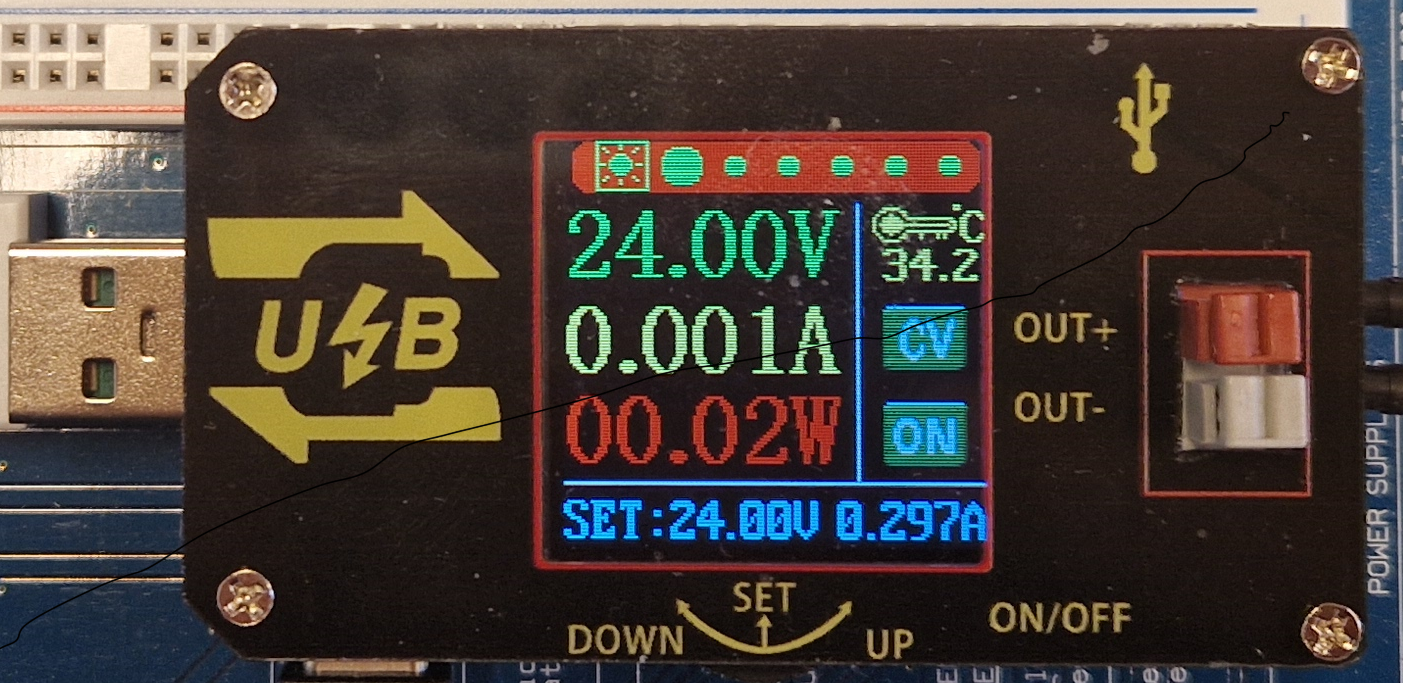

Image of Supply
Cirkit Designer LogoDesign with Supply in Cirkit Designer

Introduction

A supply module is an essential component in any electronic circuit, providing the necessary electrical energy to power various devices and components. It can come in various forms, such as batteries, AC-to-DC power supplies, DC-to-DC converters, or generators. Common applications include powering circuits on breadboards, providing energy for portable devices, and as a power source for microcontroller platforms like the Arduino UNO.

Explore Projects Built with Supply

Use Cirkit Designer to design, explore, and prototype these projects online. Some projects support real-time simulation. Click "Open Project" to start designing instantly!
Dual 5V Power Supply Distribution Circuit with Toggle Switch Control
Image of rfdriver: A project utilizing Supply in a practical application
This circuit consists of two 5V 5A power supplies connected to an AC wall plug point, providing DC output through a 12-way connector. The ground connections from both power supplies are interconnected and also connected to the ground pins of two toggle switches. The DC outputs from the power supplies are separately connected to different pins on the 12-way connector, with each power supply output being switchable via one of the toggle switches.
Cirkit Designer LogoOpen Project in Cirkit Designer
AC to DC Power Supply with 7-Segment Voltage Display
Image of BEE PBL: A project utilizing Supply in a practical application
This circuit is a regulated power supply that converts 220V AC to a lower, stable DC voltage. It includes a step-down transformer, bridge rectifier, voltage regulator, and filtering capacitors. A 7-segment display indicates the output voltage, which can be adjusted using a potentiometer.
Cirkit Designer LogoOpen Project in Cirkit Designer
AC to DC Power Supply with Voltage Regulation and LED Indicator
Image of Copy of 8 volt AC to DC convertor (1): A project utilizing Supply in a practical application
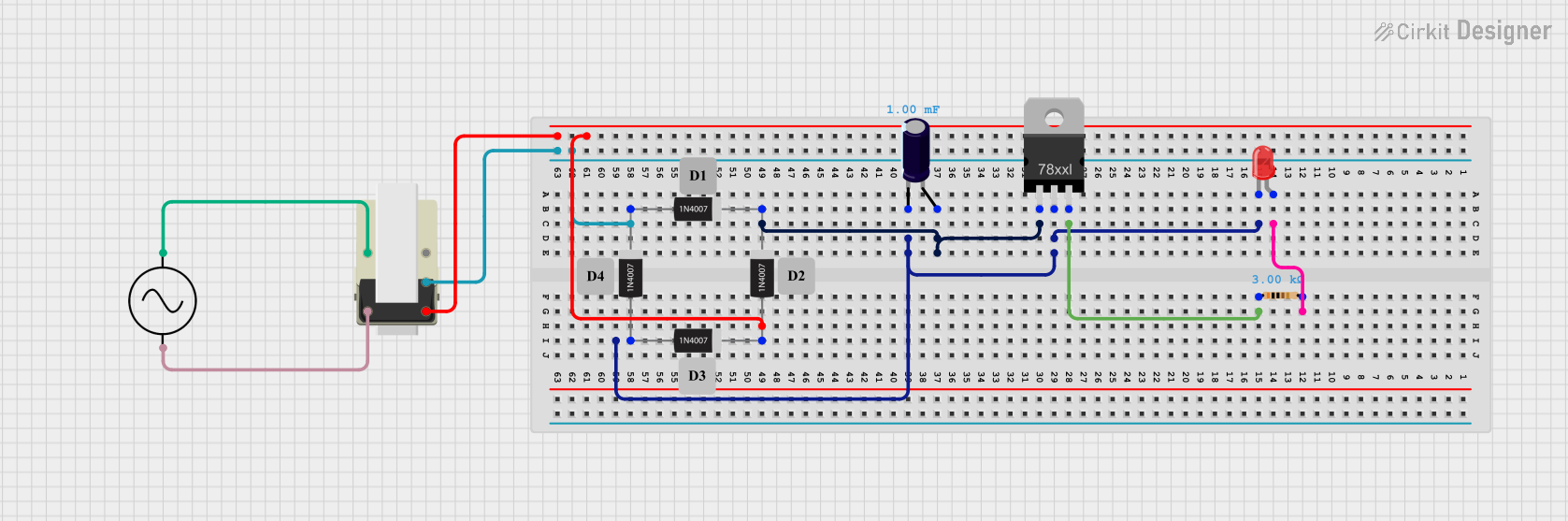
This circuit is a basic AC to DC power supply with voltage regulation. It includes a transformer to step down the AC voltage, a bridge rectifier made of 1N4007 diodes to convert AC to DC, an electrolytic capacitor for smoothing, and a voltage regulator to provide a stable DC output. An LED with a current-limiting resistor indicates the presence of the output voltage.
Cirkit Designer LogoOpen Project in Cirkit Designer
USB-Powered DC Gear Motor with LED Indicator
Image of Hand Crank mobile charger : A project utilizing Supply in a practical application
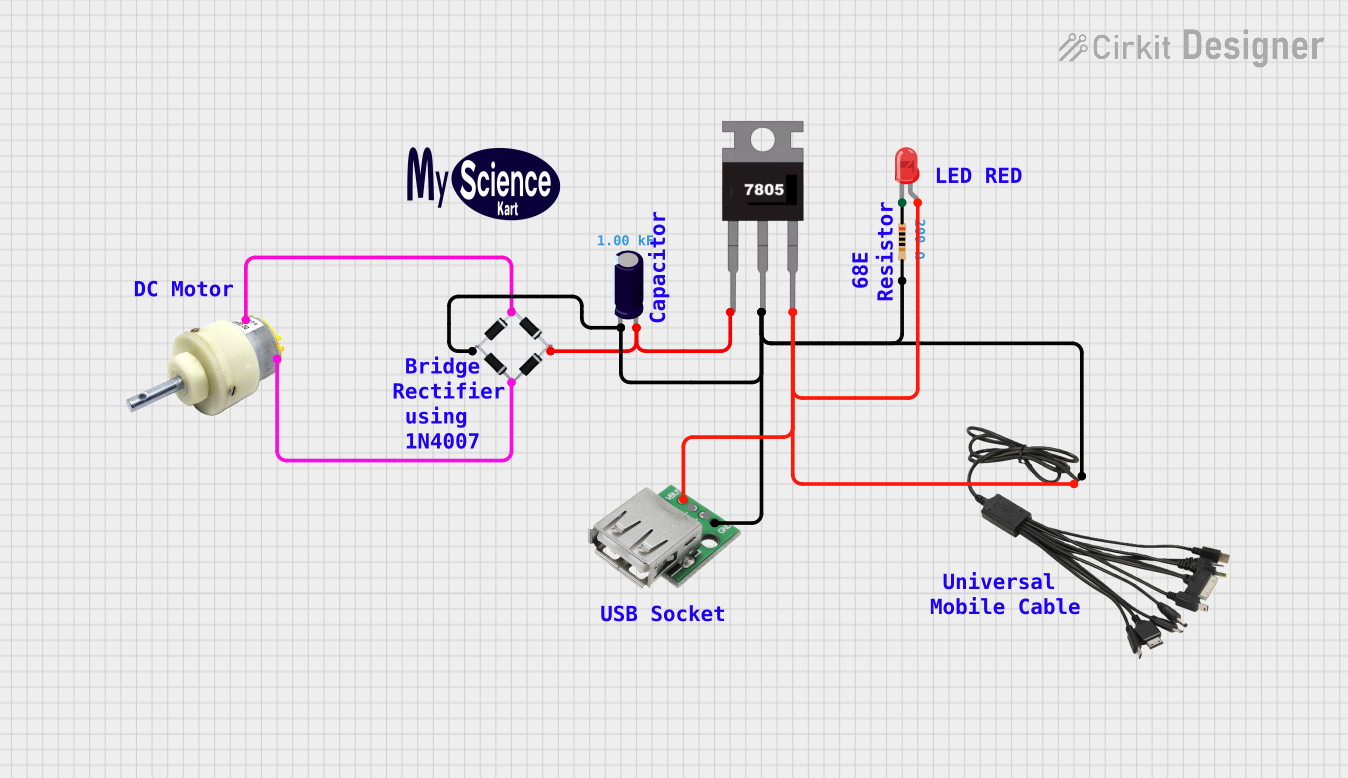
This circuit appears to be a power supply unit with a bridge rectifier connected to a DC gear motor, indicating it is designed to convert AC to DC power for the motor. An electrolytic capacitor is used for smoothing the DC output, and a 7805 voltage regulator is included to provide a stable 5V output. Additionally, there is an LED with a series resistor, likely serving as a power indicator light.
Cirkit Designer LogoOpen Project in Cirkit Designer

Explore Projects Built with Supply

Use Cirkit Designer to design, explore, and prototype these projects online. Some projects support real-time simulation. Click "Open Project" to start designing instantly!
Image of rfdriver: A project utilizing Supply in a practical application
Dual 5V Power Supply Distribution Circuit with Toggle Switch Control
This circuit consists of two 5V 5A power supplies connected to an AC wall plug point, providing DC output through a 12-way connector. The ground connections from both power supplies are interconnected and also connected to the ground pins of two toggle switches. The DC outputs from the power supplies are separately connected to different pins on the 12-way connector, with each power supply output being switchable via one of the toggle switches.
Cirkit Designer LogoOpen Project in Cirkit Designer
Image of BEE PBL: A project utilizing Supply in a practical application
AC to DC Power Supply with 7-Segment Voltage Display
This circuit is a regulated power supply that converts 220V AC to a lower, stable DC voltage. It includes a step-down transformer, bridge rectifier, voltage regulator, and filtering capacitors. A 7-segment display indicates the output voltage, which can be adjusted using a potentiometer.
Cirkit Designer LogoOpen Project in Cirkit Designer
Image of Copy of 8 volt AC to DC convertor (1): A project utilizing Supply in a practical application
AC to DC Power Supply with Voltage Regulation and LED Indicator
This circuit is a basic AC to DC power supply with voltage regulation. It includes a transformer to step down the AC voltage, a bridge rectifier made of 1N4007 diodes to convert AC to DC, an electrolytic capacitor for smoothing, and a voltage regulator to provide a stable DC output. An LED with a current-limiting resistor indicates the presence of the output voltage.
Cirkit Designer LogoOpen Project in Cirkit Designer
Image of Hand Crank mobile charger : A project utilizing Supply in a practical application
USB-Powered DC Gear Motor with LED Indicator
This circuit appears to be a power supply unit with a bridge rectifier connected to a DC gear motor, indicating it is designed to convert AC to DC power for the motor. An electrolytic capacitor is used for smoothing the DC output, and a 7805 voltage regulator is included to provide a stable 5V output. Additionally, there is an LED with a series resistor, likely serving as a power indicator light.
Cirkit Designer LogoOpen Project in Cirkit Designer

Technical Specifications

General Specifications

Parameter Description Values/Range
Input Voltage The voltage range the supply can accept. e.g., 100-240V AC
Output Voltage The regulated voltage the supply provides. e.g., 5V DC
Output Current Maximum current the supply can provide. e.g., 1A
Power Rating Total power output capability. e.g., 5W
Efficiency Percentage of input power converted to output. e.g., 85%
Operating Temperature Temperature range for normal operation. e.g., 0-40°C

Pin Configuration and Descriptions

Pin Number Name Description
1 VOUT Regulated output voltage
2 GND Ground, reference point for the circuit
3 VIN Input voltage (unregulated)
4 EN Enable pin, active high to enable output

Usage Instructions

Connecting the Supply to a Circuit

  1. Identify the Input Requirements: Determine the voltage and current requirements of your circuit.
  2. Connect the Input: Attach the input source to the VIN and GND pins, ensuring the source matches the supply's input specifications.
  3. Enable the Supply: If your supply has an enable pin (EN), connect it to a high logic level to turn on the supply.
  4. Connect the Output: Use the VOUT and GND pins to power your circuit, ensuring the output does not exceed the supply's maximum ratings.

Best Practices

  • Voltage Matching: Ensure the output voltage matches the voltage requirements of your circuit to prevent damage.
  • Current Limiting: If possible, include a fuse or current-limiting resistor to protect against overcurrent conditions.
  • Heat Management: Provide adequate ventilation or heat sinks if the supply generates significant heat during operation.
  • Isolation: If using a mains-connected power supply, ensure proper isolation to prevent electric shock.

Troubleshooting and FAQs

Common Issues

  • Supply Not Powering On: Check the input source, ensure the EN pin is high, and verify connections.
  • Insufficient Current: Ensure the supply's current rating meets or exceeds the circuit's demand.
  • Overheating: Check for adequate ventilation and reduce load if necessary.

FAQs

Q: Can I use a 9V battery with this supply module? A: Only if the input voltage range supports it. Check the technical specifications.

Q: How do I know if the supply is working? A: Measure the output voltage with a multimeter to ensure it's within the specified range.

Q: What should I do if the supply is making a noise? A: Some noise can be normal, but excessive noise may indicate an overload or a failing component.

Example Code for Arduino UNO

// Example code to enable the supply module connected to an Arduino UNO

const int enablePin = 7; // Connect the EN pin of the supply to digital pin 7

void setup() {
  pinMode(enablePin, OUTPUT); // Set the enable pin as an output
  digitalWrite(enablePin, HIGH); // Set the enable pin high to turn on the supply
}

void loop() {
  // Your code here to interact with the circuit powered by the supply
}

Remember to ensure that the supply's output voltage is compatible with the Arduino UNO's voltage requirements. The UNO typically operates at 5V, so a supply outputting more than this could damage the board.