
How to Use No Connection: Examples, Pinouts, and Specs

 Design with No Connection in Cirkit Designer
Introduction
- The "No Connection" (often abbreviated as "NC") is a placeholder in circuit designs that indicates there is no electrical connection at a specific point. It is commonly used in schematics to clarify that a particular pin or terminal is intentionally left unconnected.
- This component is not a physical device but rather a design notation used in electronic schematics and PCB layouts. It helps avoid confusion when interpreting circuit diagrams and ensures that unused pins are clearly marked.
- Common applications include:
- Marking unused pins on integrated circuits (ICs).
- Indicating that a specific terminal or pad is not connected in a design.
- Improving schematic readability by explicitly showing intentional disconnections.
Explore Projects Built with No Connection
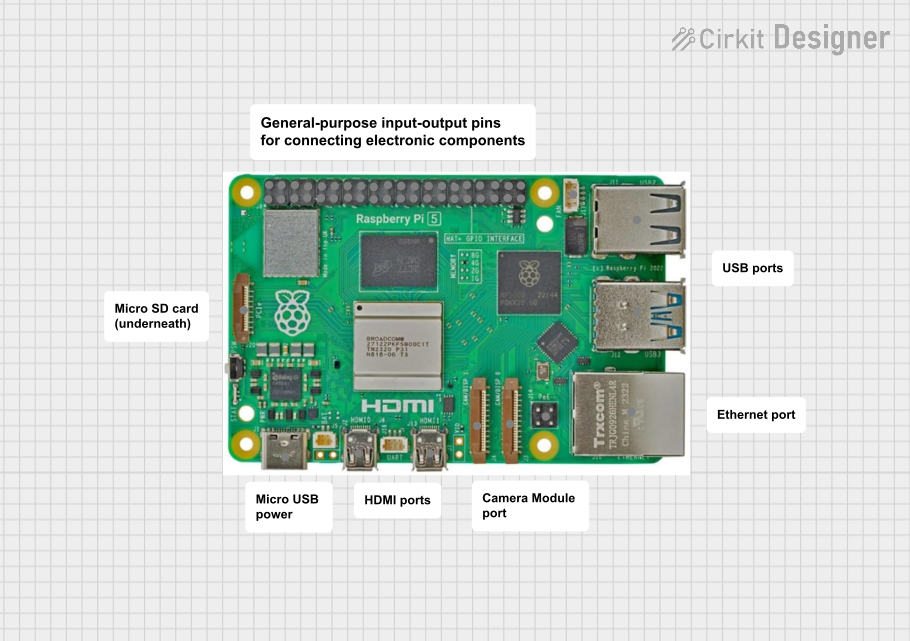 Open Project in Cirkit Designer
 Open Project in Cirkit Designer
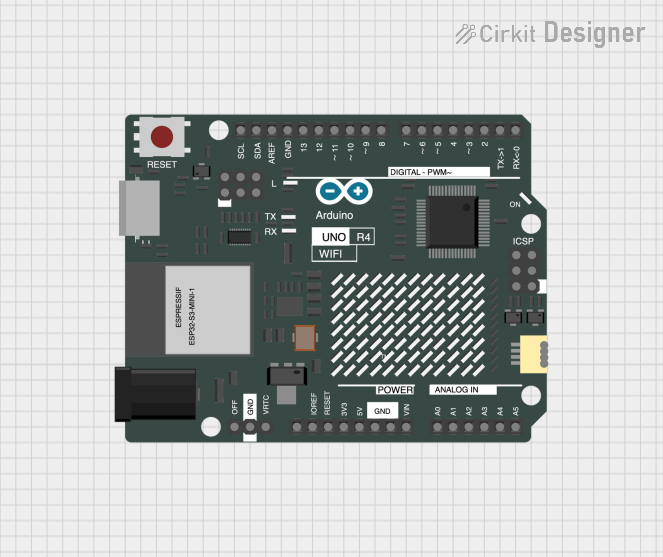 Open Project in Cirkit Designer
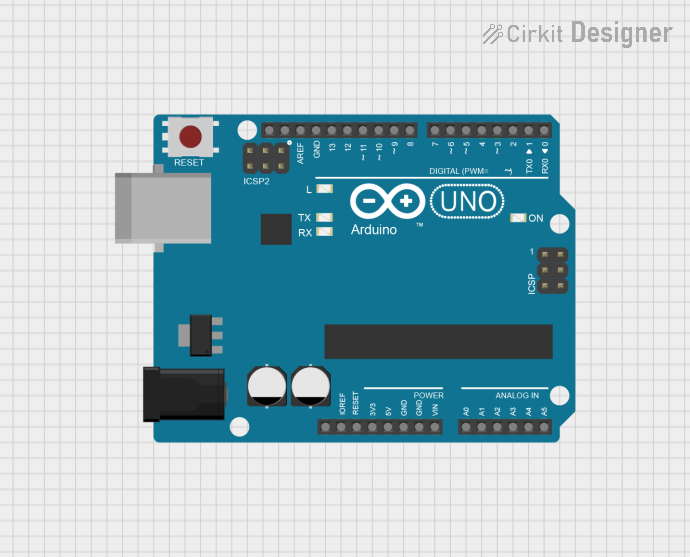 Open Project in Cirkit Designer
Explore Projects Built with No Connection
Open Project in Cirkit DesignerOpen Project in Cirkit DesignerOpen Project in Cirkit DesignerOpen Project in Cirkit DesignerTechnical Specifications
Since the "No Connection" is not a physical component, it does not have electrical or mechanical specifications. However, it is important to understand its usage in the context of schematics and PCB design.
Pin Configuration and Descriptions
The "No Connection" does not have pins or terminals. Instead, it is represented symbolically in schematics. Below is an example of how it is typically depicted:
| Symbol | Description |
|---|---|
| NC | Indicates that the pin or terminal is not connected to any part of the circuit. |
Example in a Schematic
In a schematic, an NC pin might look like this:
Pin 1: VCC
Pin 2: GND
Pin 3: NC  <-- This pin is intentionally left unconnected.
Usage Instructions
How to Use in a Circuit:
- When designing a schematic, use the "NC" label to mark pins or terminals that are not connected to any other part of the circuit.
- This is particularly useful for ICs with multiple pins, where some pins may not be required for a specific application.
- Ensure that the "NC" designation is clear and unambiguous to avoid confusion during PCB layout or assembly.
Important Considerations:
- Do not assume NC pins are internally connected: Some ICs may have internal circuitry connected to NC pins. Always refer to the manufacturer's datasheet to confirm the behavior of NC pins.
- Avoid accidental connections: Ensure that NC pins are not inadvertently connected to other signals or power lines during PCB layout.
- Use NC for clarity: Clearly marking unused pins as NC improves the readability of schematics and reduces the risk of errors during design and assembly.
Example with Arduino UNO: While the "No Connection" is not directly used with Arduino UNO, it can be helpful when designing shields or custom PCBs for Arduino. For example, if a shield has unused pins, they can be marked as NC to indicate they are not connected.
Troubleshooting and FAQs
Common Issues
Accidental Connections:
- Problem: An NC pin is accidentally connected to a signal or power line.
- Solution: Double-check the schematic and PCB layout to ensure NC pins are isolated. Use design rule checks (DRC) in PCB design software to catch such errors.
Misinterpretation of NC Pins:
- Problem: A user assumes that NC pins are internally connected or functional.
- Solution: Always refer to the component's datasheet to confirm the behavior of NC pins. Clearly document the purpose of NC pins in your design.
Unclear Schematic Notation:
- Problem: The NC designation is not clearly marked, leading to confusion during assembly.
- Solution: Use standard symbols and labels for NC pins in your schematic to ensure clarity.
FAQs
Q: Can I leave NC pins floating on a PCB?
A: Yes, NC pins are typically left floating (unconnected) on a PCB. However, always consult the component's datasheet to confirm that leaving the pin floating is acceptable.
Q: Why do some datasheets list NC pins?
A: NC pins are listed in datasheets to indicate that these pins are not used internally by the component. This helps designers avoid connecting them inadvertently.
Q: Can I use an NC pin for other purposes?
A: It is not recommended to use NC pins for other purposes unless explicitly stated in the datasheet. Some NC pins may have internal connections that could affect the component's operation.
Q: How do I mark NC pins in my schematic?
A: Use the "NC" label or a dedicated symbol to indicate that a pin is not connected. This ensures clarity and prevents misinterpretation during design and assembly.