
How to Use SparkFun LilyPad Battery Connect: Examples, Pinouts, and Specs
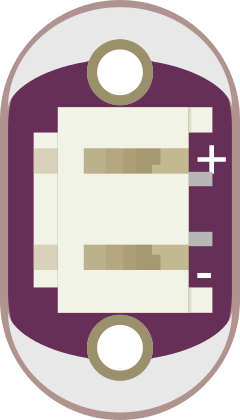
 Design with SparkFun LilyPad Battery Connect in Cirkit Designer
Introduction
The SparkFun LilyPad Battery Connect (Manufacturer Part ID: DEV-10083) is a compact and reliable battery connector designed specifically for the LilyPad Arduino platform. It enables seamless integration of batteries into wearable electronic projects, providing a simple and secure way to power your designs. This component is ideal for e-textile and wearable applications where space and ease of use are critical.
Explore Projects Built with SparkFun LilyPad Battery Connect
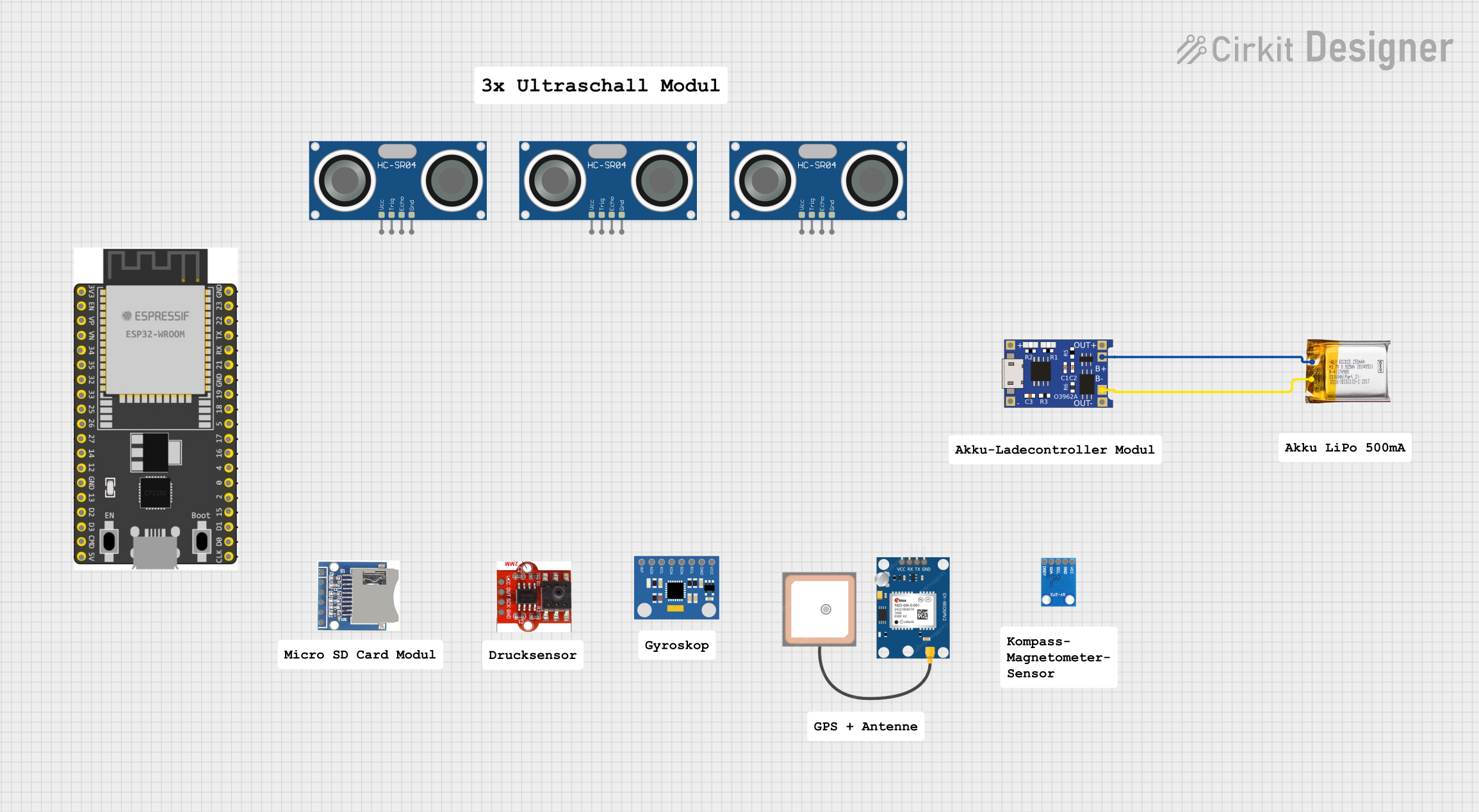 Open Project in Cirkit Designer
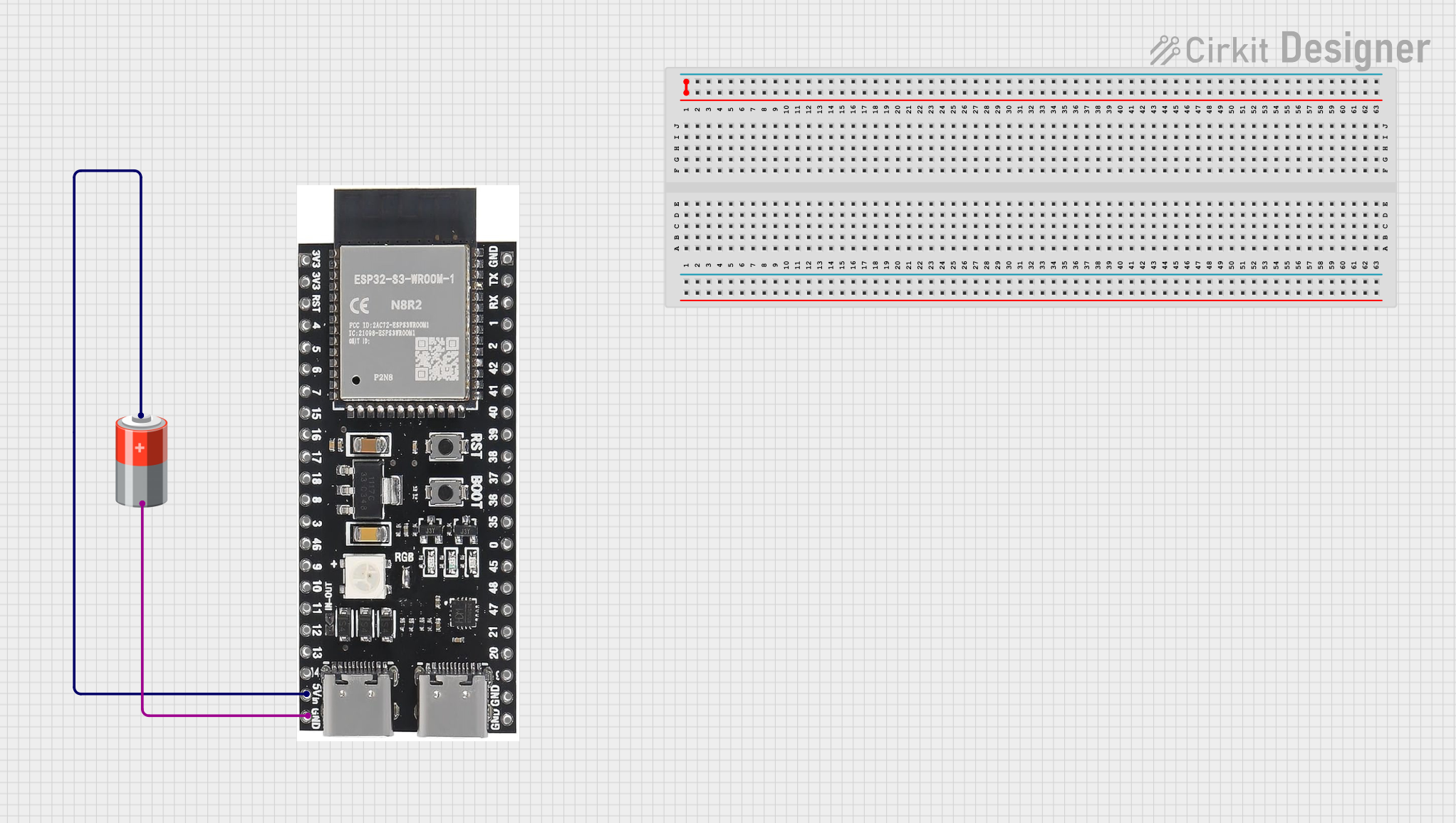 Open Project in Cirkit Designer
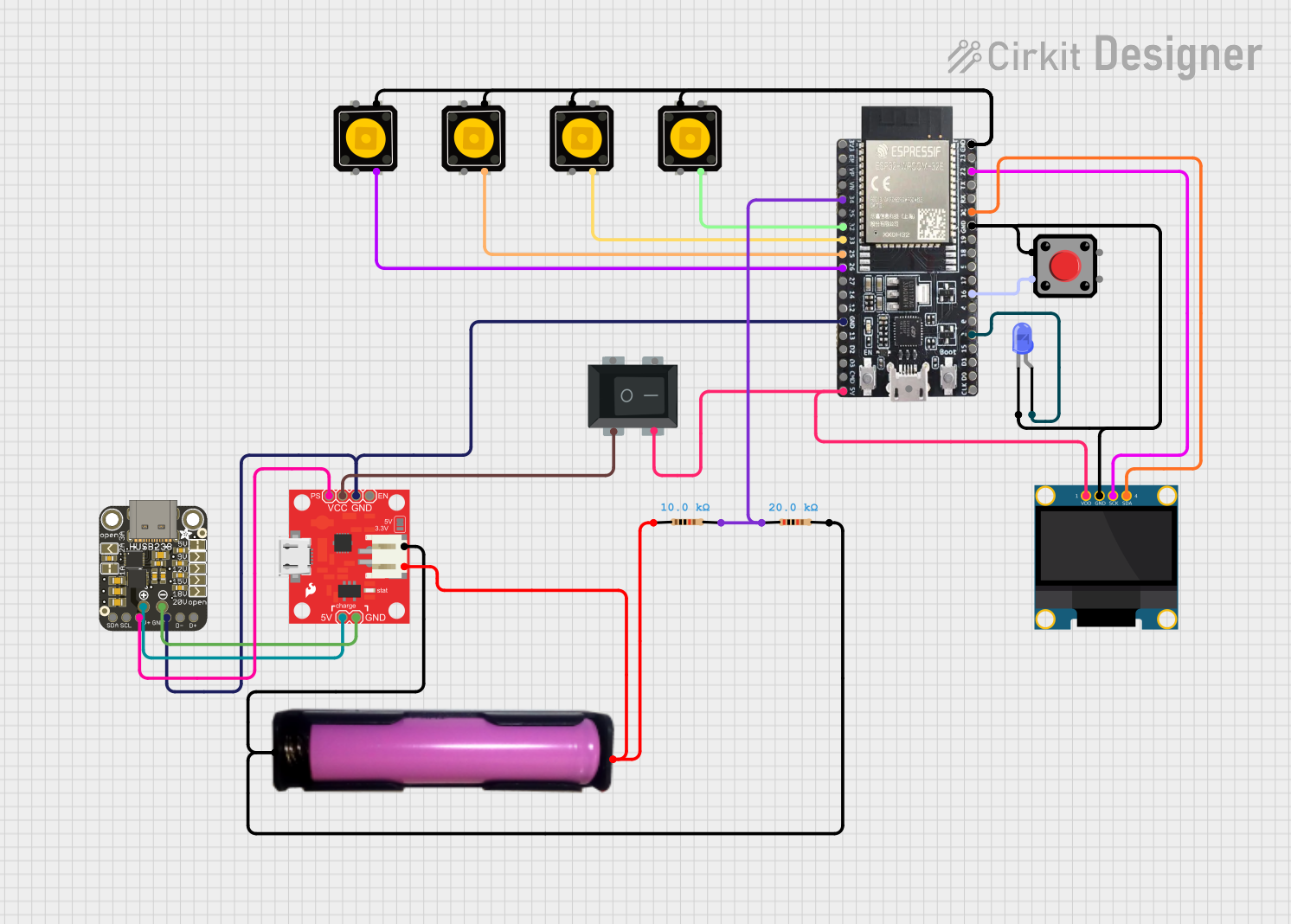 Open Project in Cirkit Designer
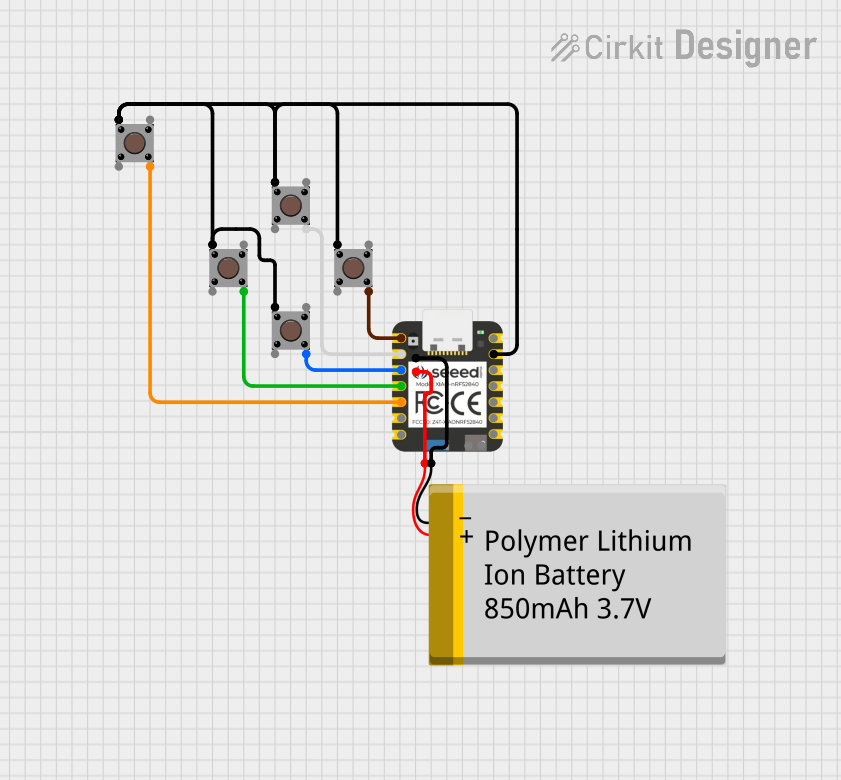 Open Project in Cirkit Designer
Explore Projects Built with SparkFun LilyPad Battery Connect
Open Project in Cirkit DesignerOpen Project in Cirkit DesignerOpen Project in Cirkit DesignerOpen Project in Cirkit DesignerCommon Applications and Use Cases
- Powering LilyPad Arduino boards in wearable electronics
- E-textile projects requiring a compact battery connection
- Prototyping and development of portable, battery-powered devices
- Educational projects involving wearable technology
Technical Specifications
The following table outlines the key technical details of the SparkFun LilyPad Battery Connect:
| Parameter | Specification |
|---|---|
| Manufacturer | SparkFun Electronics |
| Part Number | DEV-10083 |
| Connector Type | JST-PH 2-pin female connector |
| Voltage Range | 3.3V to 5V (dependent on the connected battery) |
| Current Rating | Up to 2A (depending on the battery used) |
| Dimensions | 20mm x 8mm |
| Mounting Style | Sewable pads for conductive thread or soldering |
| Weight | ~1g |
Pin Configuration and Descriptions
The SparkFun LilyPad Battery Connect has two sewable pads for easy integration into wearable projects. The pin configuration is as follows:
| Pin Name | Description |
|---|---|
+ |
Positive terminal of the battery (connects to VCC) |
- |
Negative terminal of the battery (connects to GND) |
Usage Instructions
How to Use the Component in a Circuit
- Connect the Battery: Insert the JST-PH 2-pin connector from your battery into the LilyPad Battery Connect. Ensure the polarity matches the connector's orientation.
- Attach to the Circuit:
- For sewable projects: Use conductive thread to sew the
+and-pads to the corresponding power and ground connections on your LilyPad Arduino or other components. - For soldered connections: Solder wires to the
+and-pads for a more permanent connection.
- For sewable projects: Use conductive thread to sew the
- Power the Circuit: Once connected, the battery will supply power to your circuit. Ensure the battery voltage matches the requirements of your components.
Important Considerations and Best Practices
- Battery Compatibility: Use a battery with a JST-PH 2-pin connector and ensure the voltage and current ratings are suitable for your project.
- Polarity Check: Always verify the polarity of the battery before connecting it to avoid damaging your circuit.
- Secure Connections: For wearable projects, ensure the conductive thread or soldered connections are secure to prevent accidental disconnections.
- Power Management: If your project requires power regulation, consider adding a voltage regulator or protection circuit to prevent overvoltage or undervoltage conditions.
Example: Connecting to an Arduino UNO
Although the LilyPad Battery Connect is designed for the LilyPad platform, it can also be used with an Arduino UNO. Below is an example of how to connect it:
- Connect the
+pad to the Arduino UNO'sVINpin. - Connect the
-pad to the Arduino UNO'sGNDpin.
Here is a simple Arduino sketch to test the connection:
// Simple sketch to blink an LED using power from the LilyPad Battery Connect
// Ensure the battery is connected to the LilyPad Battery Connect properly.

const int ledPin = 13; // Built-in LED pin on Arduino UNO

void setup() {
  pinMode(ledPin, OUTPUT); // Set the LED pin as an output
}

void loop() {
  digitalWrite(ledPin, HIGH); // Turn the LED on
  delay(1000);               // Wait for 1 second
  digitalWrite(ledPin, LOW);  // Turn the LED off
  delay(1000);               // Wait for 1 second
}
Troubleshooting and FAQs
Common Issues Users Might Face
Battery Not Powering the Circuit:
- Cause: Incorrect polarity or loose connections.
- Solution: Double-check the battery polarity and ensure the JST connector is securely plugged in. Verify that the conductive thread or soldered connections are intact.
Overheating:
- Cause: Excessive current draw from the battery.
- Solution: Ensure the connected components do not exceed the battery's current rating. Use a battery with a higher current capacity if needed.
Intermittent Power Loss:
- Cause: Loose conductive thread connections in wearable projects.
- Solution: Tighten the stitches or use additional thread to secure the connection.
Battery Drains Quickly:
- Cause: High power consumption or a low-capacity battery.
- Solution: Use a battery with a higher capacity or optimize your circuit to reduce power consumption.
FAQs
Q1: Can I use this component with non-LilyPad Arduino boards?
A1: Yes, the LilyPad Battery Connect can be used with other Arduino boards, such as the Arduino UNO, as long as the voltage and current requirements are met.
Q2: Is the LilyPad Battery Connect waterproof?
A2: No, the component is not waterproof. If using it in wearable projects, ensure it is protected from moisture.
Q3: What type of batteries are compatible with this component?
A3: The LilyPad Battery Connect is compatible with JST-PH 2-pin LiPo or Li-ion batteries. Ensure the battery voltage matches your circuit's requirements.
Q4: Can I sew this component directly onto fabric?
A4: Yes, the sewable pads are designed for use with conductive thread, making it easy to integrate into fabric-based projects.
By following this documentation, you can effectively use the SparkFun LilyPad Battery Connect in your wearable electronics and e-textile projects.